
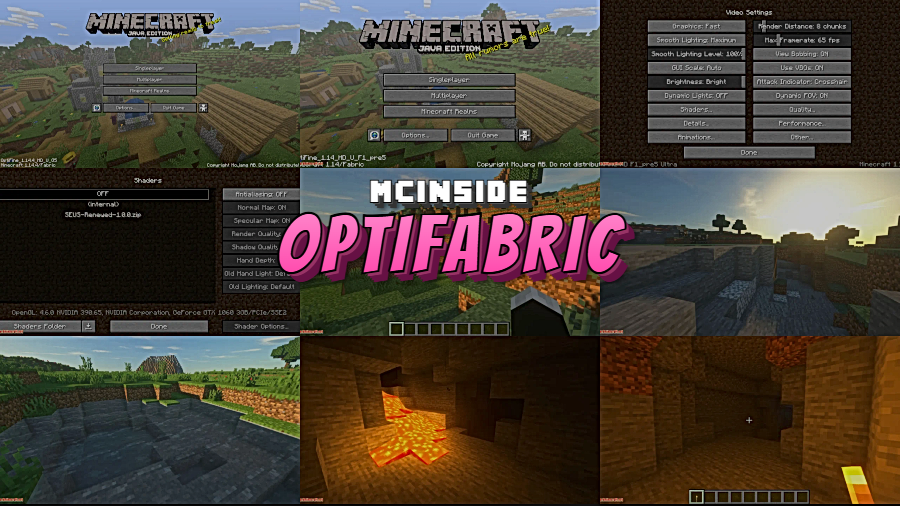
Running OptiFine alongside Fabric mods has always been a headache — until OptiFabric came along. This clever compatibility layer takes your existing OptiFine installation and makes it work seamlessly with the Fabric Mod Loader at runtime, so you no longer have to choose between your favorite Fabric mods and OptiFine's shaders, connected textures, and performance boosts. Created by Chocohead, OptiFabric bridges the gap for players who want the best of both worlds across Minecraft versions from 1.14 all the way to 1.21.1.
Key Features
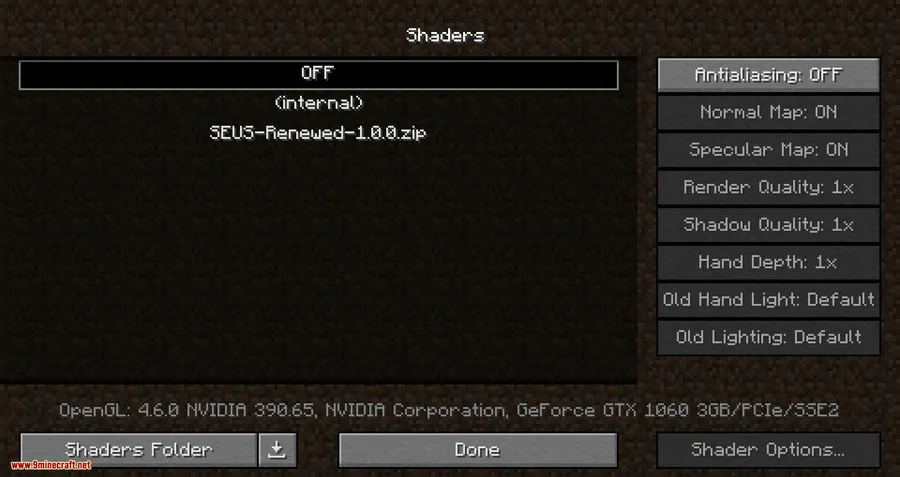
- Full OptiFine-on-Fabric compatibility — Lets you load OptiFine as a Fabric mod, giving you access to shaders, HD textures, and OptiFine's settings menu without leaving the Fabric ecosystem.
- Performance optimizations — Reduces lag by optimizing block entity rendering, game physics, mob AI, and block ticking, while also lowering RAM usage and improving the network stack for smoother multiplayer.
- Smart resource management — Automatically throttles Minecraft's render speed when the window loses focus, helping maintain a stable frame rate when you tab out.
- Custom entity textures — Supports random and custom mob textures, including emissive/glowing textures and blinking animations, through OptiFine's built-in resource pack features.
- Quick language switching — Allows for fast in-game language changes without navigating through multiple menus.
Screenshots
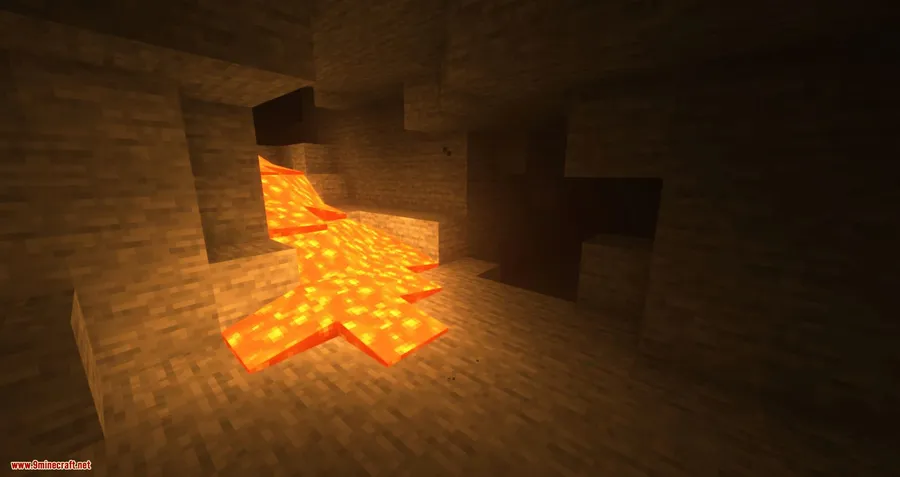
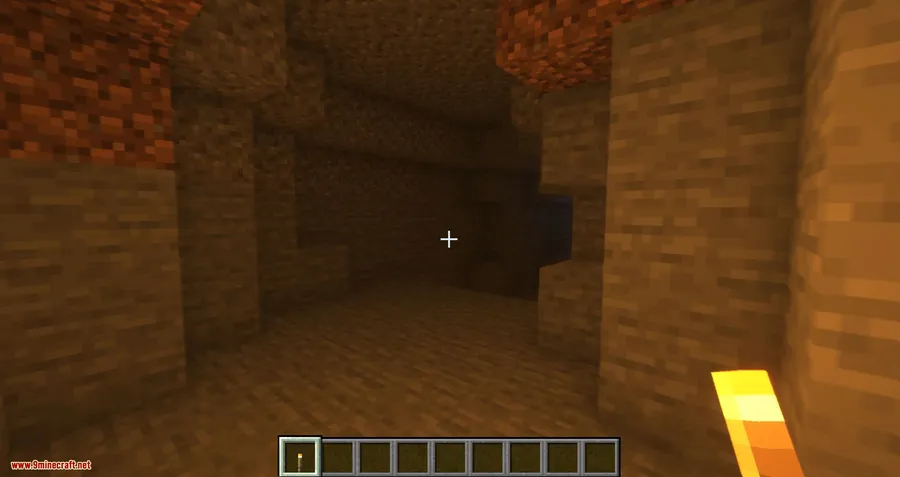
How to Install
- Download and install Fabric Mod Loader for your Minecraft version.
- Download OptiFine separately from the official OptiFine website — OptiFabric does not include OptiFine.
- Download the matching version of OptiFabric from the link below and place both the OptiFabric and OptiFine
.jarfiles into your.minecraft/modsfolder. - Install any required dependencies (Fabric API, Architectury API, Cloth Config API) into the same mods folder.
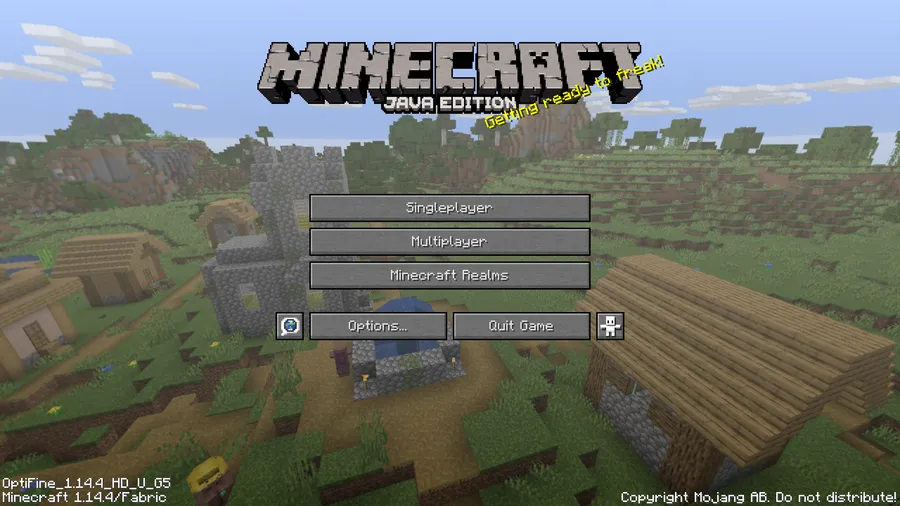
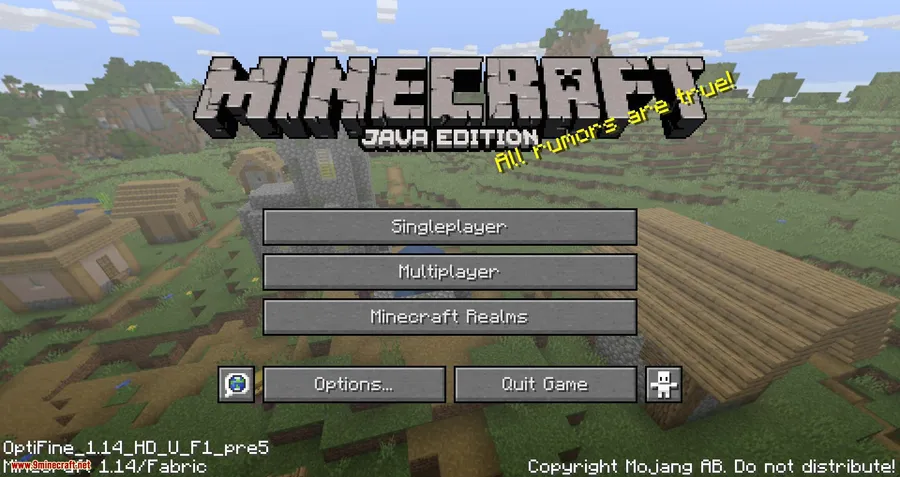
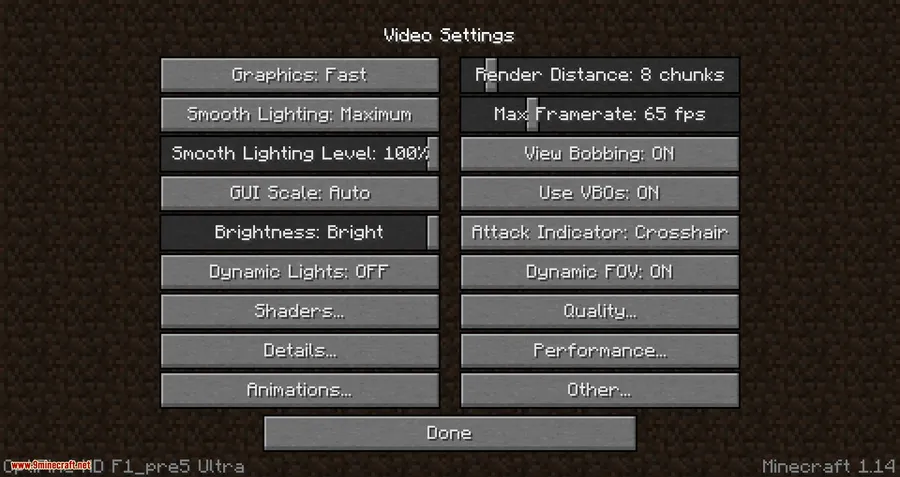
- Launch Minecraft using the Fabric profile and confirm OptiFine's settings appear in the Video Settings menu.
Requirements
| Requirement | Details |
|---|---|
| Mod Loader | Fabric |
| Dependencies | Fabric API, OptiFine, Architectury API, Cloth Config API |
| Minecraft Version | 1.14.4 – 1.21.1 |
Pros & Cons
Pros
- Lets you use OptiFine shaders and features alongside Fabric mods
- Covers a wide range of Minecraft versions from 1.14.4 to 1.21.1
- Provides genuine performance improvements like reduced RAM usage and optimized rendering
- Easy to install — just drop both jars into the mods folder
Cons
- Requires downloading OptiFine separately; not bundled with the mod
- Not officially supported by either the Fabric or OptiFine teams
- Several additional dependencies needed (Fabric API, Architectury API, Cloth Config API)
- May conflict with other Fabric mods that modify rendering
Download
Always download mods from official sources to stay safe.
FAQ
Does OptiFabric include OptiFine?
No. OptiFabric is only a compatibility bridge. You must download OptiFine separately from the official OptiFine website and place both jar files in your mods folder for it to work.
Can I use shaders with OptiFabric?
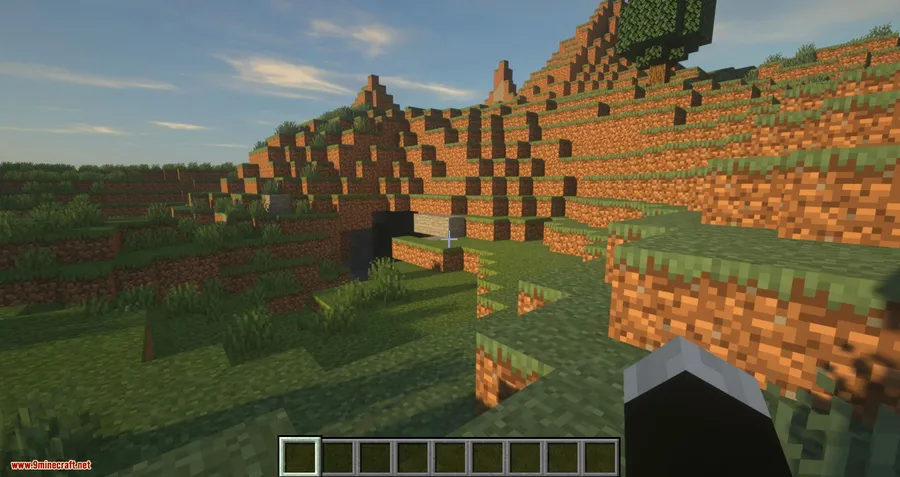
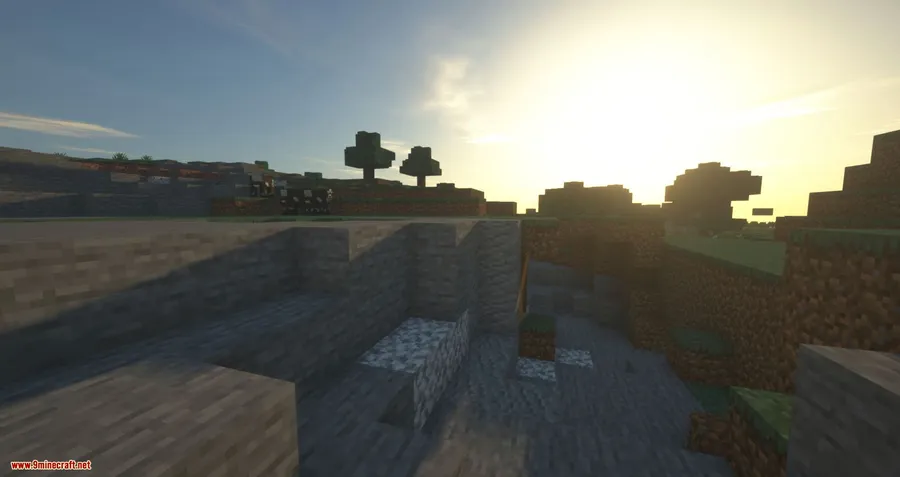
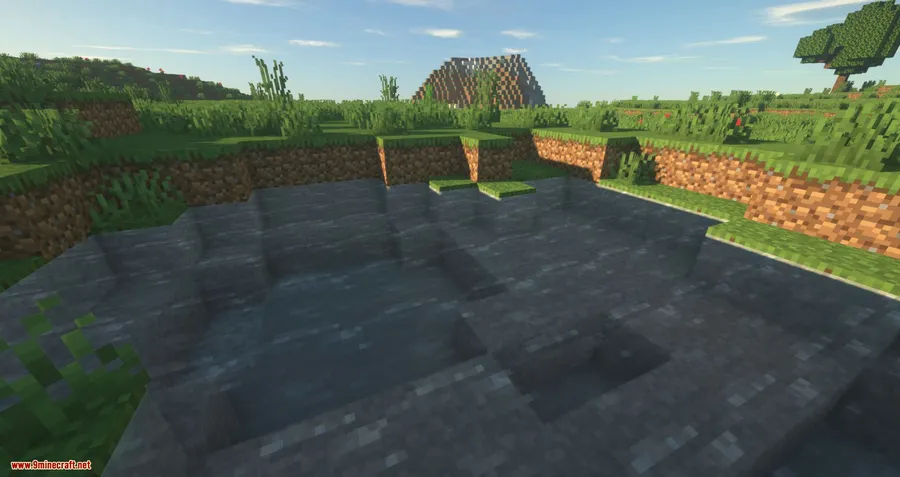
Yes. Once OptiFabric loads OptiFine into Fabric, you get full access to OptiFine's shader support, so you can install and use shader packs just like you would with a standalone OptiFine installation.
Is OptiFabric officially supported by Fabric or OptiFine?
No, OptiFabric is an independent project and is not related to or supported by either the Fabric team or the OptiFine developers. If you run into issues, check the OptiFabric project page rather than contacting Fabric or OptiFine support.


