
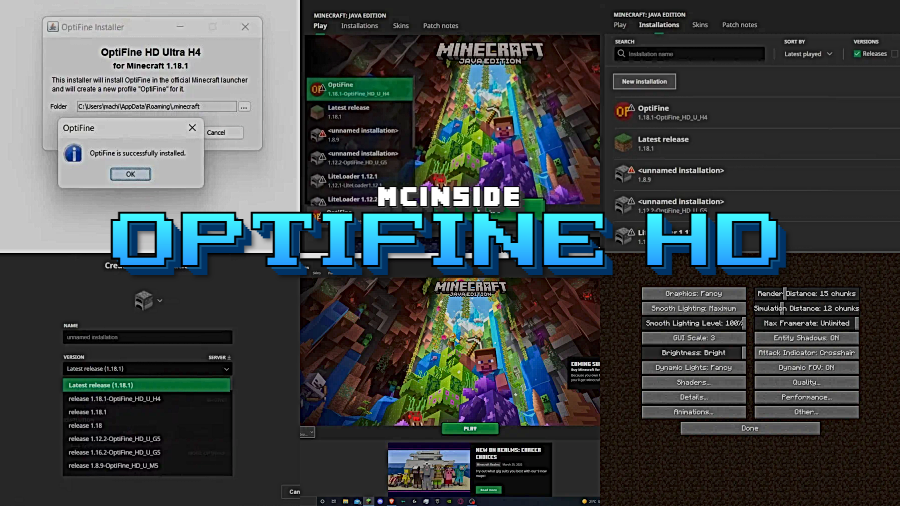
If your Minecraft world feels sluggish or you've ever wanted to run shaders without tanking your frame rate, OptiFine HD is the one mod that nearly every player ends up installing. It smooths out performance across all hardware tiers — from aging laptops to high-end rigs — by letting you fine-tune graphical settings that vanilla Minecraft simply locks away. Originally built to boost FPS and support HD texture packs, OptiFine has evolved into the go-to tool for loading shader packs, making it essential for anyone who wants both performance and visual quality.
Key Features
- Significant FPS improvement — Optimizes rendering and chunk loading so the game runs more smoothly and uses fewer system resources, with results noticeable on low-end, mid-range, and high-end hardware alike.
- Built-in shaders support — Enables you to install and run shader packs directly, transforming Minecraft's visuals with dynamic lighting, shadows, and reflections without needing a separate shaders mod.
- HD texture pack support — Allows higher-resolution resource packs to load natively, removing the need for additional mods to handle HD textures.
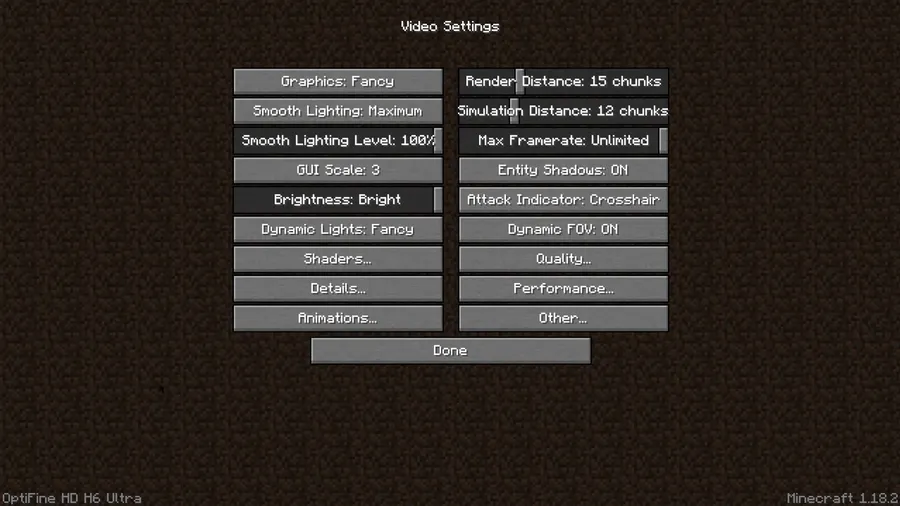
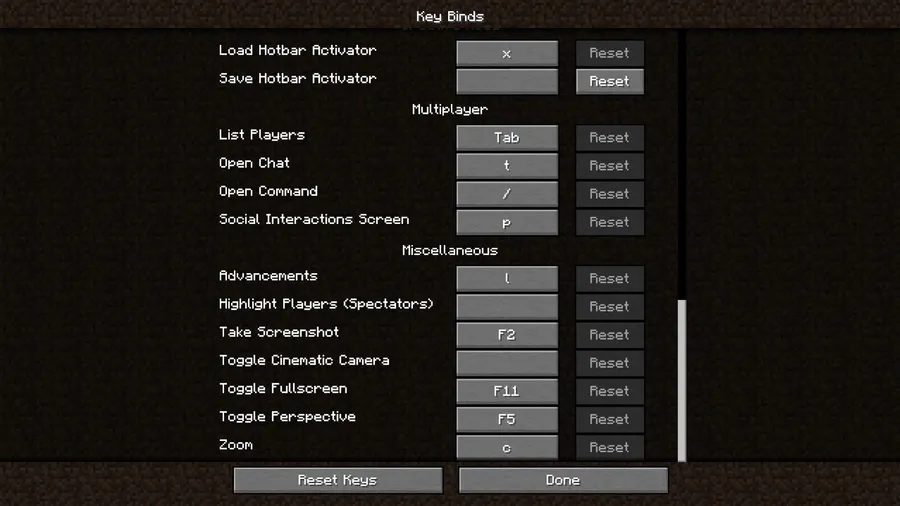
- Advanced graphics controls — Unlocks graphical options that are hidden or unavailable in vanilla Minecraft, letting you disable resource-heavy visual elements to reclaim performance.
- Broad mod loader compatibility — Available across NeoForge, Forge, Fabric, and Quilt, so it fits into virtually any modded setup you're running.
Screenshots
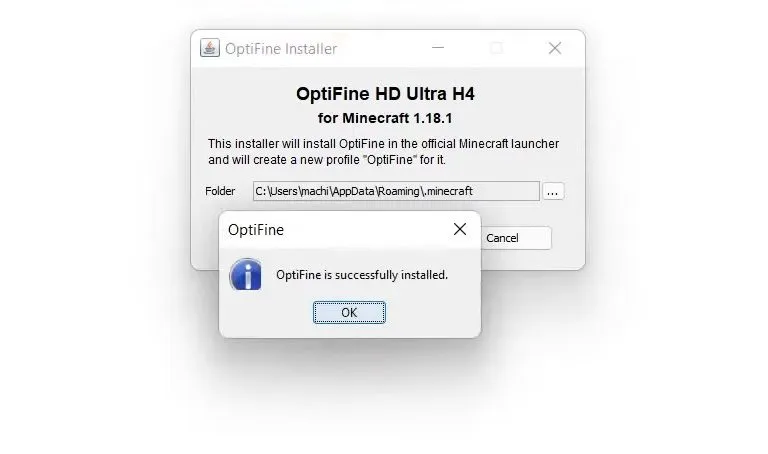
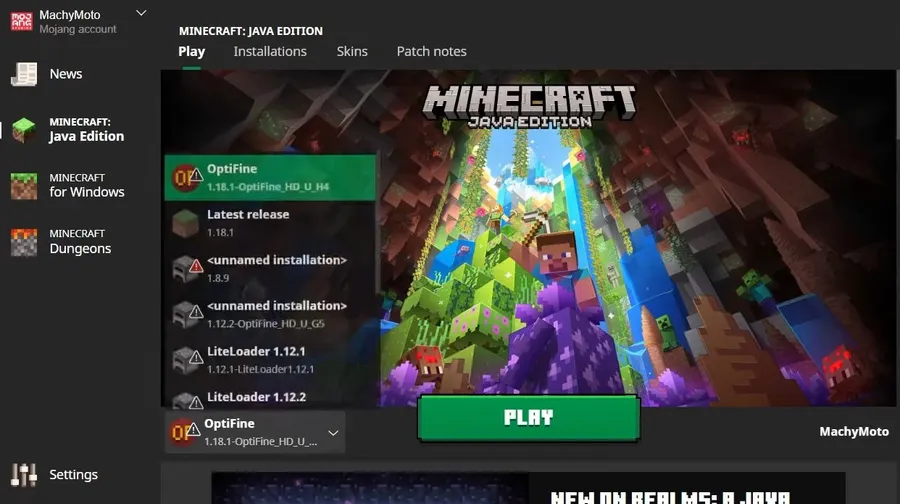
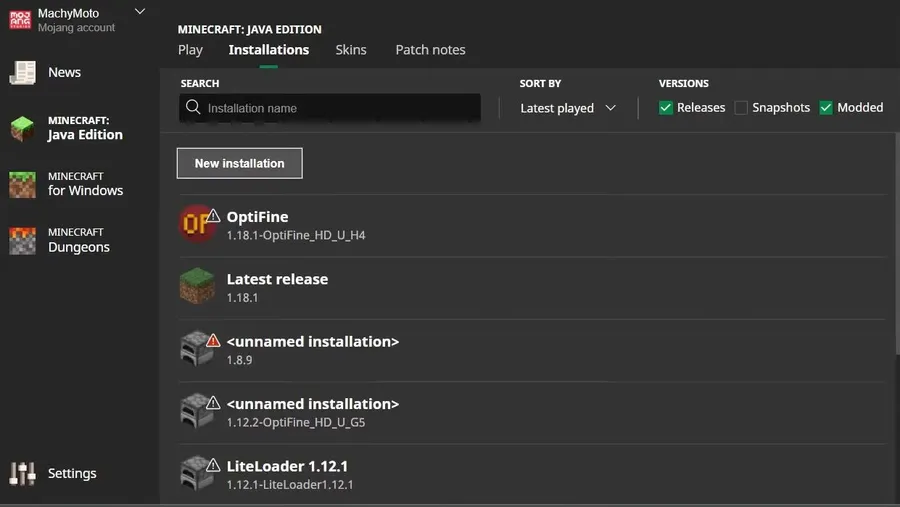
How to Install
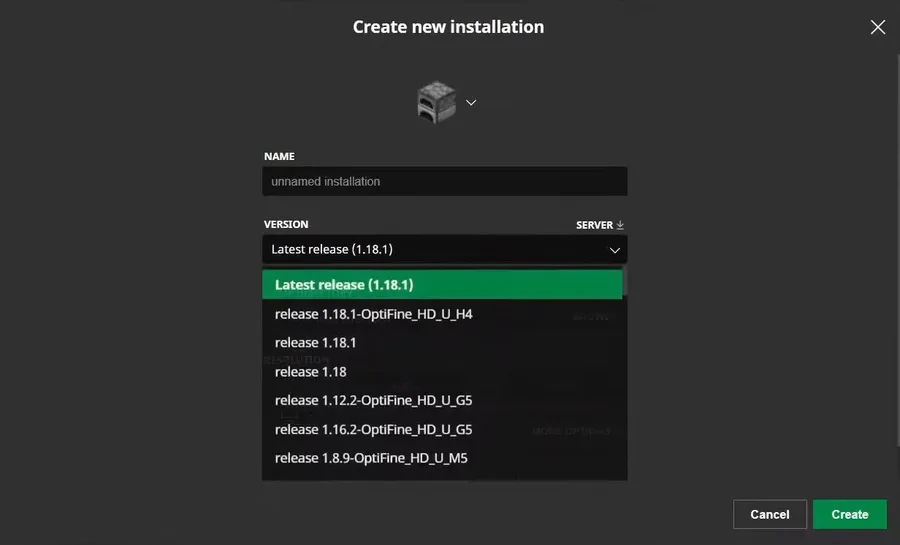
- Download and install your preferred mod loader (Forge, Fabric, NeoForge, or Quilt) for your Minecraft version.
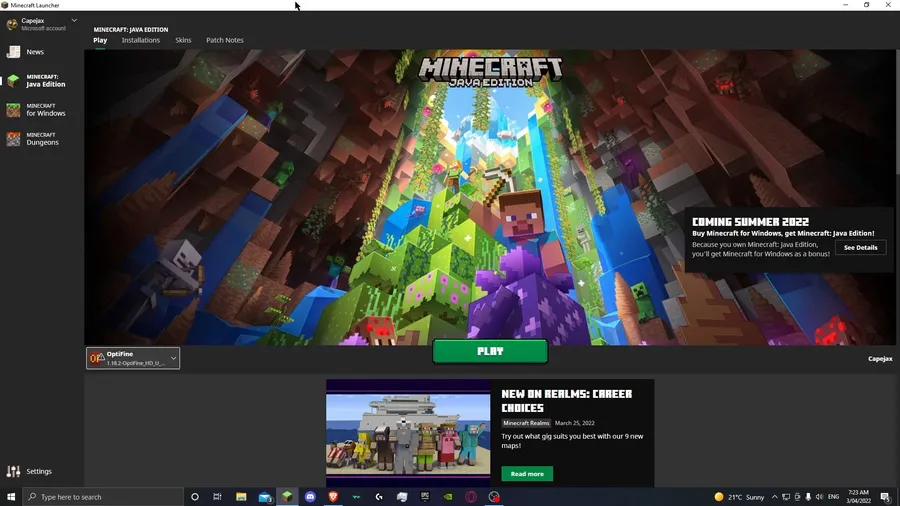
- Download the OptiFine HD file that matches your Minecraft version from the link below.
- Place the downloaded
.jarfile into your.minecraft/modsfolder. - Launch Minecraft using the correct mod loader profile and confirm OptiFine appears in the mod list.
Requirements
| Requirement | Details |
|---|---|
| Mod Loader | NeoForge, Forge, Fabric, or Quilt |
| Dependencies | None specified |
| Minecraft Version | 1.14.4, 1.15.2 (and newer builds up to 1.21.11) |
Pros & Cons
Pros
- Noticeably improves FPS on all hardware tiers without complex configuration
- Built-in shaders support eliminates the need for a separate shaders mod
- Enables HD resource packs natively — no extra mods required
- Exposes advanced video settings that vanilla Minecraft hides
- Supports multiple mod loaders (Forge, Fabric, NeoForge, Quilt)
Cons
- Can occasionally conflict with other rendering or optimization mods
- New Minecraft versions may require waiting for an updated OptiFine release
- Some shader packs may still be demanding on lower-end systems even with OptiFine installed
Download
Always download mods from official sources to stay safe.
FAQ
Does OptiFine HD work with Fabric and NeoForge?
Yes. OptiFine HD is available for NeoForge, Forge, Fabric, and Quilt mod loaders. Make sure you download the version that matches both your mod loader and Minecraft version.
Will OptiFine actually improve my FPS?
According to the developers, OptiFine can double or even triple your FPS by optimizing how Minecraft renders the world and letting you disable resource-heavy graphical effects. Results vary depending on your hardware and settings.
Can I use shaders with OptiFine HD?
Yes. OptiFine has built-in shaders support, so you can install shader packs directly through the video settings menu without needing any additional mods.


![Not Enough Recipe Book [NERB] Mod (1.21.11) - thumbnail](http://mcinside.com/wp-content/uploads/2026/04/thumbnail-63-52x52.webp)


