

Ever wished you could just turn off those distracting particle effects cluttering your screen during intense gameplay? Particle Blocker Mod gives you granular control over exactly which particles render in your Minecraft world — from lingering potion clouds to excessive crit effects. With over 99,000 downloads on Modrinth and active development since 2022, this lightweight Fabric mod has become a go-to choice for players who want a cleaner visual experience without sacrificing the particle cues that actually matter.
Key Features
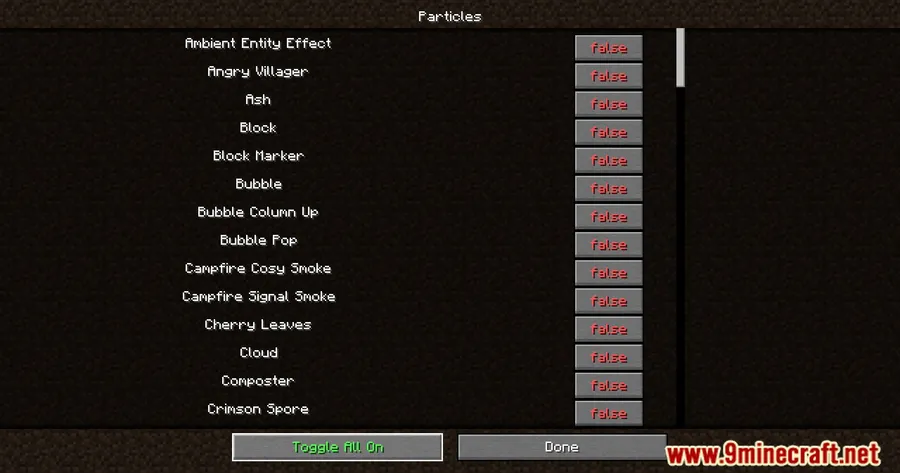
- Selective particle control — Choose exactly which particles appear in your game. Disable distracting spell effects, potion clouds, or crit particles while keeping the visual cues you rely on.
- Built-in settings GUI — Access all particle options directly through your video settings menu. No config files to edit, no commands to memorize — just point and click.
- Performance-friendly — By reducing the number of rendered particles, this mod can help improve frame rates on lower-end systems where particle effects contribute to lag.
- Content creator toolkit — Capture clean footage and screenshots without visual noise. Ideal for cinematic recordings, tutorials, or showcasing builds without particle clutter.
Screenshots


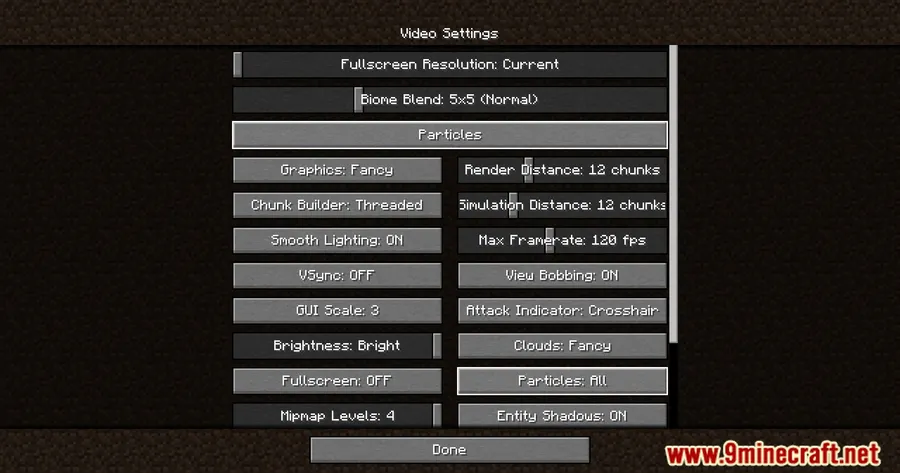
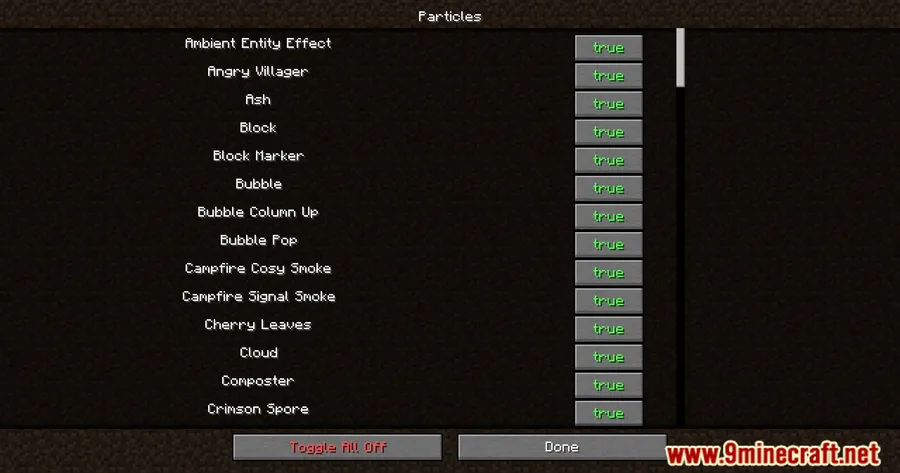
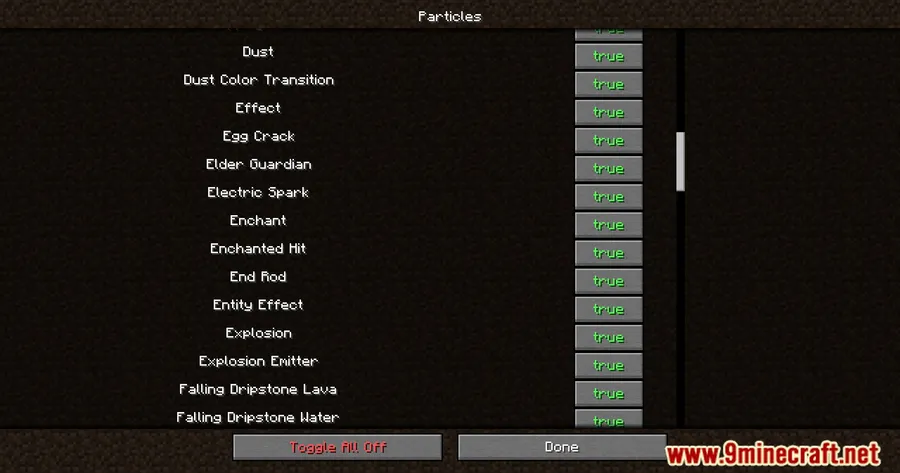
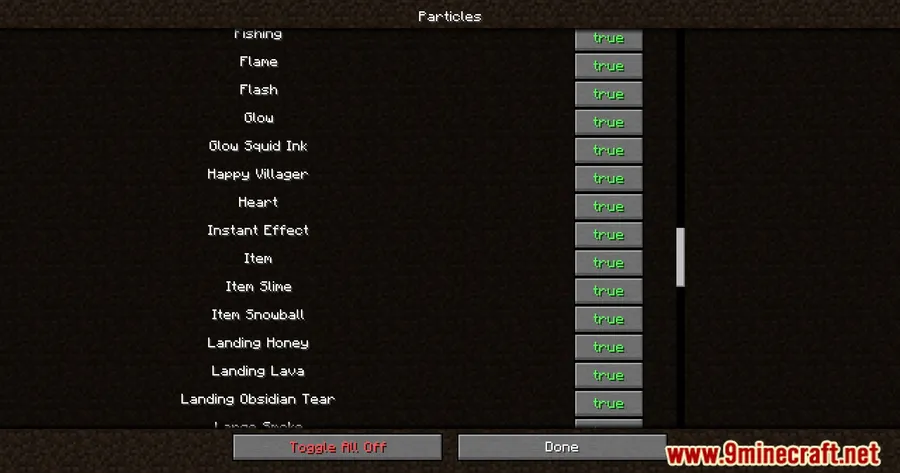
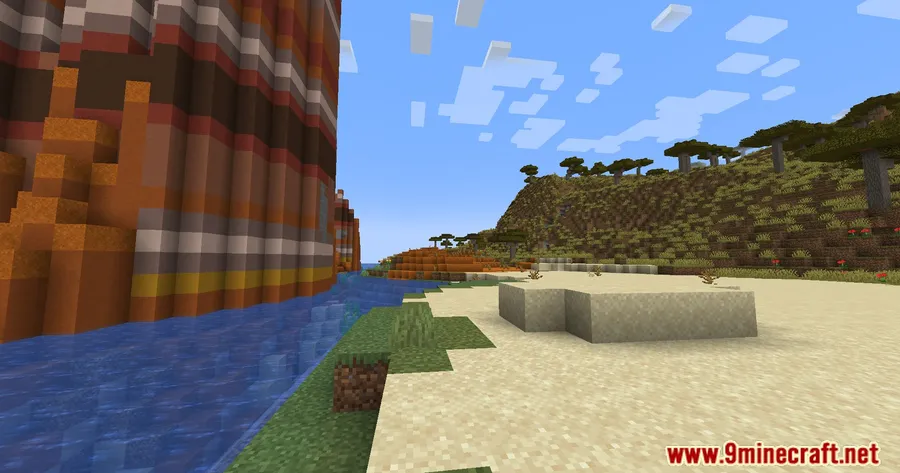
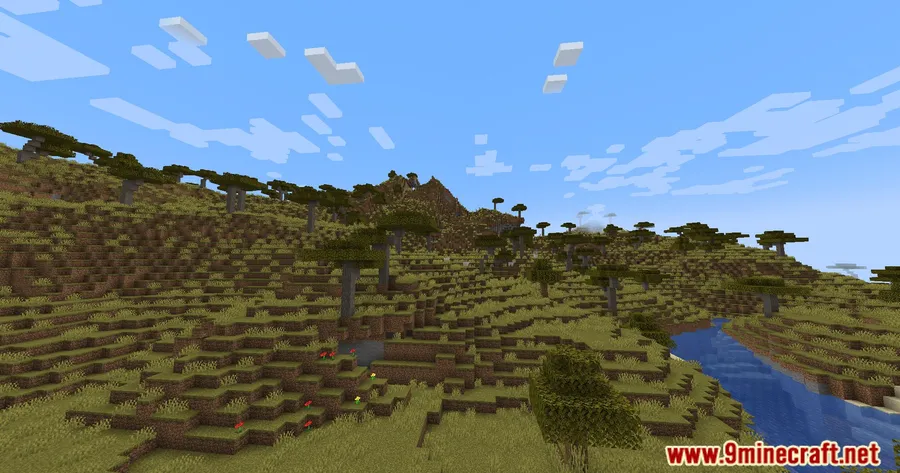
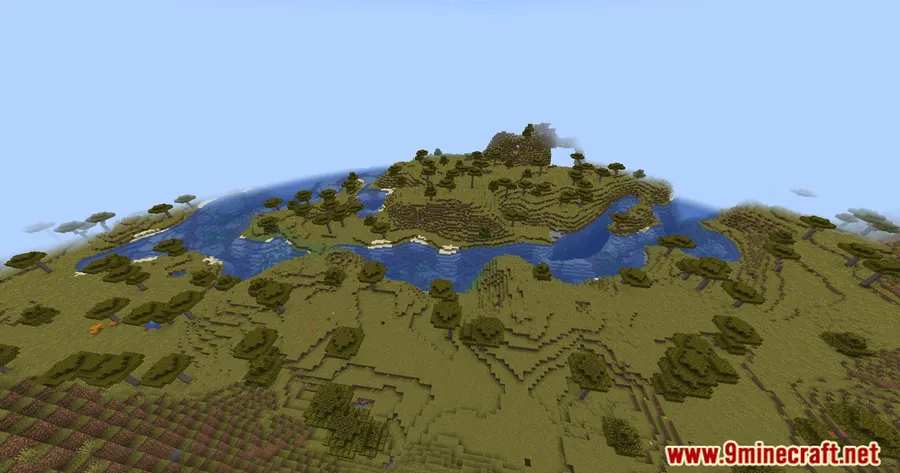
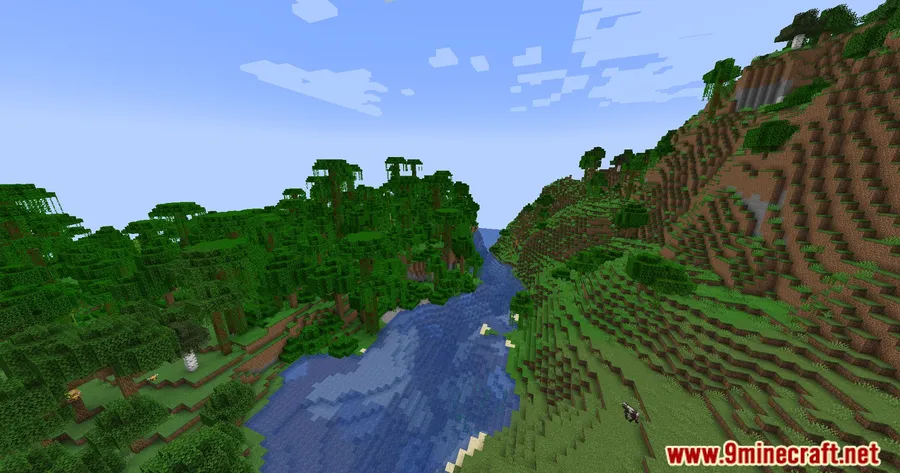
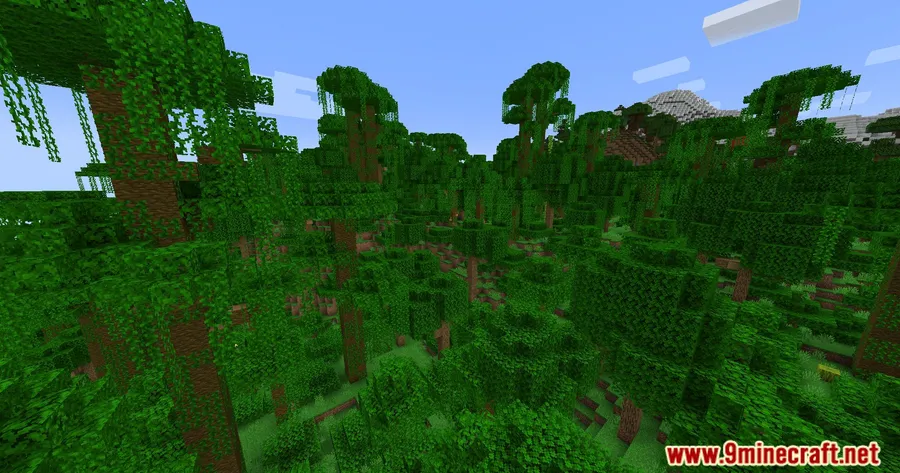
How to Install
- Download and install Fabric Loader for your Minecraft version.
- Download Fabric API and place it in your
.minecraft/modsfolder. - Download Particle Blocker Mod for your Minecraft version from the link below.
- Place the downloaded
.jarfile into your.minecraft/modsfolder. - Launch Minecraft with the Fabric profile and configure particle settings under Options → Video Settings.
Requirements
| Requirement | Details |
|---|---|
| Mod Loader | Fabric |
| Dependencies | Fabric Modloader, Fabric API |
| Minecraft Versions | 1.21.1, 1.21, 1.20.6, 1.20.4, 1.20.2, 1.20.1, 1.19.4, 1.19.3, 1.19.2, 1.19.1, 1.19, 1.18.2 |
Pros & Cons
Pros
- Fine-grained control over individual particle types
- Simple GUI integrated into vanilla video settings — no learning curve
- Can help improve frame rates by reducing rendered particles
- Excellent for content creators who need clean visuals
- Broad version support from 1.18.2 through 1.21.1
Cons
- Fabric-only — no Forge or NeoForge support available
- Requires Fabric API as an additional dependency
- Disabling certain particles may cause you to miss important gameplay cues
Download
Always download mods from official sources to stay safe.
What's New
- Updated to Minecraft 1.21.5 in the latest Particle Blocker 2 release.
- Continued maintenance ensures compatibility with the newest Minecraft versions.
- The mod remains under active development by Declipsonator, with the most recent update on April 17, 2025.
FAQ
Does Particle Blocker Mod improve FPS?
It can help improve frame rates, especially on lower-end systems where rendering many particles contributes to lag. The actual improvement depends on how many particle types you choose to disable.
Can I block specific particles while keeping others?
Yes — that is the core feature of this mod. You can selectively choose which individual particle types to block through the GUI in your video settings, so you keep the ones you find useful and hide the rest.
Does this mod work with Forge or NeoForge?
No, Particle Blocker is a Fabric-exclusive mod and requires both Fabric Loader and Fabric API to run. There is currently no Forge or NeoForge version available.


![[Let's Do] Meadow Mod (1.21.1) - thumbnail](http://mcinside.com/wp-content/uploads/2026/04/thumbnail-64-52x52.webp)


![Not Enough Recipe Book [NERB] Mod (1.21.11) - thumbnail](http://mcinside.com/wp-content/uploads/2026/04/thumbnail-63-52x52.webp)
