
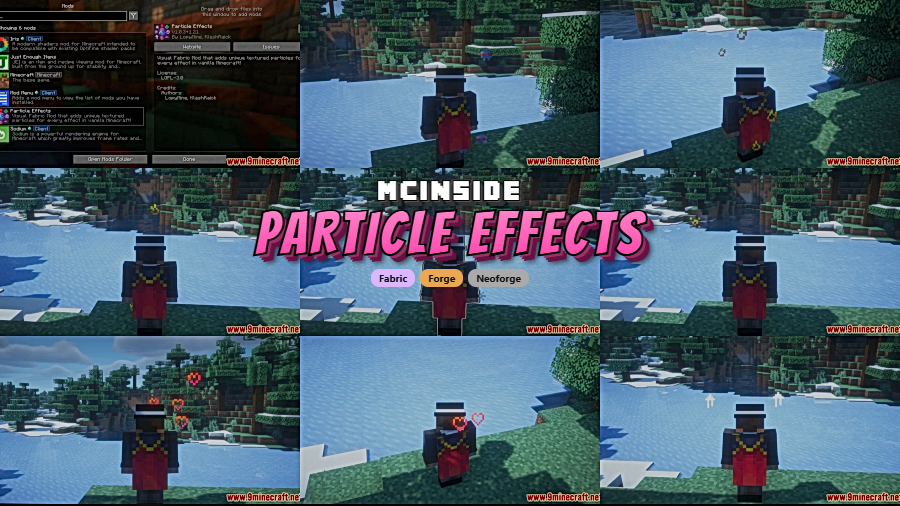
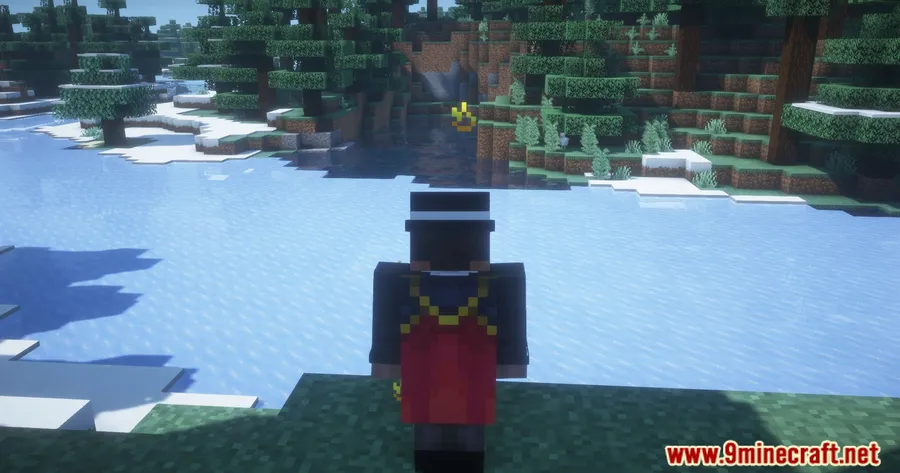
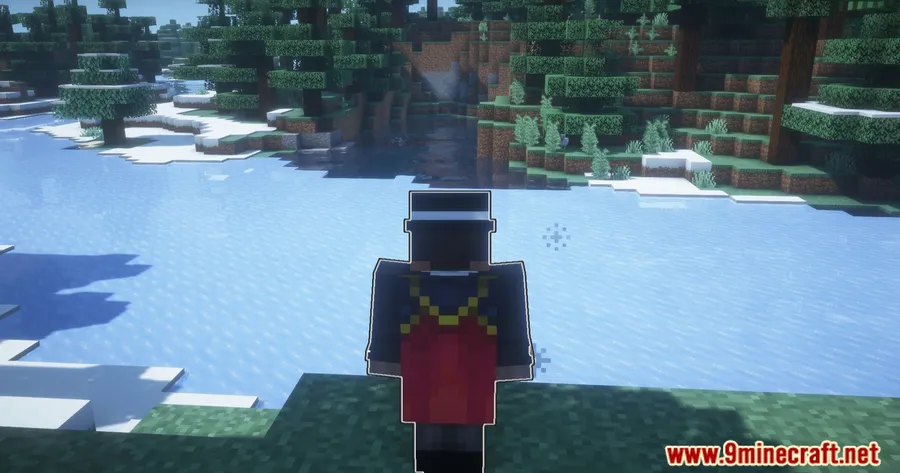
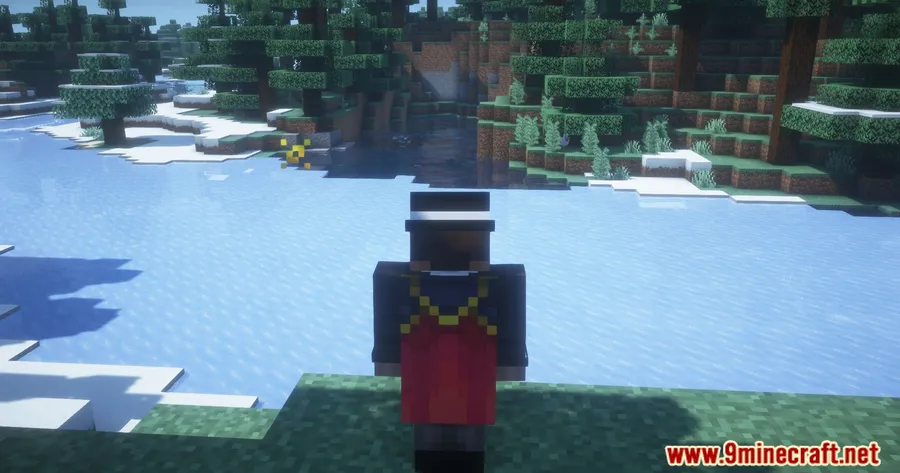
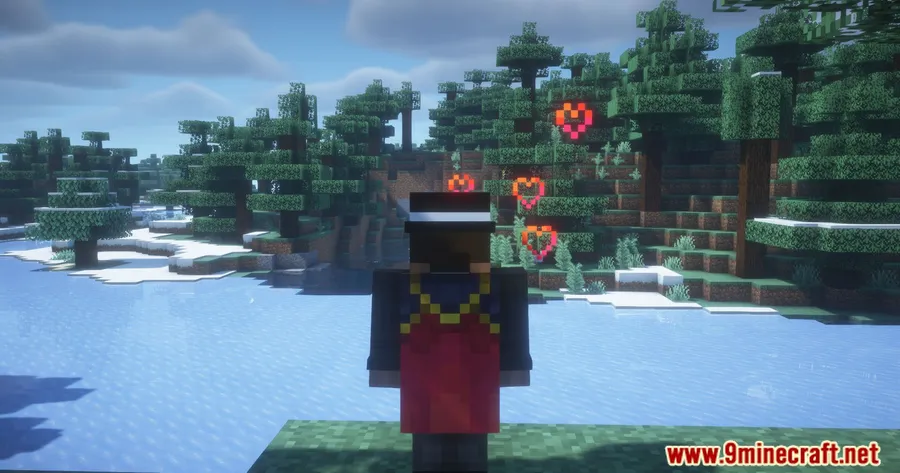
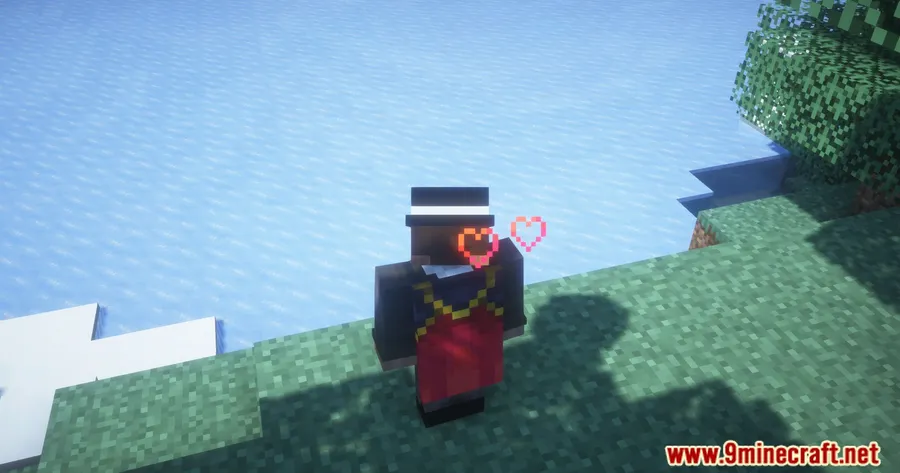
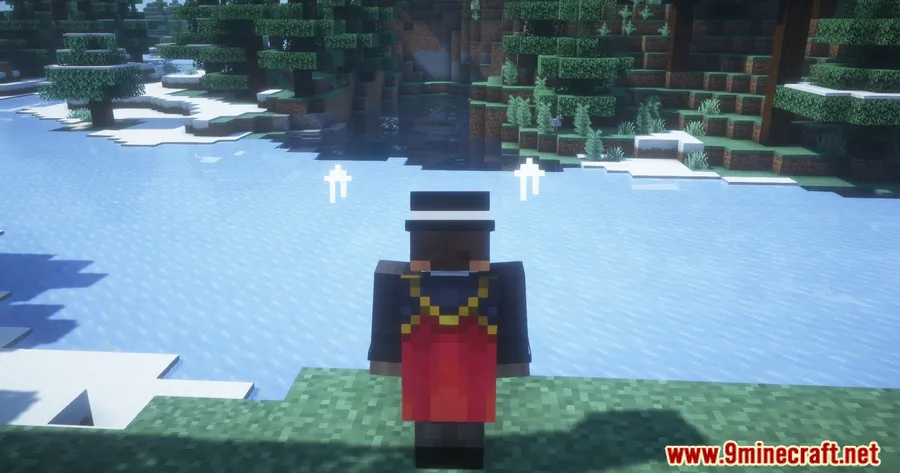
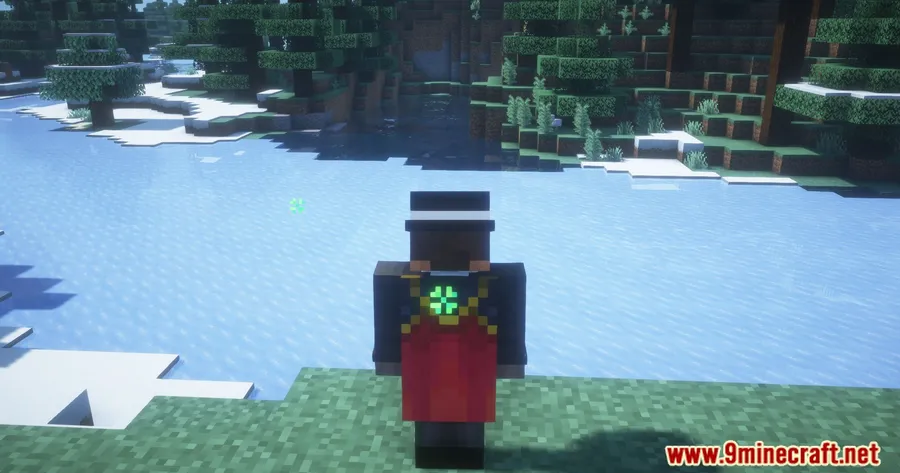
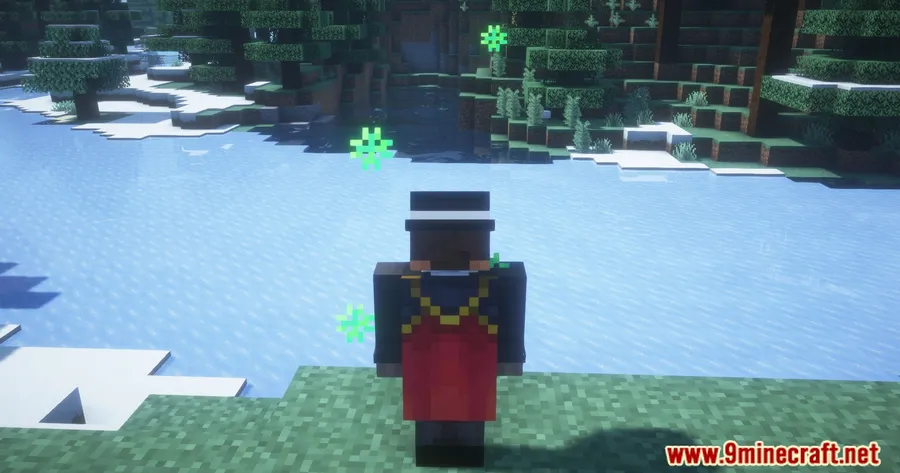
Particle Effects Mod makes vanilla status effects easier to read by replacing the usual visuals with distinct textured particles for each effect. For players who want clearer feedback from effects like Speed, Poison, or Fire Resistance, this is a small cosmetic upgrade that improves readability without overcomplicating the game.
Key Features
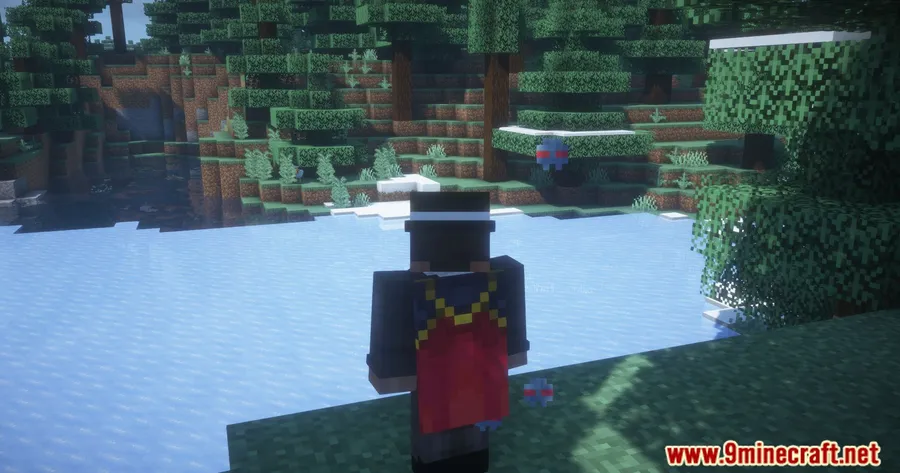
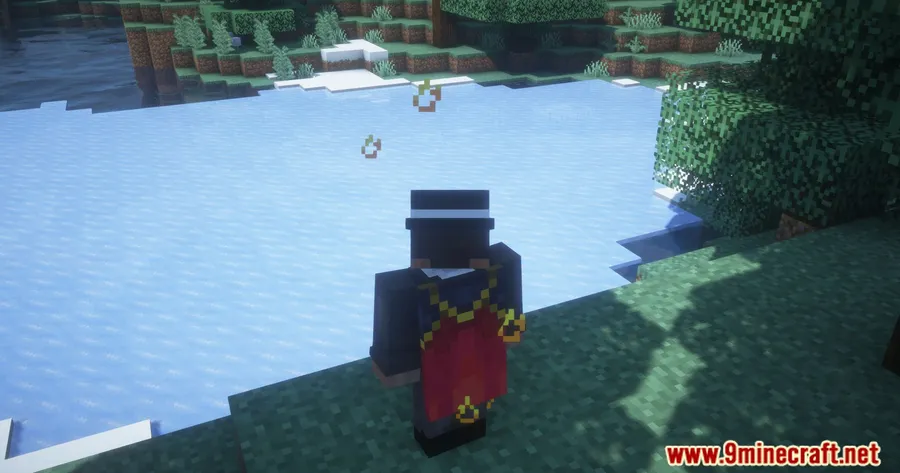
- Gives each vanilla status effect its own particle design instead of relying on more generic visuals.
- Uses color-coded and animated particles so active effects are easier to identify at a glance.
- Covers vanilla effects including examples such as Speed, Poison, and Fire Resistance.
- Supports Fabric across the listed releases, with NeoForge also shown for Minecraft 1.21.9 and 1.21.10.
Screenshots
How to Install
- Install the correct mod loader for your Minecraft version. The listed downloads use Fabric, and Minecraft 1.21.9 to 1.21.10 also include NeoForge options.
- Install Fabric API and MossyLib Mod, which are required dependencies in available information.
- Download the build that matches your Minecraft version and loader.
- Place the mod and its required dependencies in your mods folder, then launch the game.
Requirements
| Requirement | Details |
|---|---|
| Mod Loader | Fabric, NeoForge |
| Dependencies | Fabric API, MossyLib Mod |
| Minecraft Version | 1.21.10, 1.21.9, 1.21.8, 1.21.7, 1.21.6, 1.21.5, 1.21.4, 1.21.3, 1.21.1, 1.21, 1.20.1, 1.20 |
Pros & Cons
Pros
- Adds distinct textured particles for vanilla status effects.
- Makes effects easier to recognize with color-coded and animated visuals.
- Broad version coverage in the provided download list, from 1.20 to 1.21.10.
Cons
- Requires extra dependencies: Fabric API and MossyLib Mod.
- Feature scope is limited to status-effect particle visuals.
- NeoForge availability is only listed for Minecraft 1.21.9 and 1.21.10.
Download
Always download mods from official sources to stay safe.
What's New
- Modrinth listing updated on 2026-03-24.
- Latest listed changelog note: Ported to 26.1.
- NeoForge is listed alongside Fabric for Minecraft 1.21.9 and 1.21.10.
- The Modrinth project was originally published on 2024-07-13.
FAQ
What does Particle Effects Mod change in Minecraft?
It changes the visual particles used for vanilla status effects by giving each one a distinct textured design. The provided feature list specifically mentions effects such as Speed, Poison, and Fire Resistance.
Which Minecraft versions are supported by Particle Effects Mod?
Available information lists support for Minecraft 1.20, 1.20.1, 1.21, 1.21.1, 1.21.3, 1.21.4, 1.21.5, 1.21.6, 1.21.7, 1.21.8, 1.21.9, and 1.21.10.
What do I need to install Particle Effects Mod?
You need the correct loader for your version, plus Fabric API and MossyLib Mod. The download list shows Fabric builds across the listed versions, with NeoForge also available for 1.21.9 and 1.21.10.


![[Let's Do] Meadow Mod (1.21.1) - thumbnail](http://mcinside.com/wp-content/uploads/2026/04/thumbnail-64-52x52.webp)


![Not Enough Recipe Book [NERB] Mod (1.21.11) - thumbnail](http://mcinside.com/wp-content/uploads/2026/04/thumbnail-63-52x52.webp)

