
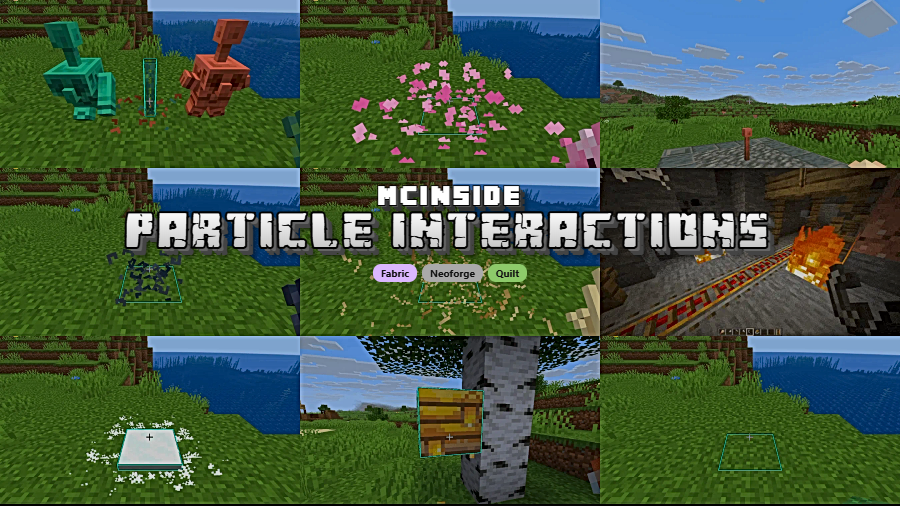
Particle Interactions Mod is a client-side Minecraft mod that adds extra particles to actions like placing blocks, stripping logs, breaking blocks, and eating for Fabric, NeoForge, and Quilt.
Vanilla Minecraft can feel strangely quiet during everyday actions: you place a block, strip a log, or take a bite of food, and the visual feedback often looks sparse or inconsistent. That is the gap this mod tries to fix. After more than 1,095,713 downloads, Particle Interactions Mod has clearly found an audience among players who want small actions to look sharper, cleaner, and more satisfying without installing a heavy gameplay overhaul.
Key Features of Particle Interactions Mod
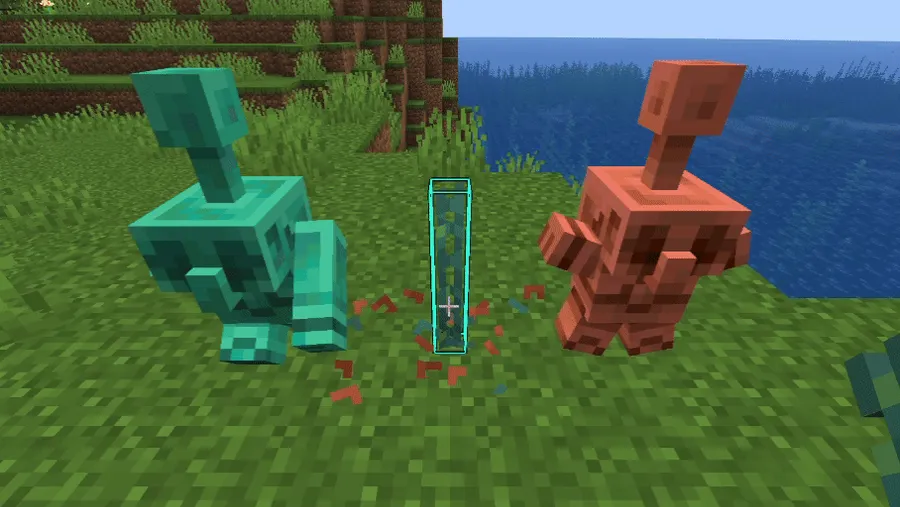
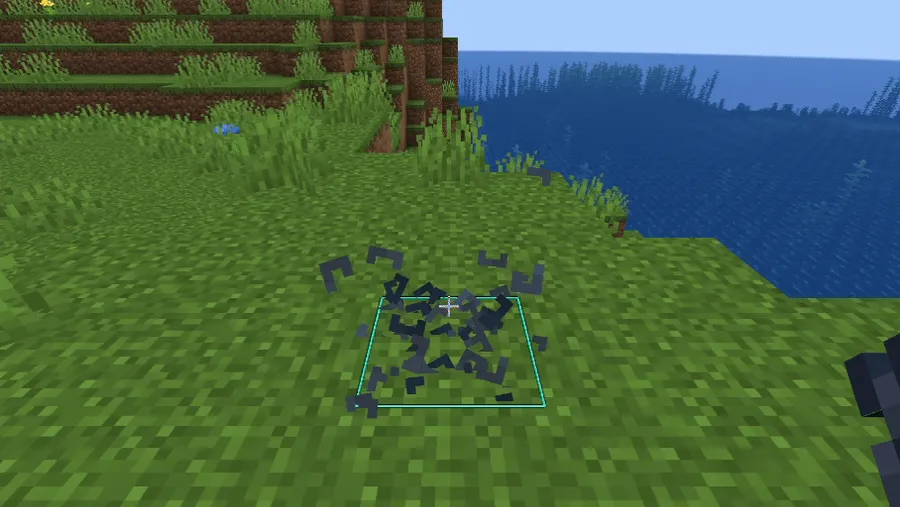
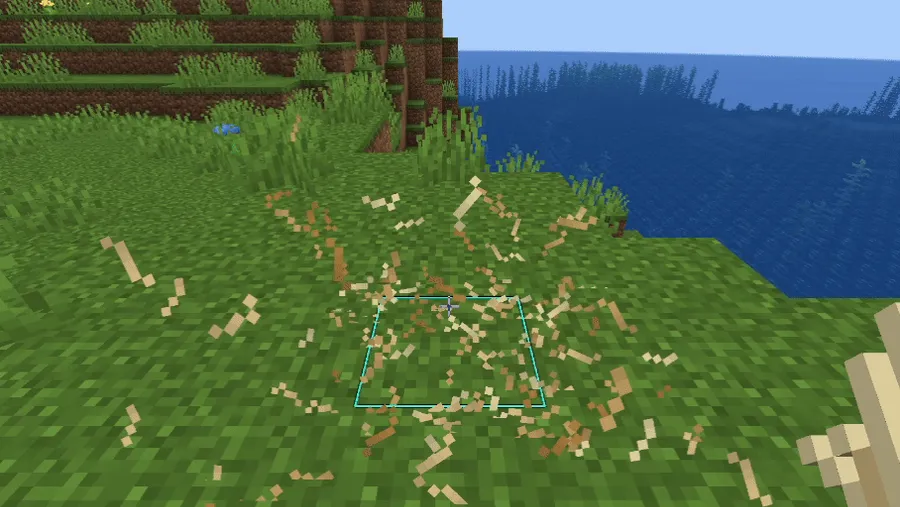
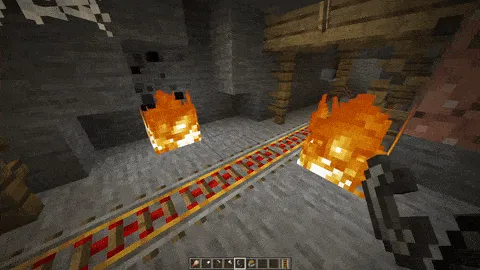
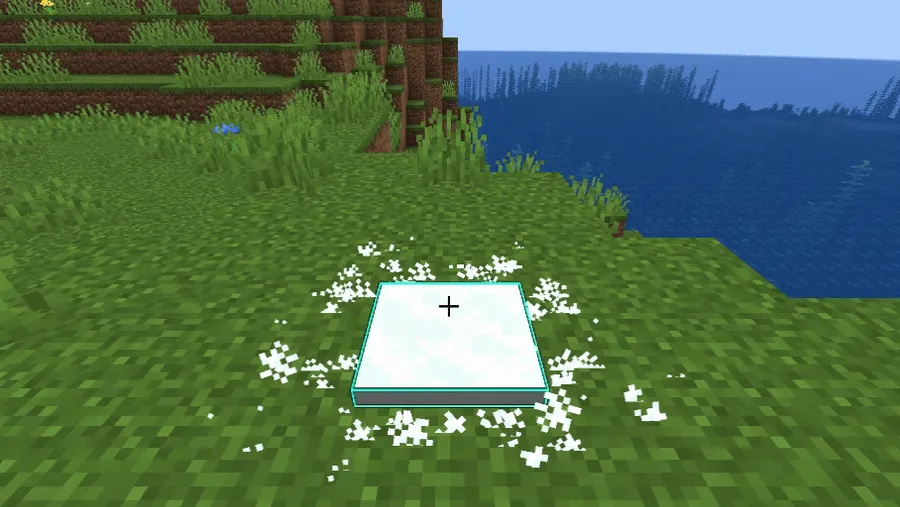
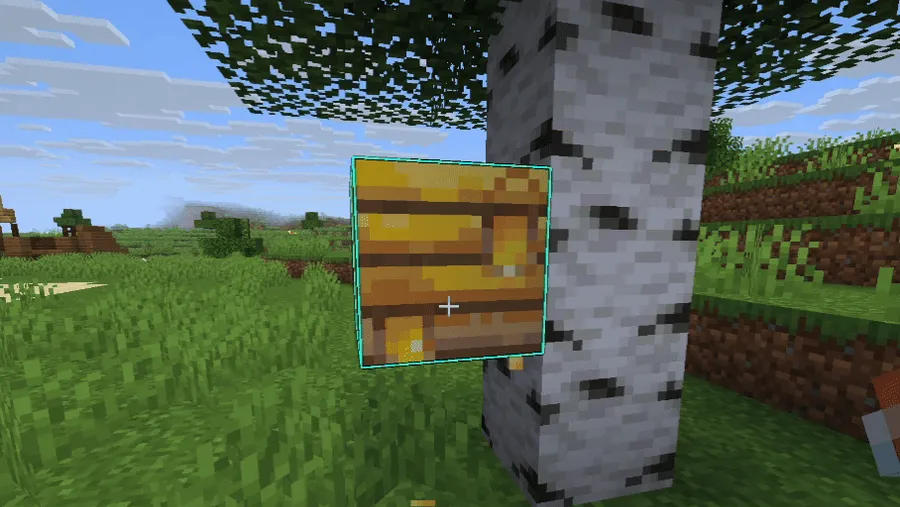
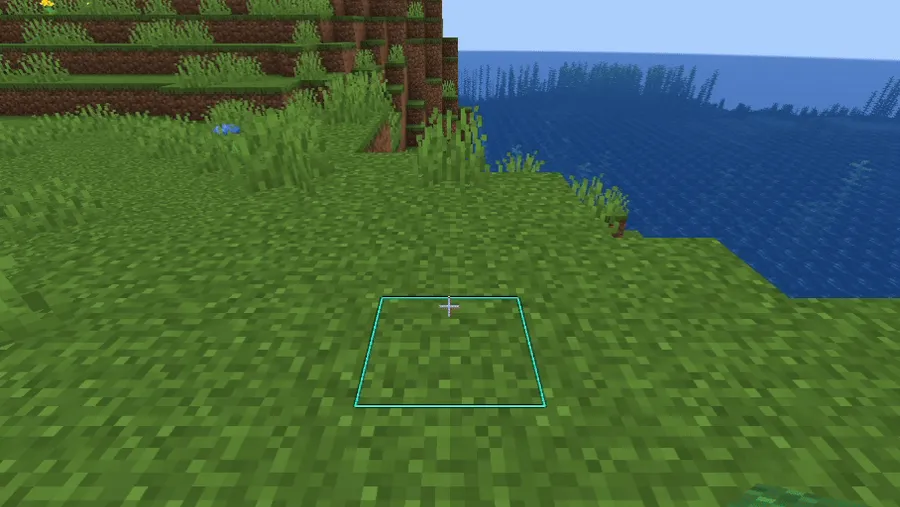
- More particles for common actions — The biggest appeal is simple: more things in Minecraft produce particles when they logically should. Placing blocks, stripping logs, eating, and similar interactions feel less flat, which makes routine play look more responsive every time you build, gather, or explore.
- Pixel-consistent particle style — The mod aims to make block breaking, block placing, eating, and related particles look pixel consistent. In practice, that matters because visual effects blend better with Minecraft's art style instead of feeling mismatched or overly flashy.
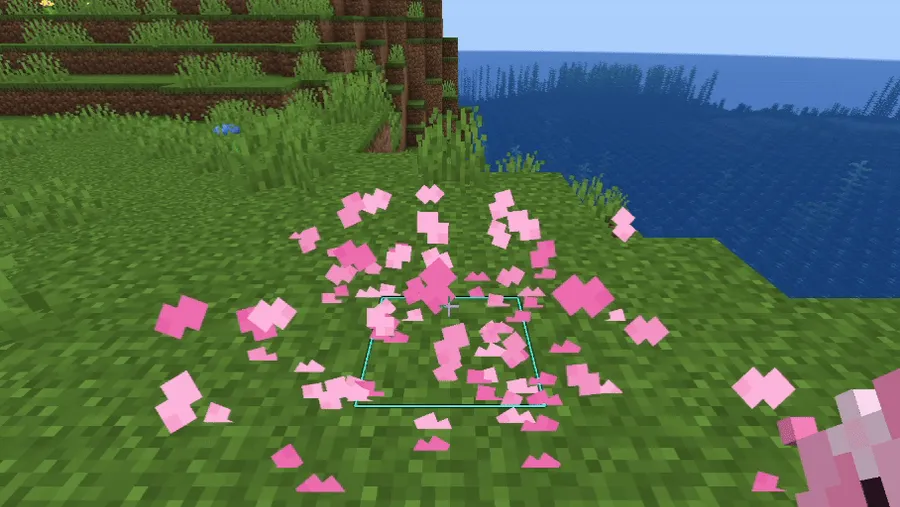
- Unique block particle overrides — The author lists custom particle behavior for categories such as snow, cherry leaves, grass, moss, azalea, flowers, and more. That extra variety gives similar actions a different look depending on the block you are interacting with, so the world feels more textured without changing the blocks themselves.
- Fix for particle z-fighting — The mod also fixes particles glitching with each other when looking straight down, referencing Minecraft issue MC-91873. This is the kind of small visual fix that you may not notice in a screenshot, but you do notice while playing because the screen looks more stable and less messy.
- Deep configuration options — Every feature can be adjusted or disabled in the config menu, which is one of the mod's best design choices. That flexibility matters because particle preferences are subjective, and it lets you keep the effects you like while trimming anything that feels excessive for your setup.
- Client-side convenience — The mod does not need to be installed on the server, making it easy to add to a personal pack or a multiplayer client. That lowers the barrier to trying it, especially for players who want visual polish without asking a server admin to change anything.
- Optional extra-physics toggle — There is a toggle to disable some extra physics calculations done by the mod to slightly improve performance. That is useful because it shows the author is treating visual quality as adjustable rather than forcing one setting on every player.
Screenshots
How to Install Particle Interactions Mod
- Choose and install the correct loader for your setup: Fabric Mod Loader, NeoForge, or Quilt Loader.
- Download the build that matches your Minecraft version, such as 26.1.1, 26.1, or one of the supported 1.21.x releases listed below.
- Place the mod file in your Minecraft
modsfolder, then start the game with the same loader you chose in step one. - If you use Fabric and want direct access to the config button from the title or pause screen, install Mod Menu as well.
- Open the Mods screen, select Particle Interactions, and tune or disable individual features to match your preferred look and performance balance.
Requirements & Compatibility
| Item | Details |
|---|---|
| Category | Minecraft Mods |
| Supported loaders | Fabric Mod Loader, NeoForge, Quilt Loader |
| Mod type | Client-side particle and interaction polish mod |
| Minecraft versions listed | 26.1.1, 26.1-snapshot-6, 26.1-snapshot-4, 26.1, 1.21.11-rc3, 1.21.11, 1.21.10, 1.21.9-rc1, 1.21.9, 1.21.8, 1.21.7, 1.21.6, 1.21.5, 1.21.4, 1.21.3, 1.21.2, 1.21.1, 1.21 |
| Server requirement | No server install is required because the mod is fully client side. |
| Multiplayer note | Some particles added by the mod will not appear when other players use certain items or place certain blocks. |
| Status | Beta; some features may change or be removed, and the config may break between versions before full release. |
| Author / License | enchanted-games / CC-BY-NC-4.0 |
What's New
- The referenced changelog is version 0.9.5.
- The mod was ported to Minecraft 26.1.
- The author describes the 26.1 port as temporary for now.
- The next planned step mentioned by the author is v0.10 for 26.1 with new features and resource pack capabilities.
Pros and Cons
Pros
- Adds visual feedback to many common in-game actions.
- Fully client-side, so it is easy to test without server changes.
- Highly configurable, with individual features adjustable or removable.
- Includes a fix for particle z-fighting when looking straight down.
- Supports Fabric, NeoForge, and Quilt across a broad set of 1.21.x and 26.1 builds.
Cons
- Still in beta, so features and config behavior may change between releases.
- Not every listed feature is present in every version.
- Some extra particles will not appear for actions performed by other players in multiplayer.
- Extra physics calculations exist, even though they can be toggled down for a slight performance improvement.
Alternatives to Particle Interactions Mod
- Visuality Mod — A complementary visual effects mod if you want even more particles and environmental polish around the world.
- Not Enough Animations Mod — A good companion choice for players who want richer on-screen feedback beyond particles alone.
- Presence Footsteps Mod — A useful add-on if you want sound feedback that matches the stronger visual feedback this mod provides.
Download Particle Interactions Mod
| Minecraft Version | Fabric | NeoForge | Quilt |
|---|---|---|---|
| For Minecraft 26.1.1 | Download | Download | — |
| For Minecraft 26.1 | Download | Download | — |
| For Minecraft 1.21.11 | Download | Download | — |
| For Minecraft 1.21.10 | Download | — | — |
| For Minecraft 1.21.9 | Download | — | — |
| For Minecraft 1.21.8 | Download | Download | — |
| For Minecraft 1.21.7 | Download | Download | — |
| For Minecraft 1.21.6 | Download | Download | — |
| For Minecraft 1.21.4 | Download | Download | — |
| For Minecraft 1.21.3 | Download | Download | Download |
| For Minecraft 1.21.2 | Download | Download | Download |
| For Minecraft 1.21.1 | Download | Download | Download |
Always download mods from official sources to stay safe.
Frequently Asked Questions
Is Particle Interactions Mod client-side only?
Yes — the mod is fully client side. That means you can install it on your own game without requiring a matching server installation.
Do I need to install Particle Interactions Mod on a server?
No — a server install is not required. The author does note that some of the added particles will not spawn when other players perform certain actions, which is the main tradeoff of the client-side approach.
Can I disable effects I do not want?
Yes — every feature added by the mod can be adjusted or disabled in the config menu. That makes it easier to keep the visual improvements you like while turning off anything that feels distracting.
Which mod loaders does Particle Interactions Mod support?
It supports Fabric, NeoForge, and Quilt. The download listings provided here show builds for Fabric and NeoForge on several versions, while the requirements list also includes Quilt Loader.
Does this mod fix the particle glitch when looking straight down?
Yes — one of its listed features is a fix for particles z-fighting with each other when looking straight down. If that visual glitch has bothered you before, this is one of the clearest reasons to install it.
Is Particle Interactions Mod still in beta?
Yes — the author explicitly says the mod is in beta. That means features may change or be removed before full release, and the config may break between versions.
Do all supported versions have the same features?
No — not every feature is present in every version. The author advises checking changelogs for details, which is worth doing if you are installing an older or snapshot build.


