

Ever wanted to shrink a zombie down to the size of a silverfish or turn a chicken into a towering giant? Pehkui Mod makes that possible by giving full control over entity scaling in Minecraft. It allows most entities to have their size dynamically changed — enlarged or shrunk — while also adjusting dependent properties like movement speed and explosion radius to match. With over 7.2 million downloads on Modrinth and support for Forge, Fabric, Quilt, and NeoForge, Pehkui has become one of the most widely used utility mods in the ecosystem, serving both players looking for fun and developers building size-related mechanics into their own mods.
Key Features
- Full entity scaling — Change the size of nearly any entity in the game by modifying scale data, from players and mobs to projectiles and items.
- Dependent property adjustment — When an entity's size changes, related properties like movement speed and explosion size scale proportionally, keeping gameplay balanced.
- Developer API — Provides a robust API that other mods can hook into to manipulate entity sizes and control how quickly size transitions occur.
- Comprehensive commands — Use
/scale set,/scale get,/scale add,/scale multiply,/scale delay, and/scale resetto fine-tune entity sizes directly from the chat. - Scale delay control — Set how long it takes for an entity to transition between sizes, enabling smooth growth or shrink animations.
- Clean removal — Uninstalling the mod reverts all entities to their normal size automatically, so there is no leftover data corruption.
Screenshots


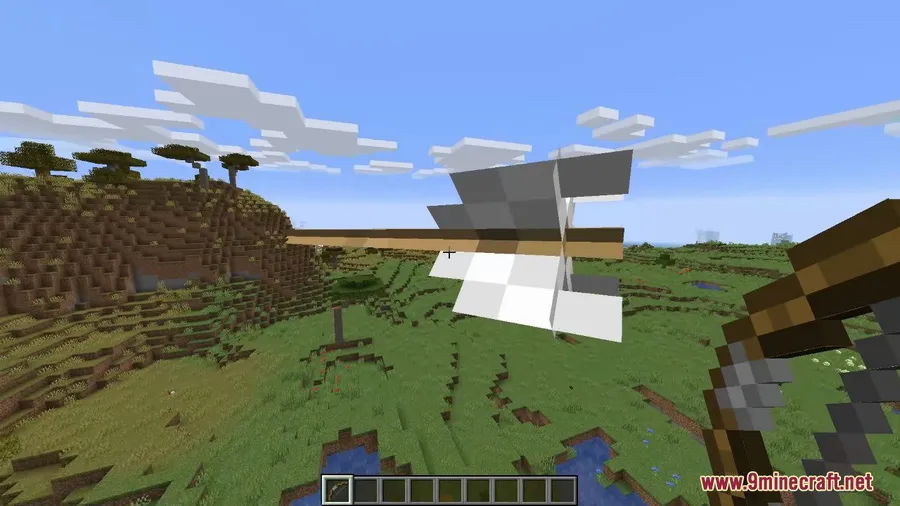
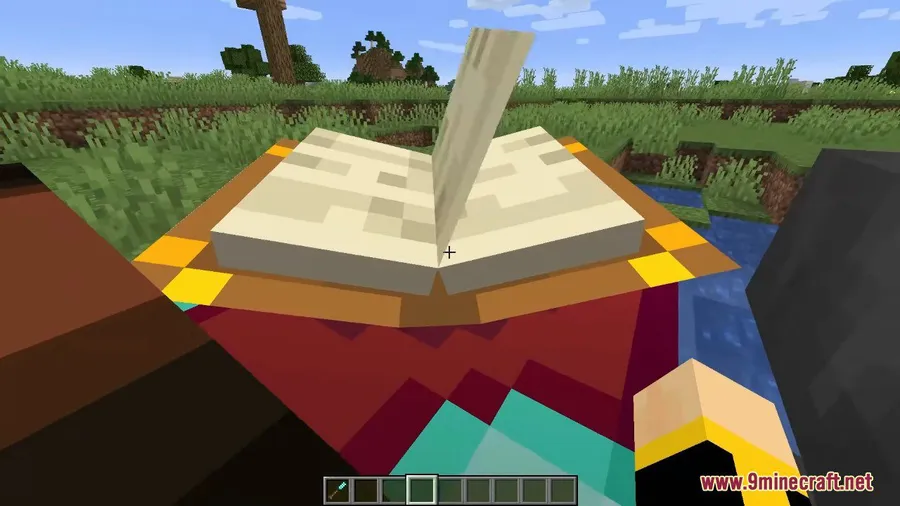
How to Install
- Download and install your preferred mod loader — Forge, Fabric, NeoForge, or Quilt — for your Minecraft version.
- If using Fabric, make sure you also install the Fabric API.
- Download the Pehkui Mod file matching your Minecraft version and mod loader from the link below.
- Place the downloaded
.jarfile into your.minecraft/modsfolder. - Launch Minecraft with your mod loader profile and Pehkui will be active.
Requirements
| Mod Loader | Dependencies | Minecraft Versions |
|---|---|---|
| Forge, Fabric, NeoForge, Quilt | Minecraft Forge, Fabric API, Quilt Loader, NeoForge Installer | 26.1, 1.21.11, 1.21.10, 1.21.9, 1.21.8, 1.21.7, 1.21.6, 1.21.5, 1.21.4, 1.21.3, 1.21.1, 1.21, 1.20.6, 1.20.4, 1.20.2, 1.20.1, 1.20, 1.19.4, 1.19.3, 1.19.2, 1.19, 1.18.2, 1.18.1, 1.17.1, 1.16.5 |
Pros & Cons
Pros
- Supports all four major mod loaders: Forge, Fabric, NeoForge, and Quilt
- Covers a huge range of Minecraft versions from 1.16.5 to 26.1
- Open-source under the MIT license with active development since 2020
- Provides a clean API for other mods to integrate size-changing mechanics
- Automatically adjusts dependent properties like speed when scaling entities
Cons
- Removing the mod resets all entity sizes — reinstalling does not restore previous scale data
- Primarily a library mod, so standalone players need commands or other mods to take full advantage
- Scale commands require operator permissions or cheats enabled in singleplayer
Download
Always download mods from official sources to stay safe.
What's New
- Updated to support Minecraft 1.21.
- Successfully tested on Minecraft 1.21 with NeoForge 21.0.20-beta and Yarn mappings 1.21+build.2.
- No new bugfixes, changes, or additions were included in this release — it is a compatibility update.
- No features were removed in this version.
FAQ
Does Pehkui work in multiplayer servers?
Pehkui needs to be installed on the server side to function in multiplayer. The mod provides commands that server operators can use to change entity sizes for all connected players.
What happens if I remove Pehkui from my modpack?
All entities will revert to their normal default size. However, if you reinstall the mod later, previously scaled entities will not retain their modified sizes — you will need to set them again.
Can I use Pehkui on its own or does it need other mods?
You can use it standalone with the /scale commands to resize entities directly. However, Pehkui is primarily designed as a library mod, so it works best when paired with other mods that use its API to create size-changing gameplay mechanics.


![Not Enough Recipe Book [NERB] Mod (1.21.11, 1.20.6) – New Recipes](http://mcinside.com/wp-content/uploads/2026/04/thumbnail-63-300x169.webp)


![[Let's Do] Meadow Mod (1.21.1) - thumbnail](http://mcinside.com/wp-content/uploads/2026/04/thumbnail-64-52x52.webp)


![Not Enough Recipe Book [NERB] Mod (1.21.11) - thumbnail](http://mcinside.com/wp-content/uploads/2026/04/thumbnail-63-52x52.webp)


