

Minecraft's visual feedback has always been functional but understated — arrows fly silently, explosions flash and fade, and creatures move without leaving a trace. Perception Mod changes that by layering glowing motion trails onto moving objects and creatures, while also introducing screen shake effects tied to loud sounds, explosions, and fast movement. The result is a world that feels more reactive and immersive, especially during combat encounters and exploration.
Key Features
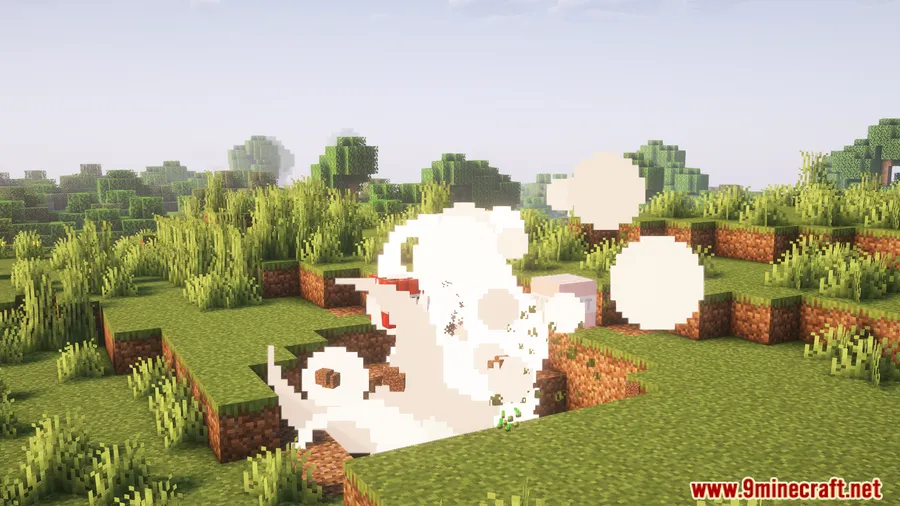
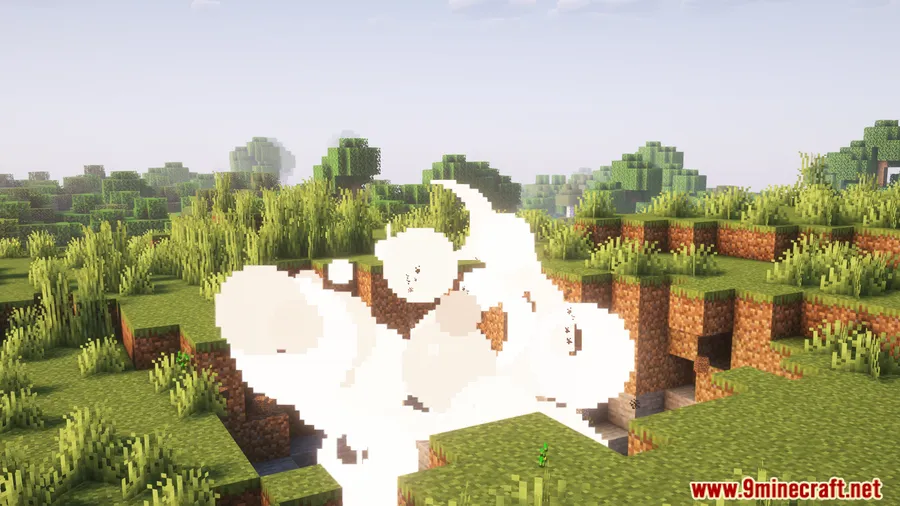
- Glowing Motion Trails — Moving objects like arrows and creatures leave visible glowing trails as they travel, making projectile paths and mob movement easier to track and visually striking.
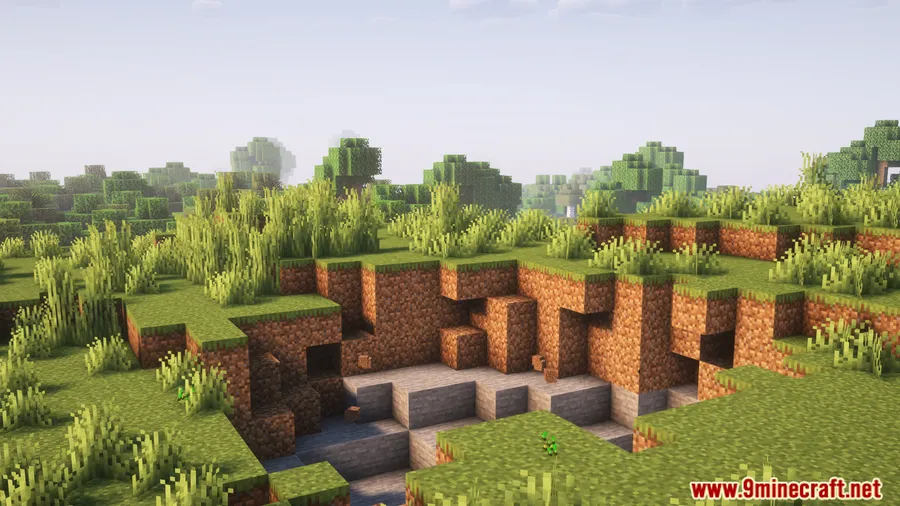
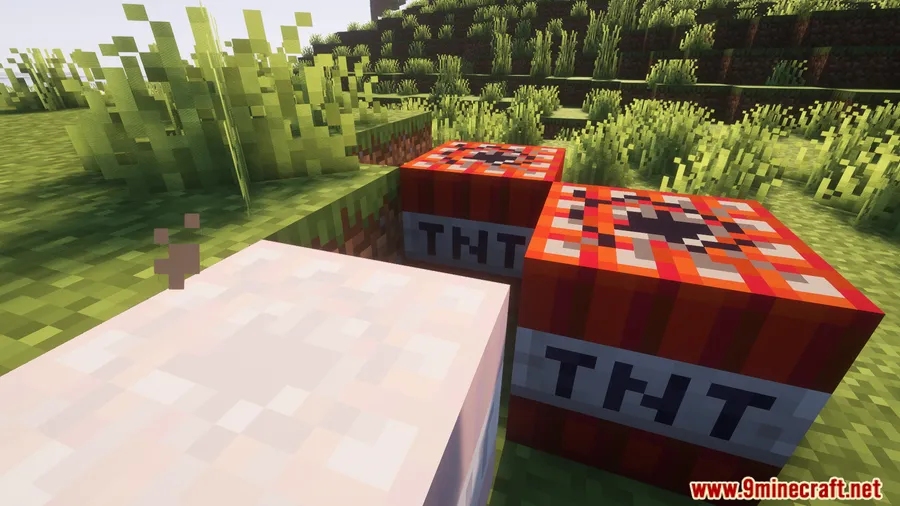
- Dynamic Screen Shake — The camera shakes in response to loud sounds, nearby explosions, and fast movement, adding a layer of physical feedback that makes intense moments feel more impactful.
Screenshots


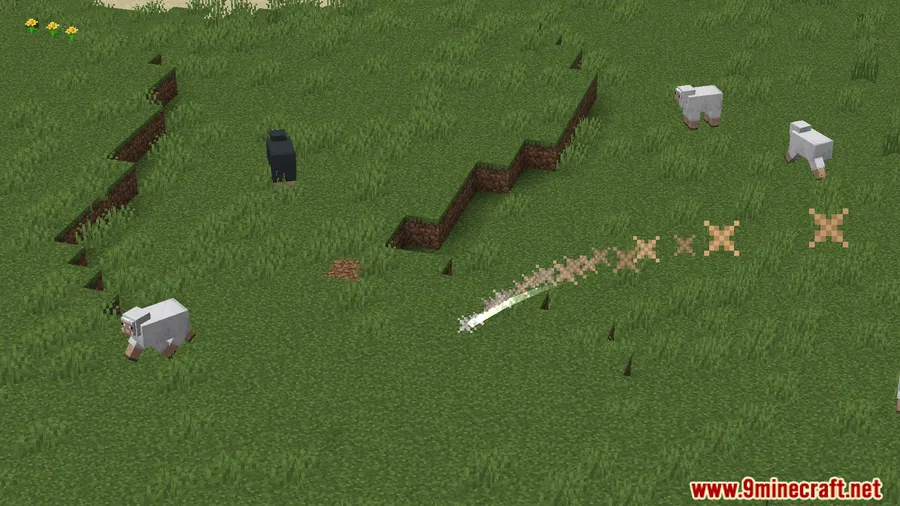
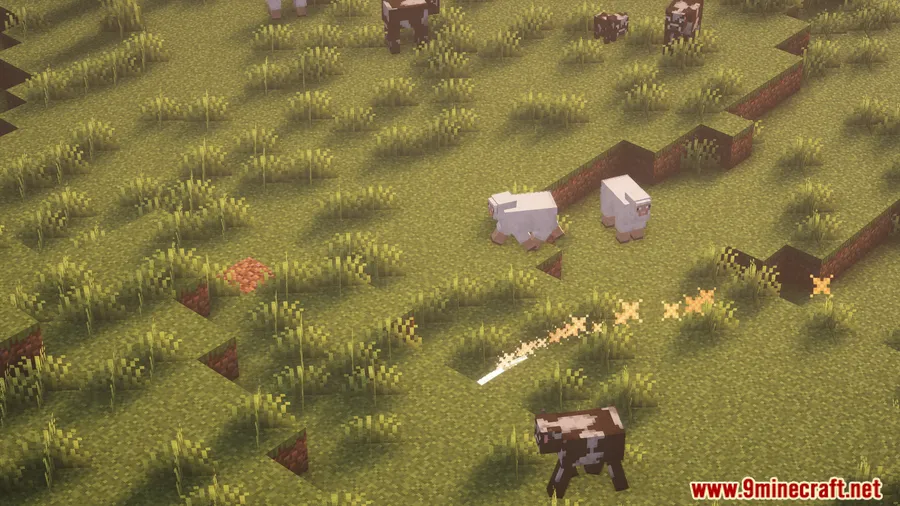
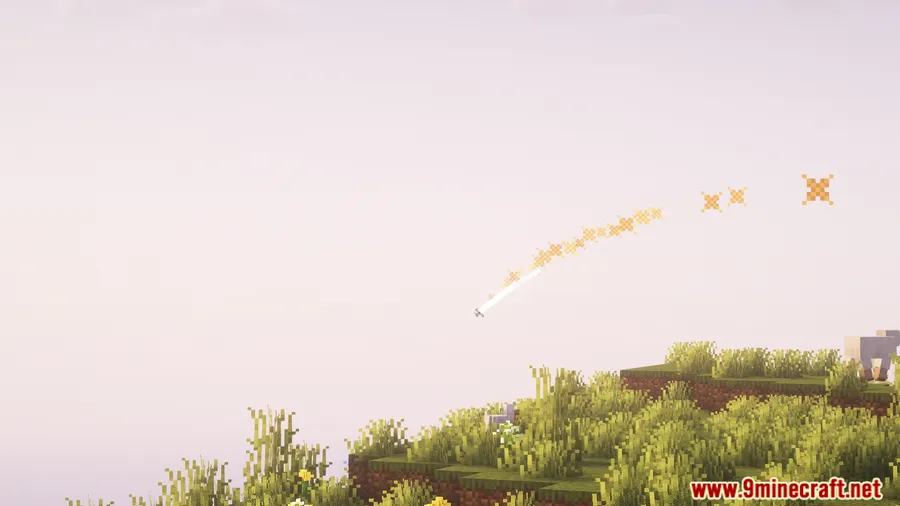
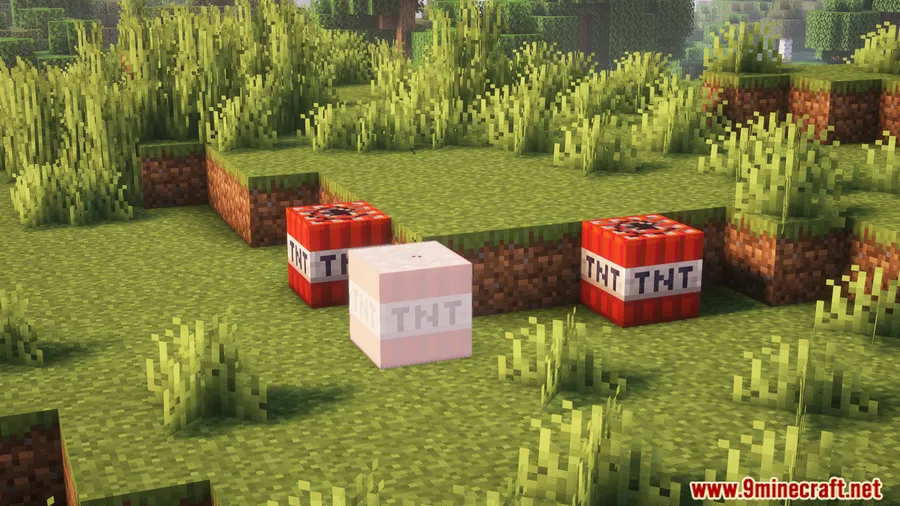
How to Install
- Download and install the required mod loader (Forge, Fabric, or NeoForge) for your Minecraft version.
- Install the required dependencies: Architectury API and OctoLib (plus Fabric API if using Fabric).
- Download the Perception Mod file matching your Minecraft version and loader.
- Place the downloaded
.jarfile into your.minecraft/modsfolder. - Launch Minecraft with the correct mod loader profile and verify the mod is loaded.
Requirements
| Category | Details |
|---|---|
| Mod Loader | Forge (1.20–1.20.1) · Fabric (all versions) · NeoForge (1.21.1+) |
| Dependencies | Architectury API, OctoLib, Fabric API (Fabric only) |
| Minecraft Version | 1.20–1.20.1, 1.21–1.21.1, 1.21.4, 1.21.6–1.21.8, 1.21.11 |
Pros & Cons
Pros
- Makes combat and movement visually engaging with glowing trails
- Screen shake adds satisfying feedback to explosions and high-speed moments
- Supports all three major mod loaders across a wide range of Minecraft versions
- Created by SSKirillSS with active updates through 1.21.11
Cons
- Screen shake effects may feel disorienting for some players
- Requires multiple dependency mods (Architectury API and OctoLib) to run
- Forge support is limited to older 1.20.x versions only
Download
Always download mods from official sources to stay safe.
FAQ
Can I disable the screen shake effect in Perception Mod?
The mod is designed to add screen shake on explosions, loud sounds, and fast movement. Check the mod's config file in your .minecraft/config folder for available options to adjust or disable specific effects.
Is Perception Mod compatible with Forge on newer Minecraft versions?
Forge support is available for Minecraft 1.20–1.20.1. For versions 1.21.1 and newer, the mod uses NeoForge and Fabric as its supported loaders.
Does Perception Mod affect game performance?
The mod adds visual effects like glowing trails and camera shake, which appears to be lightweight. However, actual performance may vary depending on your system and other installed mods.


![[Let's Do] Meadow Mod (1.21.1) - thumbnail](http://mcinside.com/wp-content/uploads/2026/04/thumbnail-64-52x52.webp)


![Not Enough Recipe Book [NERB] Mod (1.21.11) - thumbnail](http://mcinside.com/wp-content/uploads/2026/04/thumbnail-63-52x52.webp)
