
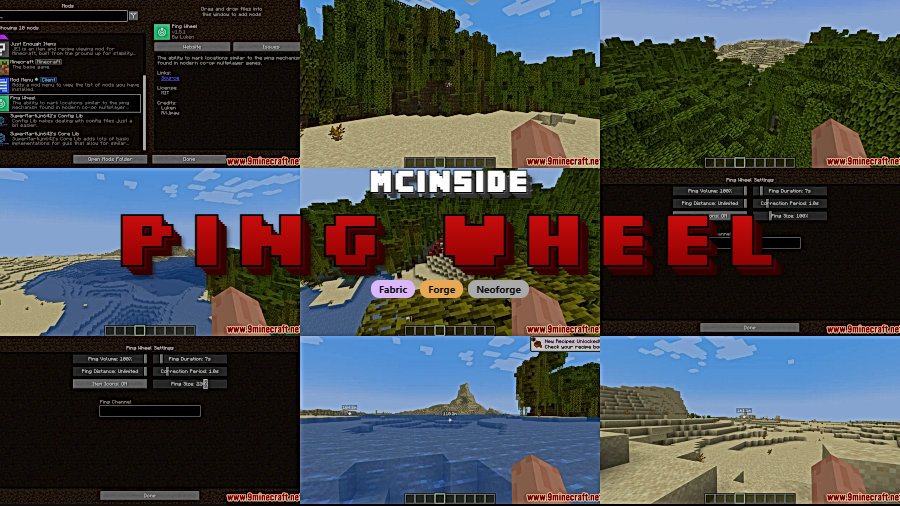
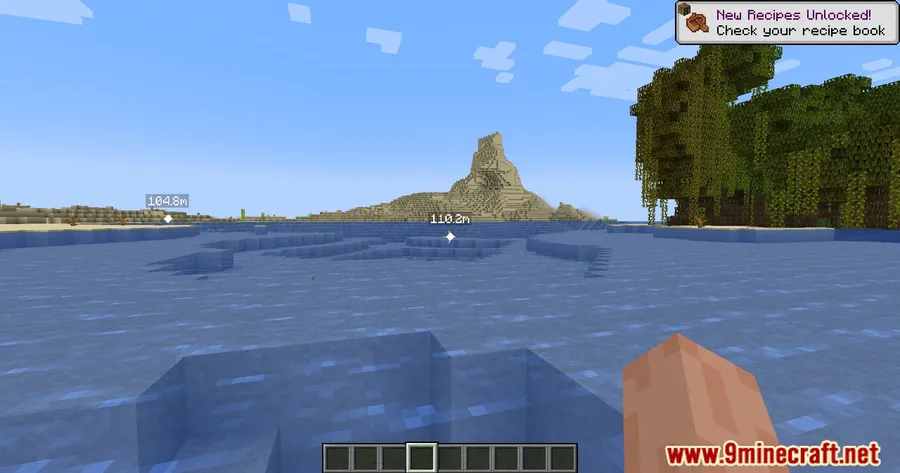
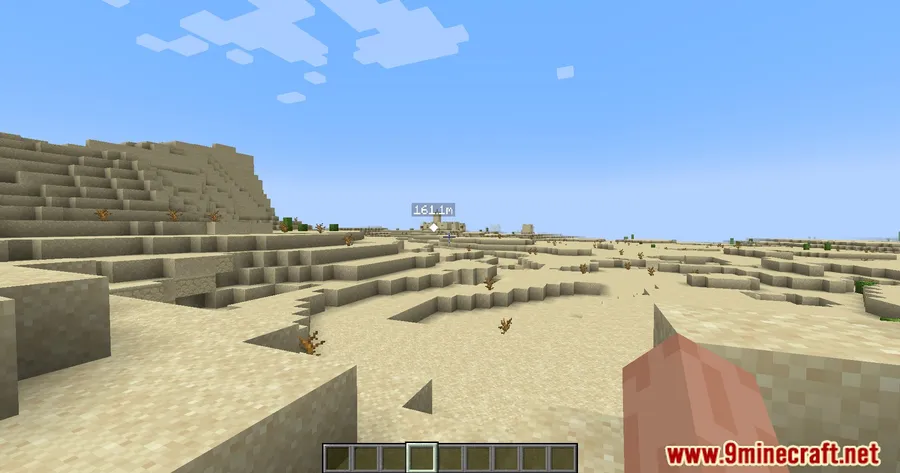
Multiplayer Minecraft sessions often suffer from one frustrating problem: trying to tell your friends exactly where something is. Ping Wheel Mod solves this elegantly by letting any player drop visible markers directly in the game world — point out a cave entrance, a village, or the spot where you want to build a base, and everyone on the server sees it instantly. With over 7.9 million downloads on Modrinth and support spanning from 1.18.2 all the way to 1.21.11, it has become one of the most popular communication tools in the modding community.
Key Features
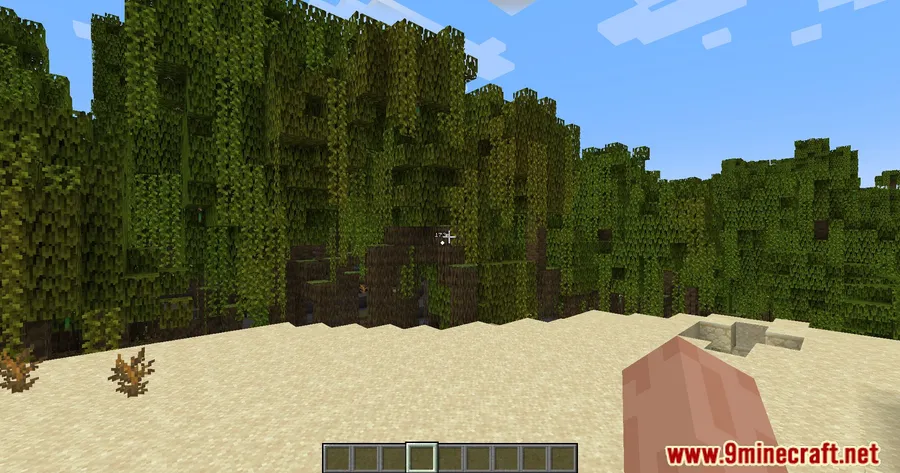
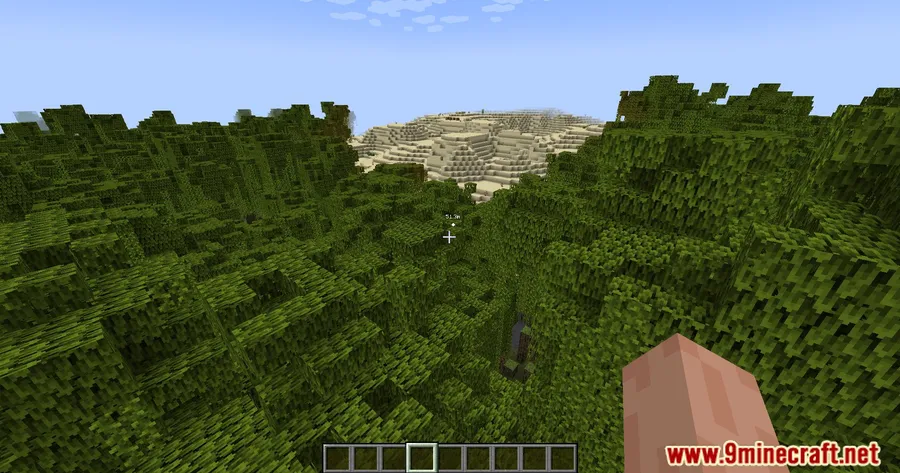
- Universal ping markers — Mark any in-game location or entity with a simple keybind. By default it's bound to Mouse5 (Forward), but you can remap it to whatever feels natural.
- Player name overlay — Hold Left Alt to display which player placed each ping, making team coordination much easier during group exploration or raids.
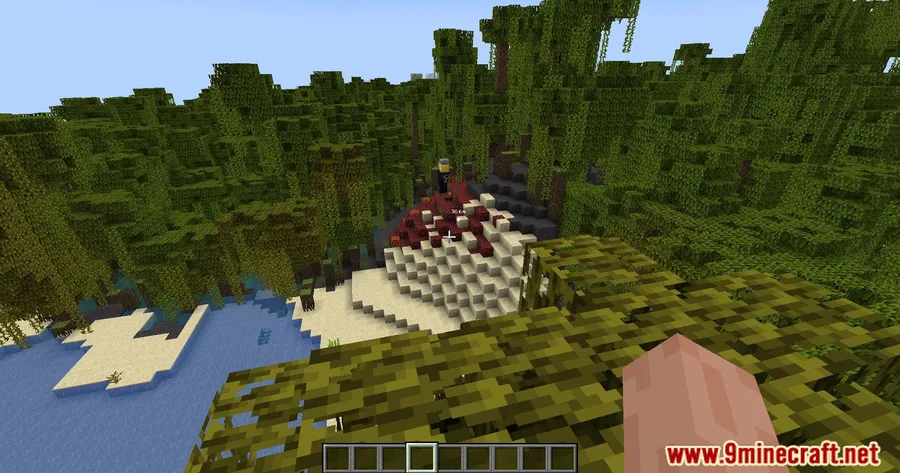
- Item icon pings — When enabled, ping markers display the actual item texture or model instead of a generic icon, giving your team instant visual context about what you've found.
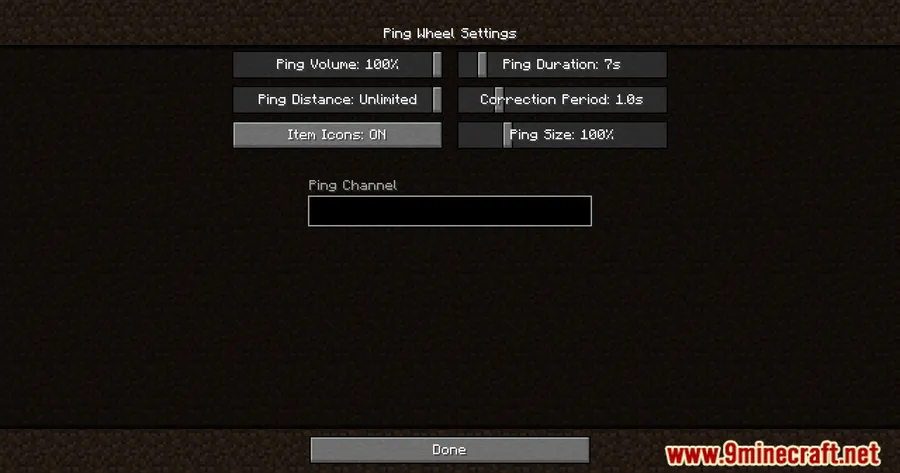
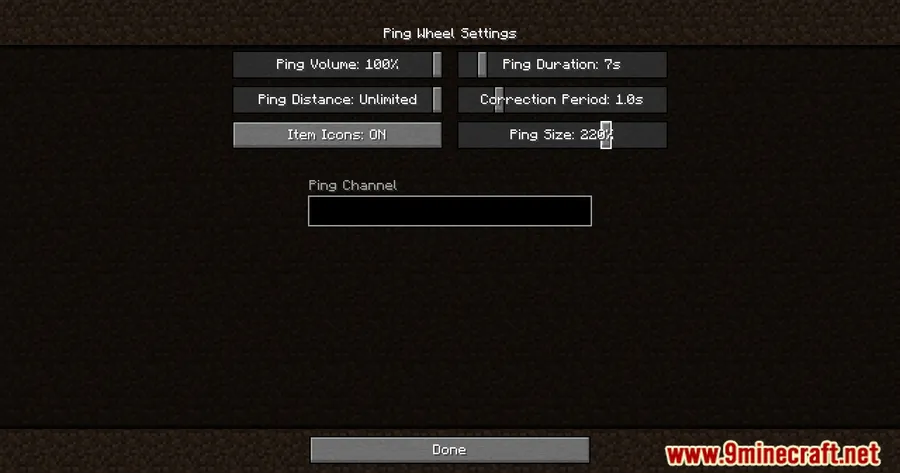
- Flexible configuration — Tweak every setting through the
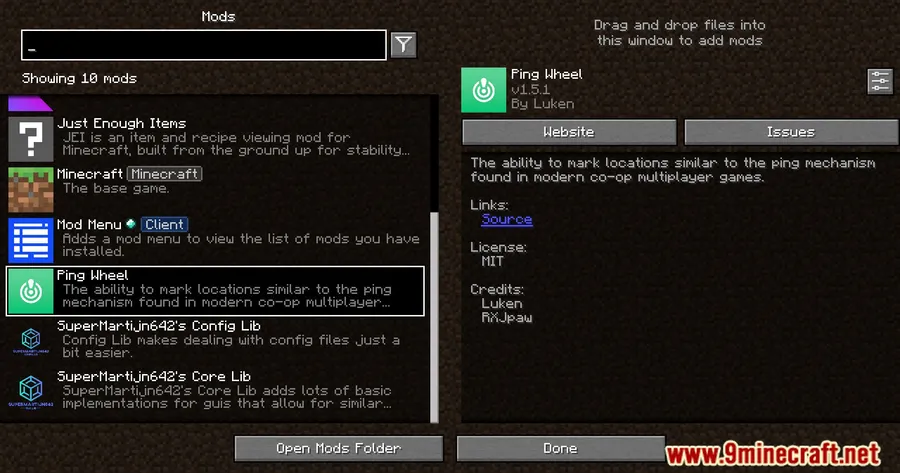
/pingwheel configcommand or the Mod Menu integration — no config files to edit manually. - Bukkit server support — The mod comes with an official Bukkit plugin, so server admins running Paper or Spigot can offer ping functionality to their players as well.
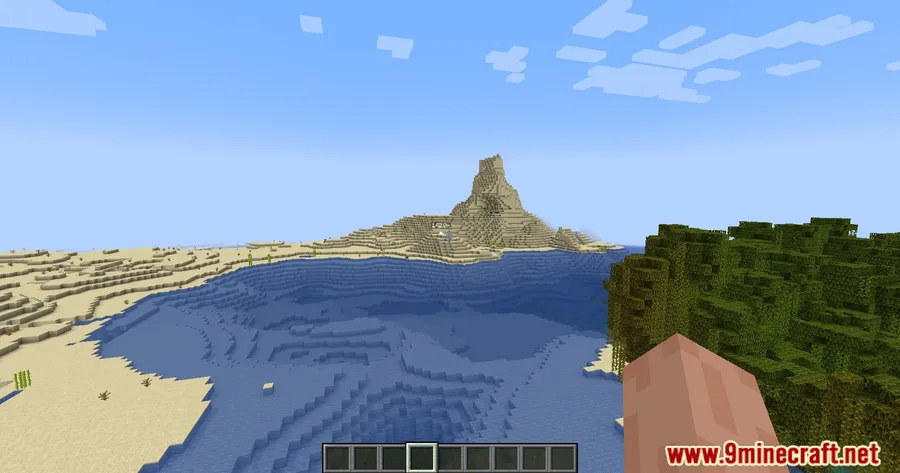
Screenshots
How to Install
- Download and install your preferred mod loader (Forge, Fabric, NeoForge, or Quilt) for your Minecraft version.
- If using Fabric, make sure you also install the Fabric API — it's a required dependency.
- Download the Ping Wheel Mod file matching your loader and Minecraft version from the links below.
- Place the downloaded
.jarfile into your.minecraft/modsfolder. - Launch Minecraft and press Mouse5 in-game to place your first ping.
Requirements
| Mod Loader | Dependencies | Minecraft Versions |
|---|---|---|
| Forge | Minecraft Forge | 1.21.11, 1.21.10, 1.21.9, 1.21.8, 1.21.7, 1.21.6, 1.21.5, 1.21.4, 1.21.3, 1.21.1, 1.21, 1.20.6, 1.20.4, 1.20.2, 1.20.1, 1.20, 1.19.4, 1.19.3, 1.19.2, 1.18.2 |
| Fabric | Fabric API | |
| NeoForge | NeoForge Installer | |
| Quilt | Quilt Loader |
Pros & Cons
Pros
- Works across four mod loaders (Forge, Fabric, NeoForge, Quilt) — covers nearly every setup
- Huge version range from 1.18.2 to 1.21.11 means you likely won't need to wait for an update
- Intuitive one-key pinging requires no learning curve for new players
- Open-source under MIT license with active development since late 2022
- Official Bukkit plugin available for dedicated server admins
Cons
- All players on a server need the mod installed for pings to be visible to everyone
- Default keybind (Mouse5) may not exist on basic mice — requires rebinding
- No built-in persistent waypoint system — pings appear to be temporary markers only
Download
Always download mods from official sources to stay safe.
What's New
- Updated Argentine Spanish localization contributed by community translator Texaliuz.
- Improved compatibility with Distant Horizons mod, now supporting version 2.4.4-b and later.
- Upgraded to Distant Horizons API version 5.1.0 for better long-distance rendering integration.
FAQ
What is the default key to ping in Ping Wheel Mod?
The default keybind is Mouse5 (the Forward side button). You can change it to any key you prefer through your Minecraft controls settings or the mod's config menu.
Does Ping Wheel Mod work on servers?
Yes — the mod is designed with multiplayer in mind. All players with the mod installed can see each other's pings. Server admins running Bukkit-based servers (Paper, Spigot) can also use the official Ping Wheel plugin.
Can I see who placed a ping?
Hold Left Alt while looking at pings to display the name of the player who placed each one. This makes it easy to coordinate during group activities like exploring or building.


![[Let's Do] Meadow Mod (1.21.1) - thumbnail](http://mcinside.com/wp-content/uploads/2026/04/thumbnail-64-52x52.webp)


![Not Enough Recipe Book [NERB] Mod (1.21.11) - thumbnail](http://mcinside.com/wp-content/uploads/2026/04/thumbnail-63-52x52.webp)


