
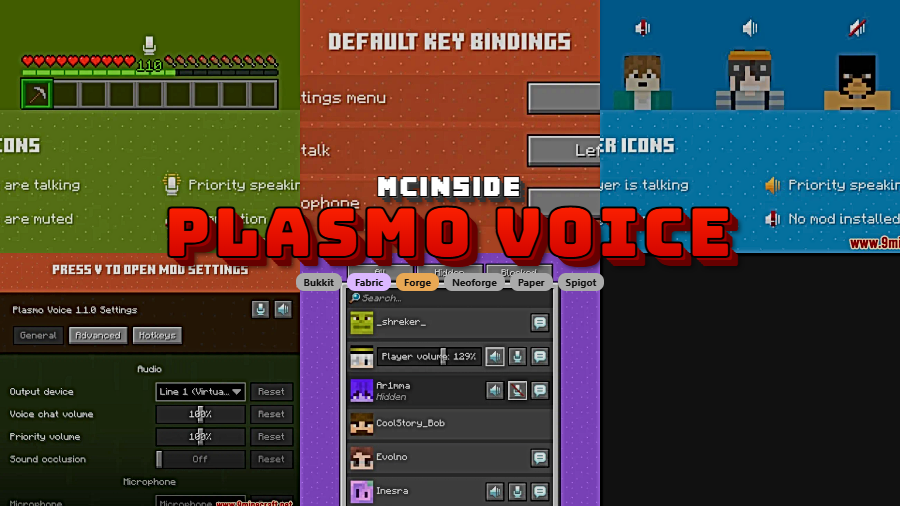
Coordinating with nearby teammates feels more natural when Plasmo Voice Mod adds proximity-based voice chat with directional audio instead of relying on external apps. It focuses on clear in-game communication through adjustable voice distance, noise reduction, mute and volume controls, and overlay customization, while also supporting LAN, singleplayer, and Spigot plugin setups. Modrinth lists the project at 2,986,349 downloads, originally published on 2021-11-06 and updated on 2026-03-25.
Key Features
- Proximity chat that matches player position: voices get louder when players are closer and quieter as they move away.
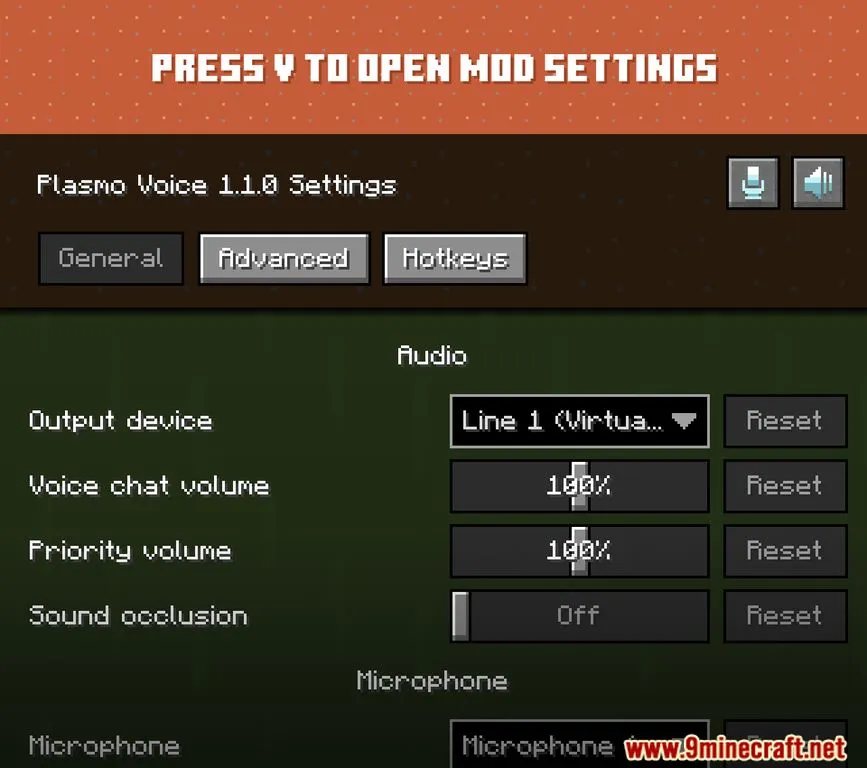
- Directional audio tools: OpenAL-based 3D positioning, stereo sound, smooth volume controls, and sound occlusion help voices feel tied to location and blocked space.
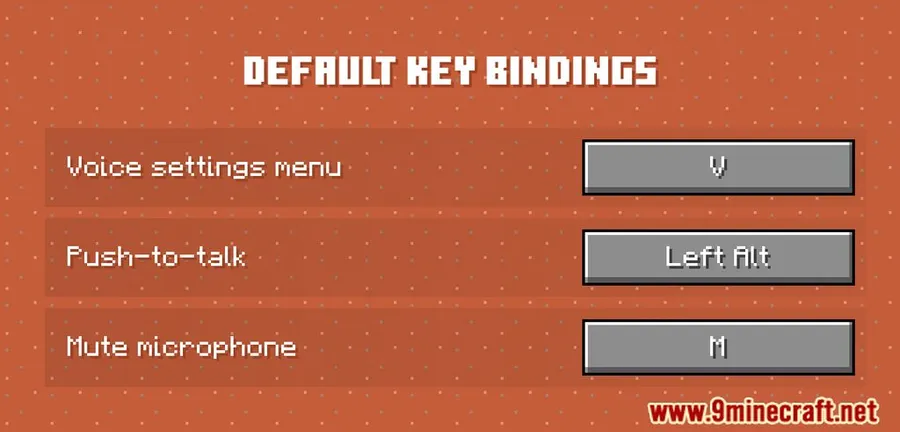
- Flexible speaking controls: choose push-to-talk or voice activation, then adjust how far voices can be heard.
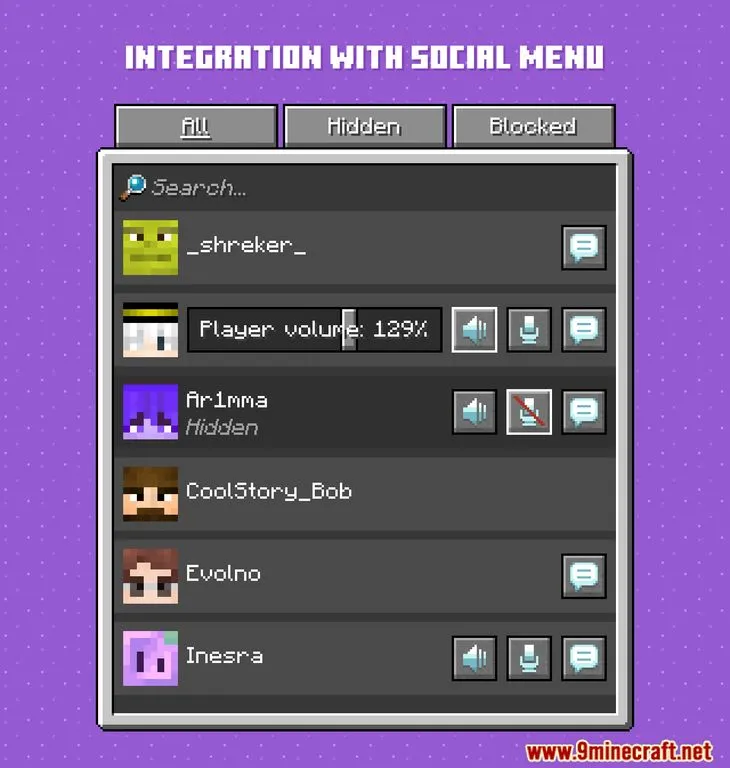
- Cleaner and more manageable communication: RNNoise noise reduction, per-player mute options, and volume control make voice chat easier to handle.
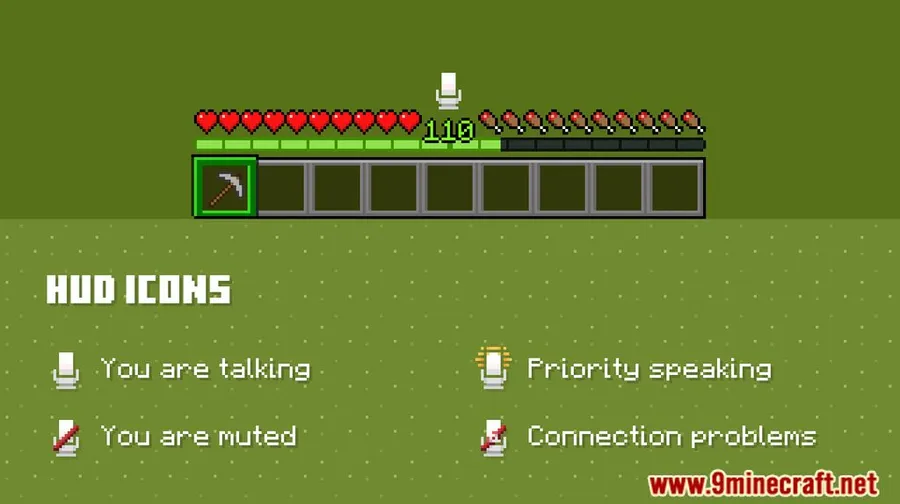
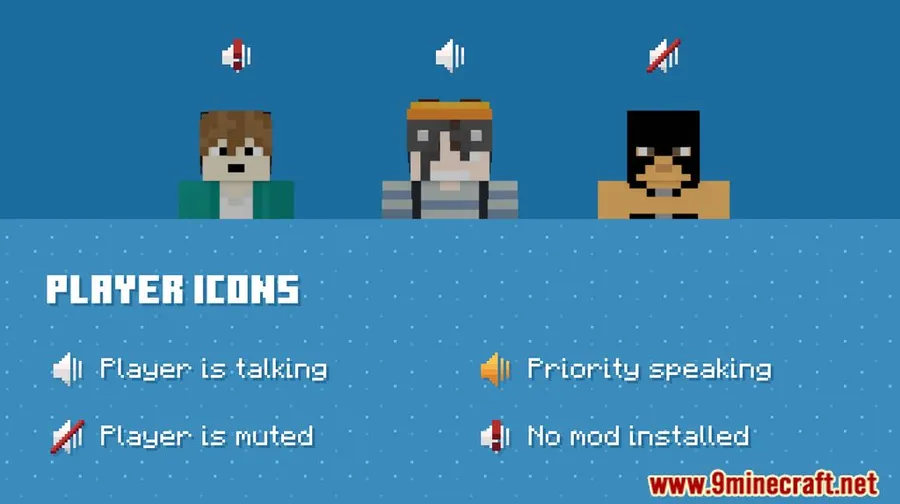
- Broad usage options: GUI and icon settings, encryption and permissions, Spigot plugin support, plus LAN and singleplayer compatibility expand where and how the mod can be used.
Screenshots
How to Install
- Choose the Plasmo Voice build that matches your Minecraft version and preferred loader: Forge, Fabric, or NeoForge.
- Install the required loader for your setup. If you use Fabric, install Fabric API as listed in the requirements.
- Place the mod in your Minecraft mods folder, then launch the game with the same loader profile.
- Open the mod settings in game to configure voice distance, icons, and your preferred chat method.
Requirements
| Requirement | Details |
|---|---|
| Mod Loader | NeoForge, Forge, Fabric |
| Dependencies | Minecraft Forge, Fabric API, NeoForge Installer |
| Minecraft Version | 1.16.5, 1.17.1, 1.18.2, 1.19, 1.19.1, 1.19.2, 1.19.3, 1.19.4, 1.20, 1.20.1, 1.20.2, 1.20.3, 1.20.4, 1.20.6, 1.21, 1.21.1, 1.21.3, 1.21.4, 1.21.5, 1.21.6, 1.21.7, 1.21.8, 1.21.9, 1.21.10, 1.21.11 |
Pros & Cons
Pros
- Proximity voice chat changes communication in a way that fits in-game distance and position.
- Includes practical audio controls such as noise reduction, mute settings, and adjustable hearing range.
- Supports multiple loaders and also works with LAN, singleplayer, and Spigot plugin setups.
Cons
- Feature set depends on installing the correct loader and any listed dependency for your setup.
- Available download entries in available information do not cover every listed Minecraft version.
- Players looking for a simple text-only utility may not need the mod's broader voice and overlay settings.
Download
Always download mods from official sources to stay safe.
What's New
- Ported the client to 26.1.
- Added support for navigation using Tab.
- Fixed a client crash when switching servers on a proxy.
- Fixed incorrect behavior when resuming AudioSender on the server side.
- Added sanity bounds checks for collections decoding.
FAQ
What does Plasmo Voice Mod change in Minecraft?
It adds proximity voice chat with 3D audio positioning, so players hear each other based on distance and location. The mod also includes controls for push-to-talk, voice activation, mute, volume, overlays, and adjustable voice distance.
Does Plasmo Voice Mod support Fabric, Forge, and NeoForge?
Yes. Available information lists Fabric, Forge, and NeoForge as supported mod types, and the requirements also mention Minecraft Forge, Fabric API, and NeoForge Installer.
Can Plasmo Voice Mod work outside a standard multiplayer server?
Yes. The listed features include LAN and singleplayer compatibility, and there is also Spigot plugin support for setups where players do not need to install the mod.





![Not Enough Recipe Book [NERB] Mod (1.21.11) - thumbnail](http://mcinside.com/wp-content/uploads/2026/04/thumbnail-63-52x52.webp)


