
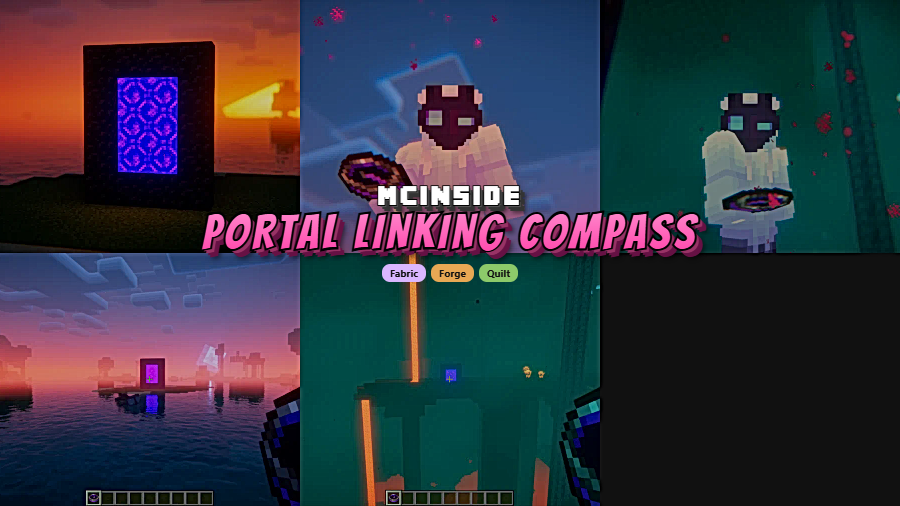
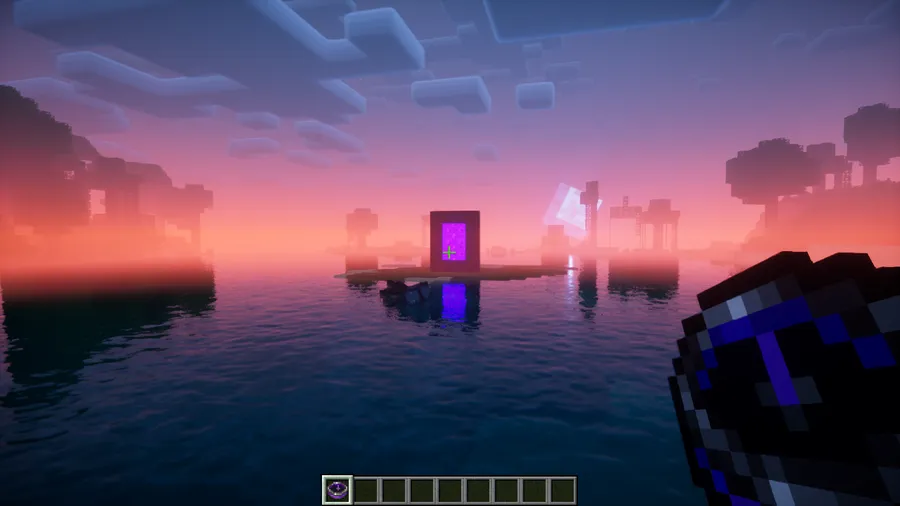
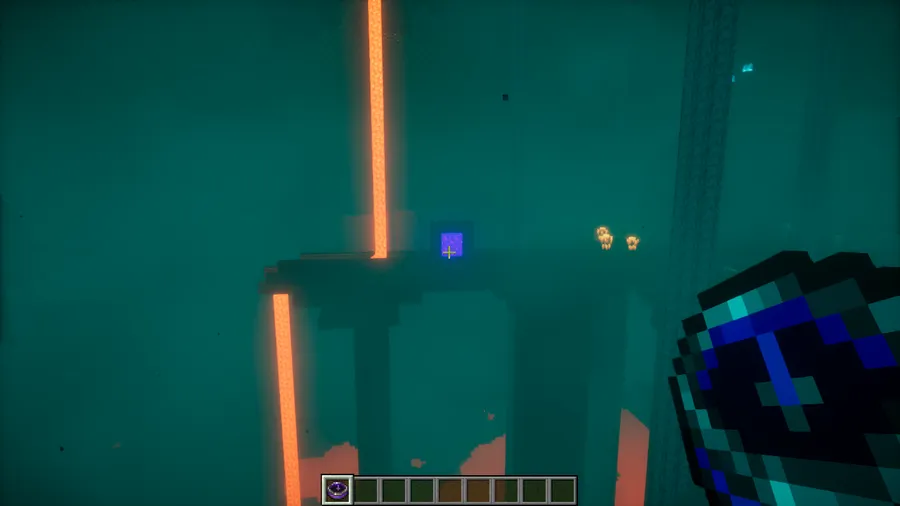
Linking Nether portals in vanilla Minecraft means pulling up the F3 debug screen, dividing coordinates by eight, and hoping you did the math right. Portal Linking Compass Mod skips all of that by giving you a special compass that physically points to the correct build location in the other dimension. Right-click a portal block to bind the compass, step through to the other side, and follow the needle — no coordinate math, no third-party calculators, just a clean in-game solution that feels like it belongs in vanilla.
Key Features
- Dimension-Linking Compass — Introduces a new compass item that remembers a portal's position and translates it across the Overworld–Nether coordinate ratio automatically.
- Simple Bind-and-Follow Workflow — Right-click any portal block to bind the compass, then travel to the opposite dimension and the compass needle guides you to the exact matching coordinates.
- No Coordinates Required — Eliminates the need to open the F3 screen or calculate Nether-to-Overworld math, making portal linking accessible to all players.
Screenshots
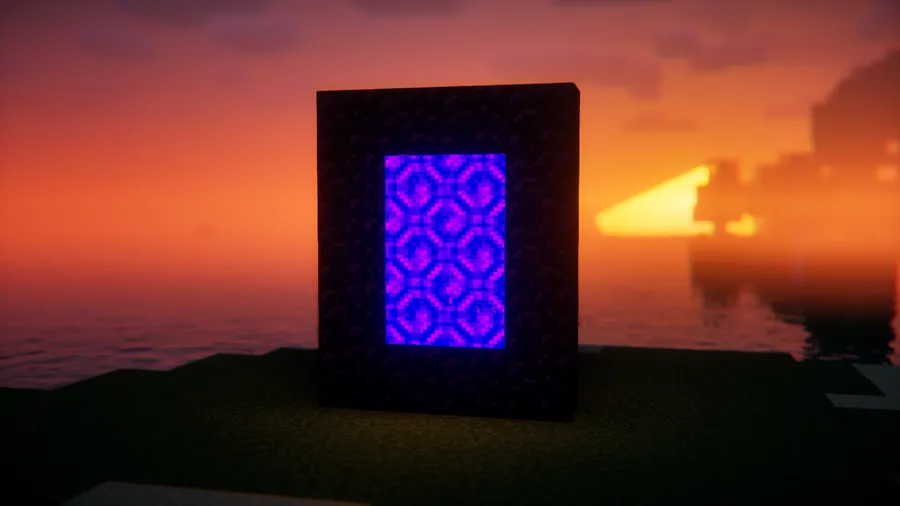
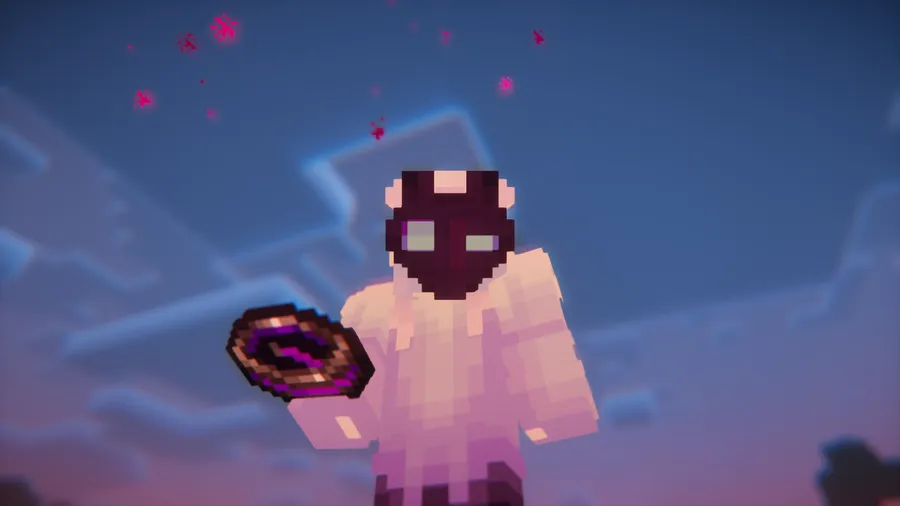
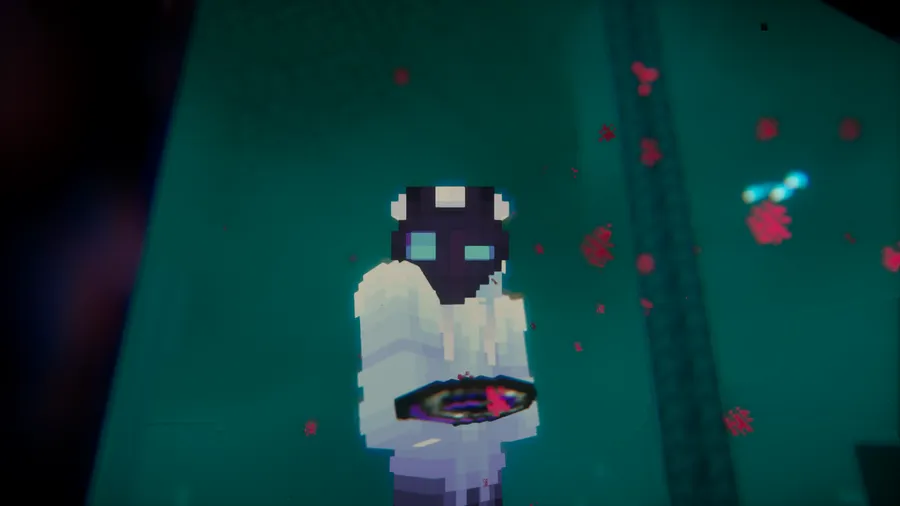
How to Install
- Download and install your preferred mod loader — Forge, Fabric (with Fabric API), or Quilt (with Quilted Fabric API).
- Download Portal Linking Compass for your Minecraft version from the link below.
- Place the downloaded
.jarfile into your.minecraft/modsfolder. - Launch Minecraft using the correct mod loader profile and confirm the mod appears in your mod list.
Requirements
| Category | Details |
|---|---|
| Mod Loader | Forge, Fabric, or Quilt |
| Dependencies | Fabric API (for Fabric) · Quilted Fabric API (for Quilt) · None for Forge |
| Minecraft Version | 1.19.4, 1.20.1, 1.20.4, 1.20.6, 1.21–1.21.1, 1.21.8, 1.21.10, 1.21.11 |
Pros & Cons
Pros
- Removes all manual coordinate math from portal linking
- Works on both Forge and Fabric across a wide version range
- Intuitive right-click mechanic — no learning curve
- Appears to be lightweight with a single added item
Cons
- Only addresses Overworld–Nether linking; no mention of End portal support
- Requires a separate dependency (Fabric API or Quilted Fabric API) on non-Forge loaders
- Quilt builds are not available for all listed Minecraft versions
Download
Always download mods from official sources to stay safe.
FAQ
How does the Portal Linking Compass work?
Right-click the compass on a portal block in one dimension to bind it. Then travel to the other dimension — the compass needle will point toward the exact coordinates where you should build a portal so the two link correctly.
Does Portal Linking Compass work with Fabric and Forge?
Yes. The mod supports both Forge and Fabric for most Minecraft versions from 1.19.4 through 1.21.11. Quilt is also supported when paired with the Quilted Fabric API.
Do I still need to use F3 coordinates with this mod?
No. The entire point of Portal Linking Compass is to eliminate coordinate lookups. The compass handles the Nether-to-Overworld ratio calculation for you and visually guides you to the right spot.




![[Let's Do] Candlelight - Farm&Charm compat Mod (1.21.1) - thumbnail](http://mcinside.com/wp-content/uploads/2026/04/thumbnail-81-52x52.webp)


![[Let's Do] Meadow Mod (1.21.1) - thumbnail](http://mcinside.com/wp-content/uploads/2026/04/thumbnail-64-52x52.webp)


![Not Enough Recipe Book [NERB] Mod (1.21.11) - thumbnail](http://mcinside.com/wp-content/uploads/2026/04/thumbnail-63-52x52.webp)