
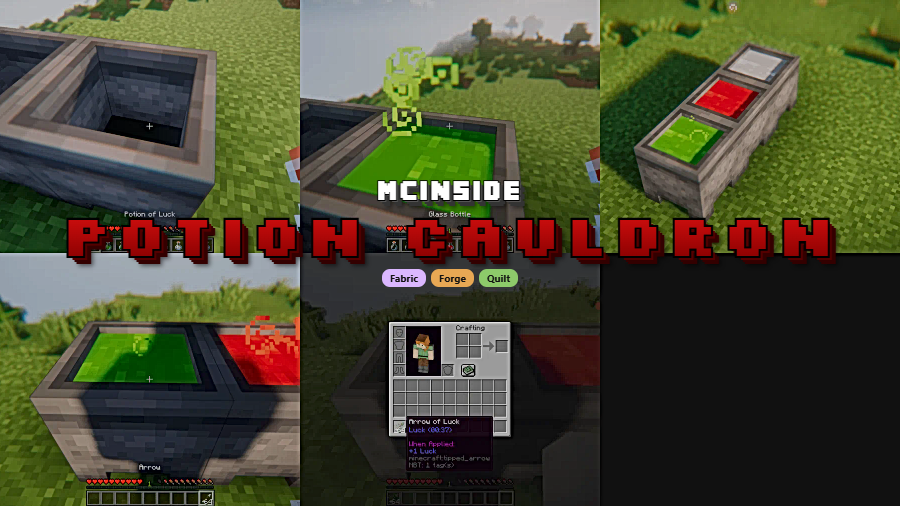
Bedrock Edition players have long enjoyed the ability to store potions inside cauldrons, but Java Edition never received this feature — until now. Potion Cauldron Mod by Maxoduke brings this beloved mechanic to Java, letting you fill cauldrons with up to three bottles of the same potion type. The cauldron even takes on the color of the stored potion, making it a practical storage solution and a surprisingly useful decorative block for potion rooms and witch huts alike.
Key Features
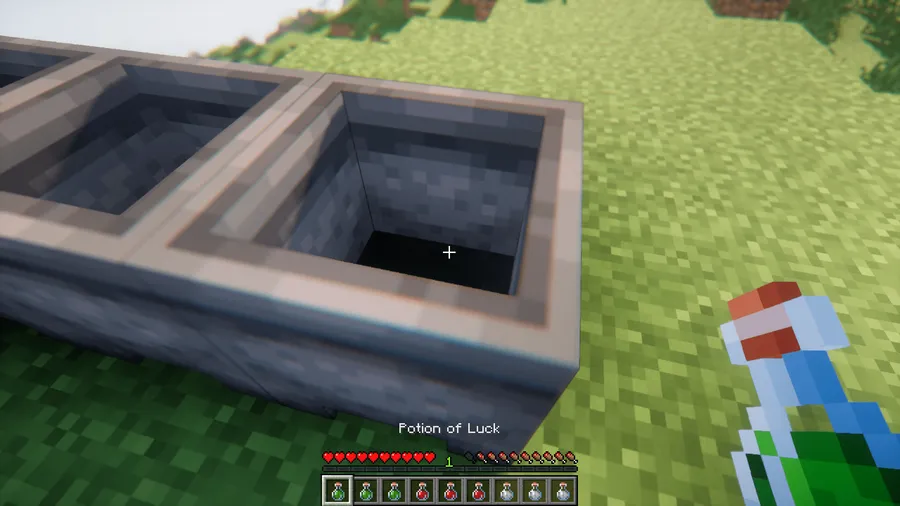
- Cauldron potion storage — Right-click a cauldron with a potion bottle to pour it in. Each cauldron holds up to three bottles of the same potion type, matching the Bedrock Edition behavior.
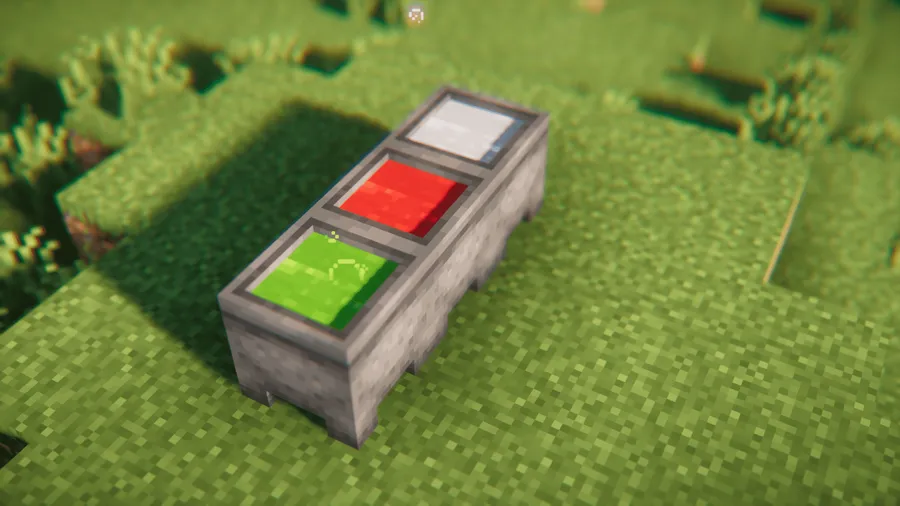
- Visual potion color — Filled cauldrons display the actual color of the stored potion, so you can tell at a glance what's inside without opening any menus.
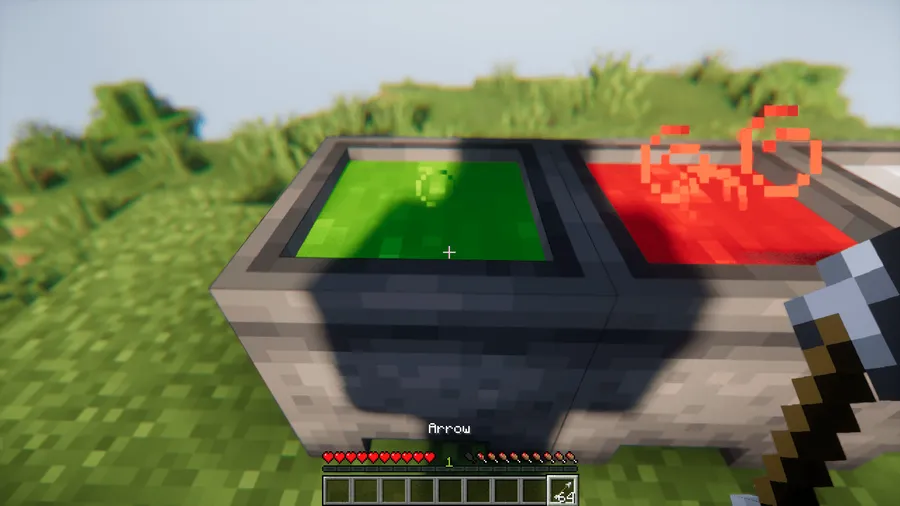
- Tipped arrow crafting — Right-click a potion-filled cauldron with arrows to convert them into tipped arrows, giving you a convenient alternative to the brewing stand method.
- Natural generation — Potion cauldrons may generate naturally in swamp huts, adding a lore-friendly touch to world exploration.
Screenshots


How to Install
- Download and install your preferred mod loader — Forge, Fabric, or Quilt — for your Minecraft version.
- If using Fabric or Quilt, also install the Fabric API mod.
- Download Potion Cauldron Mod for your matching Minecraft version and loader from the links below.
- Place the downloaded
.jarfile into your.minecraft/modsfolder. - Launch Minecraft with your mod loader profile and the mod will be active.
Requirements
| Requirement | Details |
|---|---|
| Mod Loader | Forge, Fabric, or Quilt |
| Dependencies | Fabric API (required for Fabric/Quilt only) |
| Minecraft Version | 1.20.1, 1.20.4, 1.20.6, 1.21–1.21.1, 1.21.4, 1.21.8, 1.21.10, 1.21.11 |
Pros & Cons
Pros
- Brings a missing Bedrock feature to Java Edition seamlessly
- Supports all three major mod loaders (Forge, Fabric, Quilt)
- Visual potion colors make organization easy without extra UI
- Tipped arrow crafting via cauldron is a handy time-saver
- Wide version support from 1.20.1 through 1.21.11
Cons
- Only stores one potion type per cauldron — no mixing different potions
- Limited to three bottles per cauldron, which may feel small for bulk storage
- Fabric and Quilt users need the additional Fabric API dependency
Download
Always download mods from official sources to stay safe.
FAQ
Can you mix different potions in one cauldron?
No. All three potion bottles stored in a single cauldron must be the same type. If you need to store different potions, you will need separate cauldrons for each type.
Does Potion Cauldron Mod work with both Forge and Fabric?
Yes, the mod supports Forge, Fabric, and Quilt across most supported Minecraft versions. Fabric and Quilt users will also need the Fabric API installed.
Can you find potion-filled cauldrons naturally in the world?
Yes, potion cauldrons may generate naturally inside swamp huts, similar to how they appear in Bedrock Edition.


![Not Enough Recipe Book [NERB] Mod (1.21.11) - thumbnail](http://mcinside.com/wp-content/uploads/2026/04/thumbnail-63-52x52.webp)


