
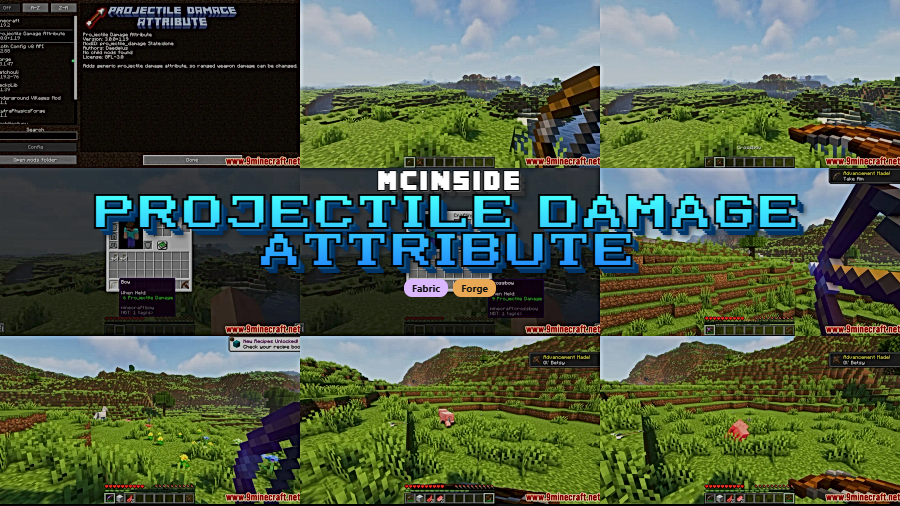
Ranged combat in Minecraft has always felt a bit rigid — every bow hits the same, every crossbow follows the same rules. Projectile Damage Attribute Mod changes that by introducing a dedicated attribute system for projectile damage, giving players and server admins full control over how hard bows, crossbows, and other ranged weapons hit. With over 2.3 million downloads on Modrinth, it has become a go-to solution for anyone looking to fine-tune ranged weapon balance in their world or modpack.
Key Features
- New projectile damage attribute — Adds
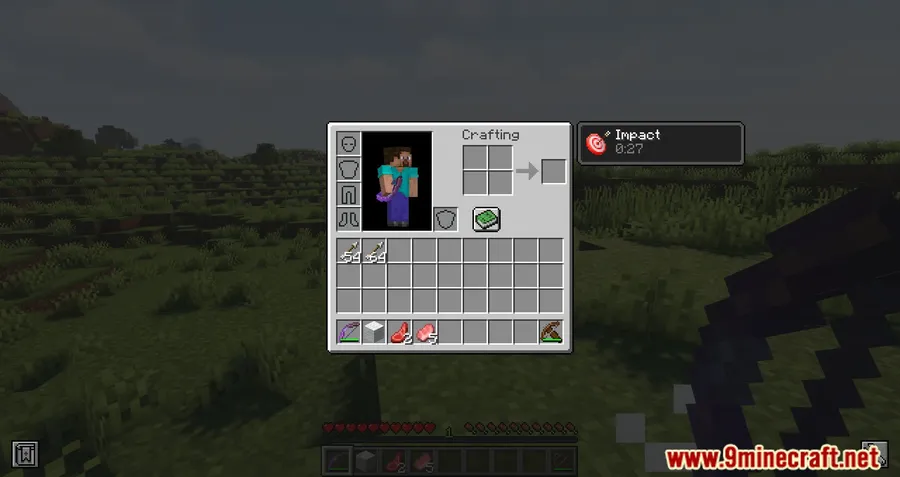
projectile_damage:generic, a proper entity attribute that lets you modify bow, crossbow, and other ranged weapon damage on a per-item or per-entity basis using commands or NBT editors. - Impact effect — A new potion-style effect that boosts projectile damage when applied to an entity, stackable with amplitude levels for even more power.
- Server-side configuration — Admins can set default damage values for bows (default 6) and crossbows (default 9) through a config file, making it easy to rebalance ranged combat across an entire server.
- Modder API — Provides an API for other mod developers to set custom projectile damage values for their own ranged weapons, ensuring smooth integration in larger modpacks.
Screenshots
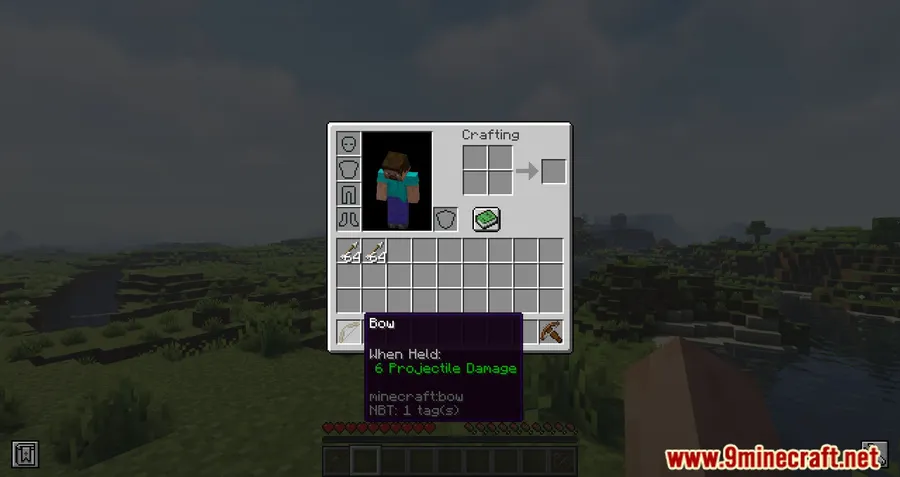
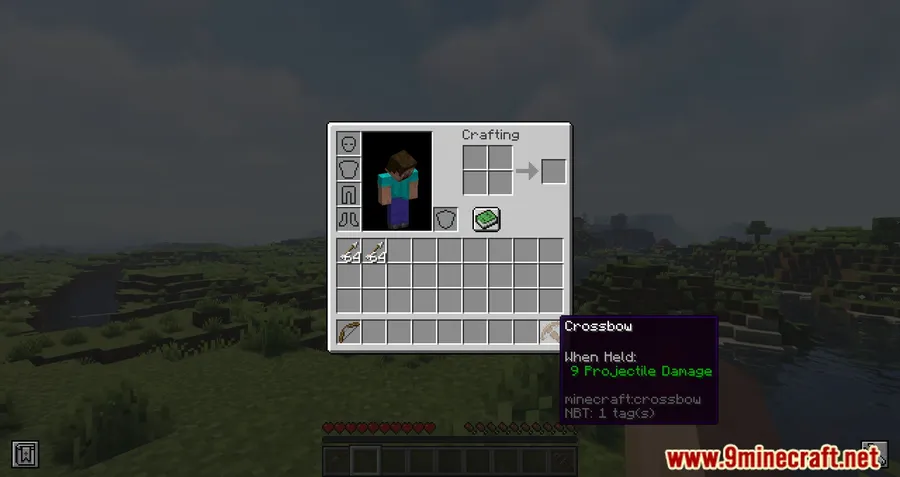
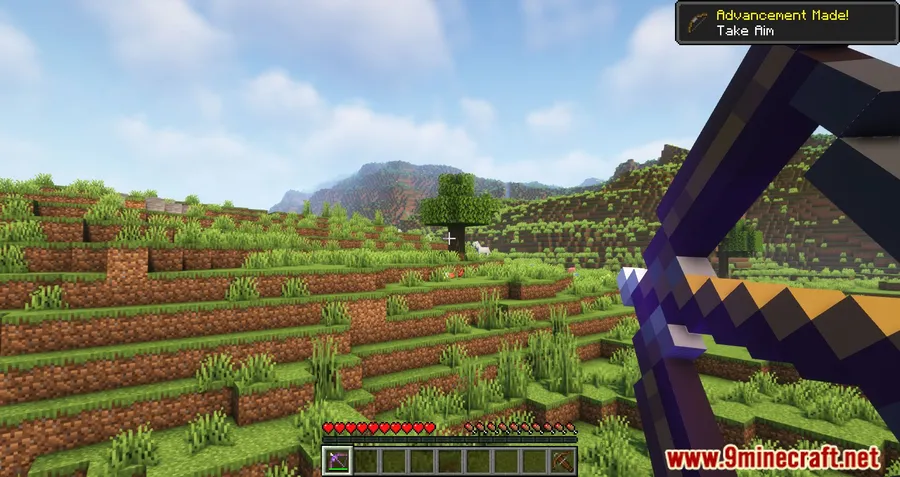
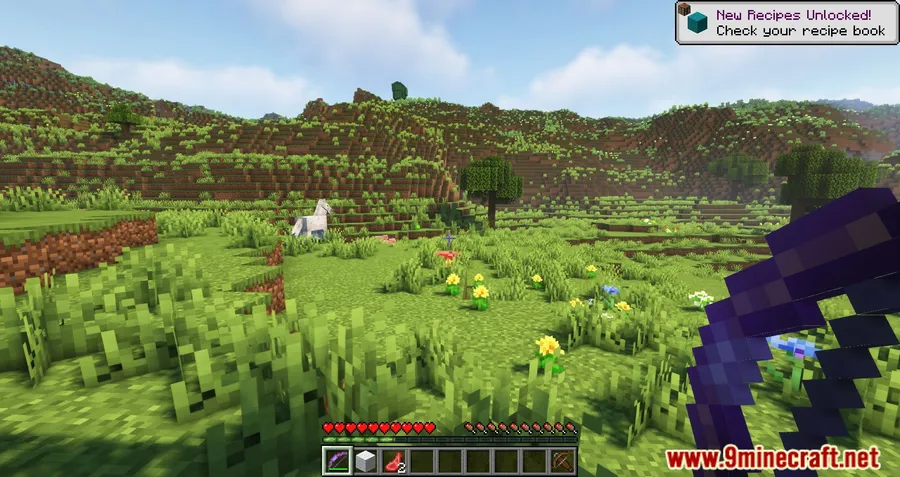
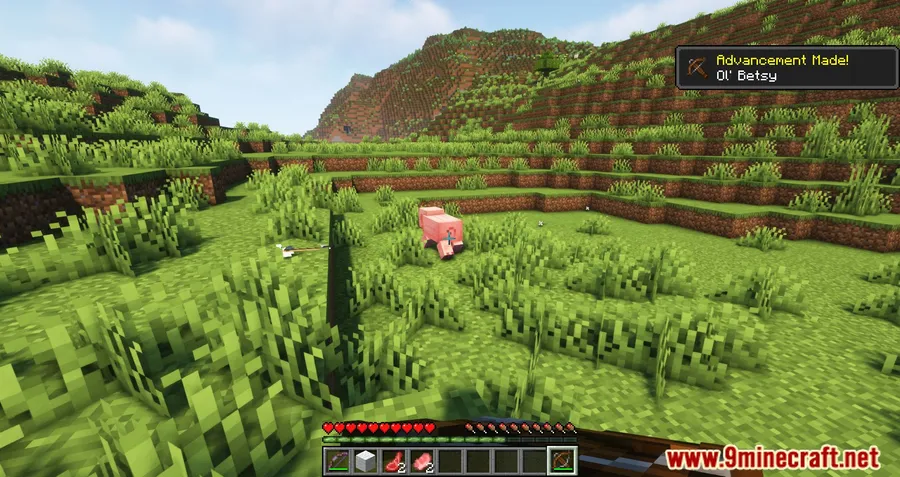
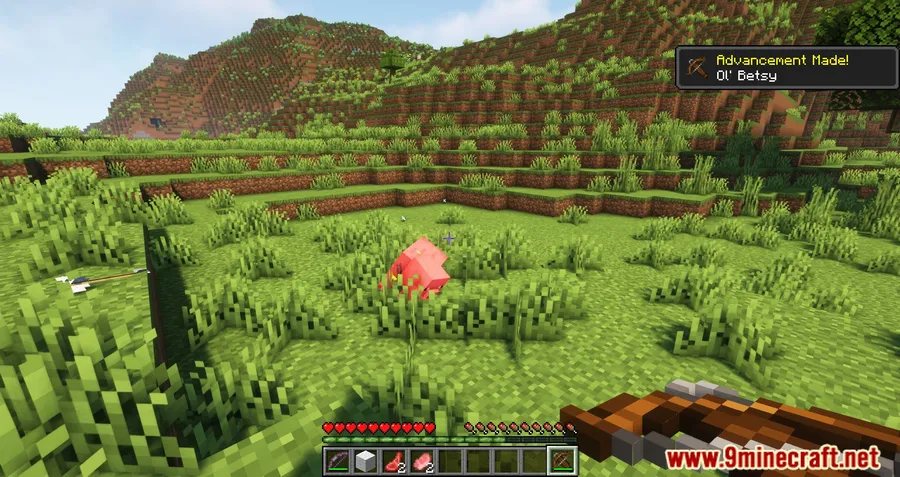
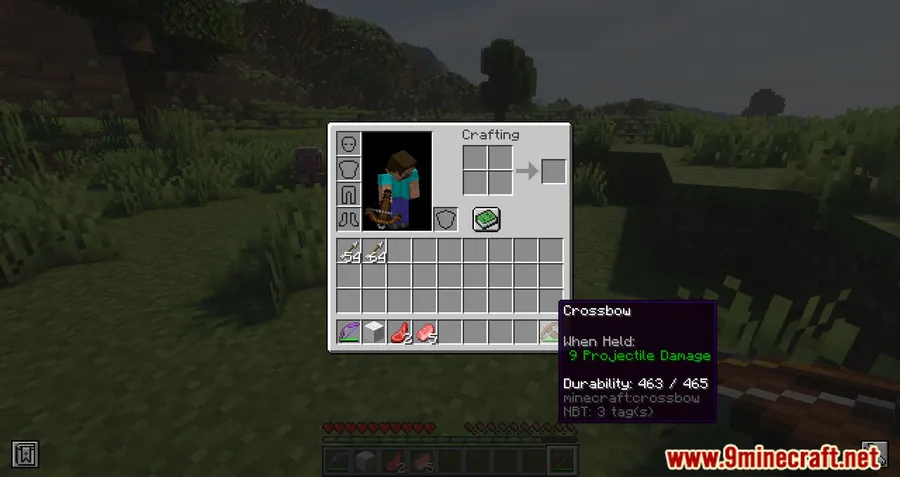
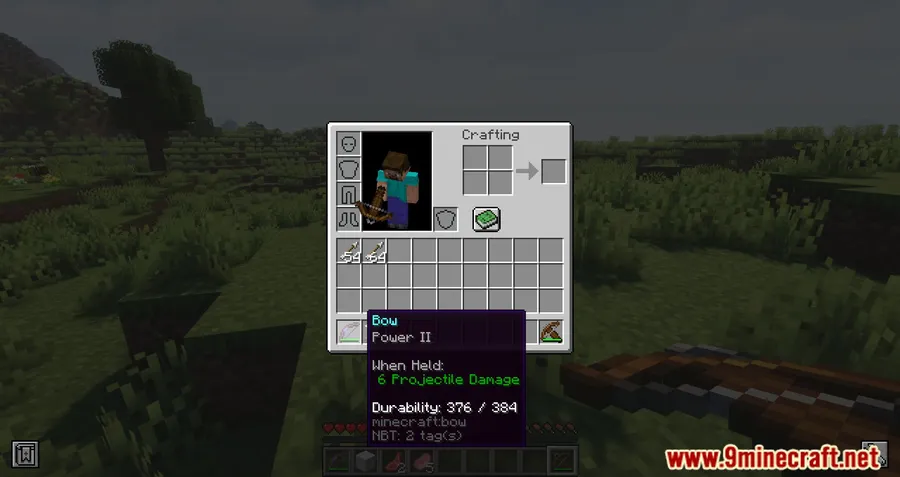
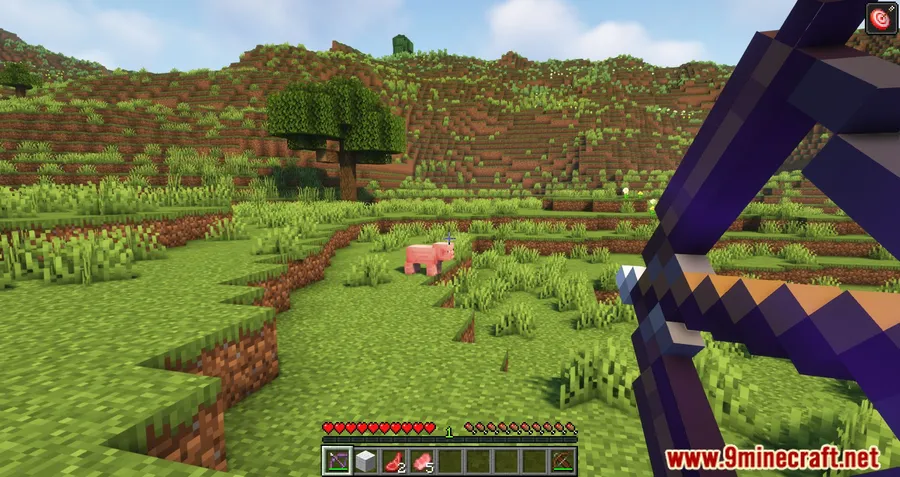
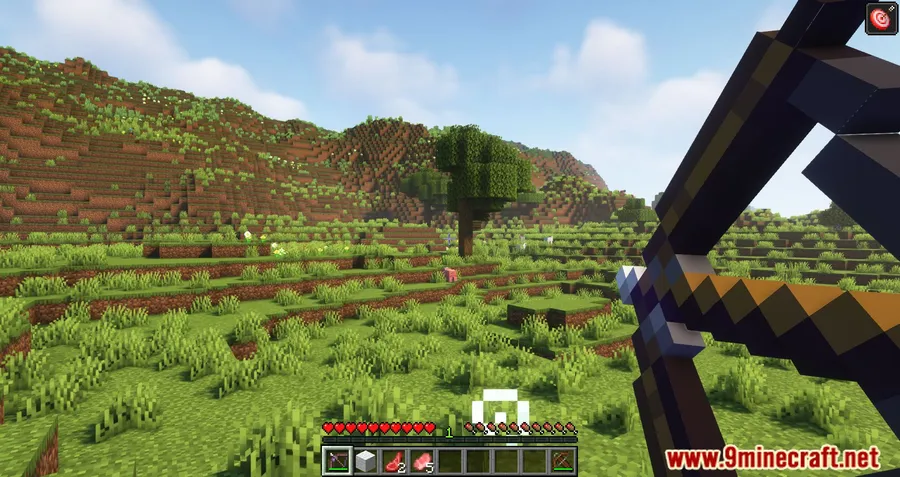
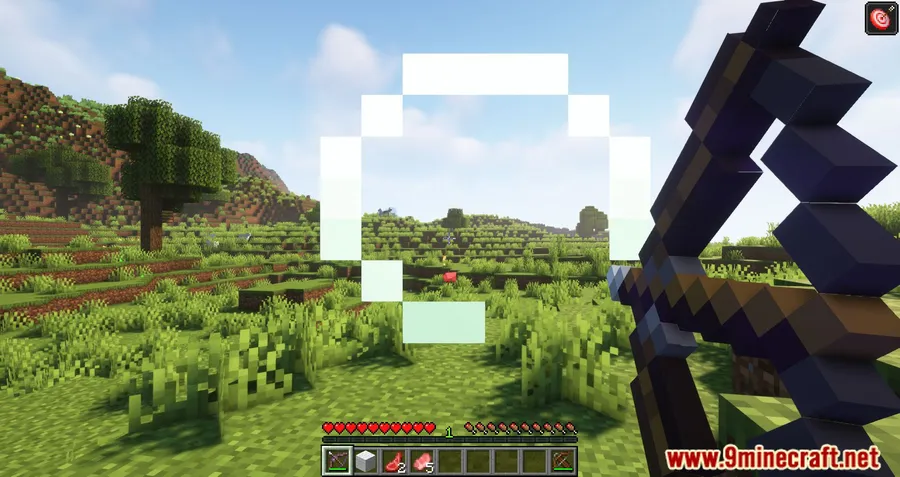
How to Install
- Download and install Minecraft Forge or Fabric (with Fabric API) for your Minecraft version.
- Download the Projectile Damage Attribute Mod file matching your loader and game version.
- Place the downloaded
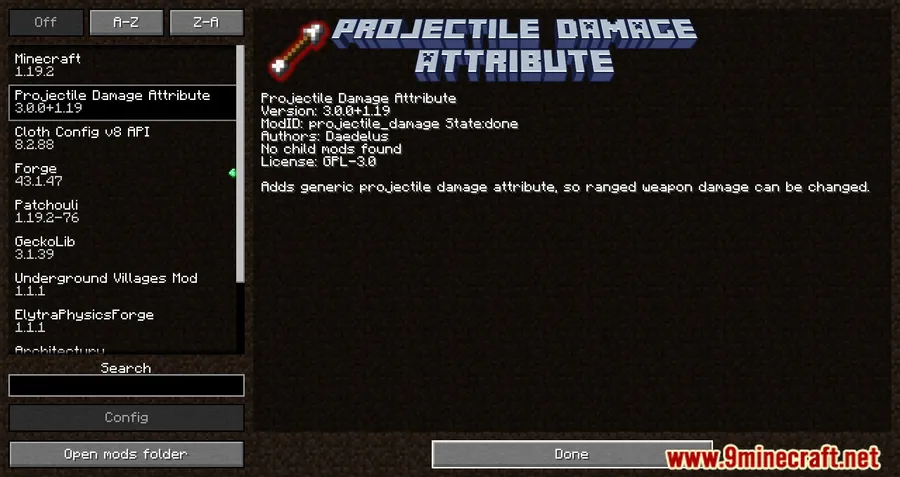
.jarfile into your.minecraft/modsfolder. - Launch Minecraft with your Forge or Fabric profile and verify the mod appears in the mod list.
Requirements
| Mod Loader | Dependencies | Minecraft Versions |
|---|---|---|
| Forge, Fabric | Minecraft Forge or Fabric API | 1.20.2, 1.19.4, 1.19.3, 1.19.2, 1.19.1, 1.19, 1.18.2 |
Pros & Cons
Pros
- Gives granular control over projectile damage that vanilla Minecraft completely lacks
- Works on both Forge and Fabric across a wide range of versions
- Config file lets server admins rebalance ranged weapons without any commands
- The Impact effect adds a new layer of gameplay for adventure maps and RPG modpacks
- Modder API encourages compatibility with other weapon mods
Cons
- Adjusting per-item attributes requires an NBT editor like IBE, which has a learning curve
- No built-in GUI for players — configuration relies on commands and config files
- Limited to versions up to 1.20.2 — no support for newer Minecraft releases yet
Download
Always download mods from official sources to stay safe.
What's New
- Version 3.2.3 focuses on improved compatibility with other mods.
- Better interoperability means fewer conflicts in large modpacks.
- The update was released on April 10, 2024 as a maintenance patch.
FAQ
How do I change projectile damage for a specific weapon?
Hold the weapon in your hand, open the IBE editor (press I), navigate to attribute modifiers, click add, and select projectile_damage:generic from the list. Set your desired damage value and save.
Can I change projectile damage with a command?
Yes. Use the command /attribute @s projectile_damage:generic base set 10 to set your projectile damage to 10. Replace @s with a player name to target someone else.
What does the Impact effect do and how do I apply it?
The Impact effect increases all projectile damage dealt by the affected entity. You can apply it with /effect give @p projectile_damage:impact 30 4, where 30 is the duration in seconds and 4 is the amplifier level.




![[Let's Do] Meadow Mod (1.21.1) - thumbnail](http://mcinside.com/wp-content/uploads/2026/04/thumbnail-64-52x52.webp)


![Not Enough Recipe Book [NERB] Mod (1.21.11) - thumbnail](http://mcinside.com/wp-content/uploads/2026/04/thumbnail-63-52x52.webp)

