
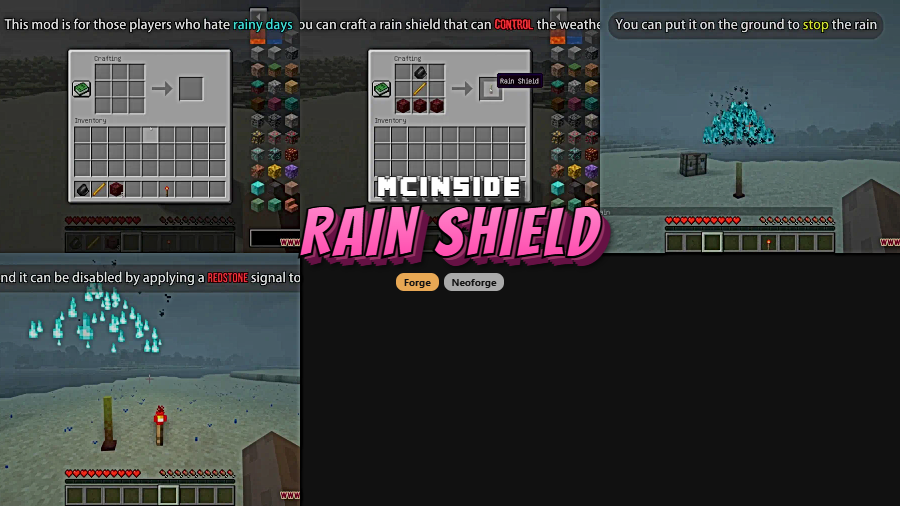
Tired of rain ruining your builds, your screenshots, or just your mood? Rain Shield Mod introduces a single, purpose-built block that suppresses rain rendering within a configurable radius — 80 blocks by default. Place it down, and the sky clears up around you. Need the rain back? Just power the block with a redstone signal to toggle it off, giving you full control over when and where precipitation appears in your world.
Key Features
- Rain Shield Block — A placeable block that removes rain visuals in a large area around it, keeping your builds dry and your framerate smooth during storms.
- Configurable Radius — The default 80-block radius can be adjusted to cover smaller bases or sprawling mega-builds, depending on your needs.
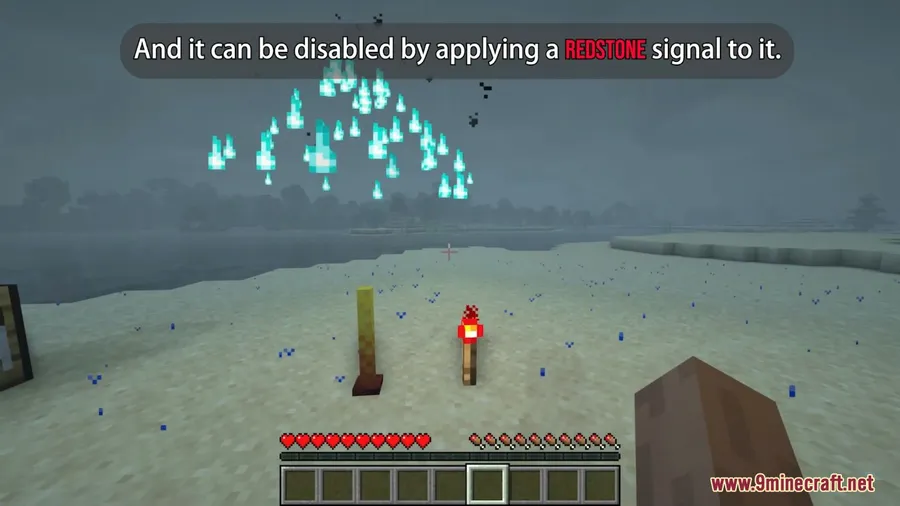
- Redstone Control — Apply a redstone signal to the Rain Shield to disable it, allowing you to integrate rain toggling into redstone contraptions, weather machines, or automated systems.
- Forge & NeoForge Support — Available for both Forge and NeoForge mod loaders, covering a wide range of Minecraft versions from 1.18.2 through 1.19.4.
Screenshots
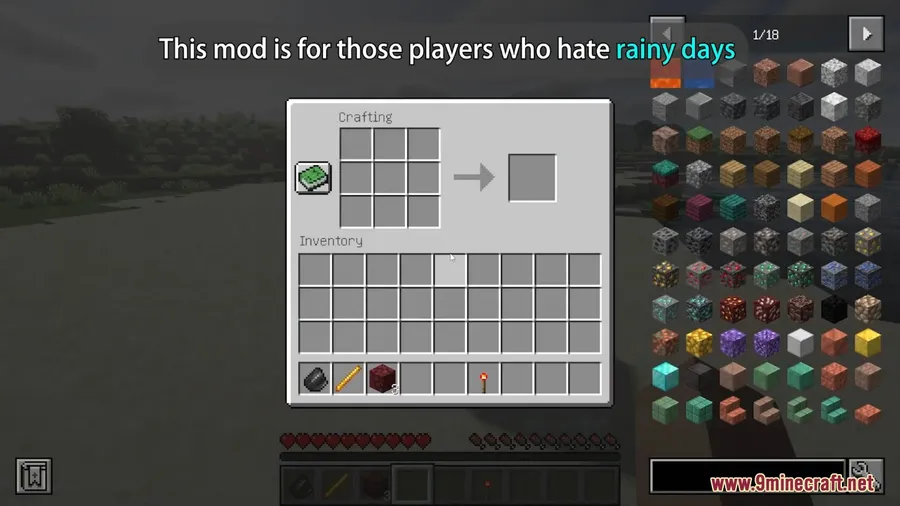
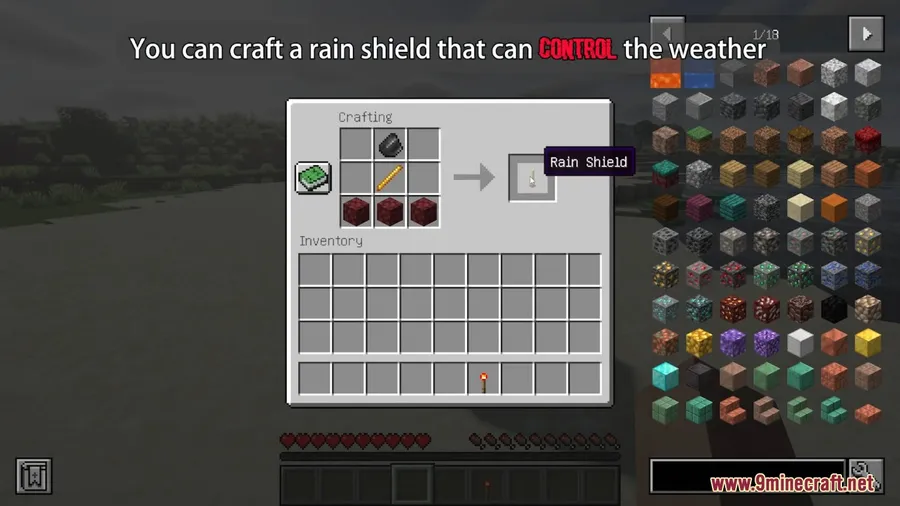
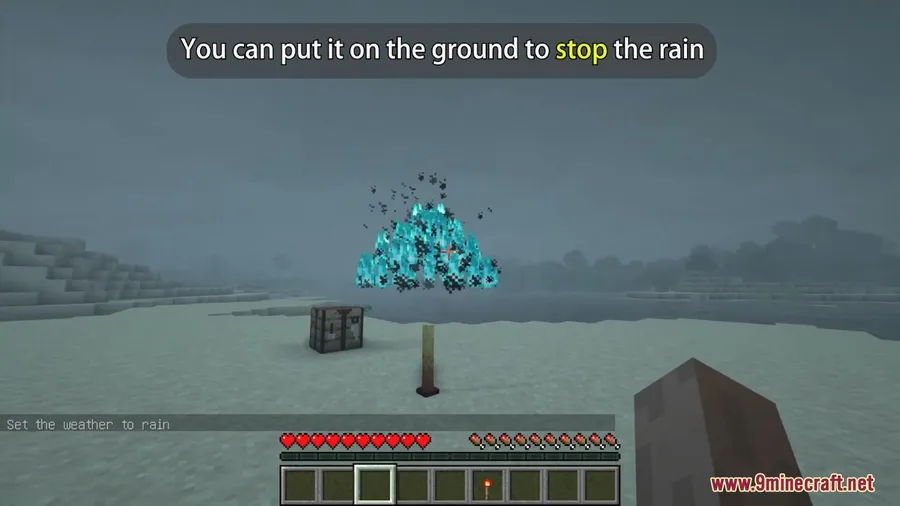
How to Install
- Download and install Minecraft Forge or NeoForge for your Minecraft version.
- Download Rain Shield Mod from the link below, making sure the file matches your Minecraft and loader version.
- Place the downloaded
.jarfile into your.minecraft/modsfolder. - Launch Minecraft with your Forge or NeoForge profile and enjoy rain-free builds.
Requirements
| Mod Loader | Dependencies | Minecraft Versions |
|---|---|---|
| Forge, NeoForge | Minecraft Forge | 1.19.4, 1.19.3, 1.19.2, 1.19.1, 1.19, 1.18.2 |
Pros & Cons
Pros
- Dead simple to use — one block solves the entire rain problem
- Configurable radius fits both small and large builds
- Redstone integration adds creative automation possibilities
- Appears to be lightweight with a focused, single-purpose design
Cons
- Only suppresses rain visuals — does not affect weather mechanics like crop growth or mob spawning
- Limited to Forge and NeoForge; no Fabric support available
- Version support stops at 1.19.4 — no builds for 1.20+ at this time
Download
Always download mods from official sources to stay safe.
FAQ
Does Rain Shield Mod stop rain completely or just hide it?
The Rain Shield block stops rain from displaying within its radius. It removes the visual rain effect around the block, but the underlying weather state in your world remains unchanged.
Can I turn the Rain Shield on and off with redstone?
Yes. Applying a redstone signal to the Rain Shield block disables it, allowing rain to appear again. Remove the signal and the shield reactivates, making it easy to wire into redstone circuits or lever toggles.
How do I change the Rain Shield radius?
The default radius is 80 blocks, but it can be adjusted through the mod's configuration file. You can find this file in your Minecraft config folder after launching the game with the mod installed for the first time.


![[Let's Do] Meadow Mod (1.21.1) - thumbnail](http://mcinside.com/wp-content/uploads/2026/04/thumbnail-64-52x52.webp)


![Not Enough Recipe Book [NERB] Mod (1.21.11) - thumbnail](http://mcinside.com/wp-content/uploads/2026/04/thumbnail-63-52x52.webp)


