

Reacharound Mod matters if block placement is what keeps interrupting your build flow. Instead of fighting awkward angles, it adds Bedrock-style placement behavior that lets you place blocks above, below, or around nearby surfaces more easily, with better slab handling and optional visual indicators. For builders and utility-focused players, that makes everyday bridging and tight-space placement more predictable without adding unnecessary complexity.
Key Features
- Extends placement options so blocks can be placed behind obstacles or in hard-to-reach spots, similar to Bedrock Edition mechanics.
- Supports placing blocks above and below existing surfaces without needing direct contact with the adjacent face.
- Improves slab placement behavior when bridging or stacking vertically.
- Includes three indicator styles: Default, Quark, and Custom for clearer placement feedback.
Screenshots


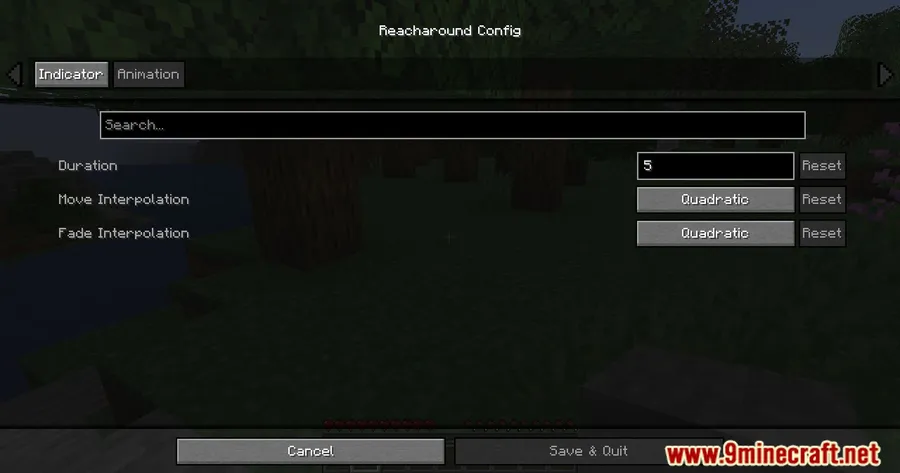
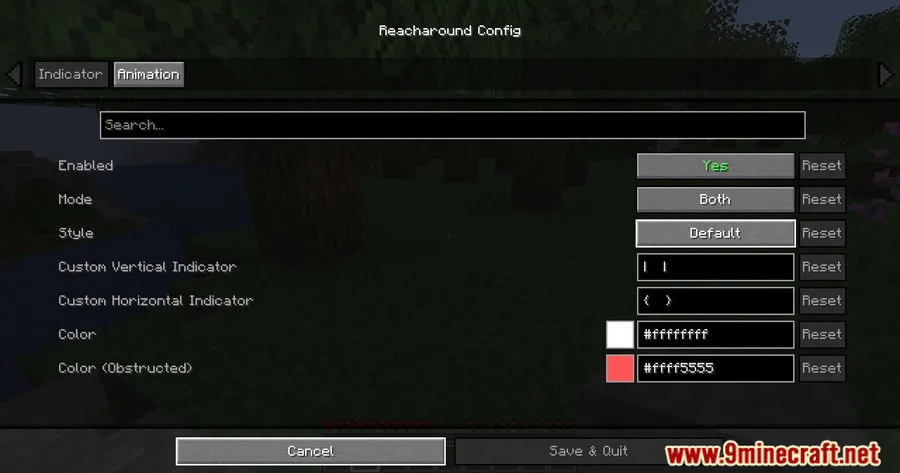
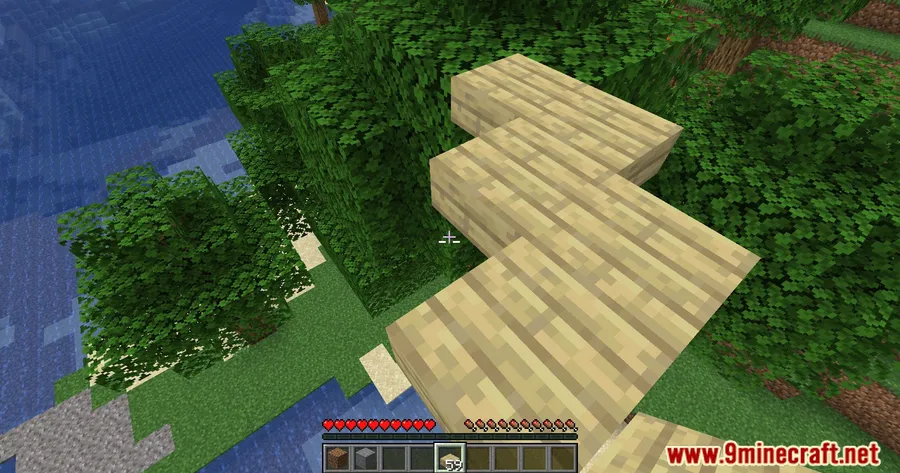
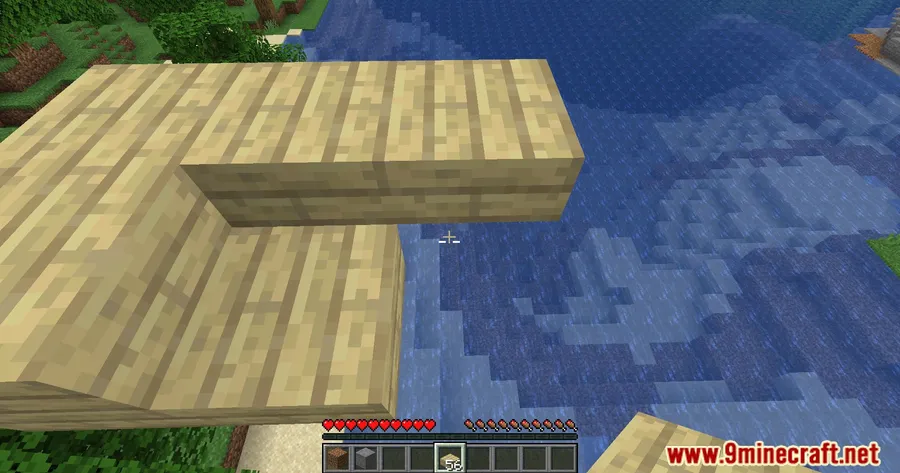
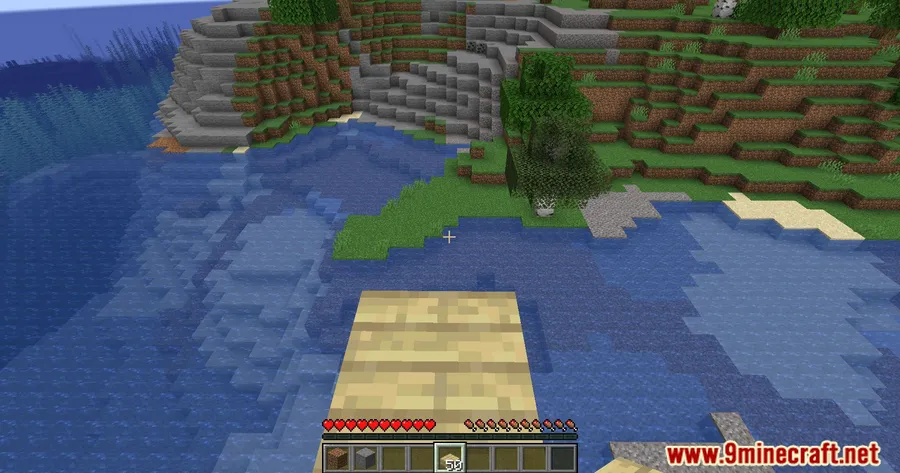
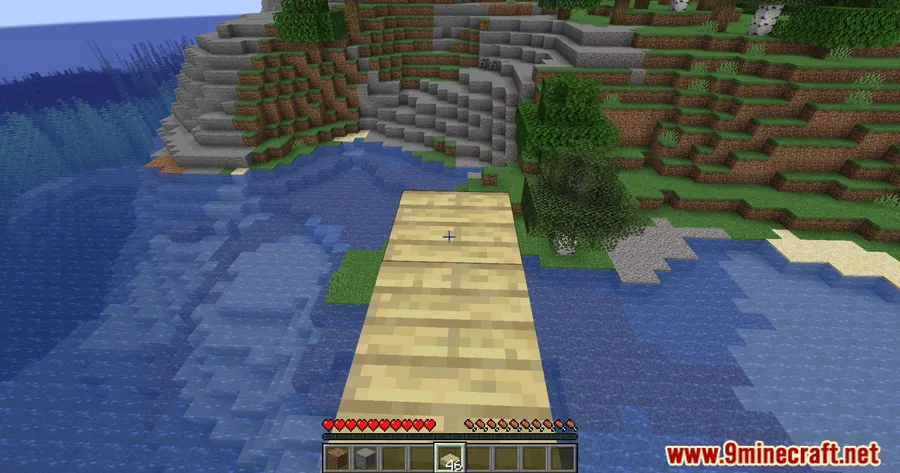
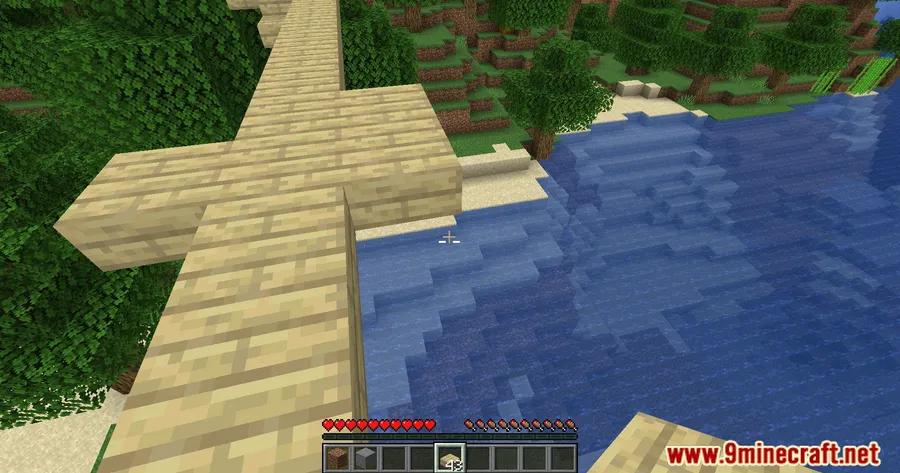
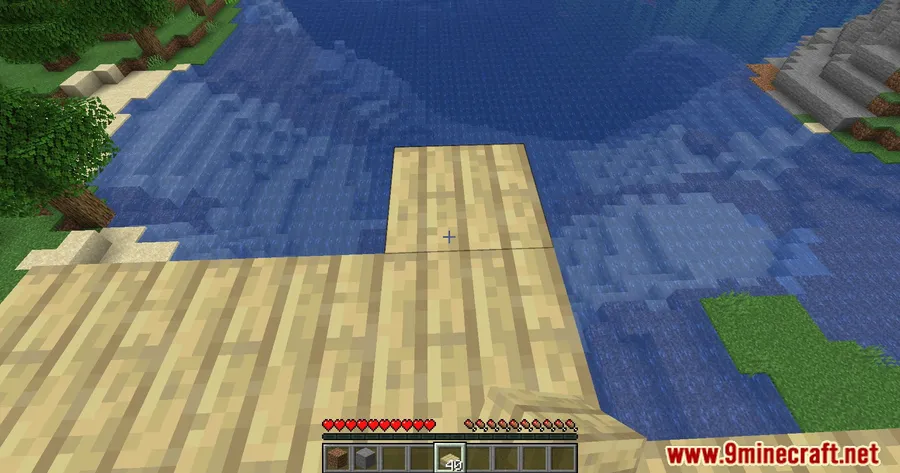
How to Install
- Install either Fabric Mod Loader or Quilt Loader for your Minecraft version.
- Install Fabric API, which is listed as a required dependency.
- Download the correct Reacharound Mod file for your Minecraft version.
- Place the mod file in your
modsfolder and start the game.
Requirements
| Requirement | Details |
|---|---|
| Mod Loader | Fabric, Quilt |
| Dependencies | Fabric Modloader, Quilt Loader, Fabric API |
| Minecraft Version | 1.21.11, 1.21.10, 1.21.8, 1.21.7, 1.21.6, 1.21.5, 1.21.4, 1.21.3, 1.21.1, 1.21, 1.20.6, 1.20.5, 1.20.4, 1.20.2, 1.20.1, 1.20, 1.19.4, 1.19.3, 1.19.2, 1.19.1, 1.19, 1.18.2, 1.18.1 |
Pros & Cons
Pros
- Solves a practical building problem with more flexible block placement.
- Useful for bridging, vertical placement, and tight build spaces.
- Includes multiple indicator types for clearer placement visualization.
- Supports a wide range of Minecraft versions across Fabric and Quilt.
Cons
- Limited to Fabric and Quilt setups.
- Requires Fabric API as an extra dependency.
- Focused specifically on placement utility, not a broader building overhaul.
Download
Always download mods from official sources to stay safe.
What's New
- Latest listed update date: 2026-01-01.
- Added a 3D Outline Thickness option.
- Project published on 2022-07-21.
- Modrinth downloads listed: 3,531,401.
FAQ
What does Reacharound Mod actually change in Minecraft?
It changes how block placement works in awkward spots, letting you place blocks above, below, or around nearby surfaces more easily, with support for better slab placement and visual placement indicators.
Does Reacharound Mod work with Fabric or Quilt?
Yes. The listed mod types are Fabric and Quilt, and the requirements include Fabric Modloader, Quilt Loader, and Fabric API.
Which Minecraft versions are supported by Reacharound Mod?
The listed supported versions range from Minecraft 1.18.1 up to 1.21.11, including 1.20.1, 1.20.6, 1.21, and several intermediate releases.




![[Let's Do] Candlelight - Farm&Charm compat Mod (1.21.1) - thumbnail](http://mcinside.com/wp-content/uploads/2026/04/thumbnail-81-52x52.webp)


![[Let's Do] Meadow Mod (1.21.1) - thumbnail](http://mcinside.com/wp-content/uploads/2026/04/thumbnail-64-52x52.webp)


![Not Enough Recipe Book [NERB] Mod (1.21.11) - thumbnail](http://mcinside.com/wp-content/uploads/2026/04/thumbnail-63-52x52.webp)