

Building massive structures in Minecraft often means constantly restocking your hotbar with blocks — a tedious loop that breaks your creative flow. Refined Construction Sticks Mod solves this by bridging two popular mods together: it lets your Construction Stick pull blocks directly from a Refined Storage network, so you can build wirelessly without carrying a single material in your inventory. If you already rely on Refined Storage for organization, this add-on turns your Construction Stick into a truly hands-free building tool.
Key Features
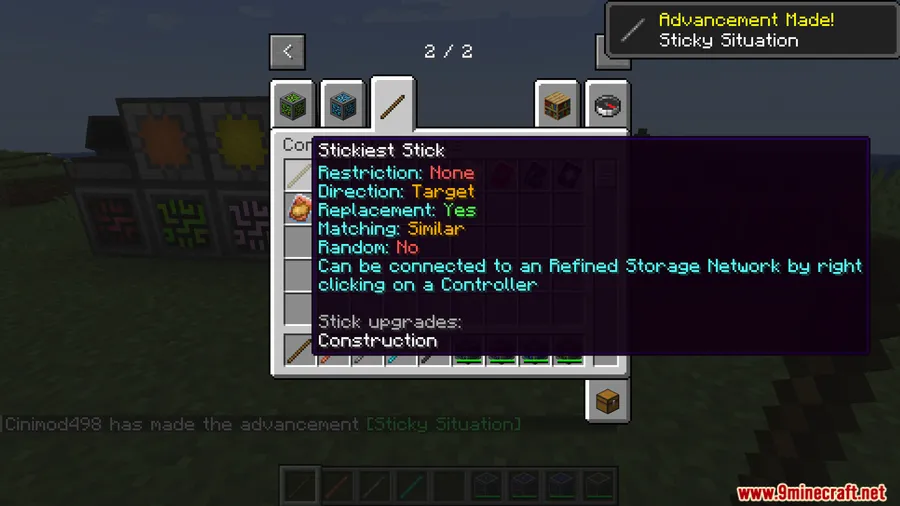
- Wireless block access — Connect your Construction Stick to any Refined Storage controller with a simple right-click, then build using every block stored in your network without touching your inventory.
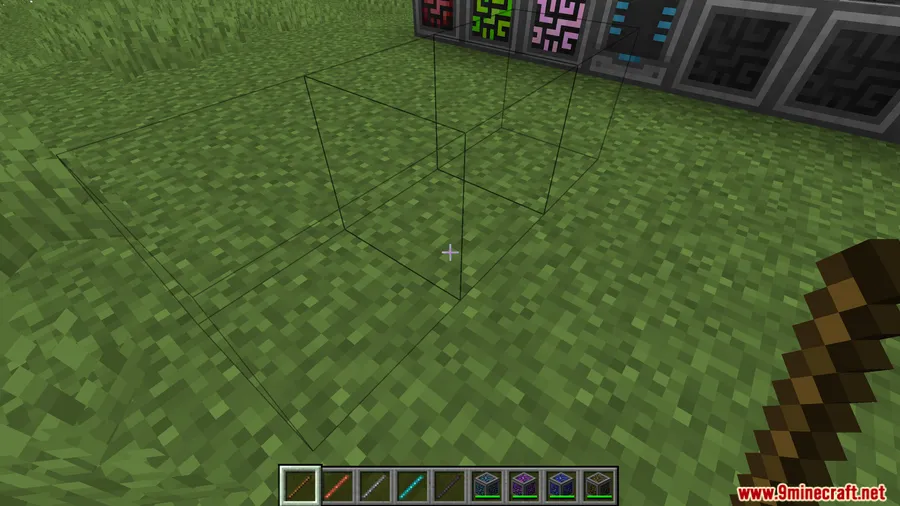
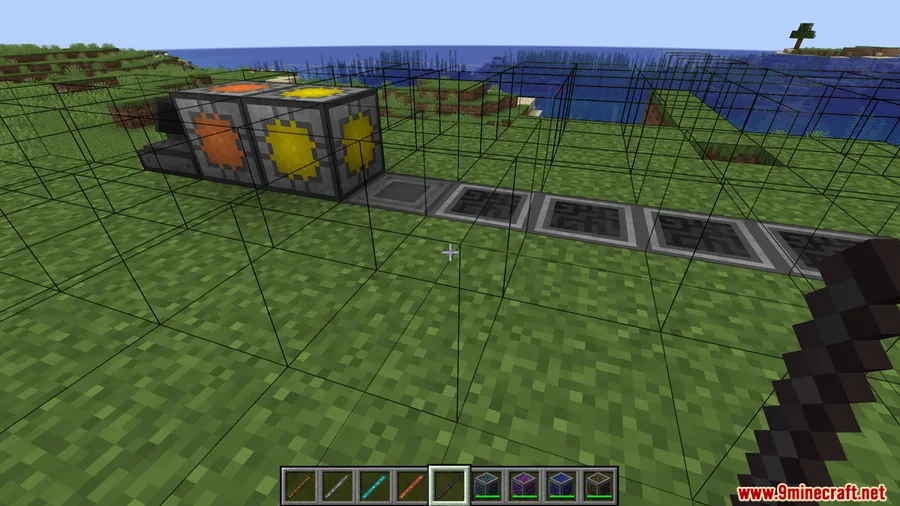
- Visual feedback — Placement lines turn blue when blocks are being pulled from your Refined Storage network, giving you a clear indicator of which source your stick is using.
- Streamlined large builds — No more inventory management mid-project. Access your entire block collection on the fly, making large-scale construction significantly faster.
- Zero extra configuration — Once connected to a controller, it just works. No GUIs to configure, no cables to run — right-click and start building.
Screenshots


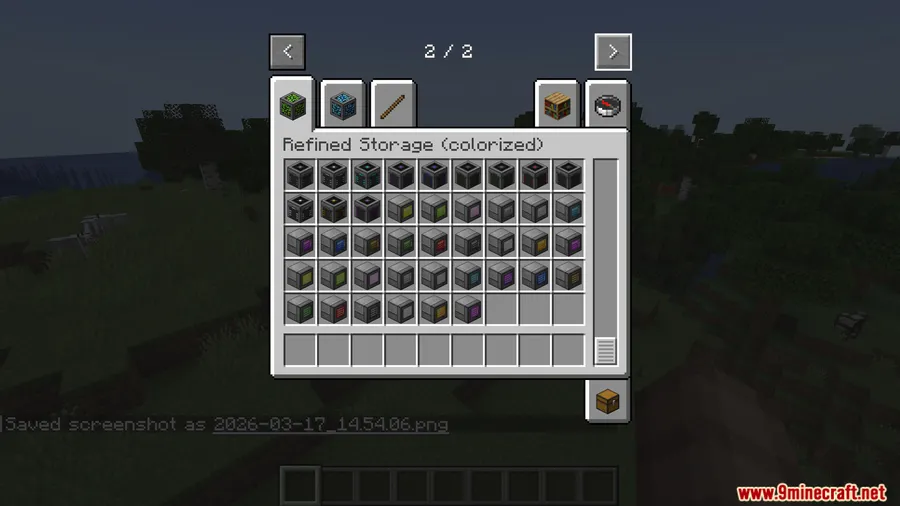
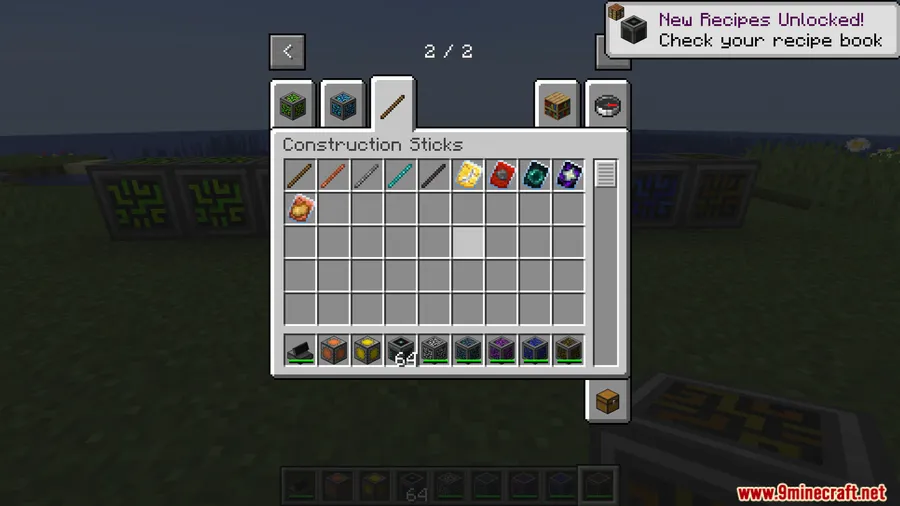
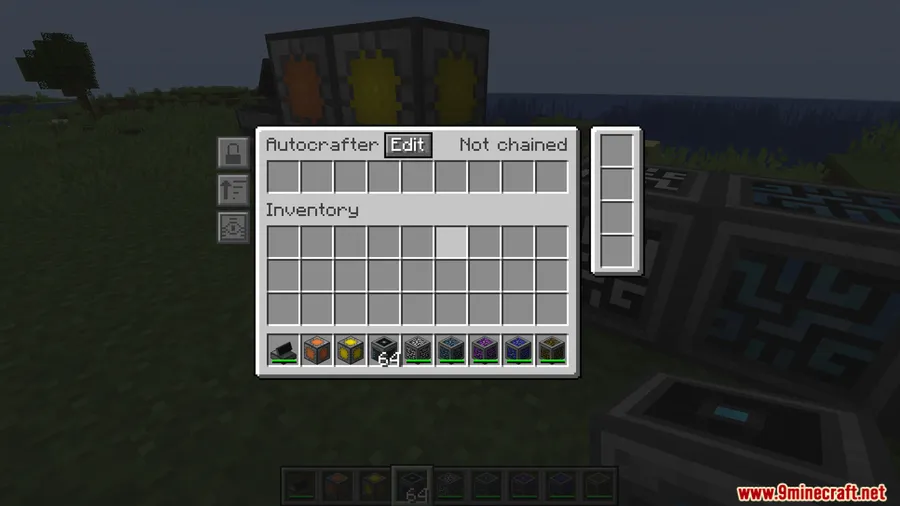
How to Install
- Download and install NeoForge for Minecraft 1.21.1 or 1.21.
- Install both Construction Sticks and Refined Storage mods into your
modsfolder. - Download Refined Construction Sticks Mod and place the
.jarfile into the samemodsfolder. - Launch Minecraft with your NeoForge profile, then right-click a Refined Storage controller with a Construction Stick to connect.
Requirements
| Requirement | Details |
|---|---|
| Mod Loader | NeoForge |
| Dependencies | Construction Sticks Mod, Refined Storage Mod |
| Minecraft Version | 1.21.1, 1.21 |
Pros & Cons
Pros
- Eliminates the need to carry building materials in your inventory
- Simple one-click setup — just right-click a controller to connect
- Clear blue visual indicator so you always know when network blocks are in use
- Makes large building projects dramatically more efficient
Cons
- Requires both Construction Sticks and Refined Storage — not a standalone mod
- Only available for NeoForge, no Fabric or Forge support
- Limited to Minecraft 1.21–1.21.1 at this time
Download
Always download mods from official sources to stay safe.
FAQ
How do I connect my Construction Stick to Refined Storage?
Simply right-click a Refined Storage controller while holding your Construction Stick. Once connected, the stick will automatically pull blocks from your storage network instead of your inventory.
How do I know if my Construction Stick is using blocks from the network?
The placement guide lines turn blue when your Construction Stick is pulling blocks from your Refined Storage network, giving you a clear visual distinction from normal inventory-based building.
Can I use Refined Construction Sticks with Fabric or Forge?
No, this mod currently requires NeoForge. Both of its dependencies — Construction Sticks and Refined Storage — must also be installed on NeoForge for Minecraft 1.21.1 or 1.21.

![[EMF] Entity Model Features Mod (1.21.11) – OptiFine Alternative](http://mcinside.com/wp-content/uploads/2026/03/thumbnail-2237-300x169.webp)


![[Let's Do] Candlelight - Farm&Charm compat Mod (1.21.1) - thumbnail](http://mcinside.com/wp-content/uploads/2026/04/thumbnail-81-52x52.webp)


![[Let's Do] Meadow Mod (1.21.1) - thumbnail](http://mcinside.com/wp-content/uploads/2026/04/thumbnail-64-52x52.webp)


![Not Enough Recipe Book [NERB] Mod (1.21.11) - thumbnail](http://mcinside.com/wp-content/uploads/2026/04/thumbnail-63-52x52.webp)