
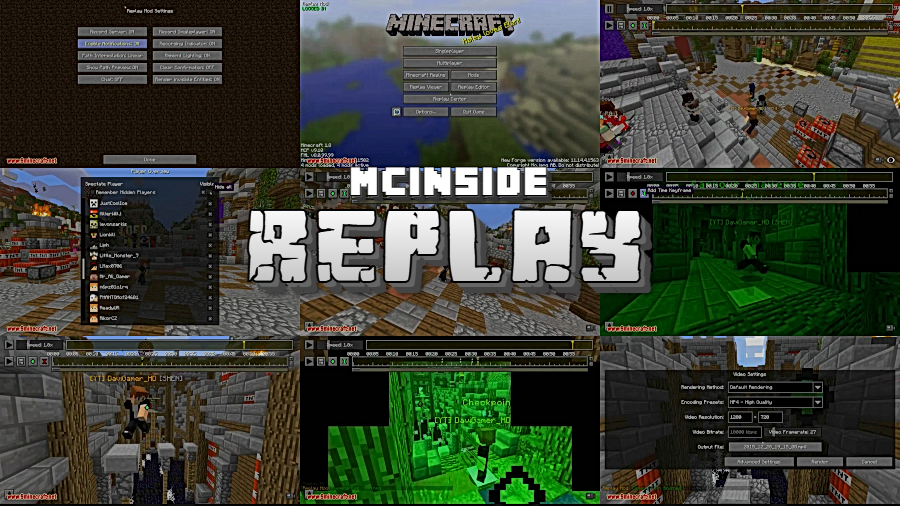
Ever wished you could rewind that epic clutch play or capture a cinematic flyover of your latest build? Replay Mod makes that effortless — it records your entire Minecraft session in the background, then lets you scrub through the timeline, set up smooth camera paths, and render polished videos without ever leaving the game. With replay files averaging under 10 MB per hour of gameplay, it's one of the most storage-friendly recording solutions available for Minecraft.
Key Features
- Lightweight Background Recording — Sessions are saved in a compact format, with an average one-hour recording taking up less than 10 megabytes of disk space.
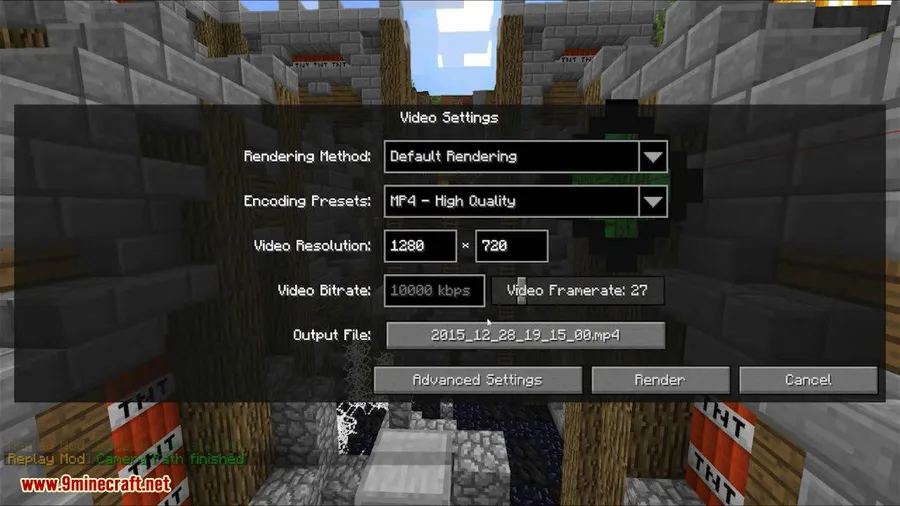
- Built-in Video Renderer — Export finished clips directly from Minecraft. No need for OBS, Adobe Premiere, or any other external screen-recording or editing software.
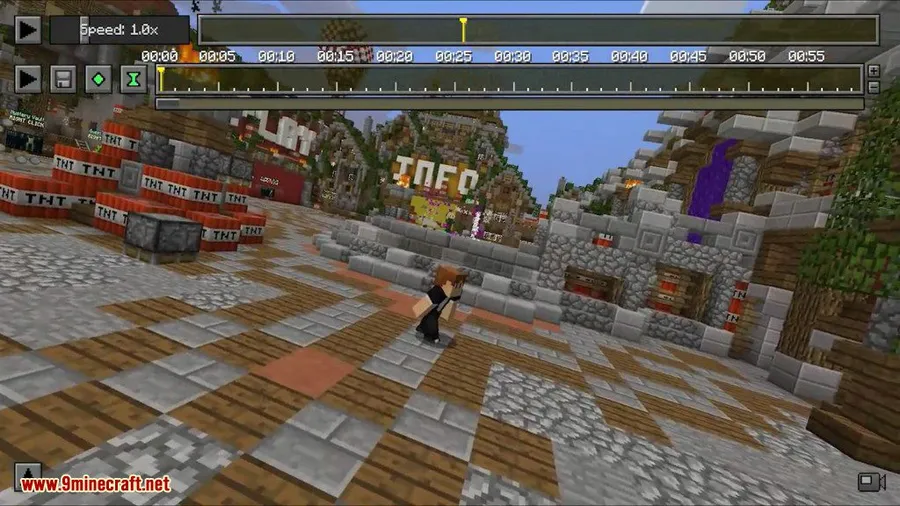
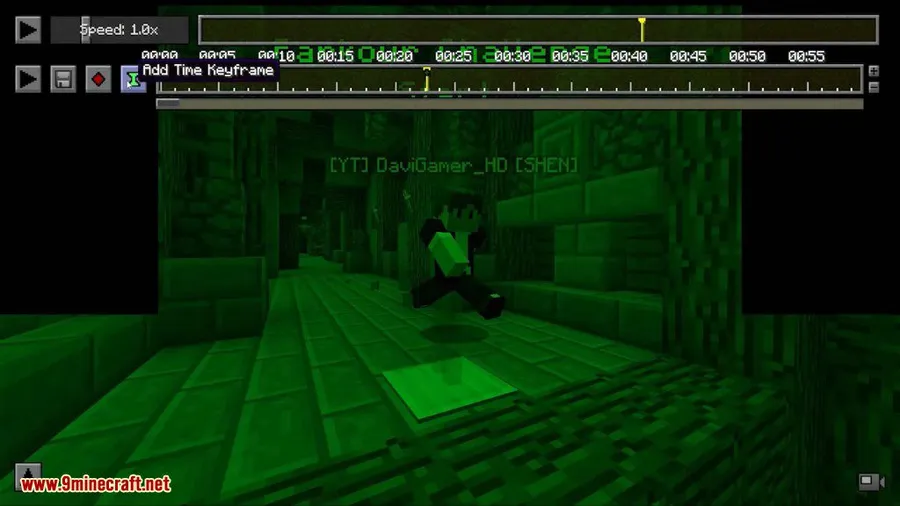
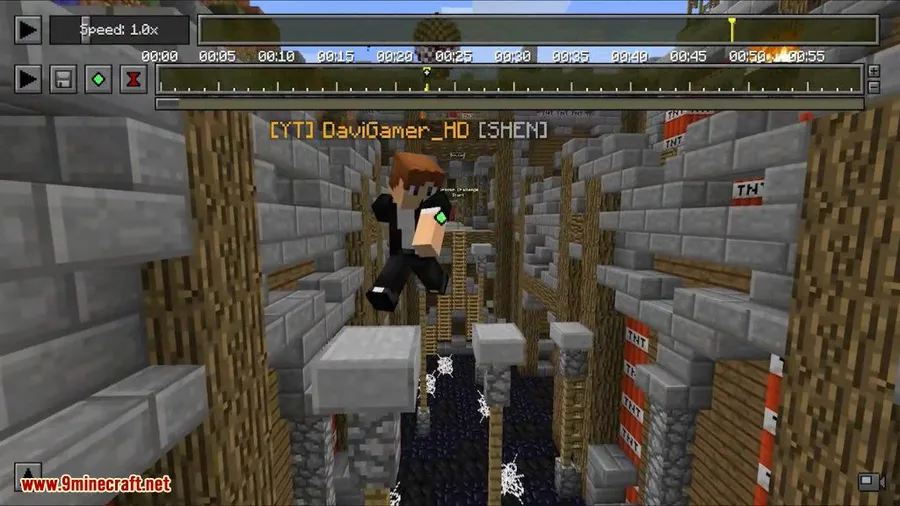
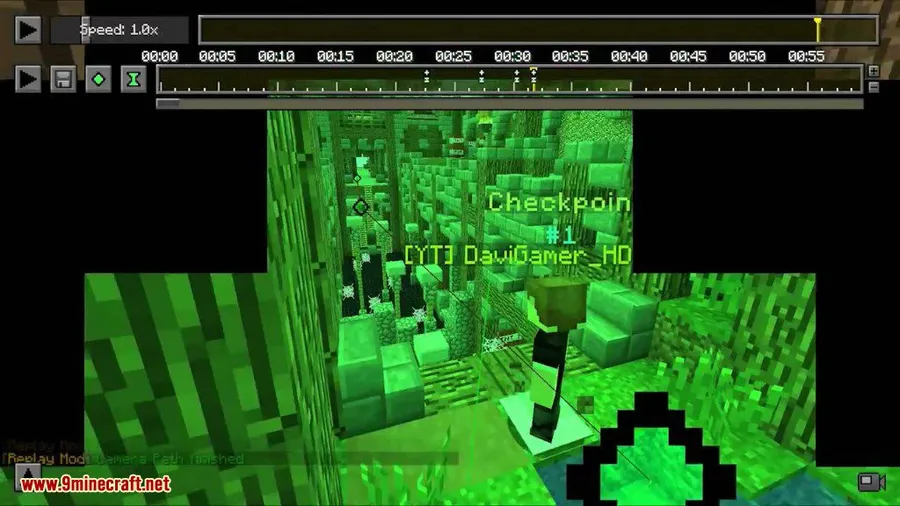
- Intuitive Camera Path Editor — Design smooth cinematic camera movements through a simple user interface, making professional-looking footage accessible to everyone.
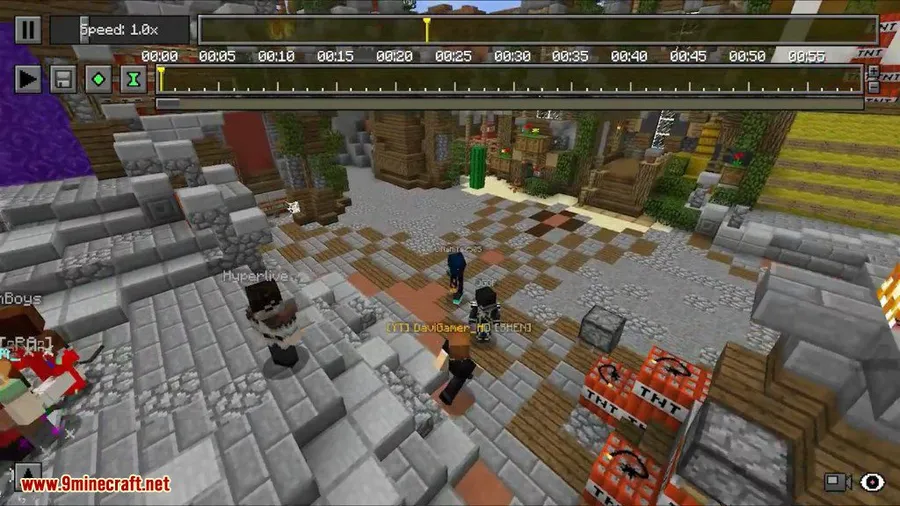
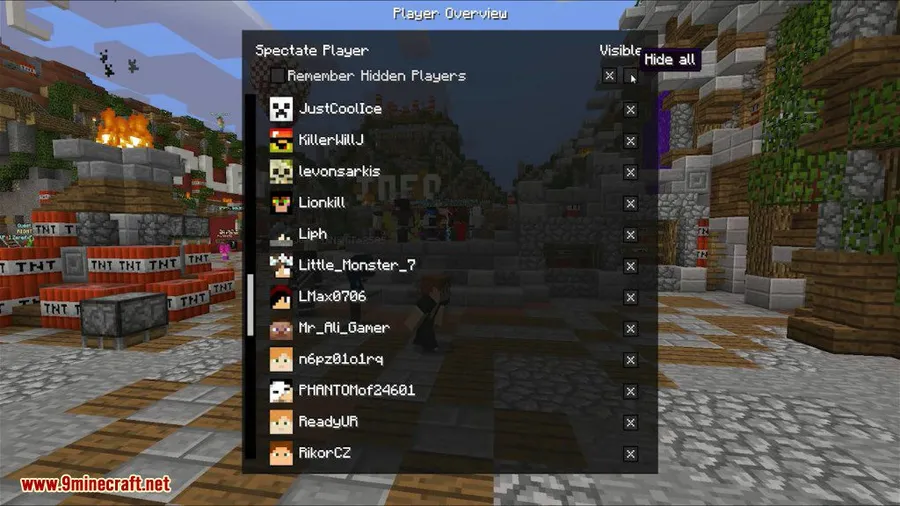
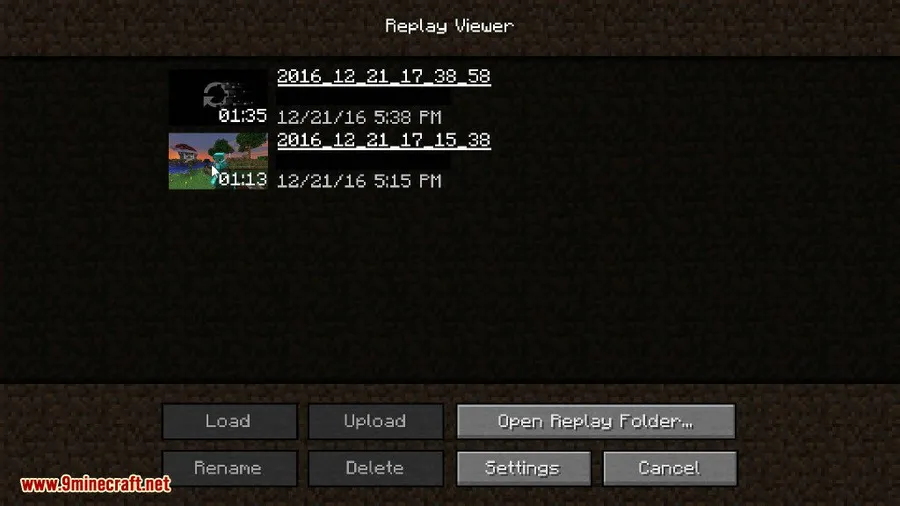
- Full Session Replay — Scrub forward and backward through your recorded gameplay, pause at any moment, and view the action from any angle you choose.
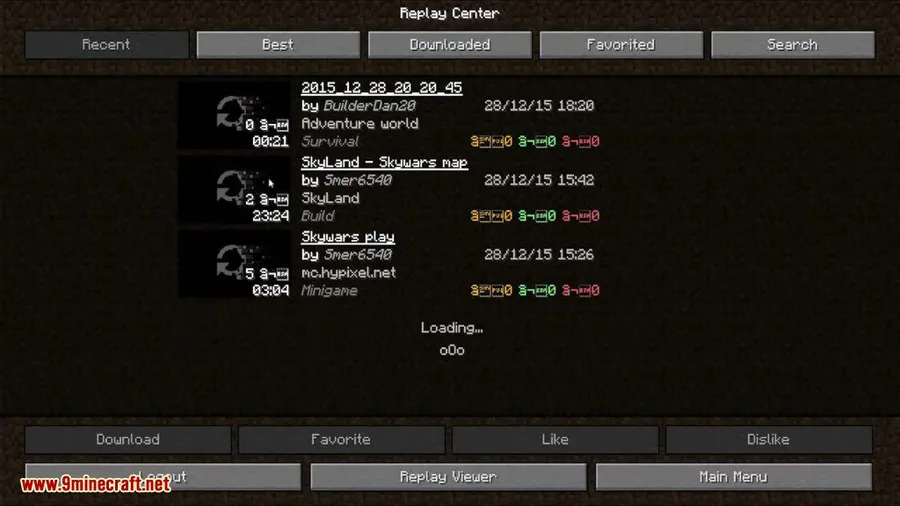
- Community Sharing — Replay files can be shared with other players, letting them view your moments from their own perspective.
- Wide Version Support — Compatible with Minecraft versions ranging from 1.7.10 through 1.21.11, covering both Forge and Fabric mod loaders.
Screenshots
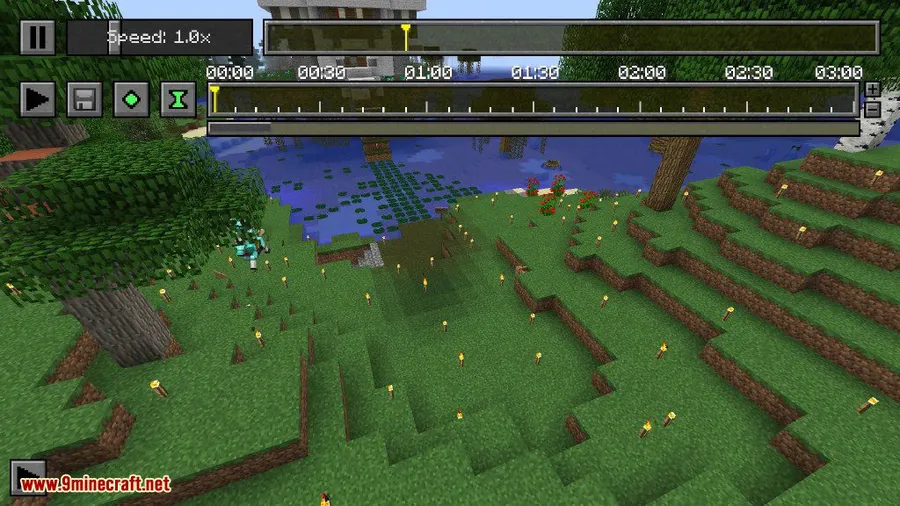
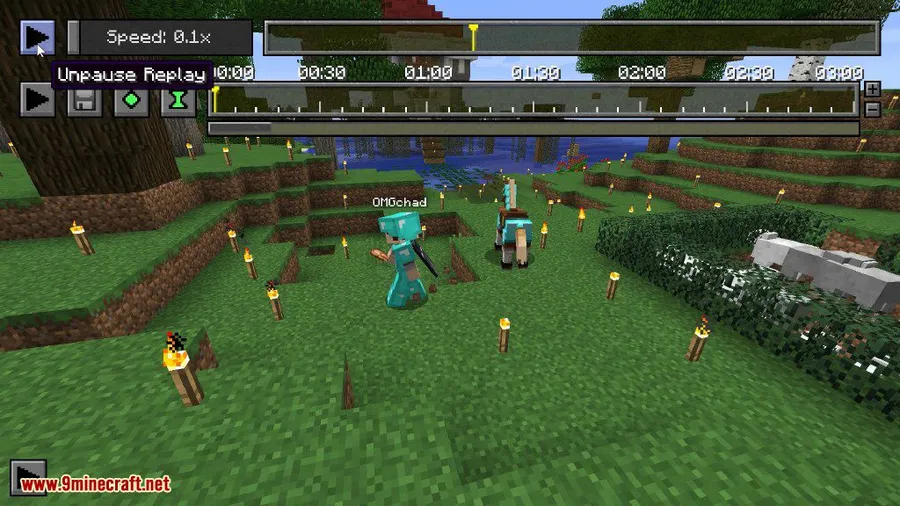
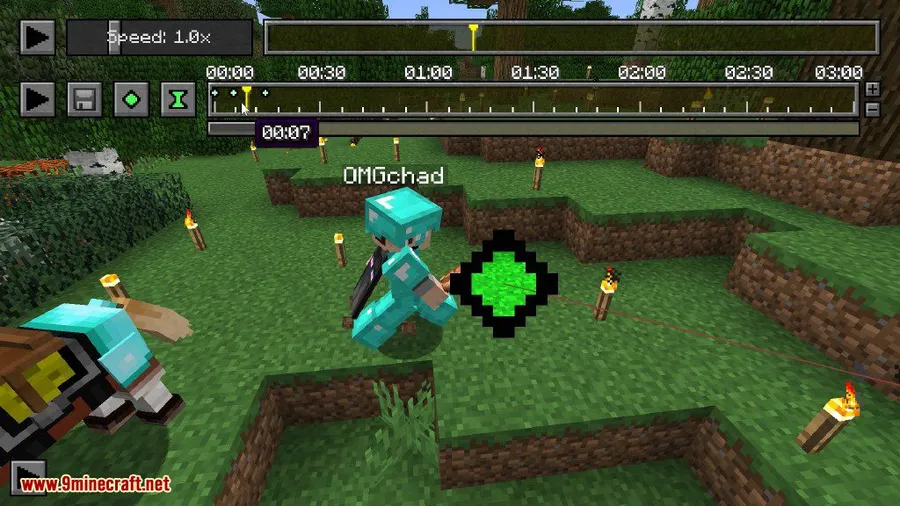
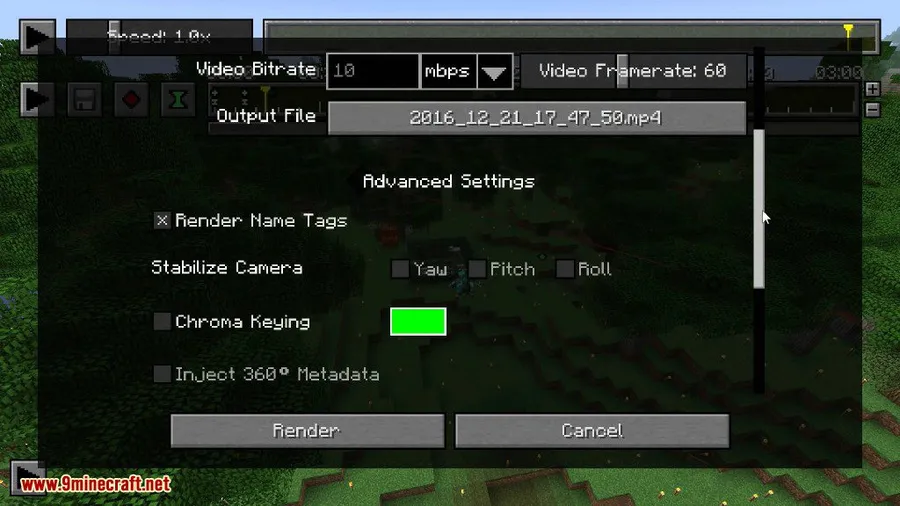
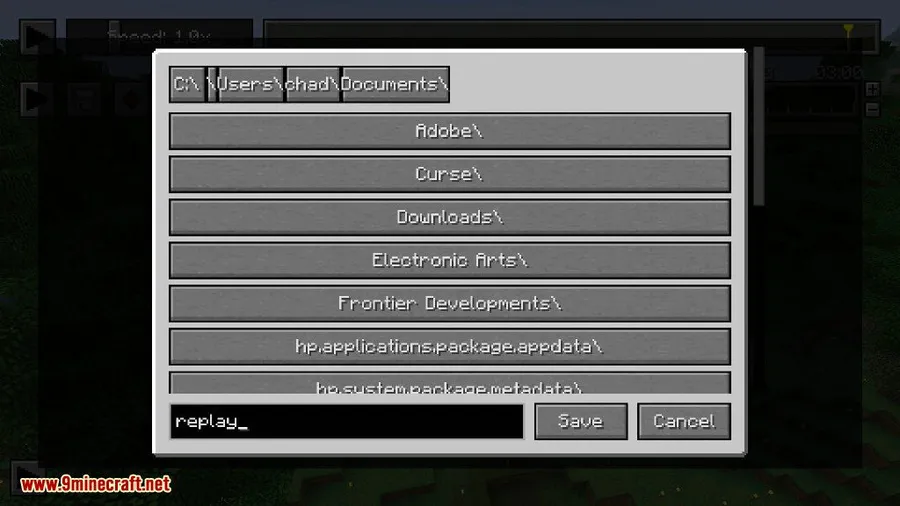
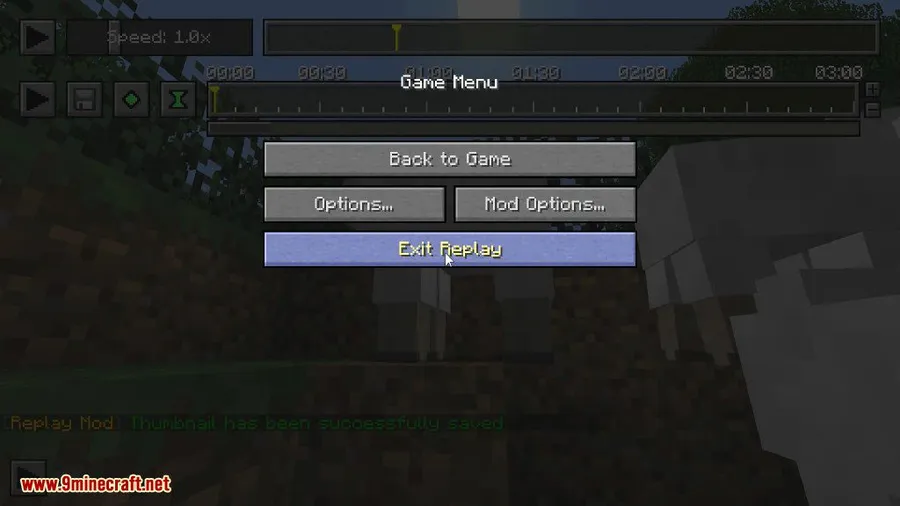
How to Install
- Install either Minecraft Forge (for 1.12.2 and older) or Fabric Loader + Fabric API (for 1.14 and newer) matching your Minecraft version.
- Download the correct Replay Mod file for your Minecraft version from the link below.
- Place the downloaded
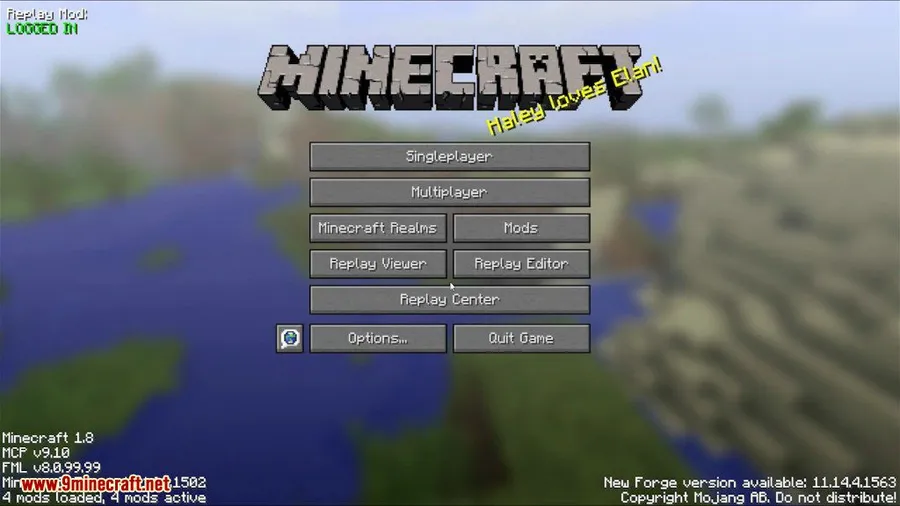
.jarfile into your.minecraft/modsfolder. - Launch Minecraft with the corresponding Forge or Fabric profile and look for the Replay button on the main menu.
Requirements
| Requirement | Details |
|---|---|
| Mod Loader | Minecraft Forge (1.12.2 and below) or Fabric Loader (1.14+) |
| Dependencies | Fabric API (required for Fabric versions); Sodium Mod (optional, for improved rendering performance) |
| Minecraft Version | 1.7.10 – 1.21.11 |
Pros & Cons
Pros
- Extremely small file sizes — under 10 MB for a full hour of recording
- No external software needed to produce edited videos
- Simple camera path system that beginners can pick up quickly
- Supports a huge range of Minecraft versions on both Forge and Fabric
- Replay files can be shared with the community
Cons
- Fabric versions require both Fabric API and Fabric Loader installed separately
- Forge support appears limited to older Minecraft versions (1.12.2 and below)
- Learning the camera path editor may take some practice for complex cinematic shots
Download
Always download mods from official sources to stay safe.
FAQ
Does Replay Mod work with Fabric and Forge?
Yes. Older Minecraft versions (1.12.2 and below) use the Forge version, while Minecraft 1.14 and newer use the Fabric version along with Fabric API.
How much storage space do replay files use?
Replay files are very lightweight. According to the developer, an average one-hour recording is less than 10 megabytes in size.
Do I need extra software to edit and export videos?
No. Replay Mod includes a built-in video renderer and camera path editor, so you can create and export finished clips entirely within Minecraft.


![[Let's Do] Meadow Mod (1.21.1) - thumbnail](http://mcinside.com/wp-content/uploads/2026/04/thumbnail-64-52x52.webp)


![Not Enough Recipe Book [NERB] Mod (1.21.11) - thumbnail](http://mcinside.com/wp-content/uploads/2026/04/thumbnail-63-52x52.webp)
