

Ever wished you could tweak your favorite resource pack without digging through files? Respackopts Mod gives resource and data packs their own in-game configuration menus, letting you toggle options, swap textures, and fine-tune visuals on the fly. With over 4.3 million downloads and active development since 2020, it has become an essential utility for both players who love customizing their packs and pack authors looking to offer more flexibility. The mod also provides a custom system for conditional resources, resource expansion, and integrates with frex, canvas, and Fabulous shaders.
Key Features
- In-Game Config Menus — Adds fully functional configuration screens to any supported resource or data pack, so you can change settings without restarting Minecraft or editing files manually.
- Conditional Resources & Expansion — Provides a built-in system that lets pack authors define conditions for which resources load, enabling dynamic pack behavior based on player preferences.
- Shader Integration — Works with frex, canvas, and Fabulous shaders, allowing shader-aware resource packs to expose their settings through the same unified menu system.
- Performance-Conscious Design — Caches parsing and computations after the initial load, so subsequent resource access remains fast even with multiple configurable packs installed.
- Better Experience for Pack Authors — Improves usability on both sides: players get simple toggles and sliders, while authors get a powerful framework for building configurable packs.
Screenshots


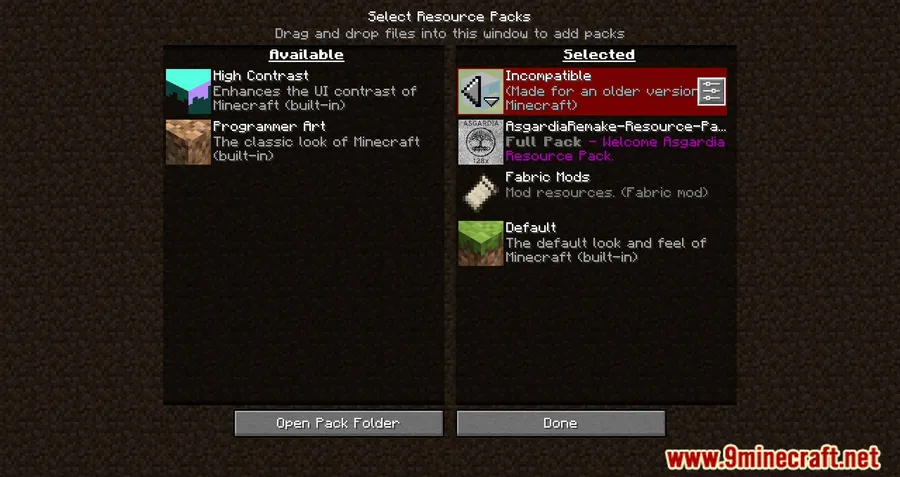
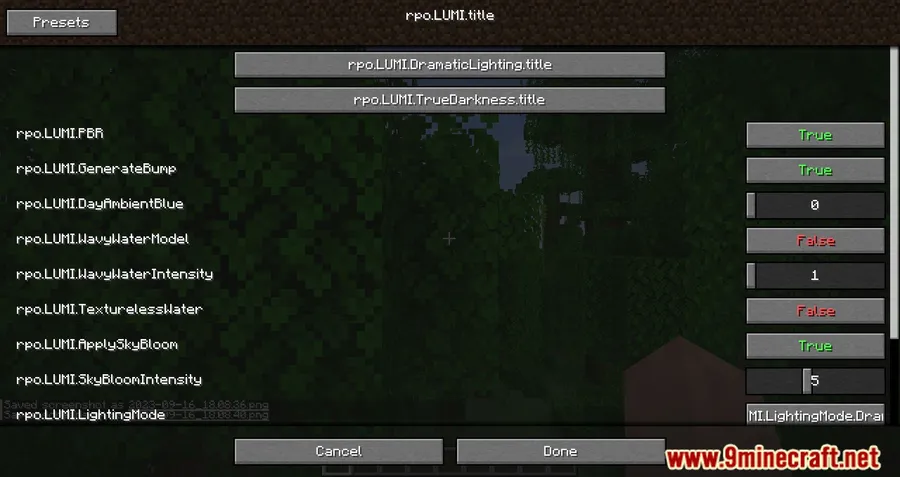
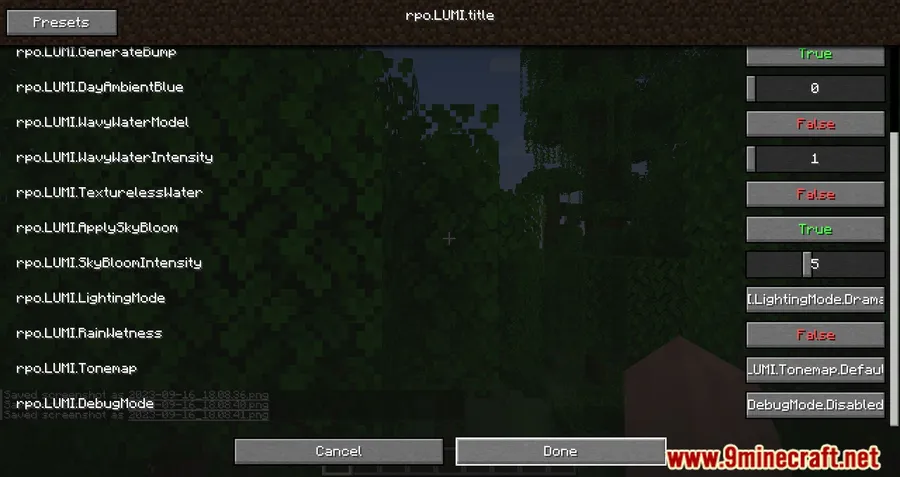
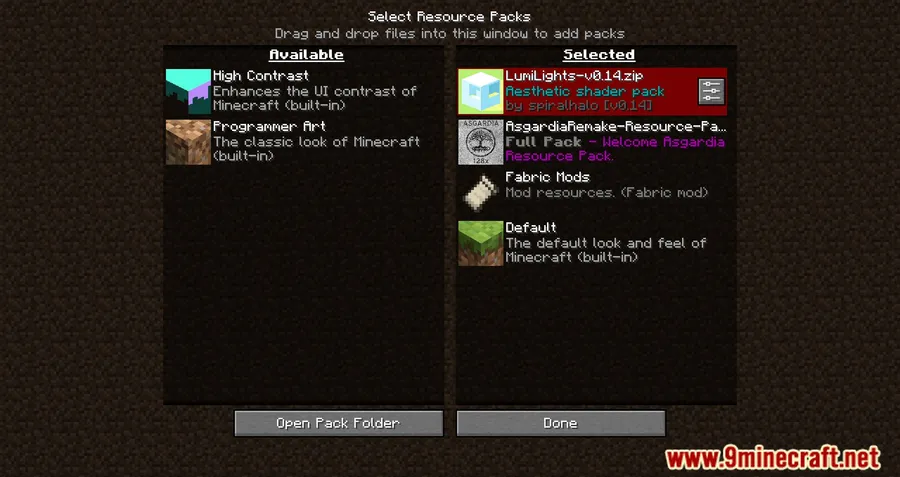
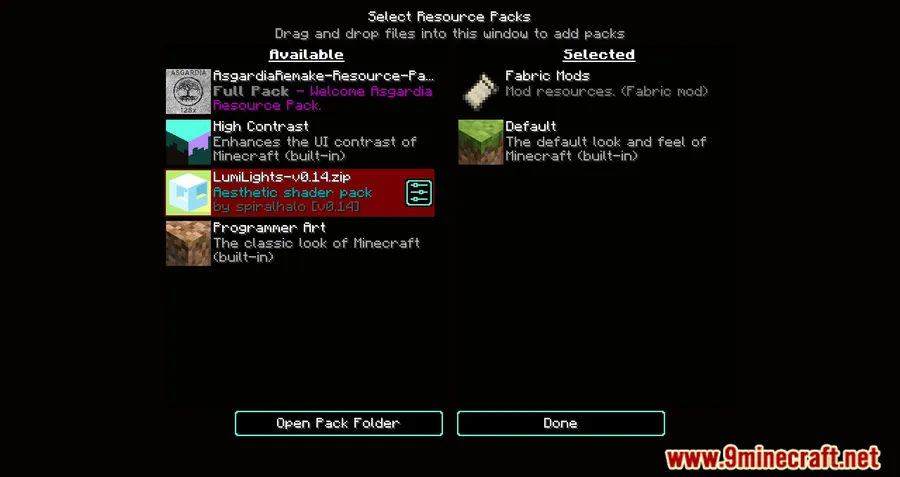
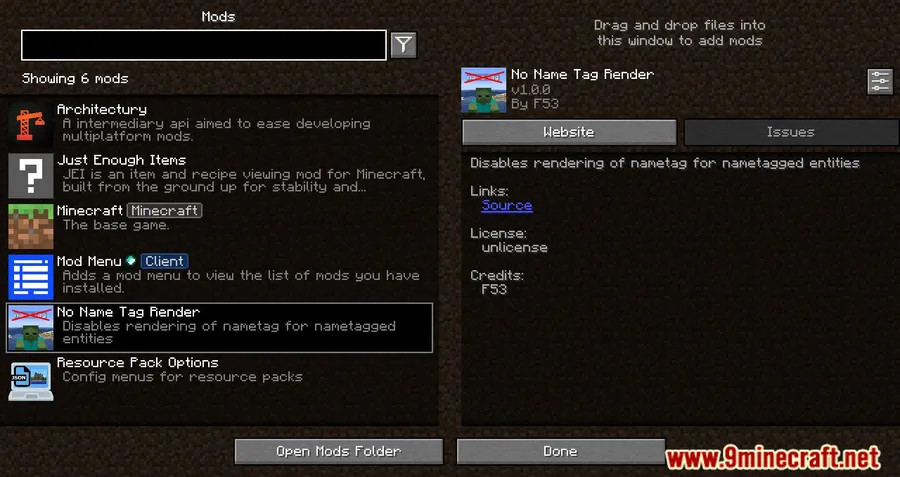
How to Install
- Download and install Fabric Loader (or NeoForge) for your Minecraft version.
- Place Fabric API, LibJF, and Cloth Config API into your
modsfolder — these are required dependencies. - Download Respackopts for your Minecraft version and drop the .jar file into the same
modsfolder. - Launch Minecraft. Any supported resource pack will now show a config button in the resource pack selection screen.
Requirements
| Type | Details |
|---|---|
| Mod Loader | Fabric, NeoForge |
| Dependencies | Fabric API, LibJF Mod, Cloth Config API |
| Minecraft Versions | 1.21.11, 1.21.10, 1.21.9, 1.21.8, 1.21.7, 1.21.6, 1.21.5, 1.21.4, 1.21.3, 1.21.1, 1.21, 1.20.6, 1.20.5, 1.20.4, 1.20.2, 1.20.1, 1.20, 1.19.4, 1.19.3, 1.19.2, 1.19.1, 1.19, 1.18.2, 1.18.1, 1.17.1, 1.16.5 |
Pros
- Eliminates the need to manually edit resource pack files for configuration
- Broad version support spanning from 1.16.5 to 1.21.11
- Open-source (MIT license) with active, long-term development
- Caching system keeps performance impact minimal after first load
- Now supports both Fabric and NeoForge in a unified build
Cons
- Requires three separate dependency mods (Fabric API, LibJF, Cloth Config)
- Only works with resource packs that have been specifically built to support Respackopts
- Fabric-focused ecosystem — Forge (legacy) is not supported
Download
Always download mods from official sources to stay safe.
What's New
- Unified Build — Fabric and NeoForge builds have been merged into a single release, simplifying installation for both mod loaders.
- Version Alignment — Mod versions are now based on Minecraft versions, making it easier to find the right download.
- Composite Pack Tagging — Composite pack resources are now properly tagged for better organization.
- Build Improvements — Added Foojay support for NeoForge and switched to explicit Modrinth project IDs.
- Bug Fix — Restored the missing mod icon in the mod menu.
FAQ
Does Respackopts work with any resource pack?
No — resource packs need to be specifically built with Respackopts support to show configuration menus. Standard resource packs without Respackopts integration will work normally but won't display any config options.
Can I use Respackopts on NeoForge?
Yes. As of the latest update, Respackopts ships as a single unified build that supports both Fabric and NeoForge. You will still need the appropriate dependencies installed for your loader.
Is LibJF the same as Fabric API?
No, LibJF is a separate library mod created by JFronny (the same author as Respackopts). You need both Fabric API and LibJF installed alongside Cloth Config API for Respackopts to function.


![Not Enough Recipe Book [NERB] Mod (1.21.11) - thumbnail](http://mcinside.com/wp-content/uploads/2026/04/thumbnail-63-52x52.webp)


