

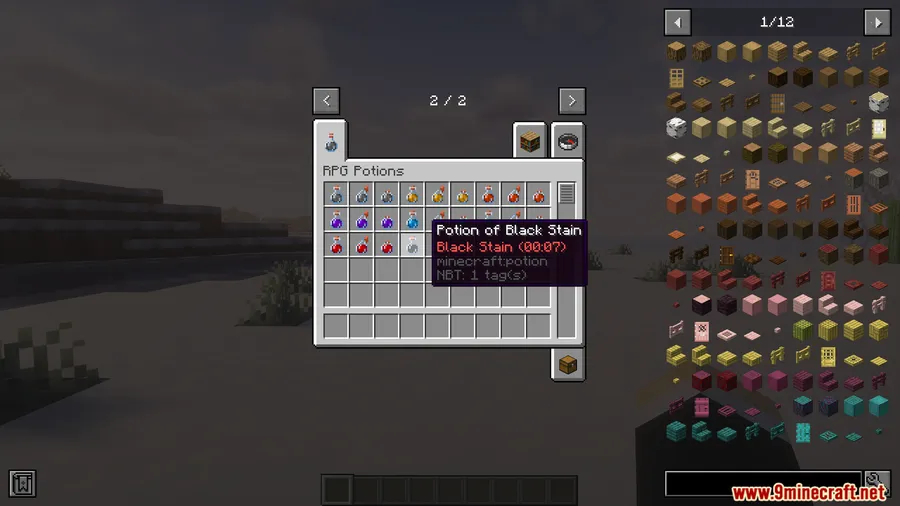
PvP in vanilla Minecraft often boils down to whoever lands the first critical hit. RPG Potions Mod changes that by introducing 8 tactical potions that bring smoke screens, shockwaves, damage shields, and enemy tracking into every fight. Whether you're dueling on a PvP server, surviving raids, or playing through a custom adventure map, these potions add a layer of strategy that makes combat feel genuinely unpredictable.
Key Features
- Smoke Potion — Creates a vision-blocking smoke cloud, perfect for escaping a losing fight or sowing confusion in group battles.
- Shockwave Potion — Generates a blast that knocks back nearby enemies, giving you breathing room when surrounded.
- Damage Shield Potion — Temporarily nullifies damage from the first 2–3 hits, letting you absorb an opener and counter-attack.
- Slow Potion — Reduces enemy mobility and reaction time, making it harder for opponents to kite or dodge your swings.
- Reflect Potion — Sends incoming projectiles back at attackers — punishing bow-spammers and crossbow users.
- Tracker Potion — Reveals and tracks enemy positions for a short duration, ideal for hunting down players who like to hide or ambush.
- Blindness Potion — Darkens the opponent's screen, severely hindering their vision and aim during critical moments.
Screenshots


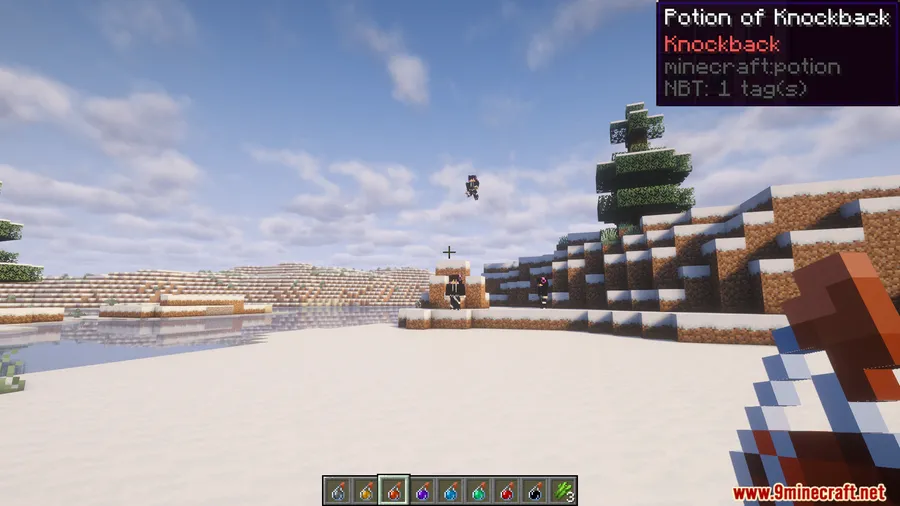
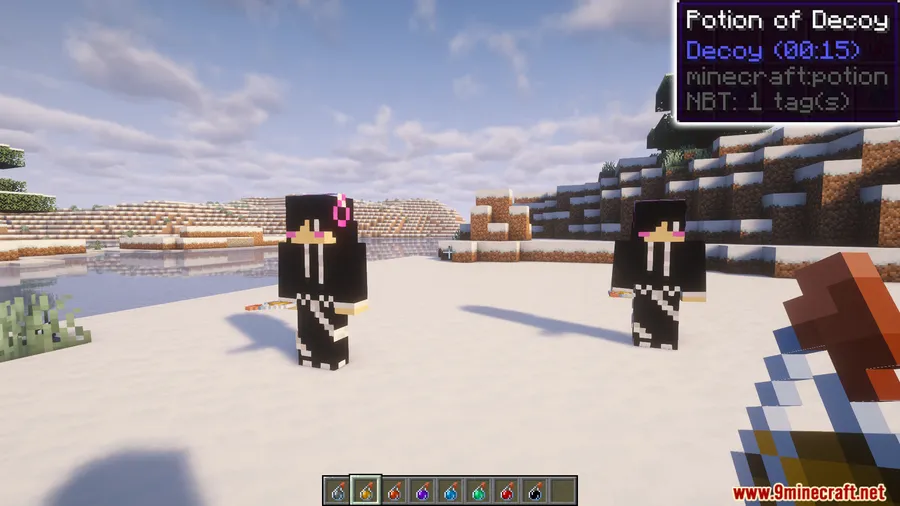
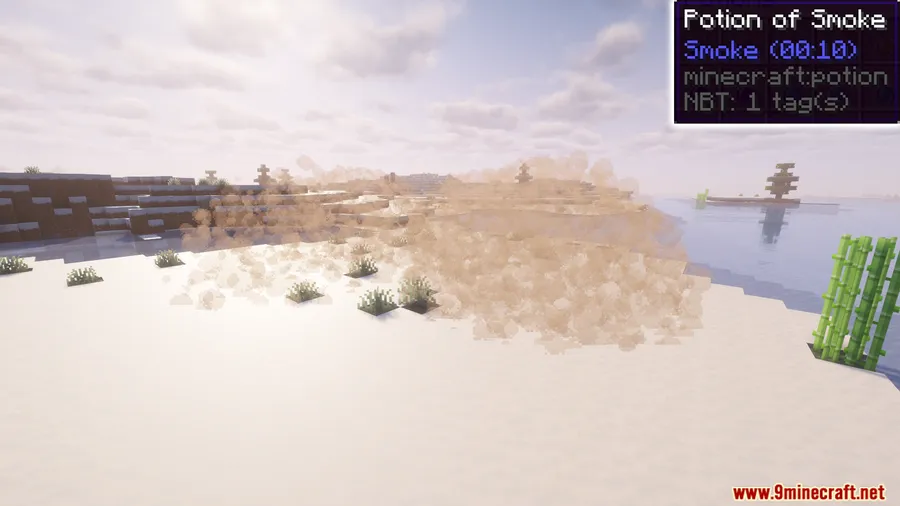
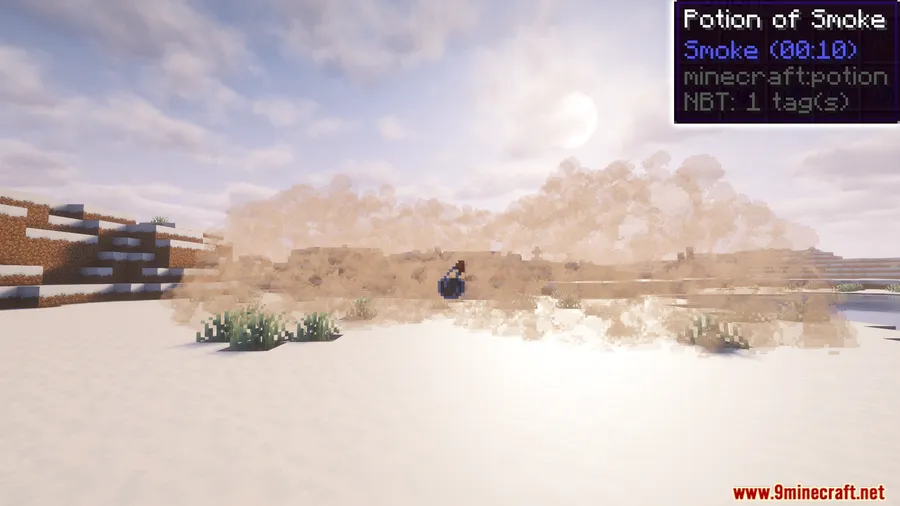
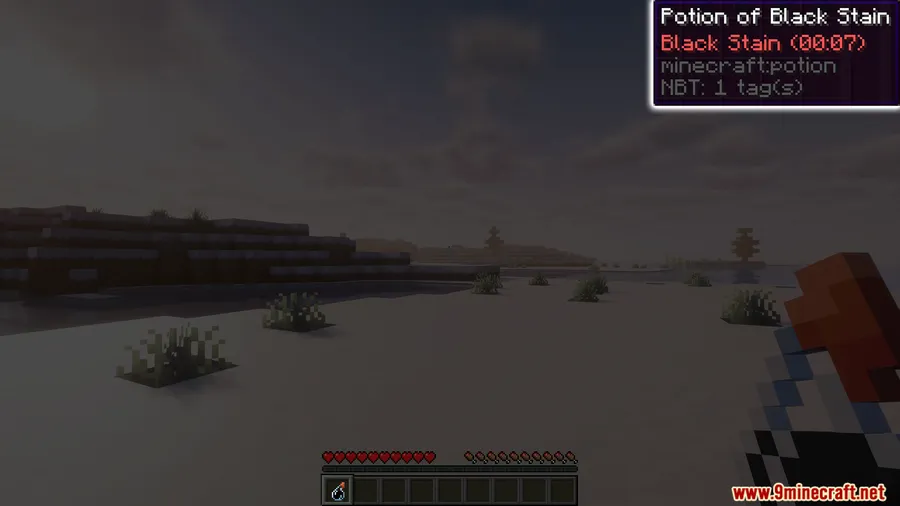
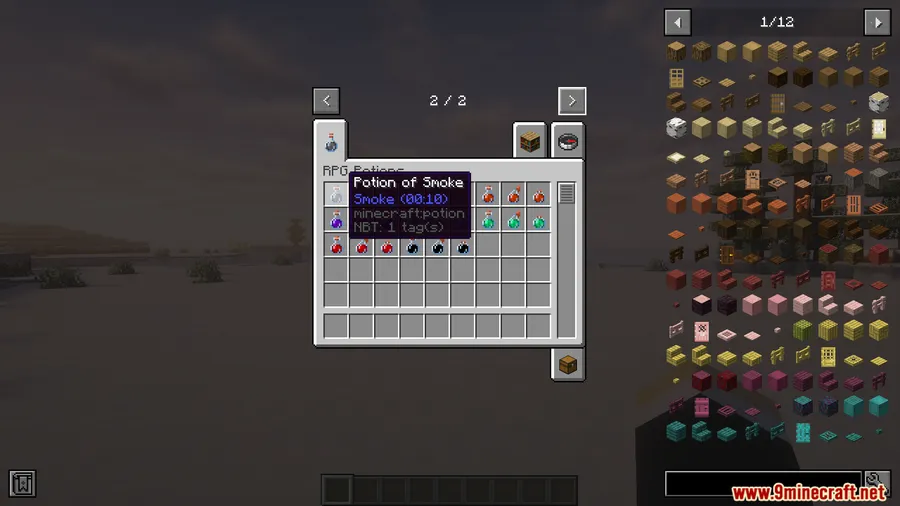
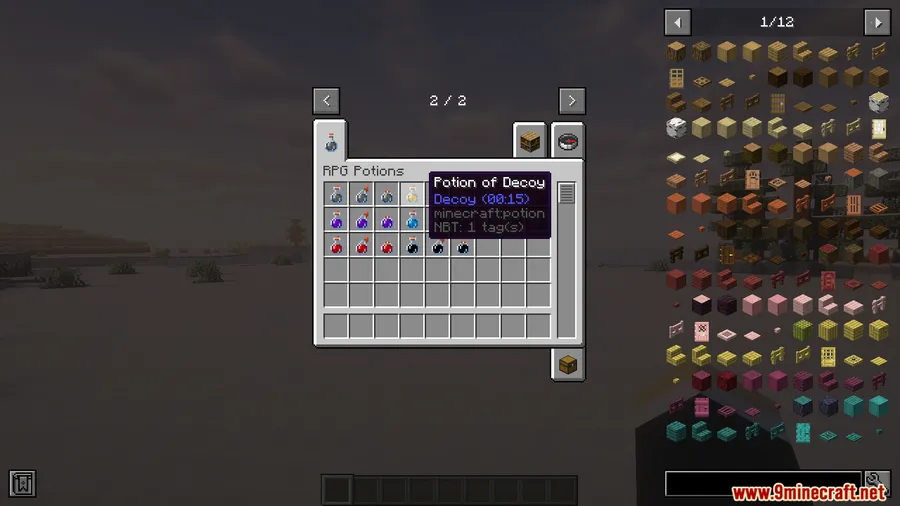
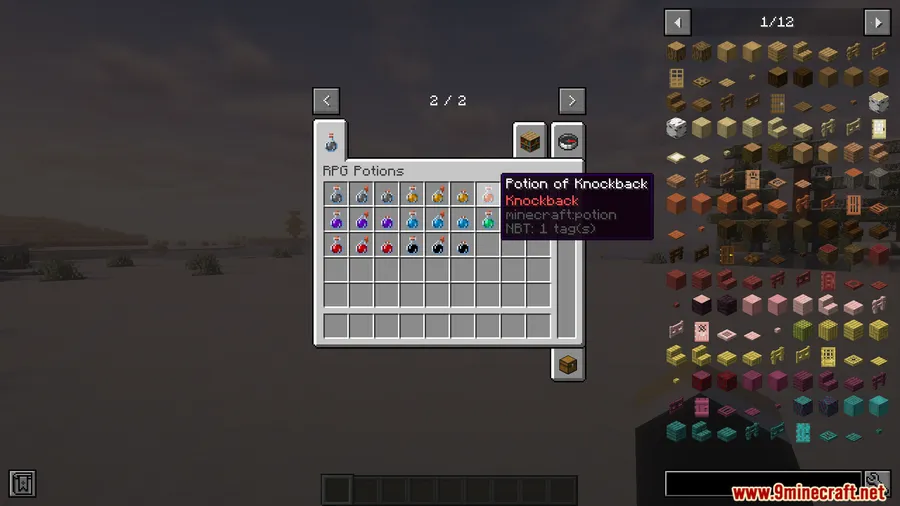
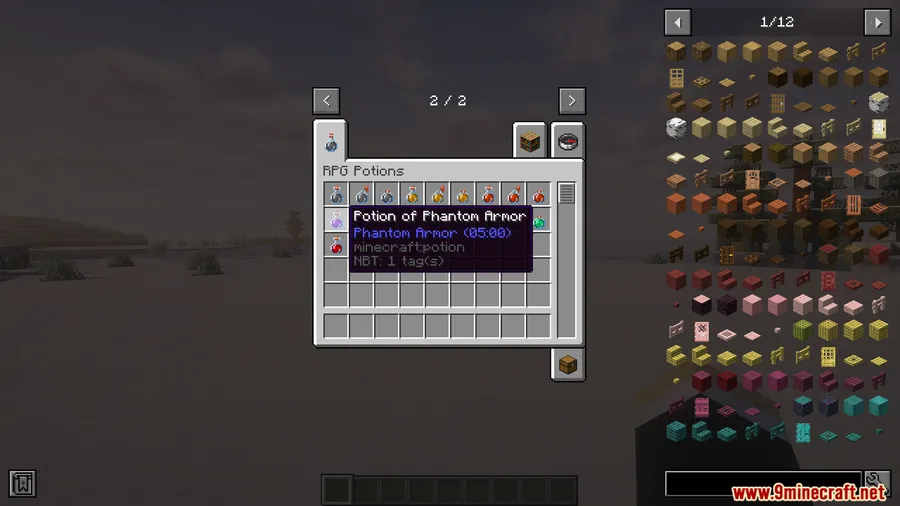
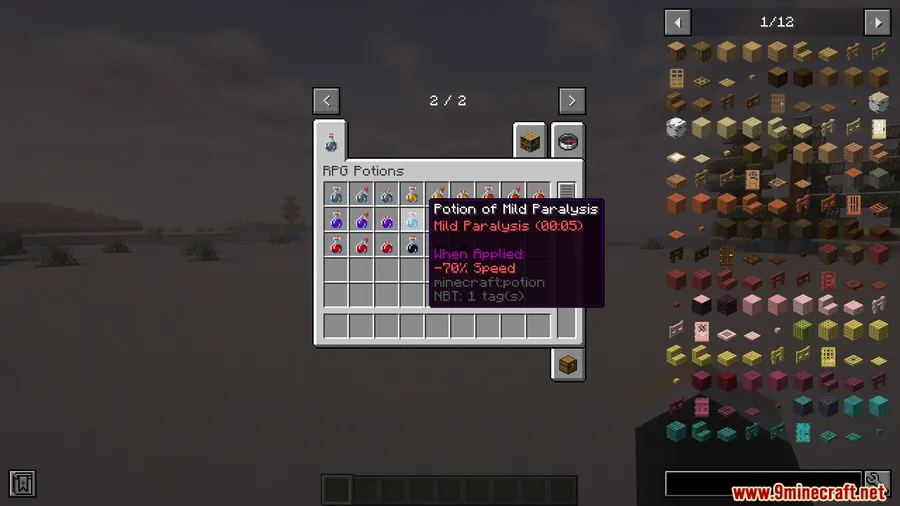
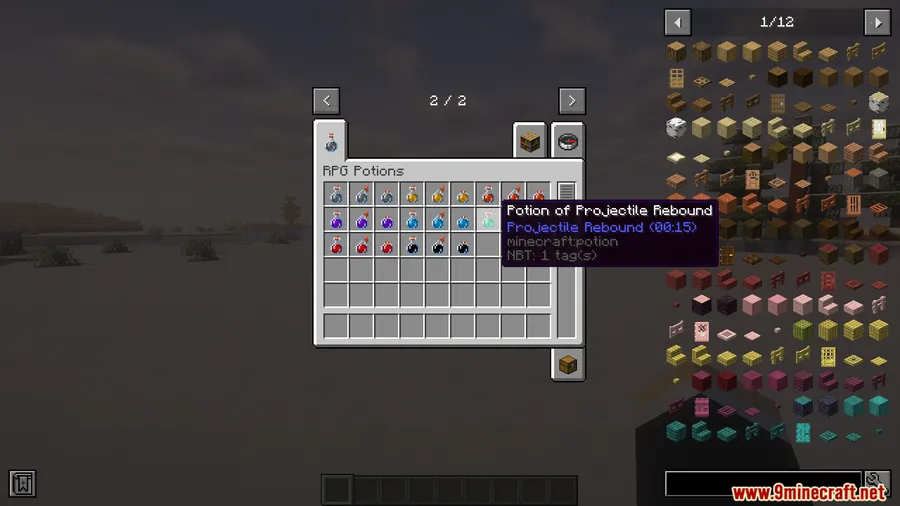
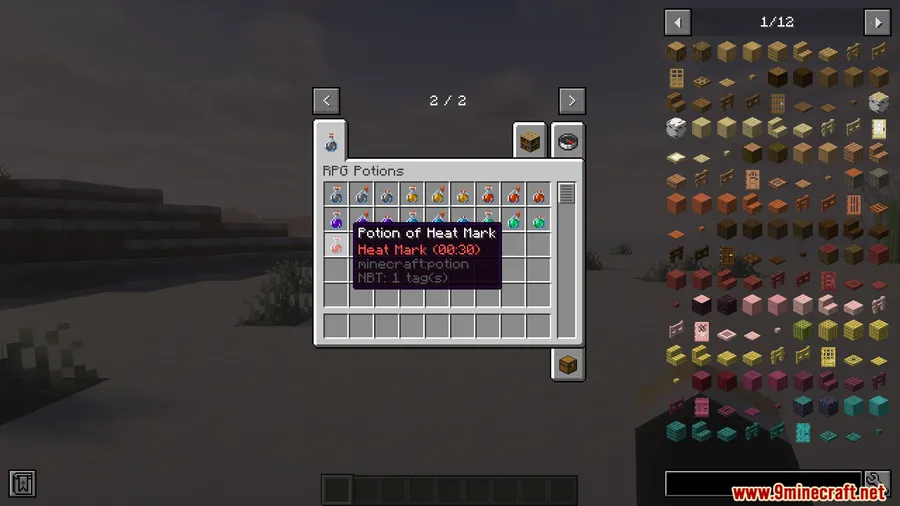
How to Install
- Download and install your preferred mod loader: Forge, Fabric, or NeoForge for your Minecraft version.
- If using Fabric, also install the Fabric API mod.
- Download the RPG Potions Mod file matching your loader and Minecraft version from the links below.
- Move the downloaded
.jarfile into your.minecraft/modsfolder. - Launch Minecraft with the correct mod loader profile and confirm the potions appear in-game.
Requirements
| Requirement | Details |
|---|---|
| Mod Loader | Forge, Fabric, or NeoForge |
| Dependencies | Fabric API (Fabric only) |
| Minecraft Version | 1.21.1, 1.21, 1.20.1, 1.20 |
Pros & Cons
Pros
- Adds genuine tactical depth to PvP with 8 distinct potion effects
- Useful beyond PvP — works well in raids, PvE, and custom maps
- Supports all three major mod loaders (Forge, Fabric, NeoForge)
- Available for both 1.20.x and 1.21.x Minecraft versions
Cons
- Limited to 8 potions — experienced players may want more variety over time
- Requires all players on a server to have the mod installed for multiplayer use
- Forge version not available for 1.21.1 — Forge users must stay on 1.20.x
Download
Always download mods from official sources to stay safe.
FAQ
Does RPG Potions Mod work on multiplayer servers?
Yes, the mod works in multiplayer, but all players and the server need to have it installed. The potions are designed primarily for PvP, so they shine most in multiplayer environments.
Can I use RPG Potions Mod with other potion or combat mods?
The mod adds its own potion types rather than modifying vanilla ones, so it should work alongside most other mods. However, always test mod combinations in a singleplayer world first to check for conflicts.
Which mod loader should I pick for RPG Potions Mod?
For Minecraft 1.21.1, choose Fabric or NeoForge. For 1.20.1, both Forge and Fabric are supported. Pick whichever loader matches the rest of your modpack.



![[Let's Do] Candlelight - Farm&Charm compat Mod (1.21.1) - thumbnail](http://mcinside.com/wp-content/uploads/2026/04/thumbnail-81-52x52.webp)


![[Let's Do] Meadow Mod (1.21.1) - thumbnail](http://mcinside.com/wp-content/uploads/2026/04/thumbnail-64-52x52.webp)


![Not Enough Recipe Book [NERB] Mod (1.21.11) - thumbnail](http://mcinside.com/wp-content/uploads/2026/04/thumbnail-63-52x52.webp)