

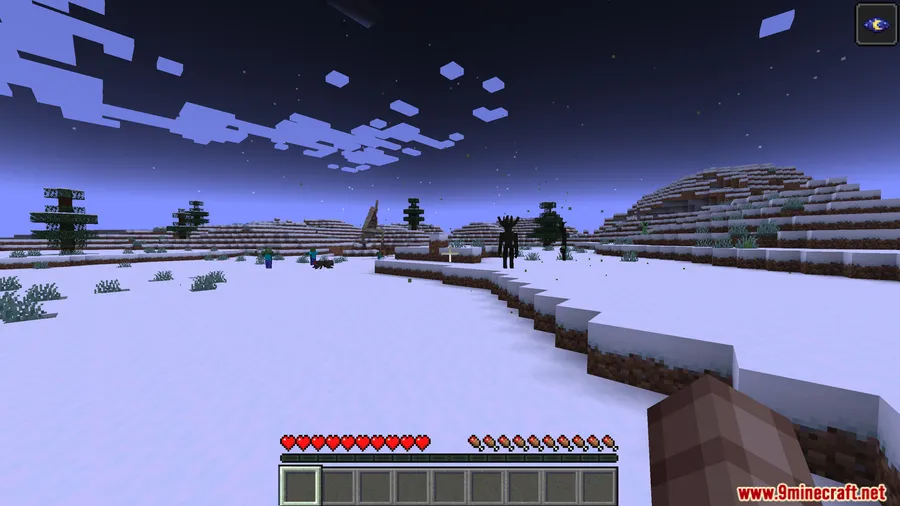
SCP 003 Mod brings a contained SCP threat into Minecraft in a way that creates immediate tension for exploration and survival. Instead of adding a simple collectible, it introduces SCP-003 as a two-part entity found in underground containment chambers: SCP-003-1, the living motherboard, and SCP-003-2, the stone tablet. While it remains on the tablet, it stays safe. Once removed and placed on normal blocks, it begins to grow, becomes more dangerous over time, and can eventually evolve into aggressive new forms unless it is returned to the tablet or placed on a magma block.
Key Features
- SCP-003 appears in underground containment chambers, giving players a specific discovery point rather than a random item drop.
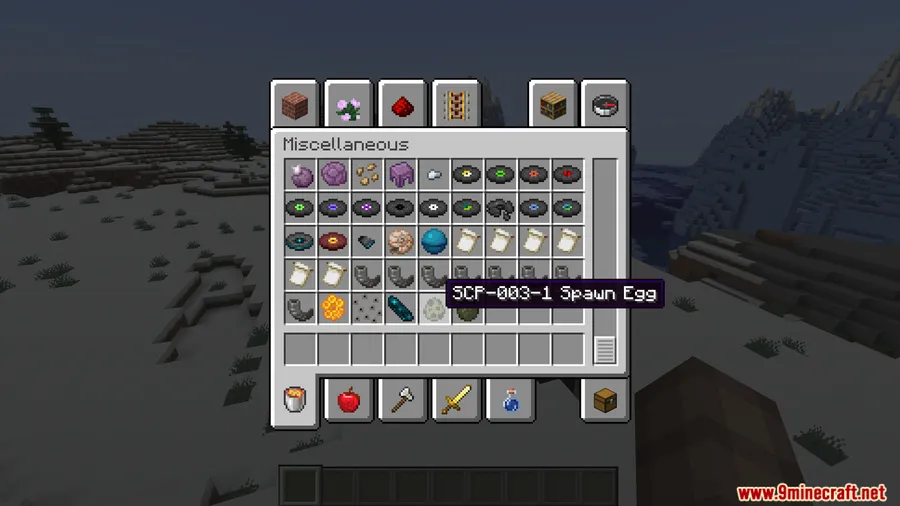
- The entity is split into SCP-003-1 and SCP-003-2, with SCP-003-1 initially resting safely on the stone tablet.
- Players can right-click to remove SCP-003-1 from the tablet, then right-click the tablet again to place it back safely.
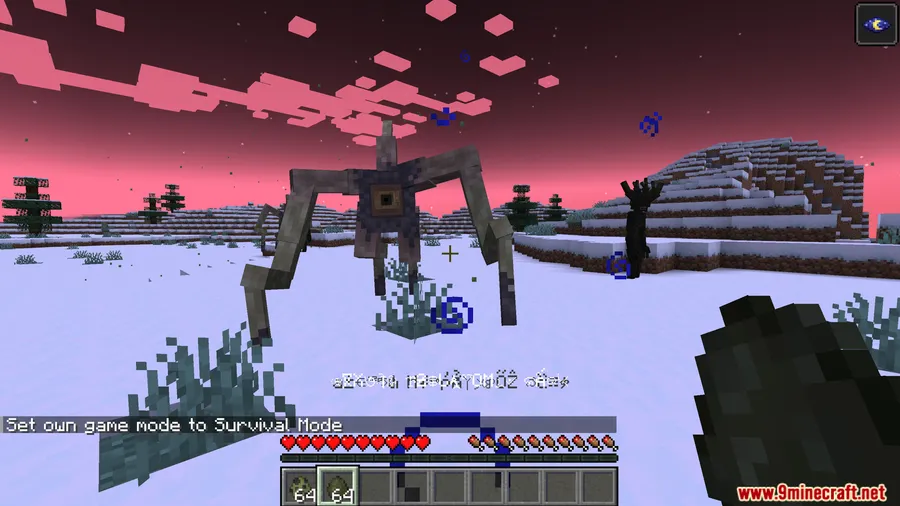
- Putting SCP-003-1 on normal blocks starts its biological growth sequence.
- The growth process is signaled by particles that intensify over time.
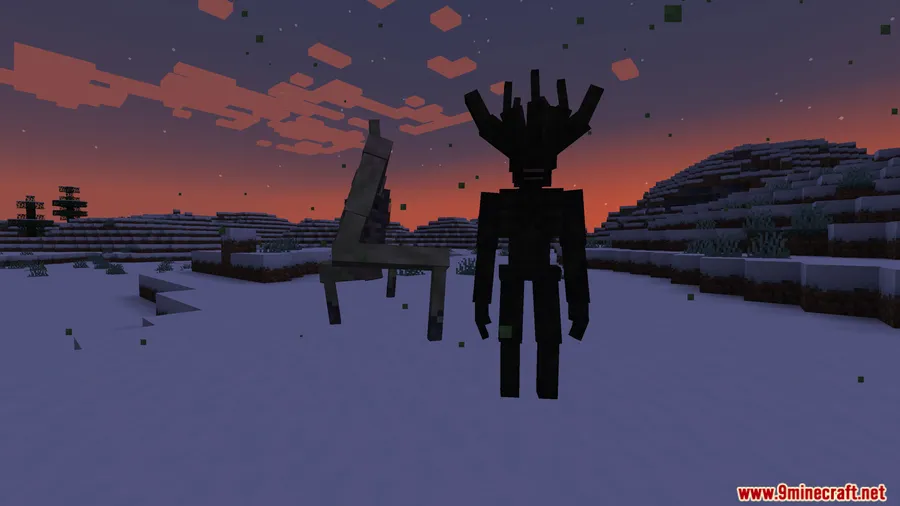
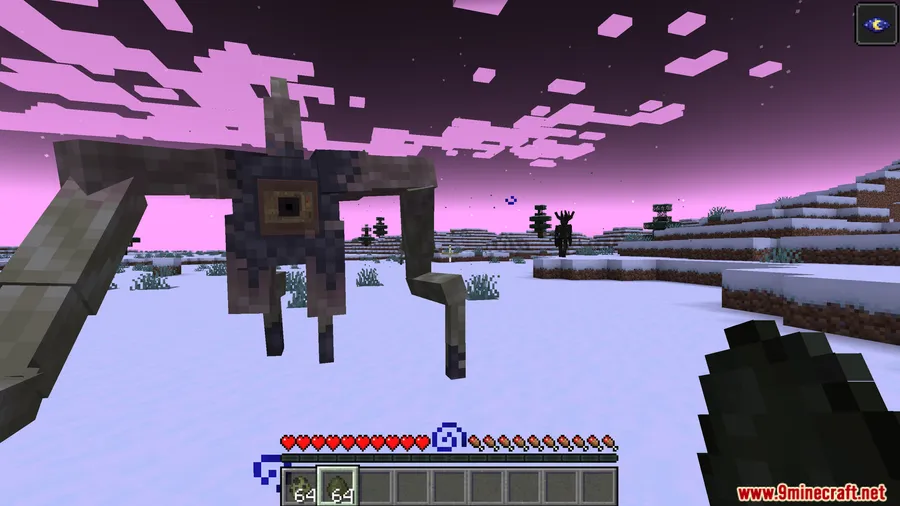
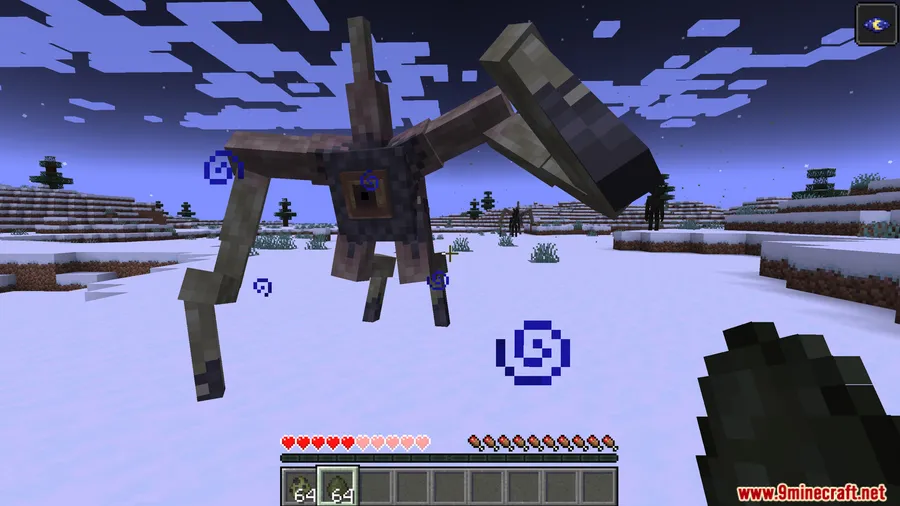
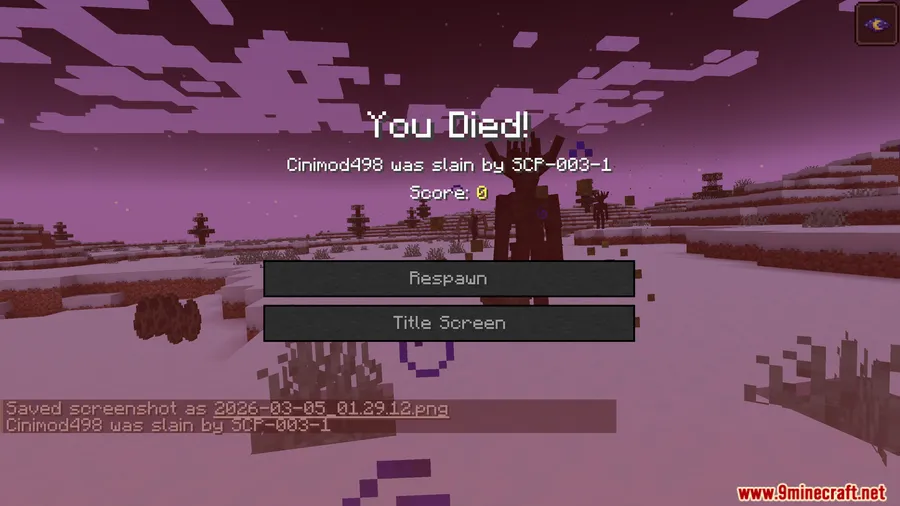
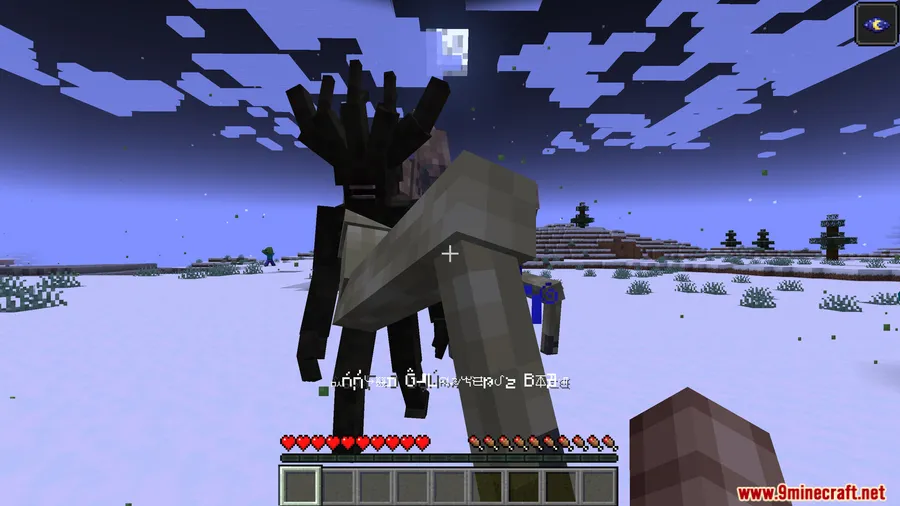
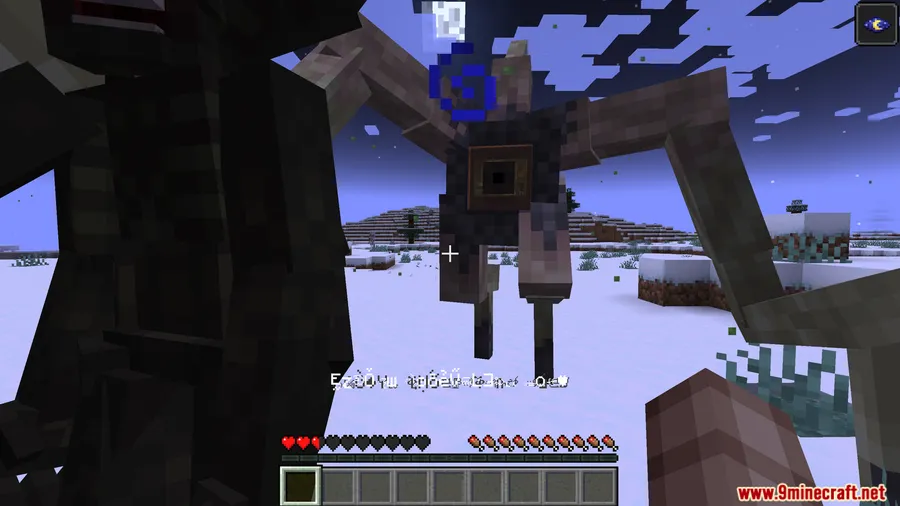
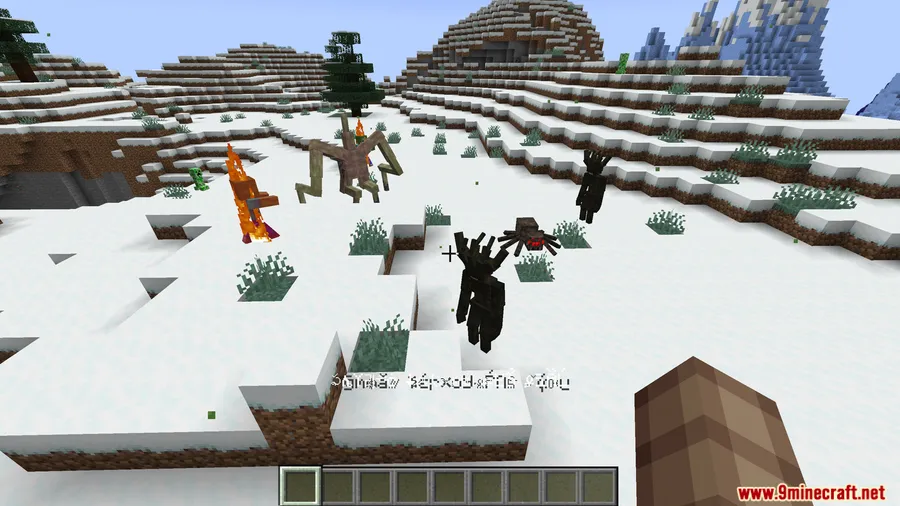
- After 30 seconds, SCP-003-1 evolves into a Brittle Star form with high health, mobility, knockback, and block-breaking ability.
- If the Brittle Star kills another entity, it evolves again into a fast, highly aggressive Humanoid form with long tendrils on its head.
- The only listed ways to stop the growth are keeping SCP-003-1 on SCP-003-2 or placing it on a magma block.
Screenshots


How to Install
- Install Minecraft Forge for one of the supported versions: 1.20.1, 1.20, 1.19.4, or 1.19.2.
- Install GeckoLib Mod, which is required for this mod.
- Place the SCP 003 Mod file into your Minecraft
modsfolder. - Start the game using the Forge profile.
Requirements
| Requirement | Details |
|---|---|
| Mod Loader | Minecraft Forge |
| Dependencies | GeckoLib Mod |
| Minecraft Version | 1.20.1, 1.20, 1.19.4, 1.19.2 |
Pros & Cons
Pros
- Adds a distinct SCP-themed encounter centered on containment and escalation.
- Uses clear interaction rules: remove, return, or contain SCP-003-1.
- Includes multiple evolution stages instead of a single creature form.
- Supports several Forge versions from 1.19.2 through 1.20.1.
Cons
- Forge only, with no other loader listed in available information.
- Requires GeckoLib Mod in addition to Forge.
- SCP-003-1 becomes progressively more dangerous when removed from its tablet and placed on normal blocks.
- The listed containment options are limited to the tablet or a magma block.
Download
Always download mods from official sources to stay safe.
FAQ
What does SCP 003 Mod add to Minecraft?
It adds SCP-003 from the SCP universe as a two-part entity found in underground containment chambers: SCP-003-1, the living motherboard, and SCP-003-2, the stone tablet. When SCP-003-1 is removed and placed on normal blocks, it begins to grow and can evolve into more dangerous forms.
How do you stop SCP-003-1 from growing?
Based on available information, the way to stop its biological growth is to keep SCP-003-1 on SCP-003-2 or place it on a magma block.
Which Minecraft versions support SCP 003 Mod?
The listed supported versions are Minecraft 1.20.1, 1.20, 1.19.4, and 1.19.2, using Forge.


![[Let's Do] Meadow Mod (1.21.1) - thumbnail](http://mcinside.com/wp-content/uploads/2026/04/thumbnail-64-52x52.webp)


![Not Enough Recipe Book [NERB] Mod (1.21.11) - thumbnail](http://mcinside.com/wp-content/uploads/2026/04/thumbnail-63-52x52.webp)
