
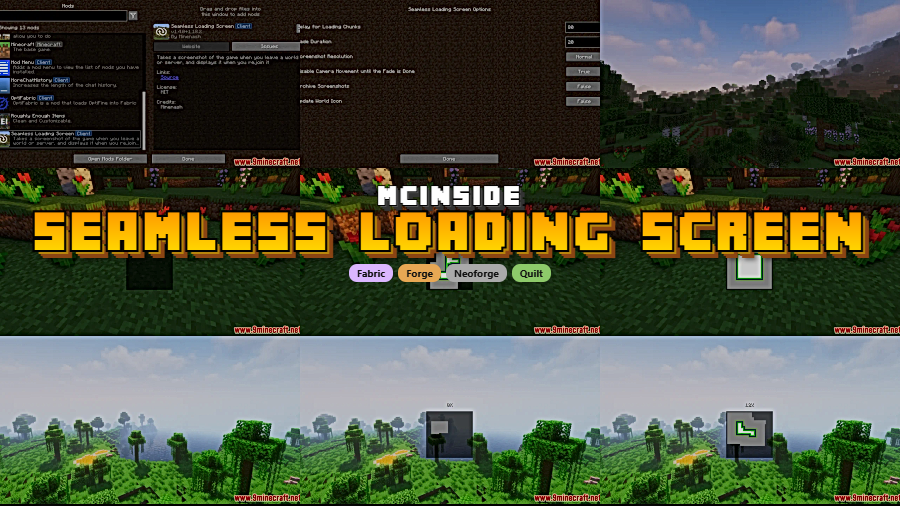
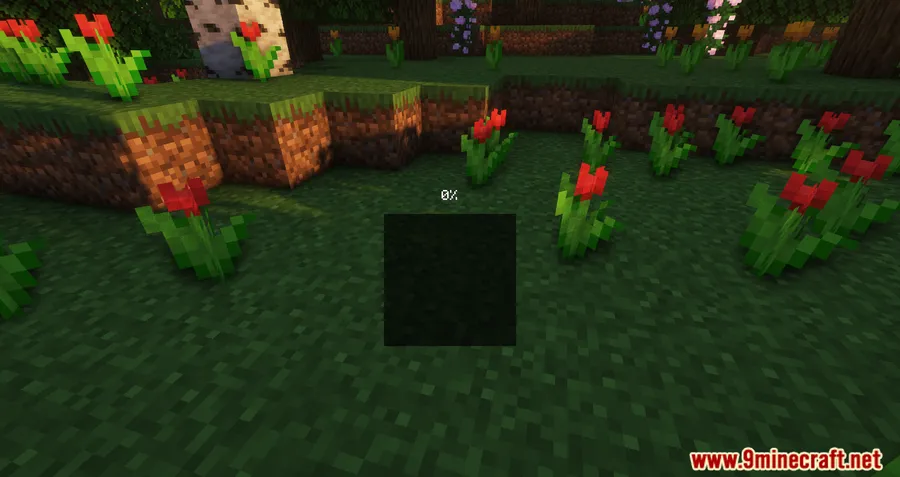
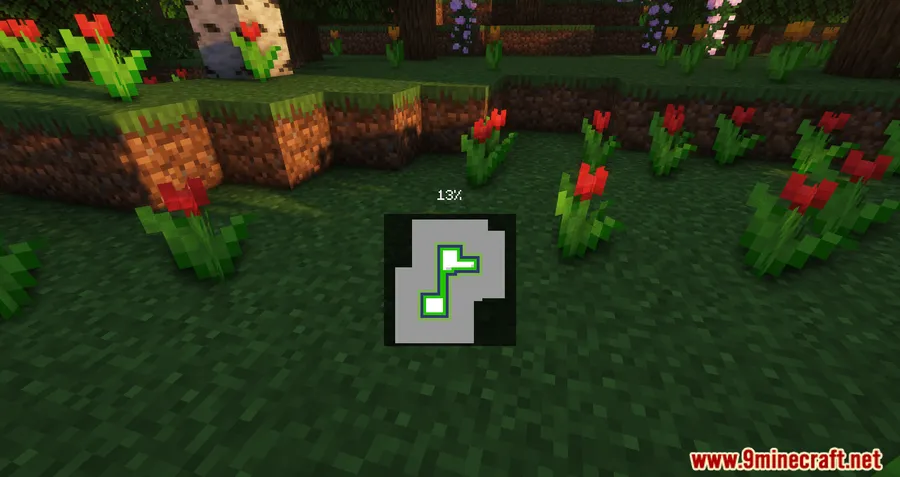
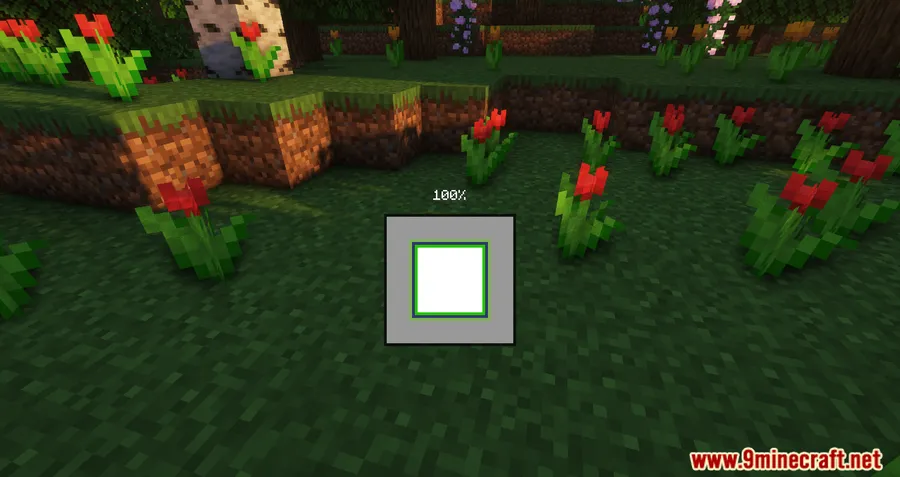
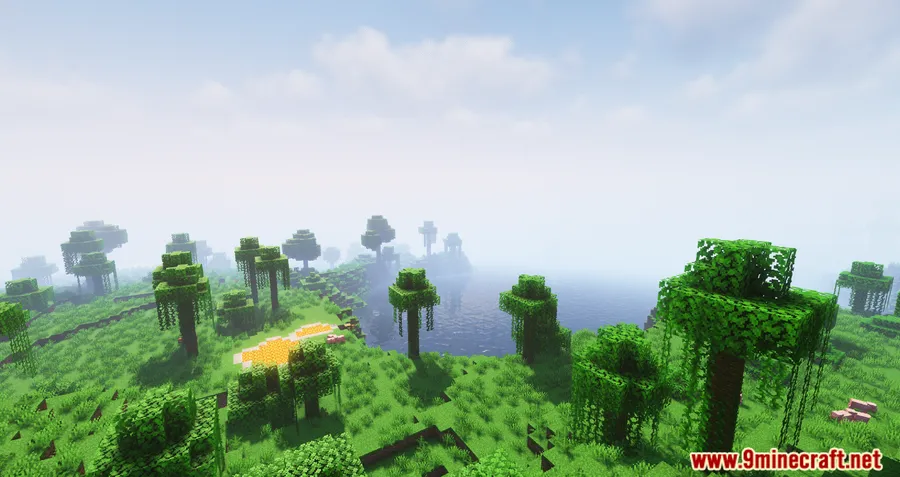
Every Minecraft player knows the dull black void of a loading screen — Seamless Loading Screen Mod replaces it with something far more pleasant. Instead of staring at a blank screen, this mod captures a screenshot when you leave a world or server and displays it as the background when you rejoin, creating a smooth visual transition that makes loading feel almost invisible. Downloaded over 2.1 million times on Modrinth and available for Forge, Fabric, and NeoForge, it has become one of the most popular quality-of-life mods in the Minecraft community.
Key Features
- Seamless Screenshot Transitions — The mod takes a screenshot when you leave a world or server and displays it as the loading background when you rejoin, creating an unbroken visual experience instead of the default black screen.
- Universal Compatibility — Works across singleplayer worlds, Realms, and multiplayer servers, so every loading screen gets the same smooth treatment.
- Visual Customization Options — Configure blur effects, tint overlays, and screenshot resolution to match your personal style and system capabilities.
- Sound Effect Support — Optionally play sound effects after loading completes, giving you an audio cue that your world is ready.
- Fade and Delay Controls — Fine-tune fade duration and add loading delays to let your game fully load in the background before revealing the world.
Screenshots
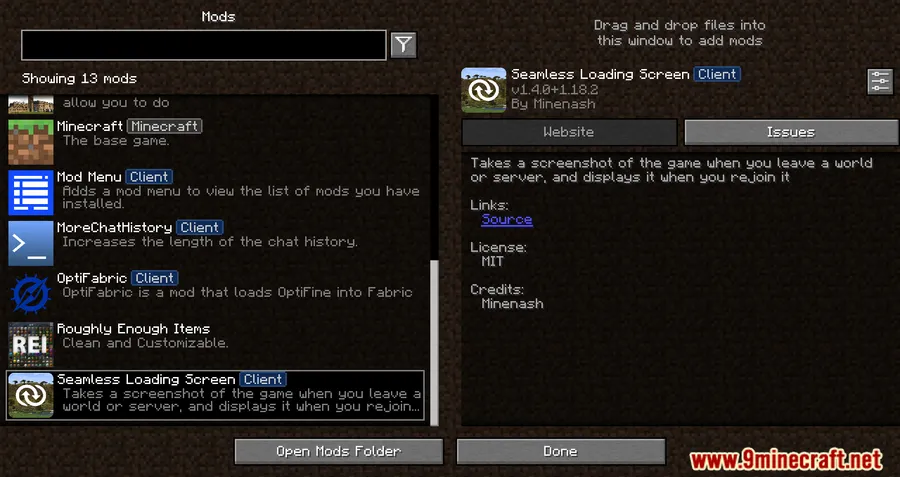
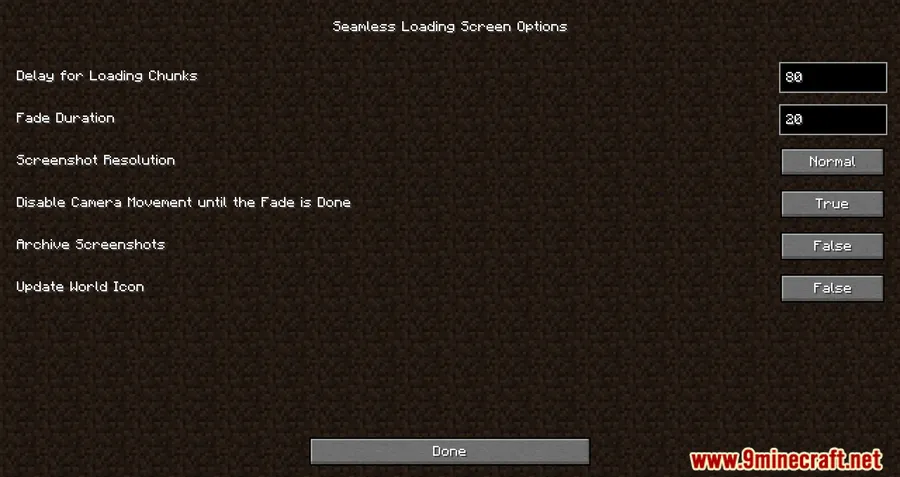
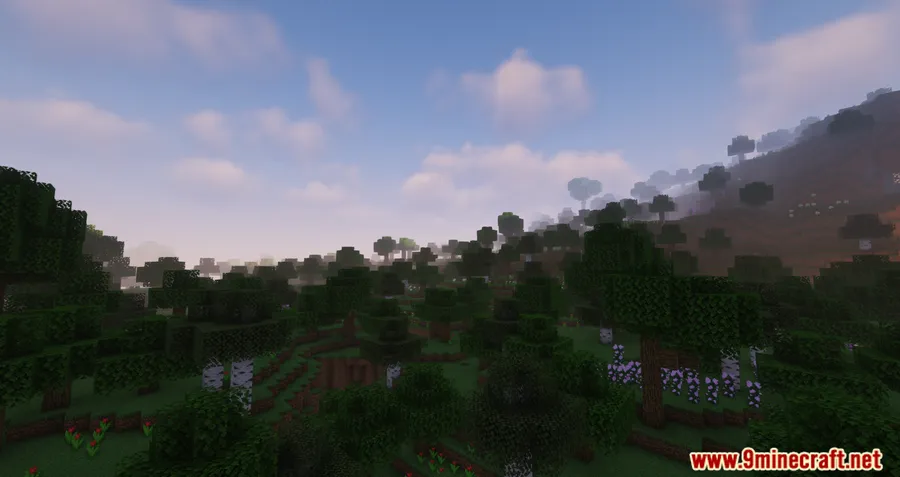
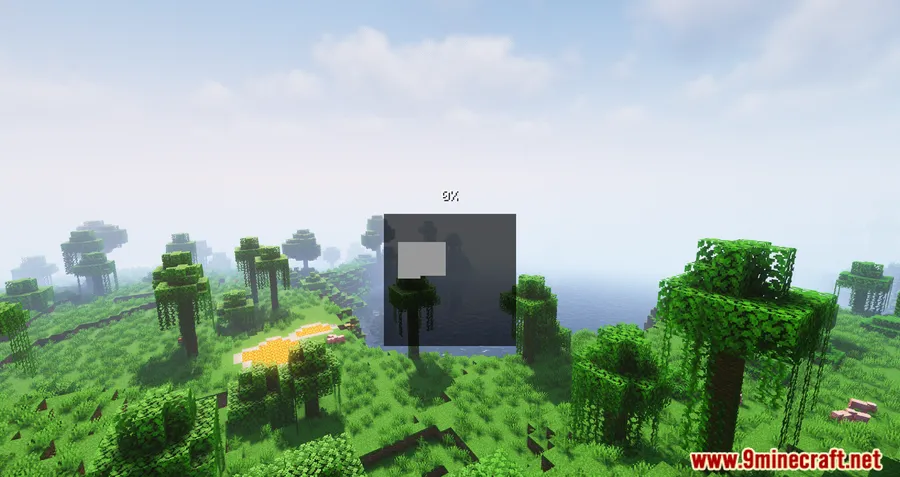
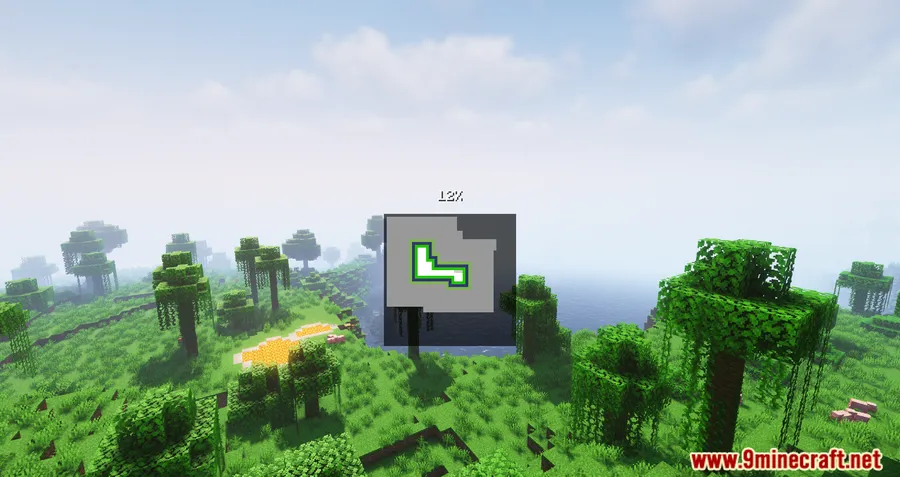
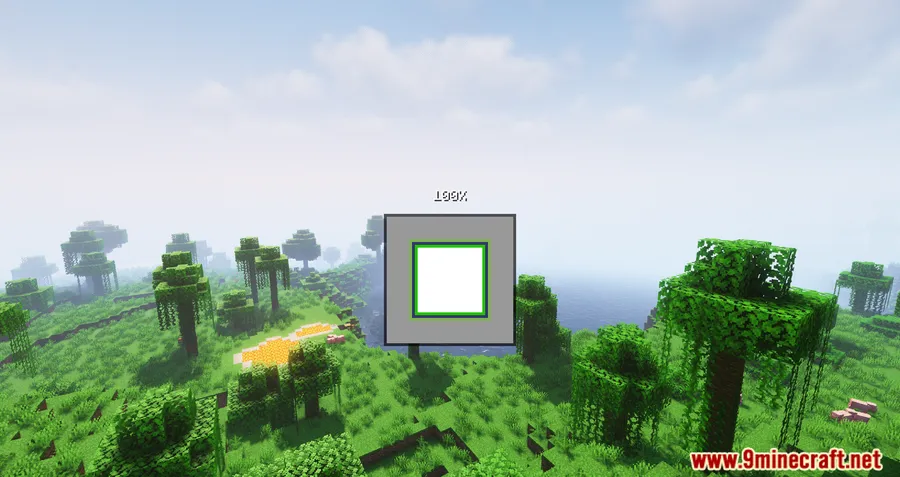
How to Install
- Download and install your preferred mod loader — Forge, Fabric, or NeoForge — for your Minecraft version.
- If using Fabric, make sure you also have the Fabric API installed.
- Download the Seamless Loading Screen Mod file from the link below.
- Place the downloaded
.jarfile into your.minecraft/modsfolder. - Launch Minecraft with the correct mod loader profile and confirm the mod appears in your mod list.
Requirements
| Component | Details |
|---|---|
| Mod Loader | Forge, Fabric, NeoForge |
| Dependencies | Fabric API (for Fabric), Minecraft Forge (for Forge), NeoForge Installer (for NeoForge) |
| Minecraft Versions | 1.20.4, 1.20.2, 1.20.1, 1.19.4, 1.19.3, 1.19.2, 1.18.2, 1.17.1, 1.16.5 |
Pros & Cons
Pros
- Eliminates the jarring black loading screen with a smooth visual transition
- Supports all three major mod loaders (Forge, Fabric, NeoForge)
- Highly configurable with blur, tint, fade, and resolution settings
- Works on singleplayer, Realms, and multiplayer servers
- Open-source under MIT license
Cons
- Some Minecraft versions only support Forge (1.19.3, 1.19.4 lack Fabric builds)
- Screenshots stored in memory may increase RAM usage slightly on lower-end systems
- No official 1.21.1 build listed in download tables yet
Download
Always download mods from official sources to stay safe.
What's New
- Updated to support Minecraft 1.21
- Includes an attempted fix for crashes related to the Debug HUD
- Improved stability when using debug tools alongside the mod
FAQ
Does Seamless Loading Screen work on multiplayer servers?
Yes. The mod works with singleplayer worlds, Realms, and multiplayer servers. It captures a screenshot when you disconnect and uses it as the loading background when you rejoin.
Can I customize how the loading screen looks?
Absolutely. The mod offers configuration options for blur intensity, tint color, screenshot resolution, and fade duration. You can also enable sound effects that play once loading is complete.
Do I need Fabric API to use this mod?
Only if you're running the Fabric version. For Forge or NeoForge, you just need the respective mod loader installed — no additional API dependency is required.


![[Let's Do] Candlelight - Farm&Charm compat Mod (1.21.1) - thumbnail](http://mcinside.com/wp-content/uploads/2026/04/thumbnail-81-52x52.webp)


![[Let's Do] Meadow Mod (1.21.1) - thumbnail](http://mcinside.com/wp-content/uploads/2026/04/thumbnail-64-52x52.webp)


![Not Enough Recipe Book [NERB] Mod (1.21.11) - thumbnail](http://mcinside.com/wp-content/uploads/2026/04/thumbnail-63-52x52.webp)