

Keeping track of in-game seasons shouldn't require guesswork or memorizing day counts. SeasonHUD Mod solves this by placing a clean, always-visible season indicator directly on your HUD, so you instantly know whether it's Spring, Summer, Autumn, or Winter. What sets it apart from a simple overlay is its deep integration with popular minimap mods like Xaero's Minimap, FTB Chunks, and JourneyMap — embedding season data right where you're already looking during gameplay.
Key Features
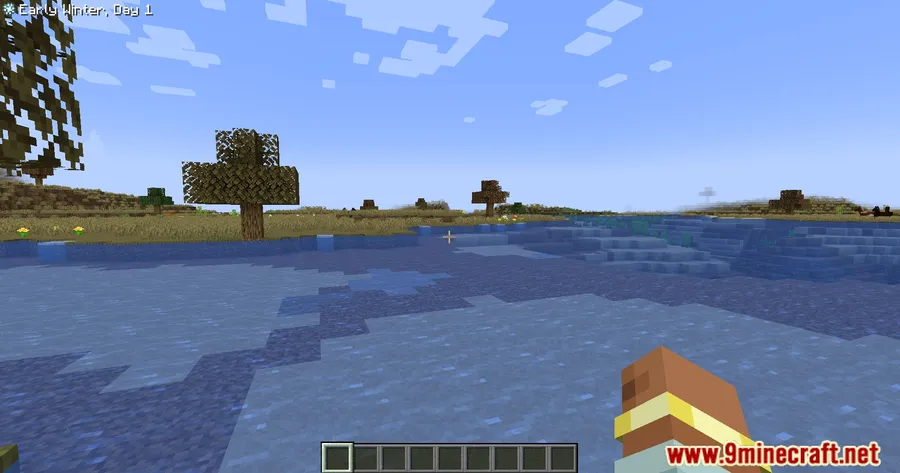
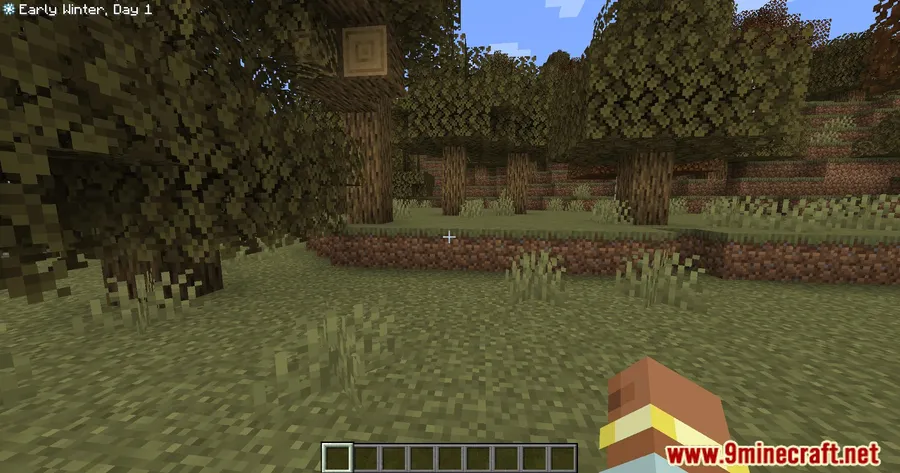
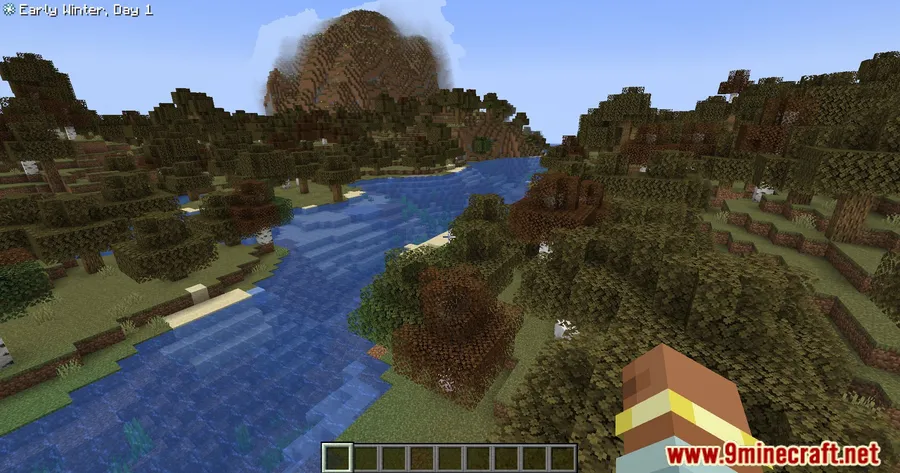
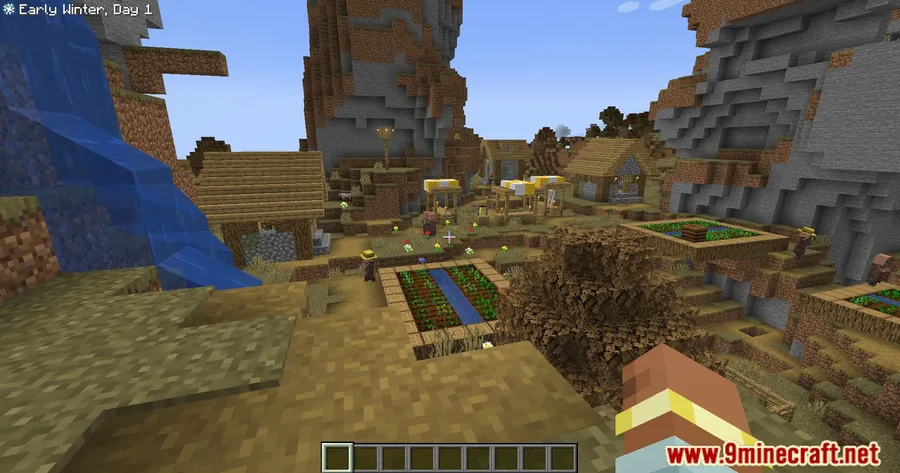
- On-screen season display — Shows the current season (Spring, Summer, Autumn, Winter) directly on your HUD, so you never have to guess what time of year it is in your world.
- Broad season mod compatibility — Works alongside Serene Seasons, Fabric Seasons, TerraFirmaCraft, and Ecliptic Seasons, pulling season data from whichever mod is driving your world's calendar.
- Minimap integration — Pairs with Xaero's Minimap, FTB Chunks, and JourneyMap. For JourneyMap specifically, it adds a dedicated "Season" InfoSlot to the minimap HUD for seamless viewing.
- Configurable positioning — Choose where the season indicator appears on screen — top-left, bottom-right, or embedded directly into your minimap widget.
Screenshots


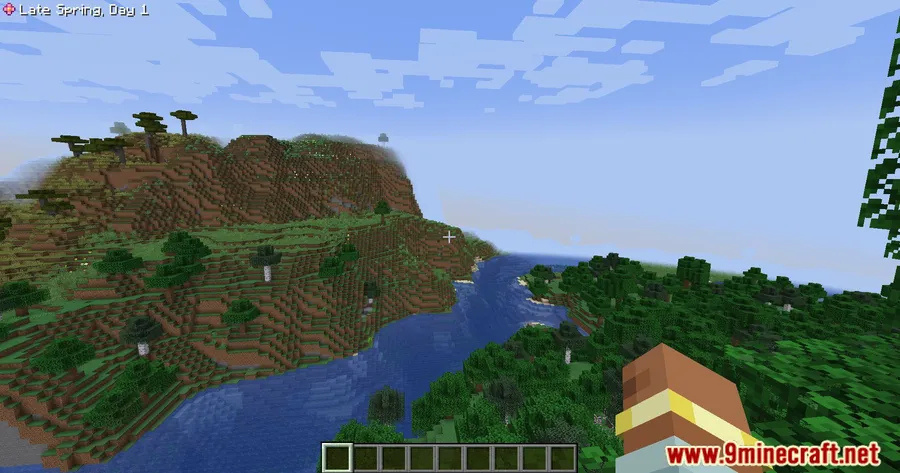
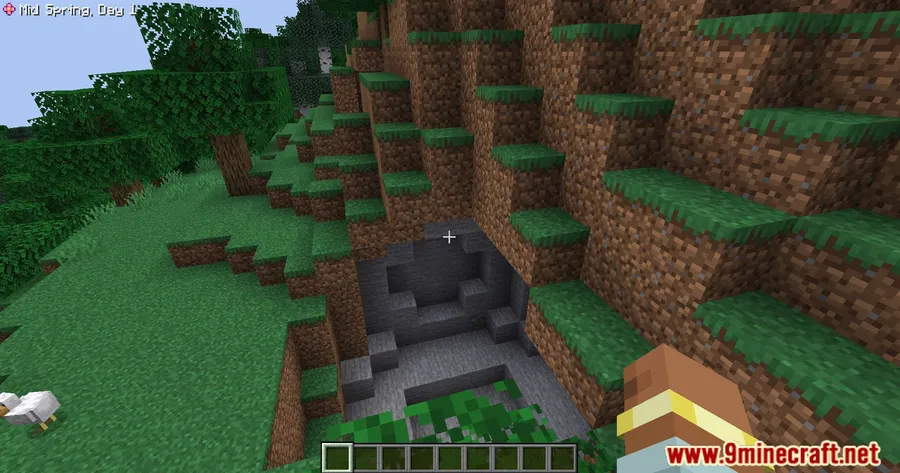
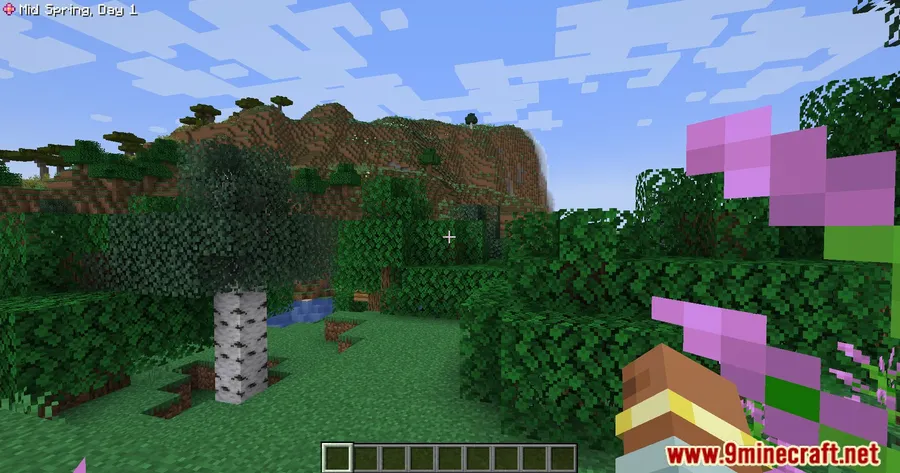
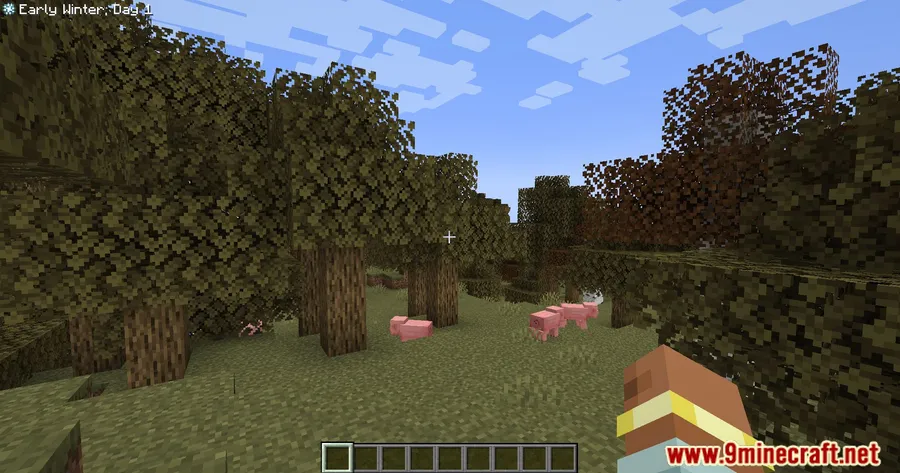
How to Install
- Download and install your preferred mod loader (Forge, Fabric, NeoForge, or Quilt) for your Minecraft version.
- Install any required dependencies — for Fabric, you'll need Fabric API; you'll also need a season mod such as Serene Seasons.
- Download the SeasonHUD Mod file matching your Minecraft version and mod loader.
- Place the downloaded
.jarfile into your.minecraft/modsfolder. - Launch Minecraft and verify the season overlay appears on your HUD.
Requirements
| Category | Details |
|---|---|
| Mod Loader | Forge, Fabric, NeoForge, Quilt |
| Dependencies | Minecraft Forge, Fabric API, NeoForge Installer, Serene Seasons Mod |
| Minecraft Versions | 1.21.11, 1.21.10, 1.21.9, 1.21.8, 1.21.7, 1.21.6, 1.21.5, 1.21.1, 1.21, 1.20.2, 1.20.1, 1.20, 1.19.4, 1.19.3, 1.19.2, 1.18.2, 1.17.1, 1.16.5 |
Pros & Cons
Pros
- Supports multiple season mods — not locked into just one ecosystem
- Integrates directly into popular minimaps instead of adding another separate overlay
- Highly configurable display position to fit different HUD layouts
- Available across Forge, Fabric, NeoForge, and Quilt loaders
- Covers a wide range of Minecraft versions from 1.16.5 to 1.21.11
Cons
- Requires a separate season mod installed — does not add seasons on its own
- JourneyMap InfoSlot feature is specific to that minimap; other minimaps get basic integration
- NeoForge downloads appear to be available only for newer Minecraft versions
Download
Always download mods from official sources to stay safe.
FAQ
Does SeasonHUD add seasons to Minecraft by itself?
No. SeasonHUD is a display addon — it reads season data from a separate season mod like Serene Seasons, Fabric Seasons, TerraFirmaCraft, or Ecliptic Seasons. You need at least one of those installed for it to function.
Which minimaps work with SeasonHUD?
SeasonHUD integrates with Xaero's Minimap, FTB Chunks, and JourneyMap. JourneyMap gets a dedicated "Season" InfoSlot, while the others display season information within their existing interface.
Can I change where the season indicator shows on screen?
Yes. SeasonHUD lets you configure the display position — you can place it in the top-left, bottom-right, or integrate it directly into a supported minimap widget through the mod's settings.


![Not Enough Recipe Book [NERB] Mod (1.21.11) - thumbnail](http://mcinside.com/wp-content/uploads/2026/04/thumbnail-63-52x52.webp)


