

Ever wished you could slap a button right onto a sign in Minecraft? Sign Button Mod makes that oddly satisfying idea a reality by combining two familiar blocks — the humble sign and the redstone button — into one functional hybrid. Craft it with just a sign and a Redstone torch, place it in your world, and enjoy a clickable sign that triggers redstone signals. It's a simple, playful addition that solves a niche problem most players didn't know they had.
Key Features
- Sign Button block — A single block that functions as both a readable sign and a pressable button, perfect for labeled redstone controls and interactive builds.
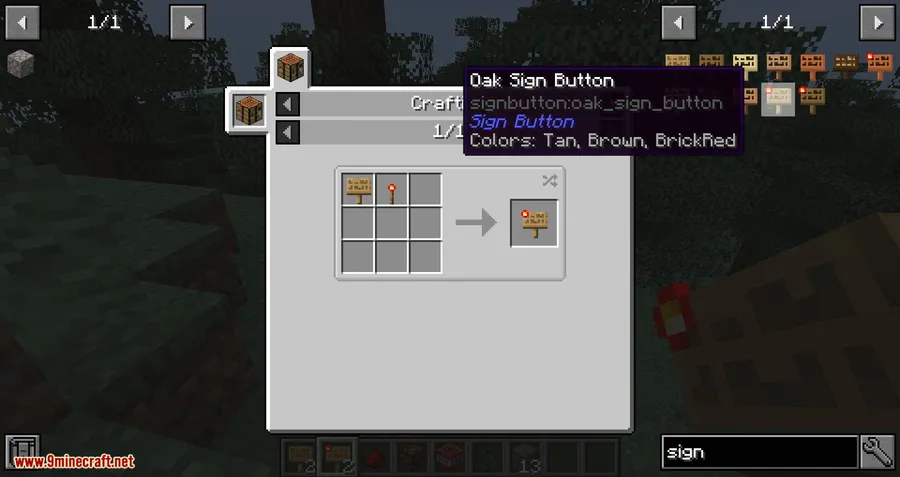
- Simple crafting recipe — Combine a sign with a Redstone torch to create the Sign Button. No rare materials or complex setups required.
- Redstone compatible — The Sign Button outputs a redstone signal when pressed, making it a drop-in replacement for standard buttons in automated builds and contraptions.
- Wide version support — Available across numerous Minecraft versions from 1.12.2 through 1.21.11, with support for both Forge and NeoForge mod loaders.
Screenshots
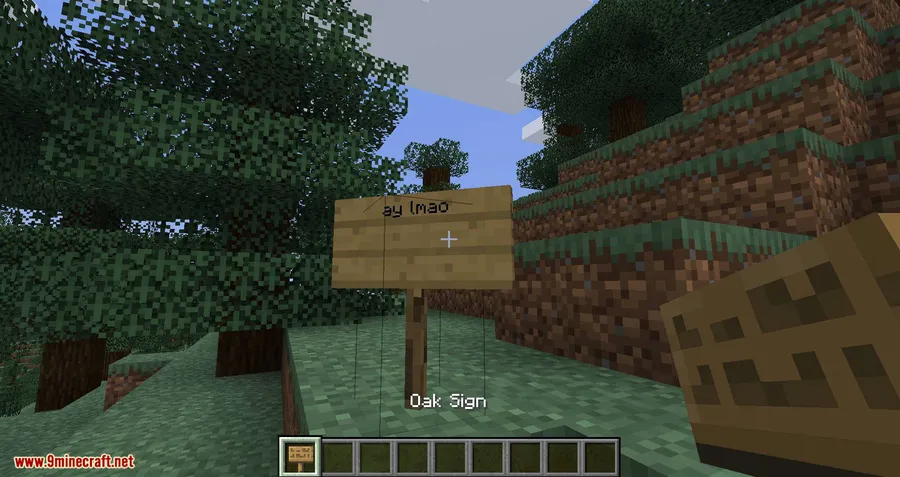
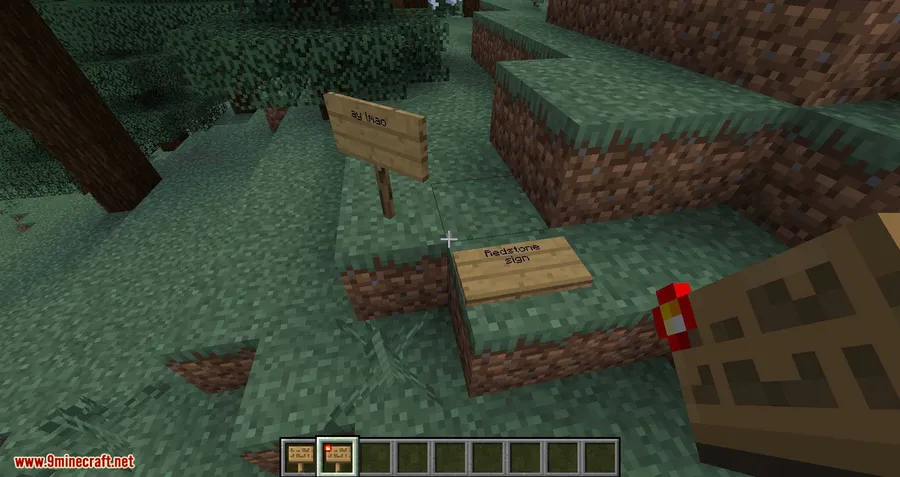
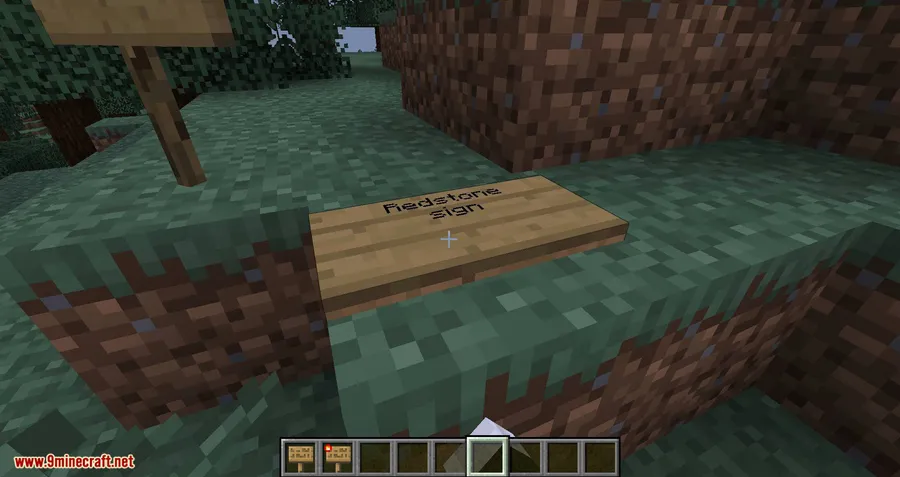
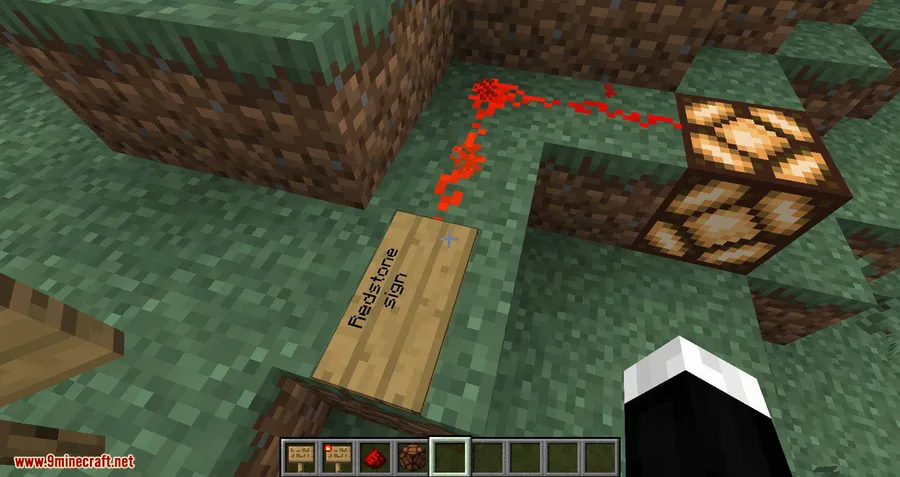
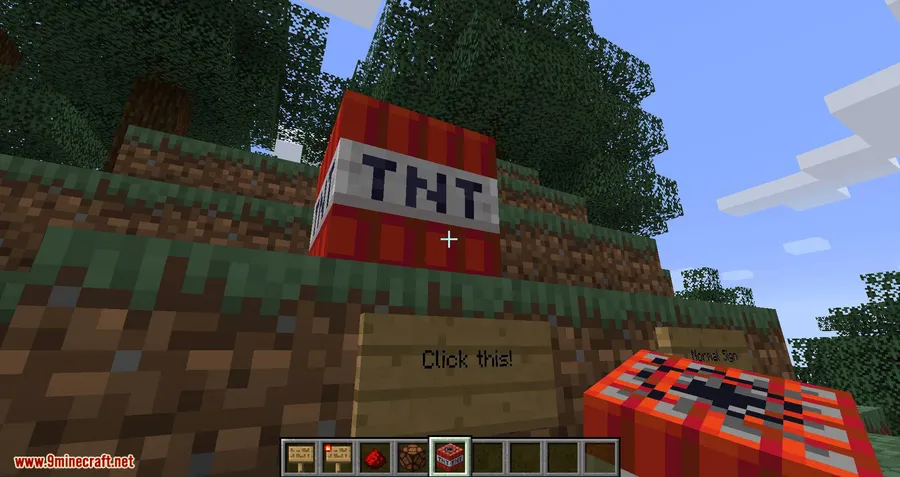
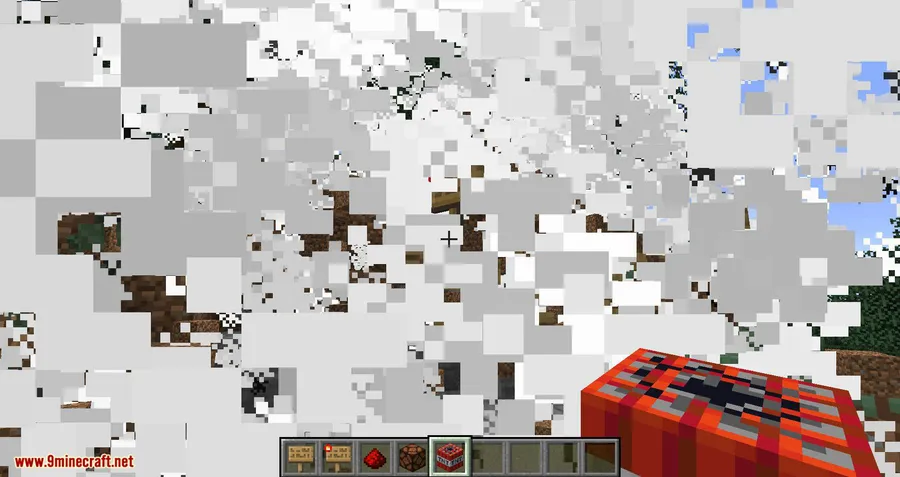
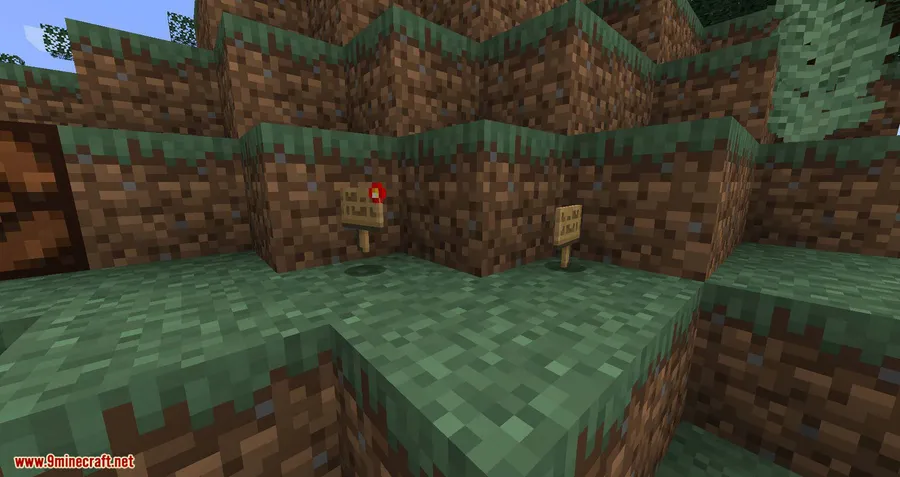
How to Install
- Download and install Minecraft Forge or NeoForge for your Minecraft version.
- Download the Sign Button Mod file matching your game version from the links below.
- Open your Minecraft directory and navigate to the
modsfolder (create it if it doesn't exist). - Drop the downloaded
.jarfile into themodsfolder. - Launch Minecraft using the Forge or NeoForge profile and enjoy.
Requirements
| Requirement | Details |
|---|---|
| Mod Loader | Minecraft Forge or NeoForge |
| Dependencies | None (standalone mod) |
| Minecraft Version | 1.12.2 – 1.21.11 |
Pros & Cons
Pros
- Extremely easy to craft with common materials
- Combines two block functions into one, saving space in builds
- Supported across a wide range of Minecraft versions
- Appears to be lightweight with minimal impact on your game
Cons
- Very narrow in scope — adds only a single new block
- No Fabric support, limited to Forge and NeoForge users
- Lacks customization options or configuration settings
Download
Always download mods from official sources to stay safe.
FAQ
How do you craft the Sign Button in Minecraft?
You craft the Sign Button by combining a sign and a Redstone torch. The exact crafting grid placement may vary by version, but these are the only two ingredients needed.
Does Sign Button Mod work with Fabric?
No, Sign Button Mod currently requires either Minecraft Forge or NeoForge. There is no Fabric version available based on the current releases.
Can the Sign Button activate redstone devices?
Yes, the Sign Button functions as a button that outputs a redstone signal when pressed, so you can use it to activate doors, pistons, and other redstone-powered mechanisms while also displaying text.


![[Let's Do] Meadow Mod (1.21.1) - thumbnail](http://mcinside.com/wp-content/uploads/2026/04/thumbnail-64-52x52.webp)


![Not Enough Recipe Book [NERB] Mod (1.21.11) - thumbnail](http://mcinside.com/wp-content/uploads/2026/04/thumbnail-63-52x52.webp)


