
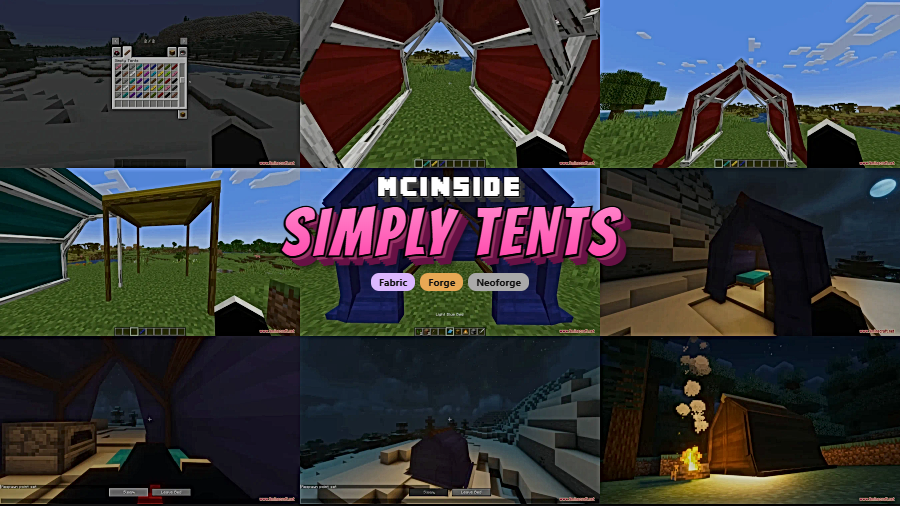
Exploring far from home in Minecraft often means choosing between pushing forward or trekking back to your base before nightfall. Simply Tents Mod removes that dilemma entirely by giving you a portable campsite you can deploy anywhere in seconds — complete with storage, a bed, and even custom colors. Pack everything back into a single inventory item when you're ready to move on, and nothing inside is lost.
Key Features
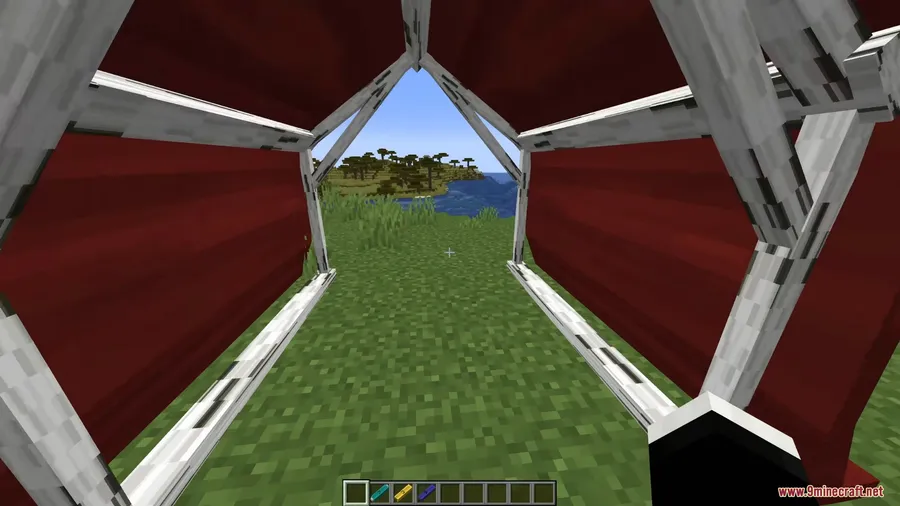
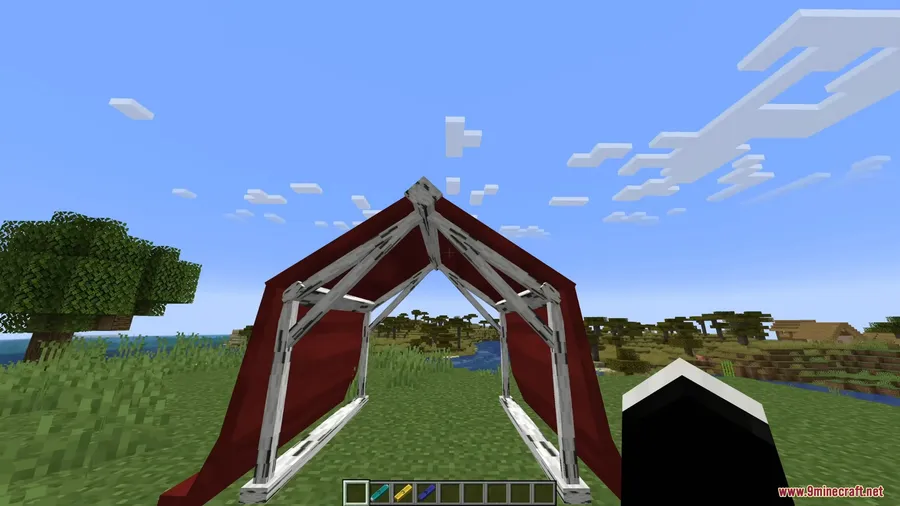
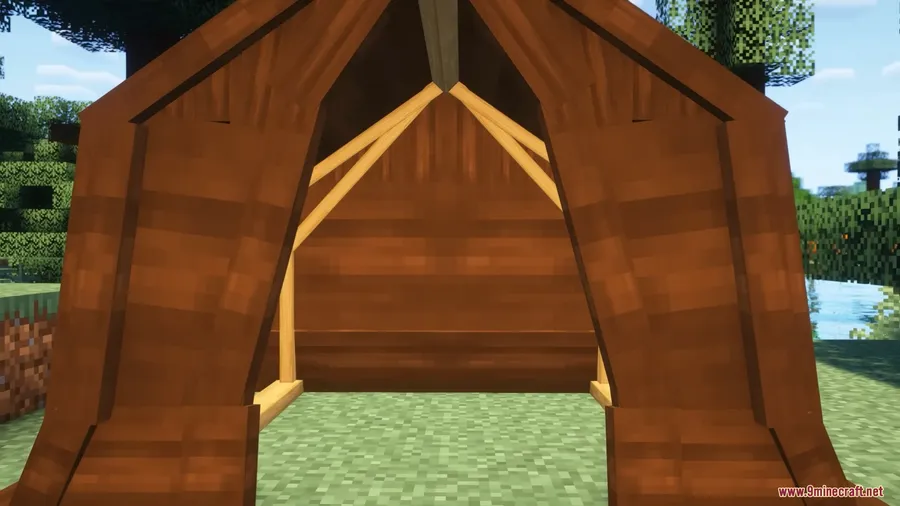
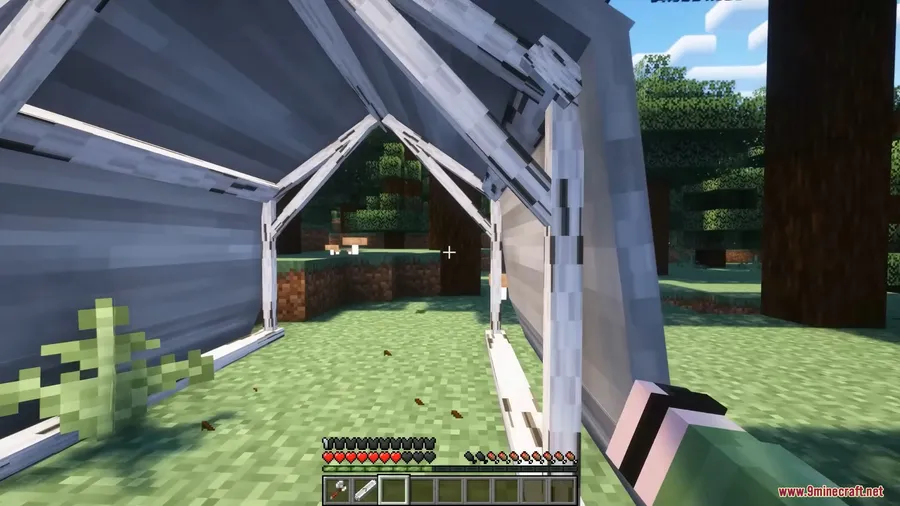
- Four Tent Styles – Choose from a classic A-frame Solo Tent, a three-walled Wall Tent, an open-air Canopy for shade only, or a fully enclosed Zip Tent with a functioning door. Each provides a 3×3 interior space.
- Portable Camps – Sneak and right-click with an empty hand to pack the entire tent — including beds, chests, furnaces, and armor stands — back into one item. Everything inside is saved exactly as you placed it.
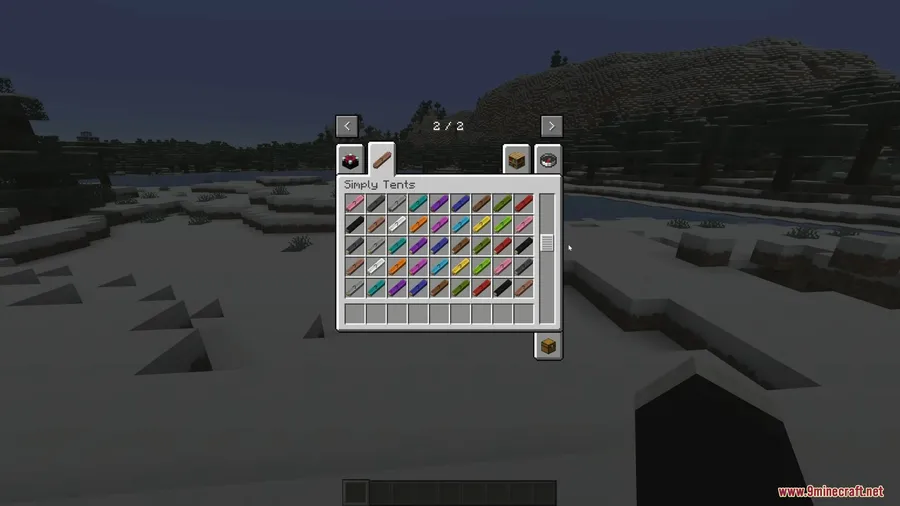
- Custom Colors & Frames – Right-click the fabric with any dye to change the tent color, and mix dyes for custom shades. Swap the wood frame by right-clicking poles with any vanilla log, stripped log, or plank.
- Weather Protection – Tent roofs block rain, so beds and campfires work normally underneath even during storms.
- Canvas Walls – Placeable 1×1 wall panels that can be dyed and packed just like tents, letting you build custom camp layouts.
- Spawn Management Commands – Use
/simplytents spawnLogicto choose between HOME (restores your last permanent bed), CAMP (locks spawn to the tent's location), or VANILLA (standard behavior). - Tent Ownership – An optional setting restricts packing to the player who placed the tent, useful for multiplayer servers.
- Dynamic Item Tooltips – The tent item displays its current fabric color, frame type, and stored contents directly in the tooltip.
Screenshots
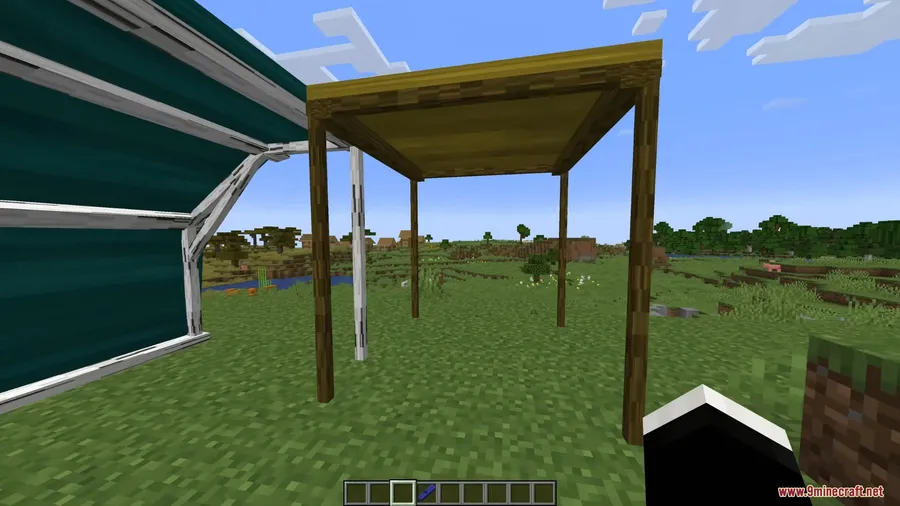
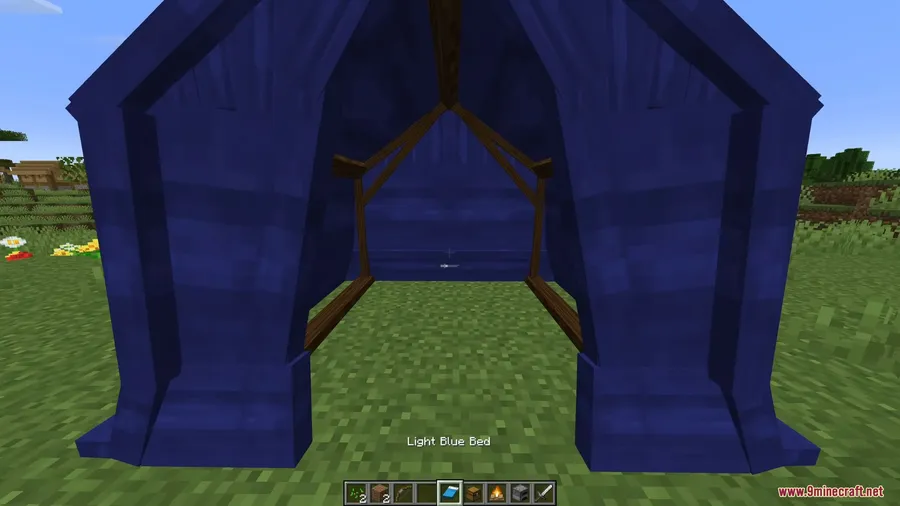
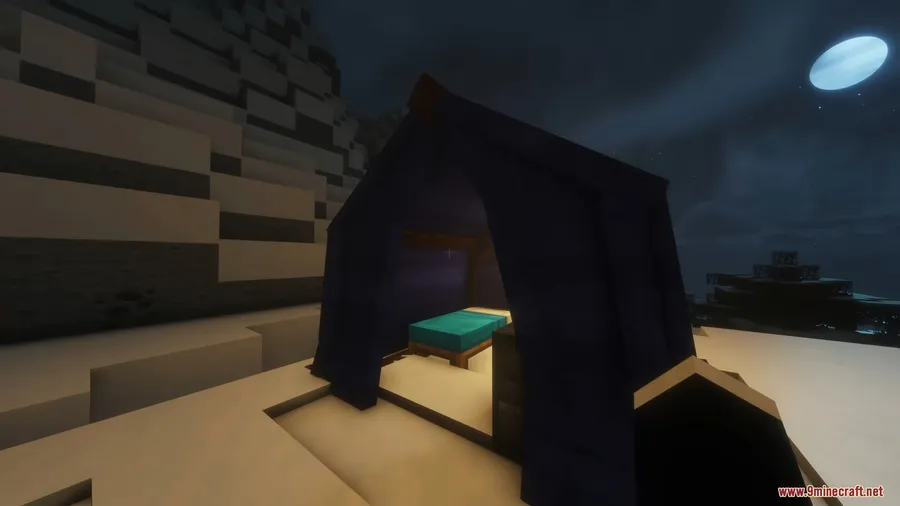
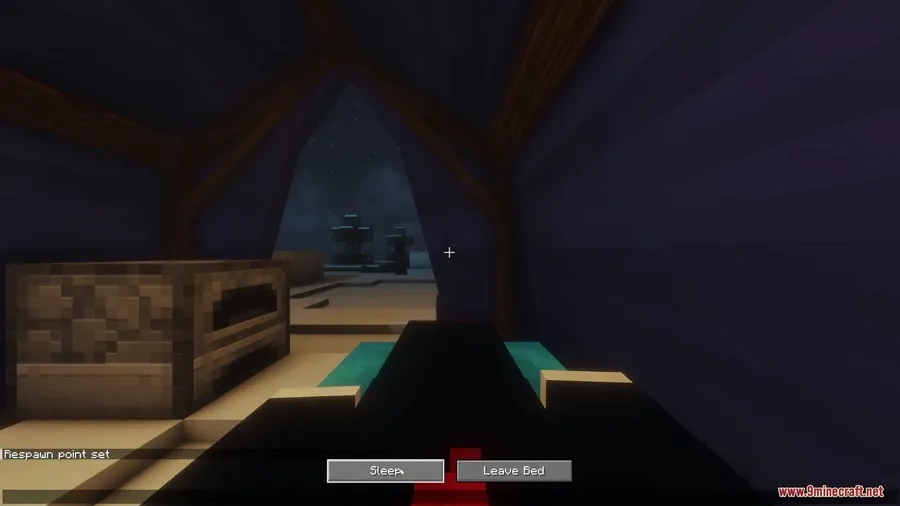
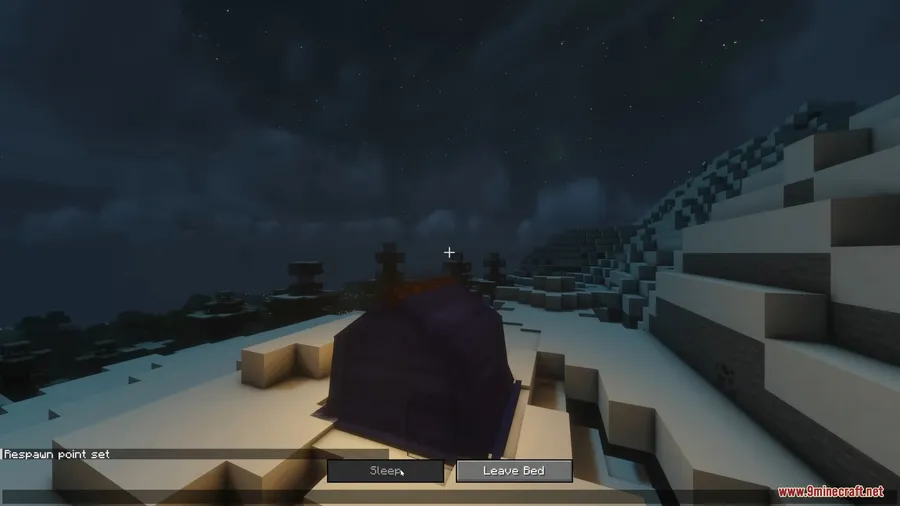
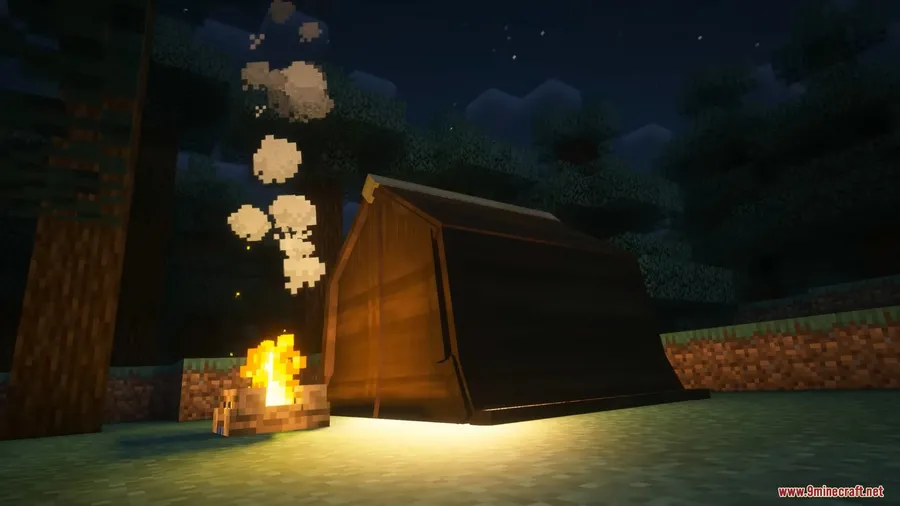
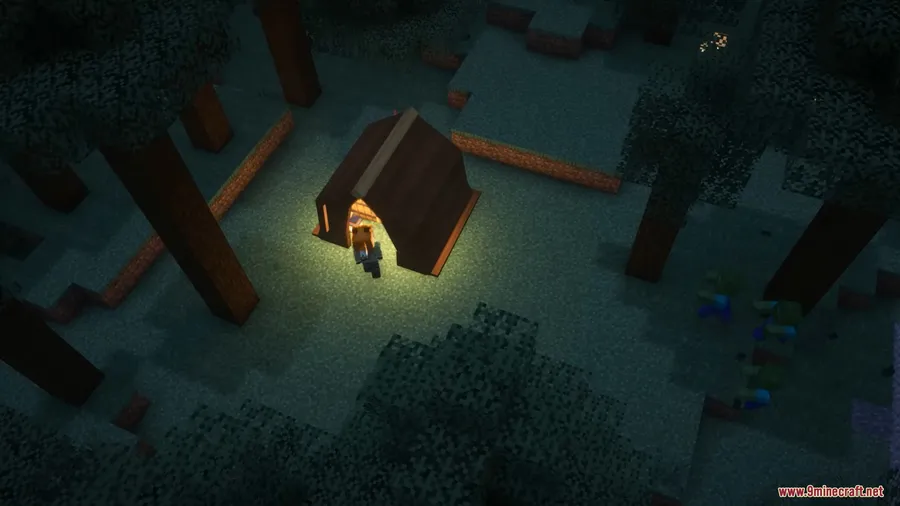
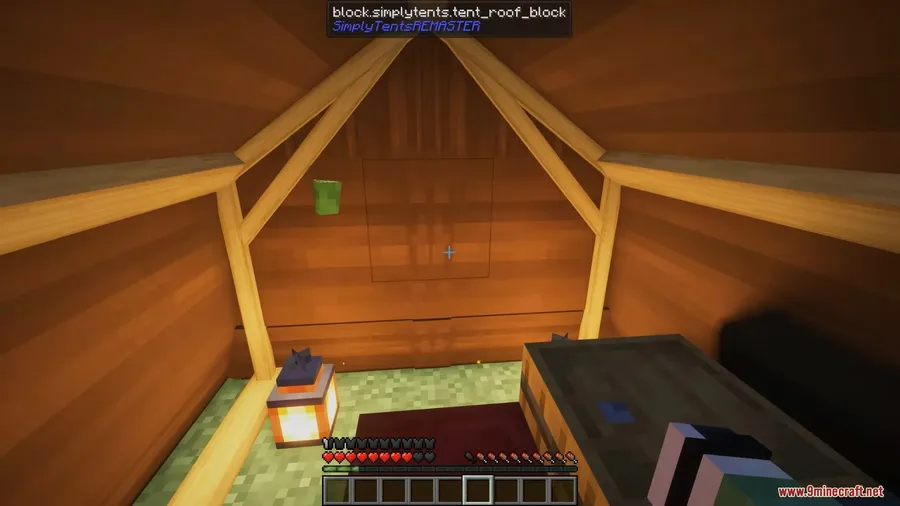
How to Install
- Download and install your preferred mod loader — Forge, Fabric, or NeoForge — for your Minecraft version.
- If using Fabric, also install the Fabric API.
- Download the Simply Tents Mod file matching your loader and version.
- Place the downloaded
.jarfile into your.minecraft/modsfolder. - Launch Minecraft with your modded profile and the tent recipes will be available in-game.
Requirements
| Component | Details |
|---|---|
| Mod Loader | Forge, Fabric, or NeoForge |
| Dependencies | Fabric API (Fabric only) |
| Minecraft Version | 1.20, 1.20.1, 1.21, 1.21.1, 1.21.11 |
Pros & Cons
Pros
- Appears to be lightweight — adds only tents and canvas walls without overhauling other systems
- Interior contents are fully preserved when packing, making long expeditions much more practical
- Extensive customization with dyeable fabric, mixable colors, and swappable wood frames
- Server-friendly spawn and ownership commands for multiplayer environments
- Supports all three major mod loaders across multiple Minecraft versions
Cons
- All tents share the same 3×3 interior — no larger options for bigger camps
- Requires a clear area for placement, which can be tricky in dense forests or caves
- No built-in crafting recipes are documented in the mod description — players may need a recipe viewer mod
Download
Always download mods from official sources to stay safe.
FAQ
Can I keep items inside the tent when I pick it up?
Yes. When you pack a tent by sneaking and right-clicking with an empty hand, all blocks and entities inside — including beds, chests, furnaces, and armor stands — are saved and restored exactly as placed when you set the tent down again.
Does Simply Tents work on multiplayer servers?
It does. Server admins can use the /simplytents restrictPickup command to limit tent packing to the player who placed it, and /simplytents spawnLogic to control how spawn points behave when tents are moved.
What happens to my spawn point when I pack up a tent with a bed inside?
That depends on the spawn logic setting. HOME mode restores your last permanent bed spawn, CAMP mode keeps your spawn locked to the tent's last placed location, and VANILLA mode uses standard game behavior where the spawn resets if the bed is removed.


![[Let's Do] Meadow Mod (1.21.1) - thumbnail](http://mcinside.com/wp-content/uploads/2026/04/thumbnail-64-52x52.webp)


![Not Enough Recipe Book [NERB] Mod (1.21.11) - thumbnail](http://mcinside.com/wp-content/uploads/2026/04/thumbnail-63-52x52.webp)
