

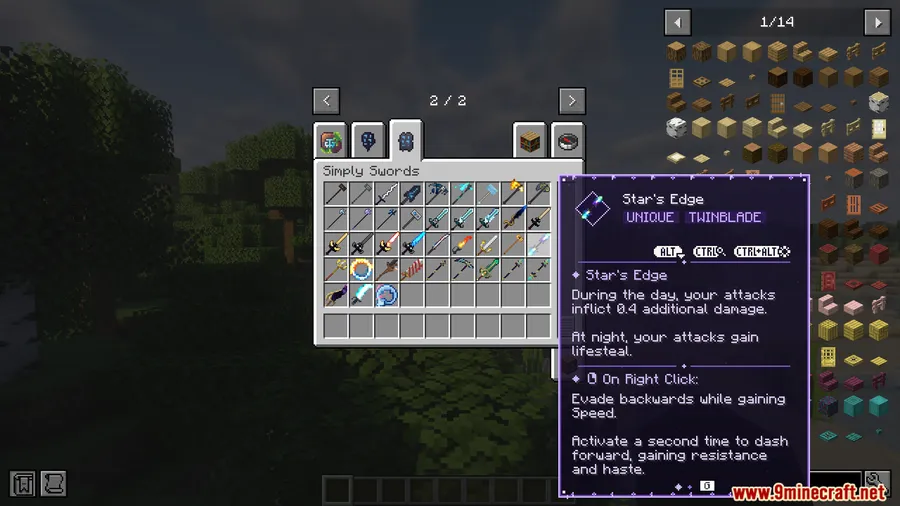
Tired of bland, overflowing tooltip boxes cluttering your inventory screen? Simply Tooltips Mod hands you full creative control over how item tooltips look and behave in Minecraft. Built on a data-driven theme system, it lets you design custom tooltip styles for vanilla and modded items alike — and ships with ready-made themes for popular Simply-series mods so you can get started immediately.
Key Features
- Fully custom tooltip themes — Design your own tooltip layouts and color schemes using a flexible, data-driven system that works for both vanilla and modded items.
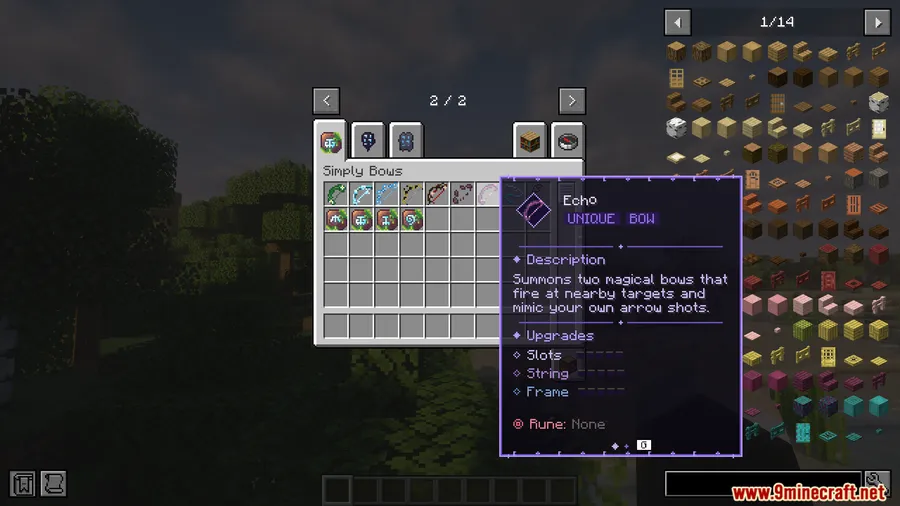
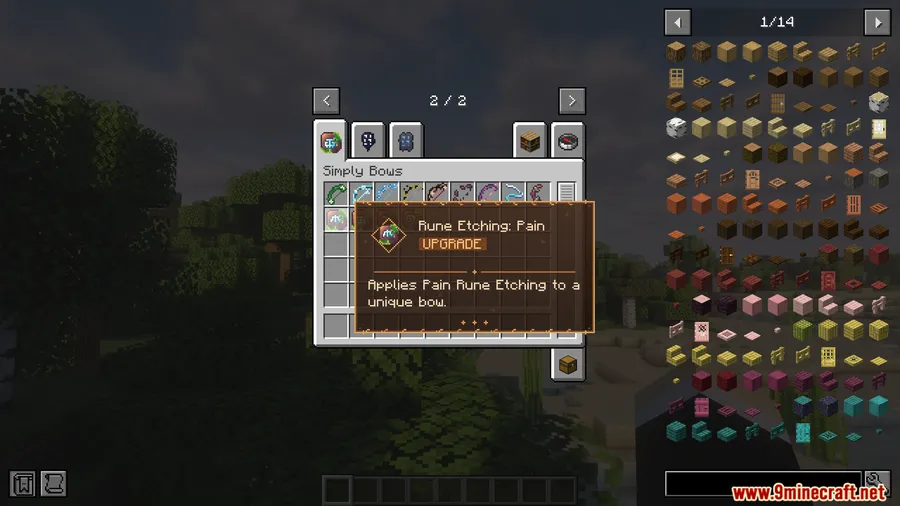
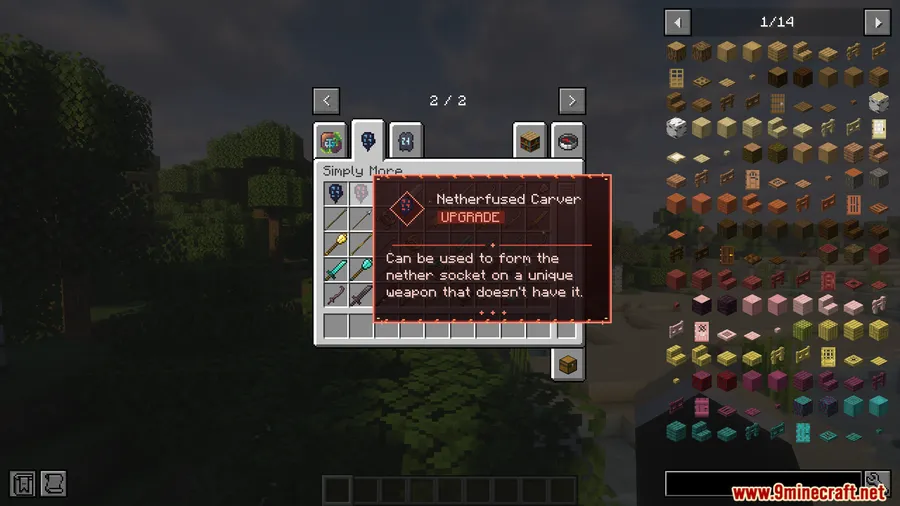
- Pre-made themes included — Out of the box, Simply Tooltips ships with polished themes for Simply Swords, Simply Bows, and other mods in the Simply family.
- Scrollable tooltips — Long, text-heavy tooltips no longer eat up your entire screen. Scroll through the content instead of squinting at a wall of text.
- Tabbed information — Split tooltip data across multiple tabs and cycle between them with a hotkey, keeping things organized without losing detail.
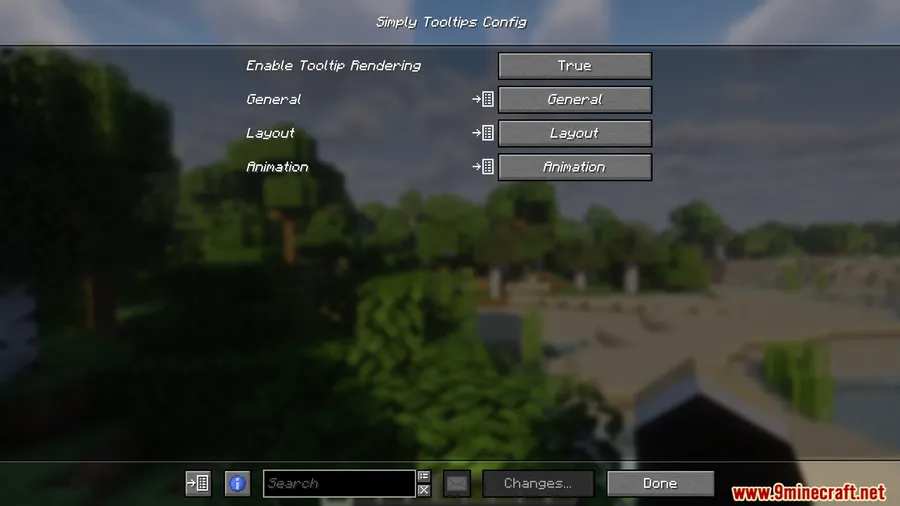
- Modpack-friendly — Easy to configure and extend for modded items, and appears to be lightweight enough to run in larger modpacks without heavy overhead.
Screenshots


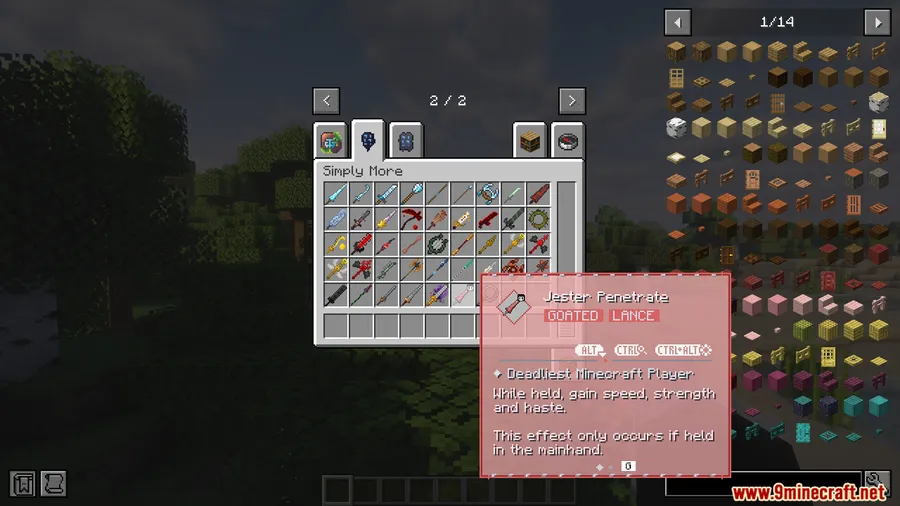
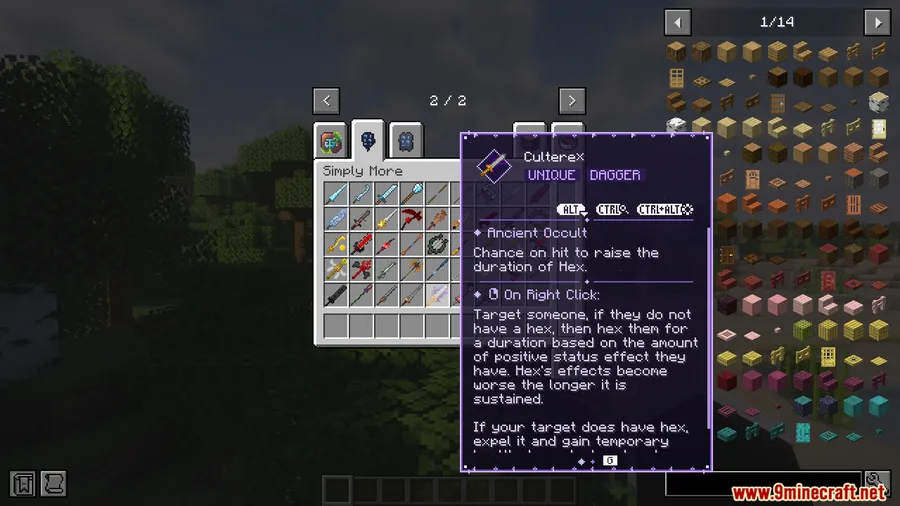
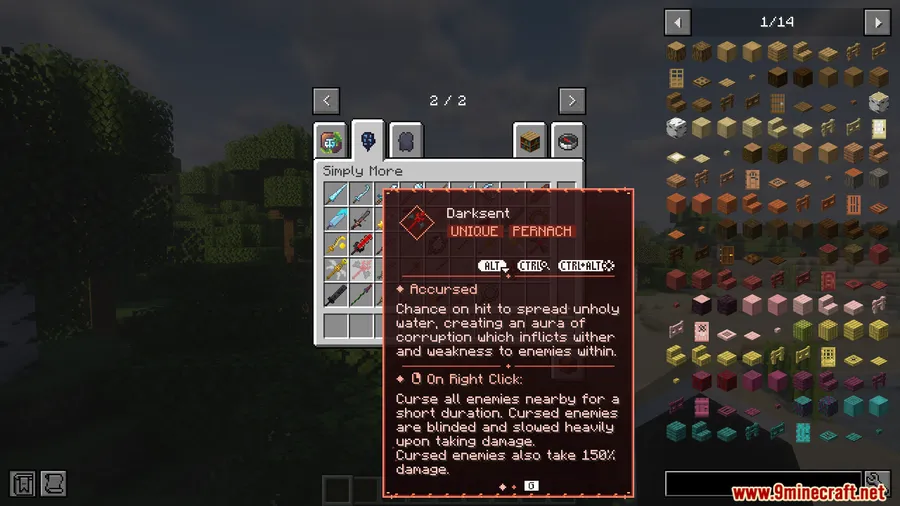
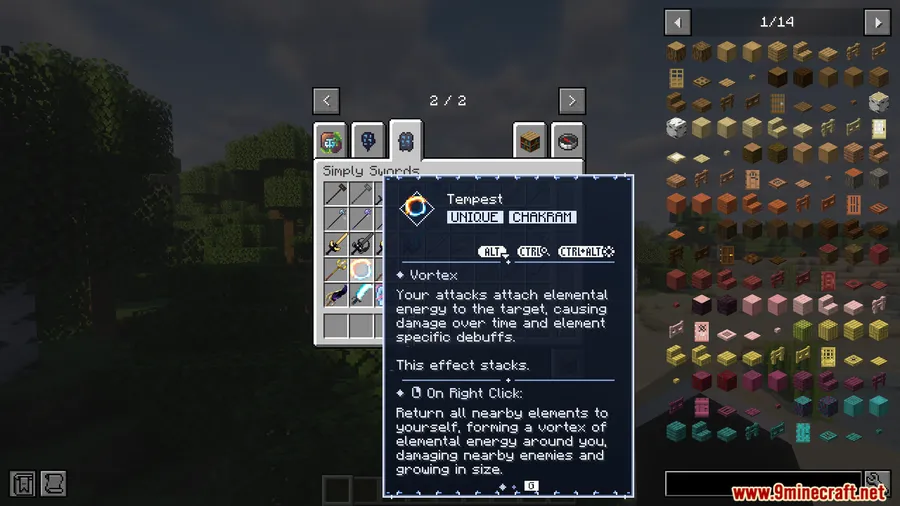
How to Install
- Download and install Fabric Loader or NeoForge for your Minecraft version.
- Install all required dependencies: Fabric API (for Fabric) or Kotlin for Forge + NeoForge Installer (for NeoForge), plus Fzzy Config and Architectury API.
- Download Simply Tooltips Mod for your loader from the link below.
- Drop the downloaded
.jarfile into your.minecraft/modsfolder. - Launch Minecraft and verify the mod appears in your mod list.
Requirements
| Category | Details |
|---|---|
| Mod Loader | Fabric, NeoForge, Forge |
| Dependencies | Fabric API, NeoForge Installer, Fzzy Config Mod, Kotlin for Forge Mod, Architectury API Mod |
| Minecraft Versions | 1.21.1, 1.21 |
Pros & Cons
Pros
- Full creative freedom to design tooltip themes from scratch
- Scrollable tooltips solve the long-standing screen clutter problem
- Tabbed system keeps complex item info organized
- Built-in themes for Simply Swords and Simply Bows save setup time
- Data-driven approach makes it easy to extend for any modded item
Cons
- Requires multiple dependencies (Fzzy Config, Architectury API, and loader-specific libraries)
- Currently limited to Minecraft 1.21–1.21.1 with no older version support listed
- Custom theme creation may involve a learning curve for players unfamiliar with data-driven configs
Download
Always download mods from official sources to stay safe.
FAQ
Does Simply Tooltips work with modded items?
Yes. The mod uses a data-driven theme system specifically designed to support both vanilla and modded items. You can create custom tooltip themes for any item in your modpack.
Can I use Simply Tooltips on a Fabric and NeoForge modpack?
Simply Tooltips supports both Fabric and NeoForge loaders. Just make sure you install the correct version for your loader along with the required dependencies like Fabric API or Kotlin for Forge.
How do scrollable tooltips work?
When a tooltip contains too much text to display at once, Simply Tooltips automatically makes it scrollable so you can read through the content without it overflowing your screen. You can also split information into tabs and cycle through them with a hotkey.



![[Let's Do] Meadow Mod (1.21.1) - thumbnail](http://mcinside.com/wp-content/uploads/2026/04/thumbnail-64-52x52.webp)


![Not Enough Recipe Book [NERB] Mod (1.21.11) - thumbnail](http://mcinside.com/wp-content/uploads/2026/04/thumbnail-63-52x52.webp)
