

Particle-heavy environments in Minecraft can tank your frame rate faster than a creeper explosion — and most particle mods deal with this by blindly cutting particles at random. Smart Particles Mod takes a fundamentally different approach: it intelligently prioritizes which particles actually matter by keeping the ones closest to you and within your line of sight, while quietly removing distant or off-screen particles you would never notice. The result is a noticeably smoother experience in mob farms, particle-dense biomes, villages, and modded spell effects, all without sacrificing the visual quality right in front of you.
Key Features
- Smart Particle Culling — Instead of randomly deleting particles, the mod prioritizes those nearest to your character and removes distant ones first, keeping the visual experience intact where it counts.
- Camera-Aware Rendering — Smart Camera Culling aggressively removes particles behind you or off-screen, so the game only renders what you can actually see.
- Hard Cap Protection — A strict particle limit (default 5,000, fully adjustable) prevents massive explosions, mob farms, or modded spell effects from crashing your FPS.
- On-the-Fly Configuration — Adjust the particle limit and all settings in-game through Mod Menu integration, or edit the config file directly at
.minecraft/config/smart_particles/config.json. - Broad Mod Compatibility — Works alongside particle and visual mods including Particle Effects, Particle Rain, Visuality, Effective, and Better Combat, among others.
- Client-Side Only — No server installation needed. Drop it in your mods folder and it works immediately on any server.
Screenshots
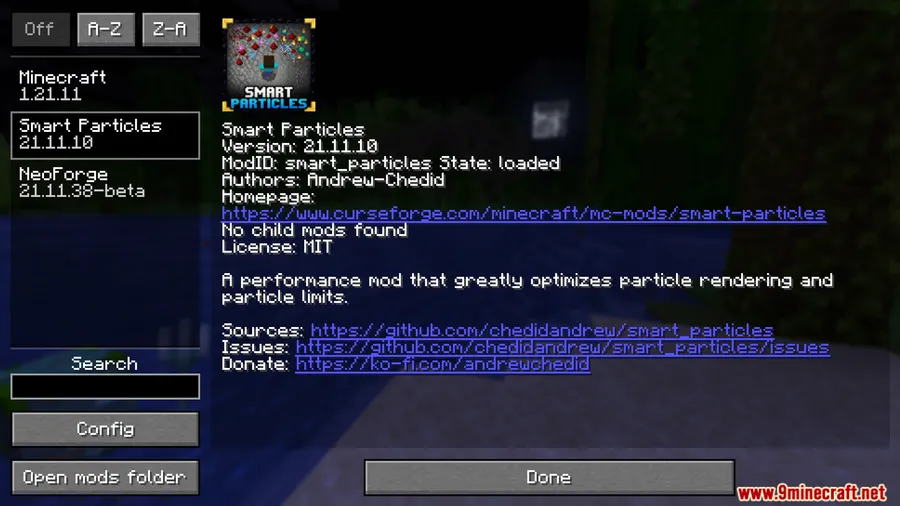
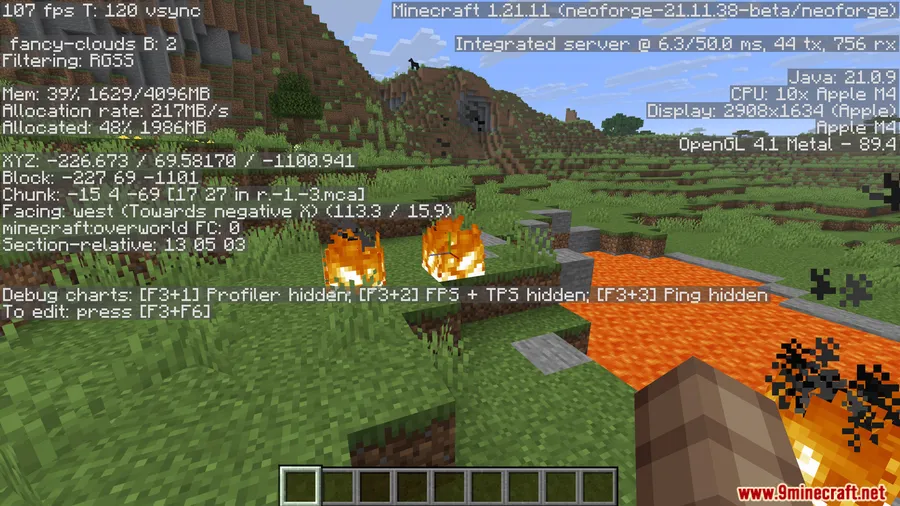
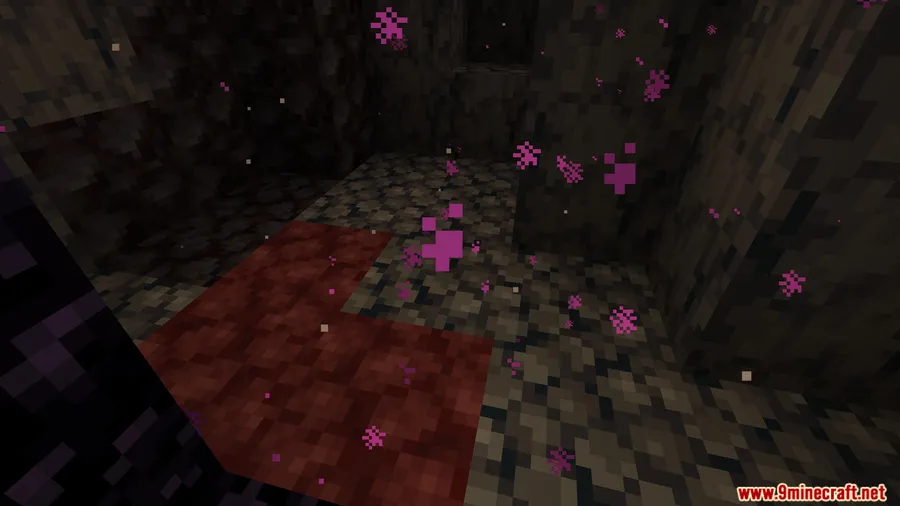
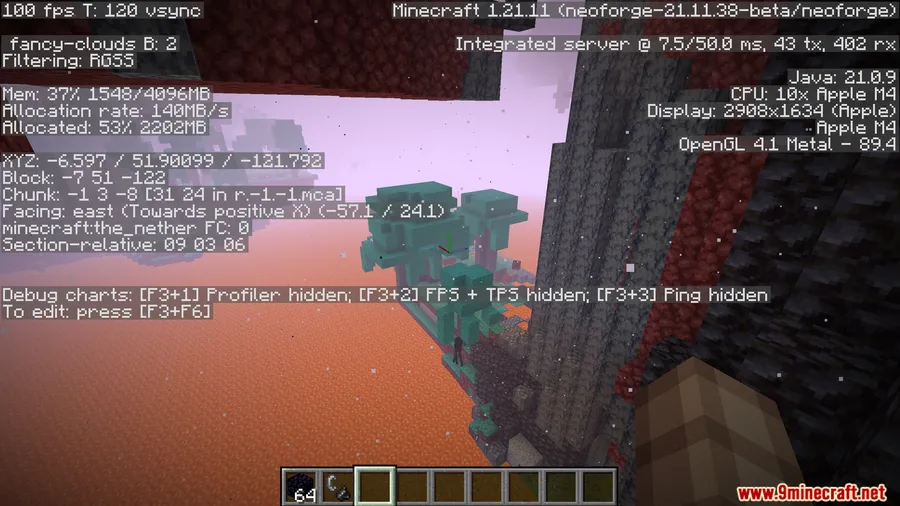
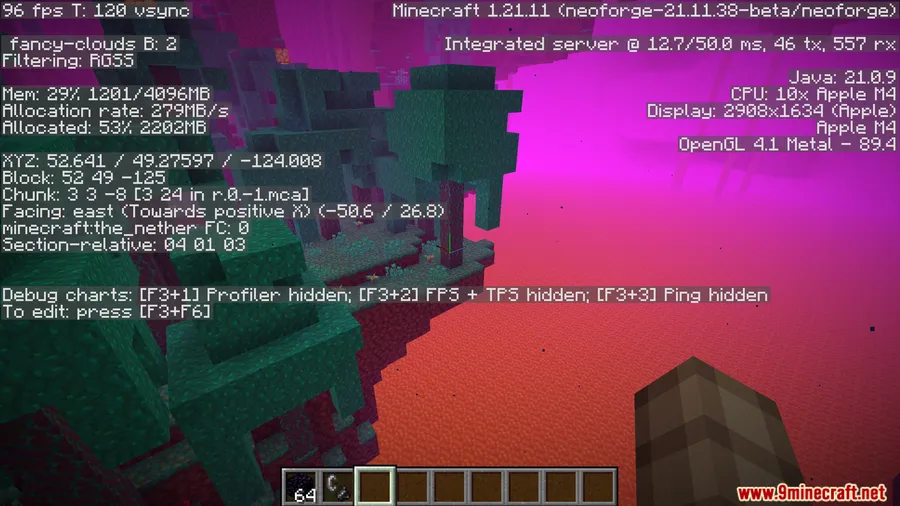
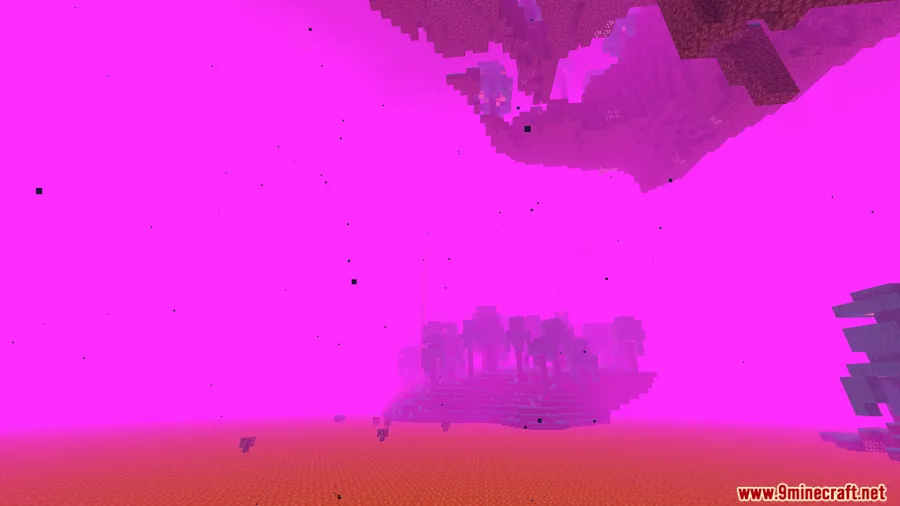
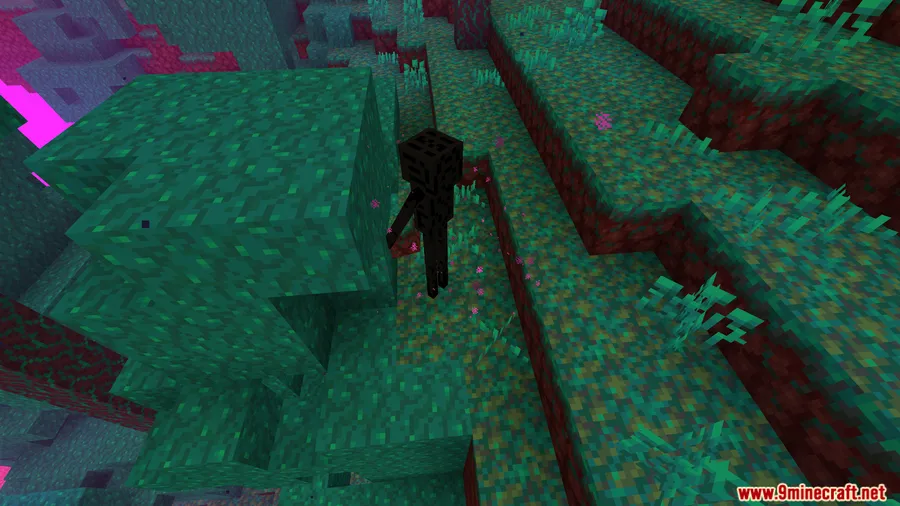
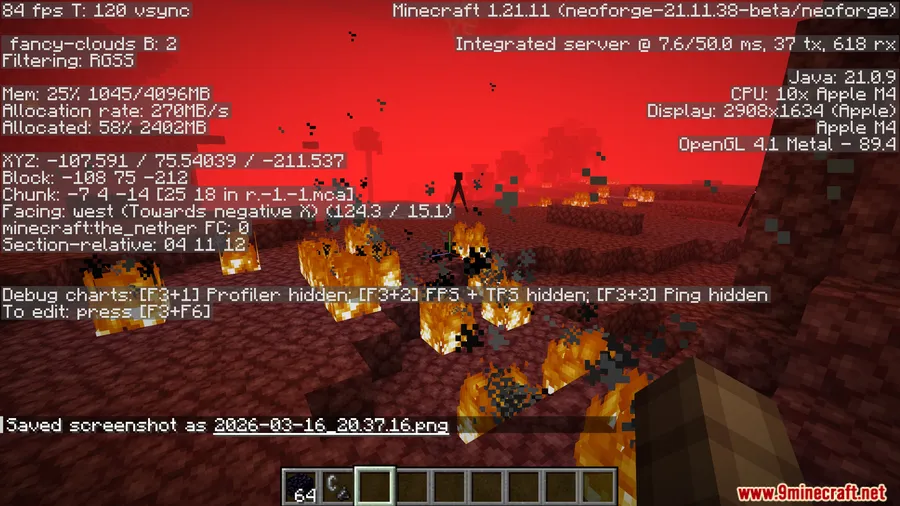
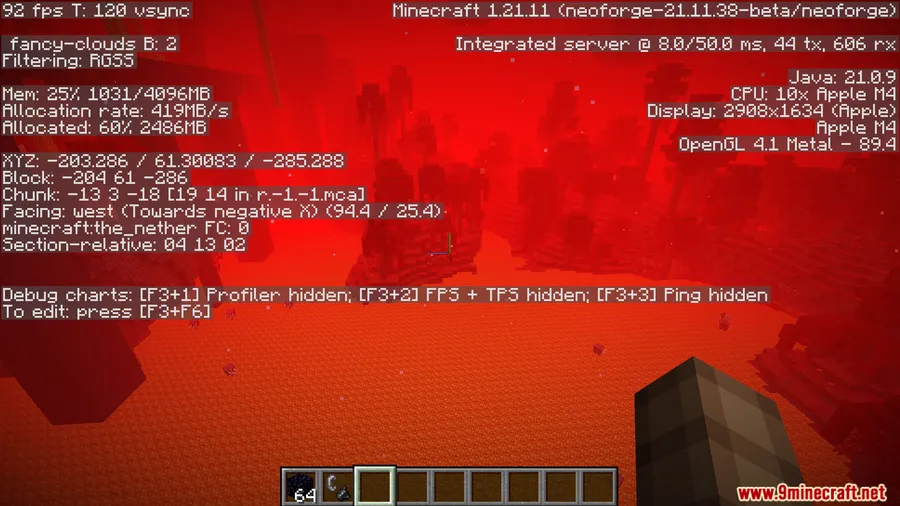
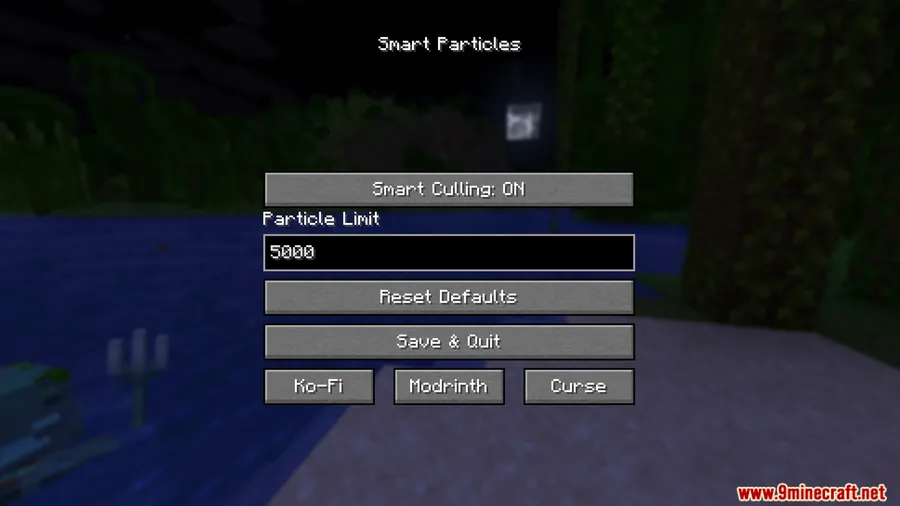
How to Install
- Download and install the mod loader that matches your Minecraft version — Forge, Fabric (with Fabric API), or NeoForge.
- Download the Smart Particles Mod file for your specific Minecraft version from the links below.
- Place the downloaded
.jarfile into your.minecraft/modsfolder. - Launch Minecraft and optionally install Mod Menu to adjust particle settings in-game.
Requirements
| Requirement | Details |
|---|---|
| Mod Loader | Forge, Fabric, or NeoForge |
| Dependencies | Fabric API (for Fabric versions) |
| Minecraft Version | 1.7.10, 1.12.2, 1.16.5, 1.18.2, 1.19.2, 1.19.4, 1.20 – 1.20.2, 1.21 – 1.21.11 |
Pros & Cons
Pros
- Intelligent culling keeps visually important particles while removing ones you cannot see
- Configurable particle cap lets you fine-tune performance for your specific hardware
- Client-side only — works on any server without installation
- Wide version support from 1.7.10 through 1.21.11 across three mod loaders
- Compatible with many popular particle and visual mods
Cons
- Smart Camera Culling may cause noticeable particle pop-in for some players
- Newer Minecraft versions may have limited loader support compared to older ones
- Requires Fabric API as an extra dependency when running on Fabric
Download
Always download mods from official sources to stay safe.
FAQ
Does Smart Particles Mod work on servers?
Yes. Smart Particles is a client-side only mod, so you can install it in your own mods folder and join any server without the server needing to install anything.
Can I use Smart Particles with other particle mods like Visuality or Particle Rain?
Yes, the mod is designed to work alongside other particle and visual mods. It manages the total particle count regardless of which mod spawned them, so mods like Visuality, Effective, Particle Rain, and Better Combat are all compatible.
What should I do if particles keep popping in and out?
Particle pop-in is typically caused by the Smart Camera Culling feature. You can disable it in the mod settings through Mod Menu or by editing the config file, which should eliminate the pop-in while still keeping the distance-based culling active.

![[EMF] Entity Model Features Mod (1.21.11) – OptiFine Alternative](http://mcinside.com/wp-content/uploads/2026/03/thumbnail-2237-300x169.webp)


![[Let's Do] Meadow Mod (1.21.1) - thumbnail](http://mcinside.com/wp-content/uploads/2026/04/thumbnail-64-52x52.webp)


![Not Enough Recipe Book [NERB] Mod (1.21.11) - thumbnail](http://mcinside.com/wp-content/uploads/2026/04/thumbnail-63-52x52.webp)


