

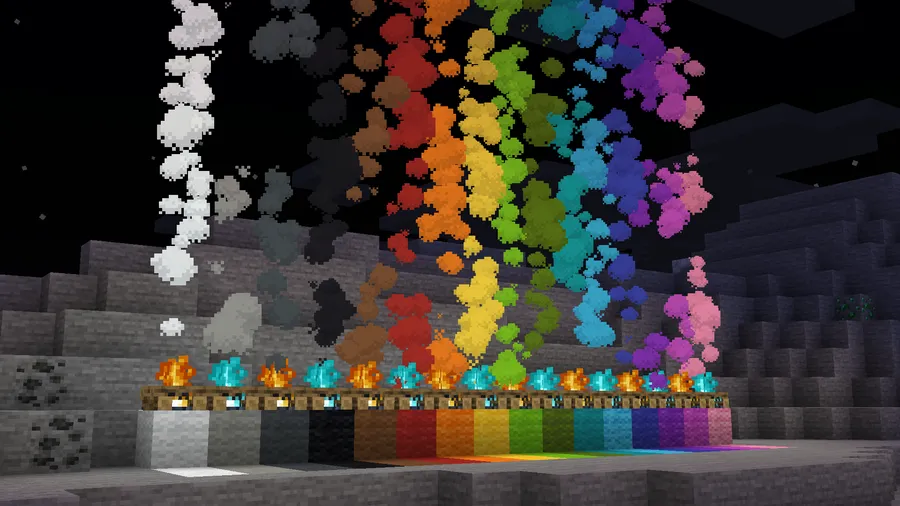
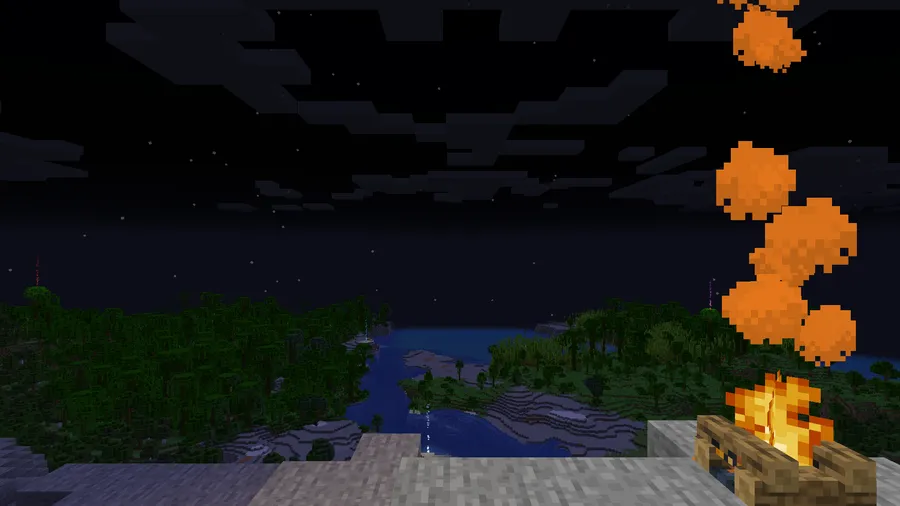
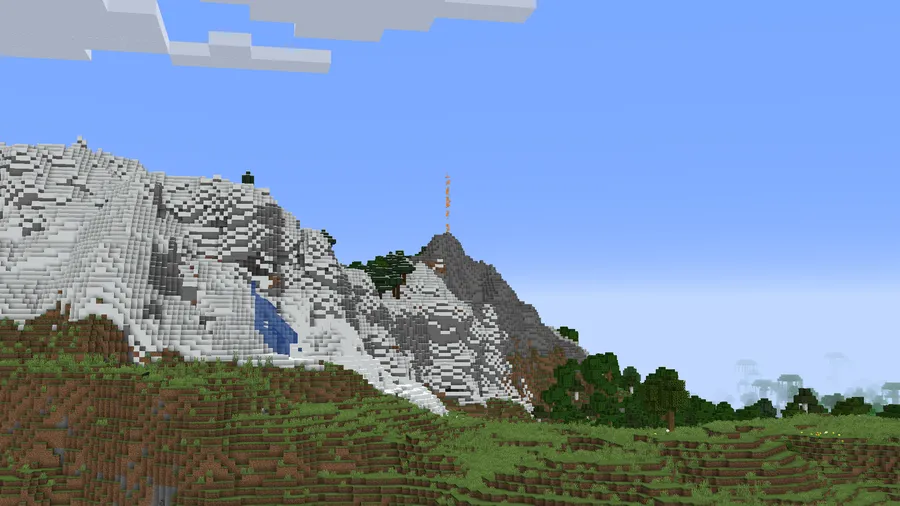
Campfires in vanilla Minecraft produce the same plain white smoke every single time — functional, but boring. Smoke Signals Mod changes that entirely by letting you generate colored smoke from campfires simply by placing wool blocks underneath them, turning a basic survival tool into a vibrant visual communication system. With over 37,000 downloads and an active development history stretching from early 2024 through late 2025, this Fabric-side client mod by boyonk913 has quietly become a favorite for players who want more expressive builds without adding server-side complexity.
Key Features
- Colored Smoke from Wool Blocks — Place any color of wool block beneath a campfire to produce matching colored smoke. With 16 wool colors available in vanilla Minecraft, you get a full palette of smoke signals to work with for base marking, decoration, or communication.
- Fully Configurable Block-to-Smoke Mapping — The configuration system goes beyond wool — you can set up any block in the game to generate custom particles when placed under a campfire. This opens the door to creative builds where diamond blocks, redstone, or even dirt each produce their own distinct smoke effect.
- Client-Side Only — Smoke Signals runs entirely on the client side, meaning only you (and friends who also install it) need the mod. No server installation required, making it safe to use on multiplayer servers that allow client mods.
Screenshots
How to Install
- Download and install Fabric Loader for your Minecraft version.
- Download Fabric API and place the .jar file in your
.minecraft/modsfolder. - Download Smoke Signals Mod for your Minecraft version from the link below.
- Place the Smoke Signals .jar file into the same
.minecraft/modsfolder. - Launch Minecraft using the Fabric profile and enjoy colored campfire smoke.
Requirements
| Requirement | Details |
|---|---|
| Mod Loader | Fabric |
| Dependencies | Fabric API |
| Minecraft Versions | 26.1, 1.21.11, 1.21.10, 1.21.9, 1.21.8, 1.21.7, 1.21.6, 1.21.5, 1.21.4, 1.21.3, 1.21.1, 1.21, 1.20.6, 1.20.4 |
Pros & Cons
Pros
- Client-side only — no server installation needed, works on any Fabric-compatible server
- Simple and intuitive mechanic using existing wool blocks
- Highly configurable — any block can be mapped to produce custom campfire particles
- Broad version support from 1.20.4 through 26.1
Cons
- Fabric only — no Forge or NeoForge support available
- Other players need the mod installed to see colored smoke effects
- Limited to campfire-based smoke — does not add new smoke sources or blocks
Download
Always download mods from official sources to stay safe.
FAQ
Does Smoke Signals Mod work on multiplayer servers?
Yes. Since Smoke Signals is a client-side mod, you do not need it installed on the server. However, only players who have the mod installed will be able to see the colored smoke effects — other players will see normal campfire smoke.
How do you change the smoke color in Smoke Signals?
Place a wool block of your desired color directly underneath a campfire. The smoke will change to match the wool color. You can also use the mod's configuration file to assign custom smoke particles to any block, not just wool.
Is Smoke Signals Mod available for Forge?
No. Smoke Signals is currently a Fabric-exclusive mod and requires Fabric Loader along with Fabric API to run. There is no Forge or NeoForge version available at this time.


![[Let's Do] Candlelight - Farm&Charm compat Mod (1.21.1) - thumbnail](http://mcinside.com/wp-content/uploads/2026/04/thumbnail-81-52x52.webp)


![[Let's Do] Meadow Mod (1.21.1) - thumbnail](http://mcinside.com/wp-content/uploads/2026/04/thumbnail-64-52x52.webp)


![Not Enough Recipe Book [NERB] Mod (1.21.11) - thumbnail](http://mcinside.com/wp-content/uploads/2026/04/thumbnail-63-52x52.webp)