
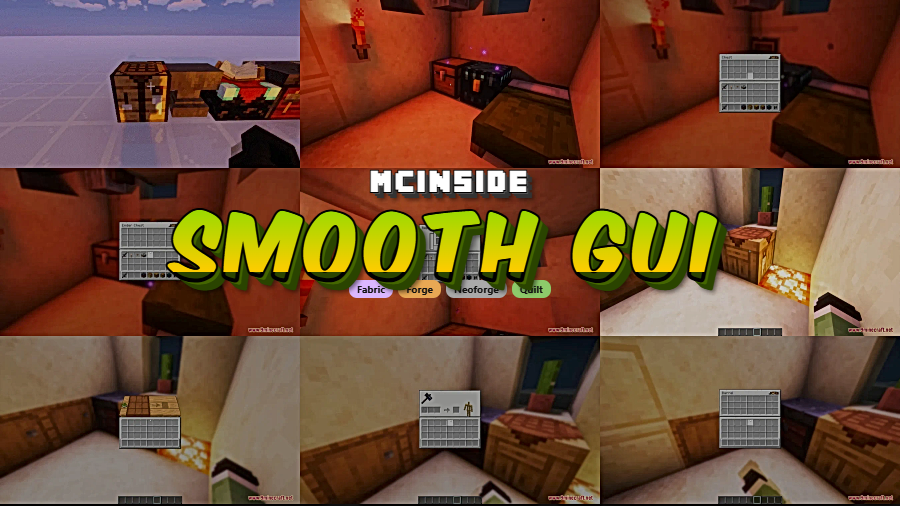
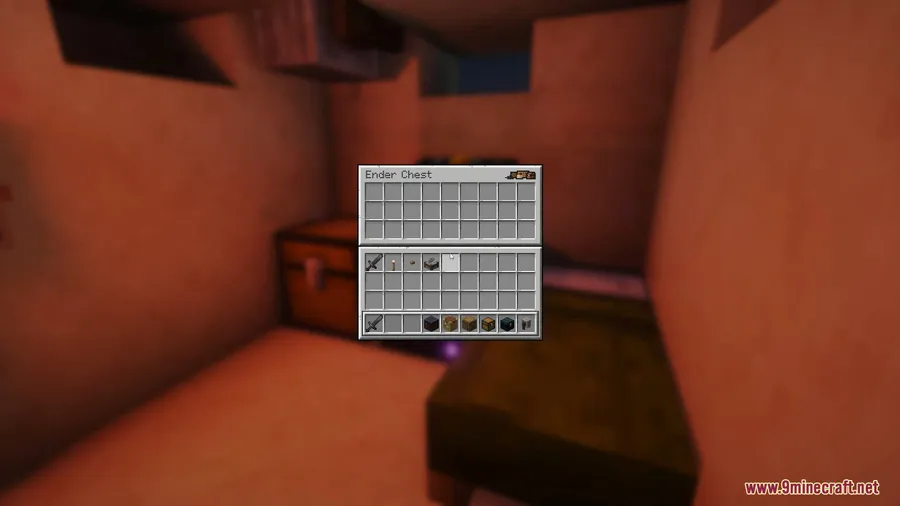
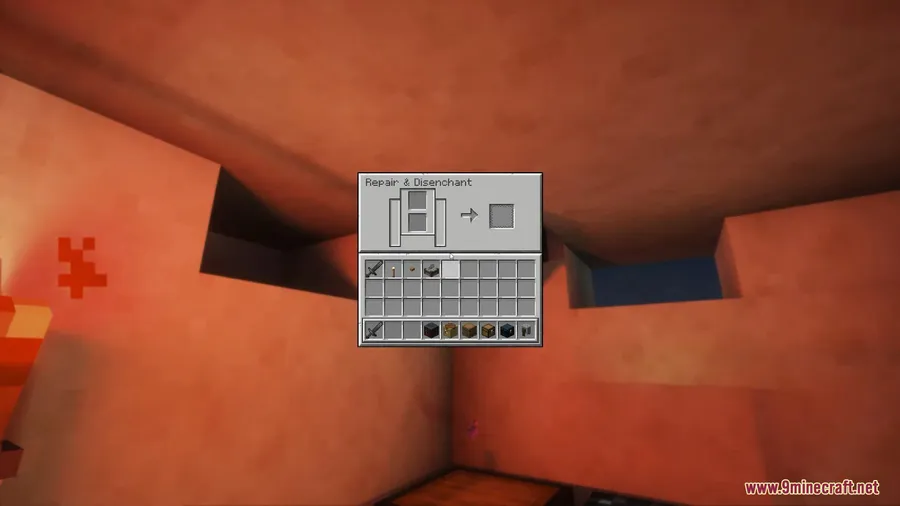
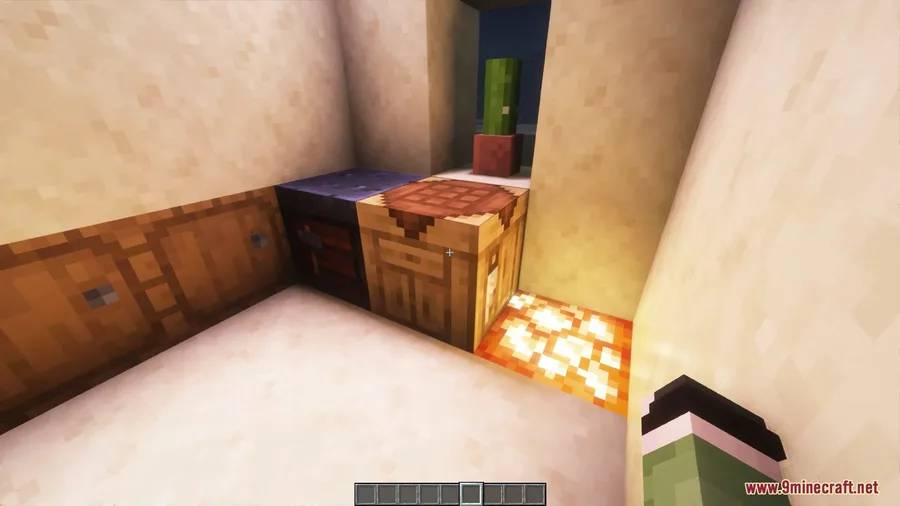
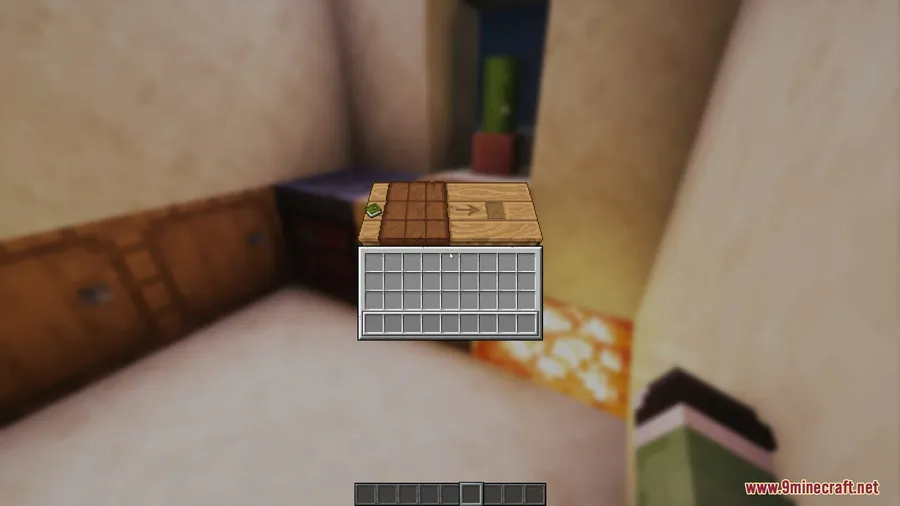
Every Minecraft player knows the jarring snap when you open your inventory, a chest, or a crafting table — the GUI just appears instantly with no transition. Smooth Gui Mod fixes that by adding fluid fade-in and transition effects to every GUI screen in the game, making the whole experience feel more polished and modern. Downloaded over 1.3 million times on Modrinth, this lightweight Fabric mod by Ezzenix has quickly become a popular quality-of-life pick for players who care about visual polish.
Key Features
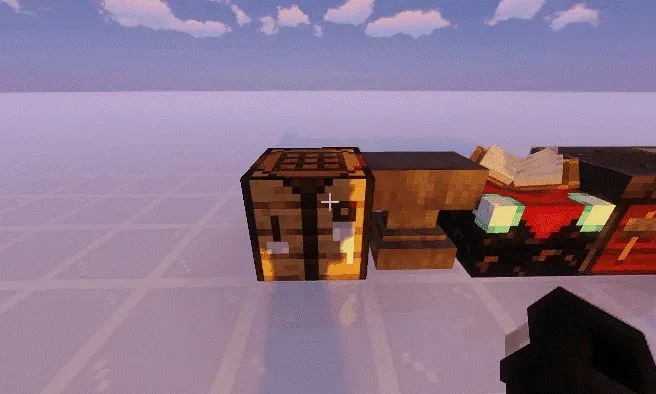
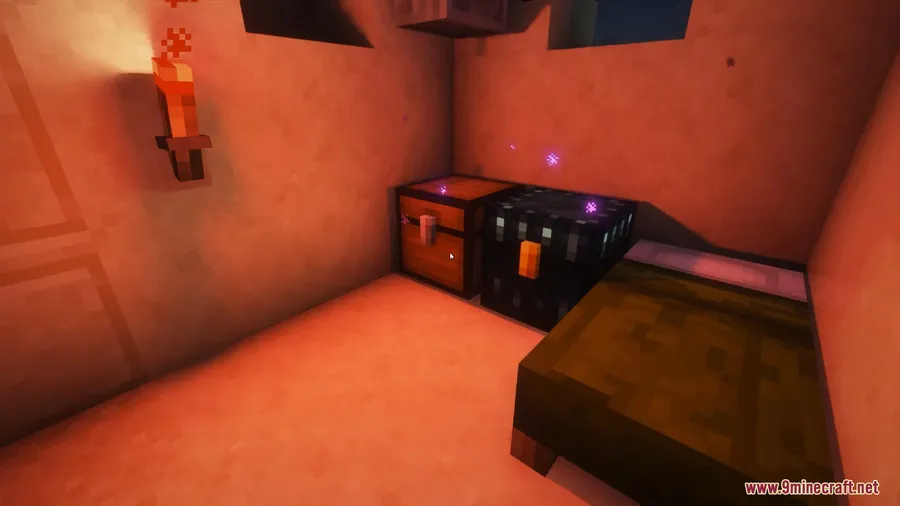
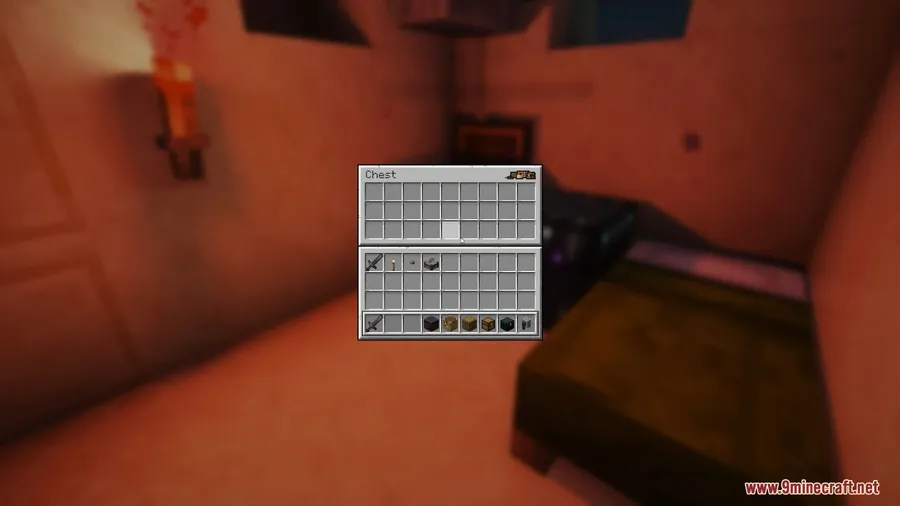
- Smooth GUI transitions — Every menu, inventory, and container screen fades in smoothly instead of popping up instantly, giving Minecraft a more refined feel.
- Comfortable visual experience — The subtle animation reduces the visual harshness of sudden screen changes, which can be especially noticeable during long play sessions.
- Fabric-native and client-side — Runs entirely on the client side using Fabric Loader, so no server installation is needed and it works on any server you join.
- Open source under CC0 — The mod is released under the CC0-1.0 license with full source code available on GitHub, meaning anyone can inspect, modify, or learn from it.
Screenshots
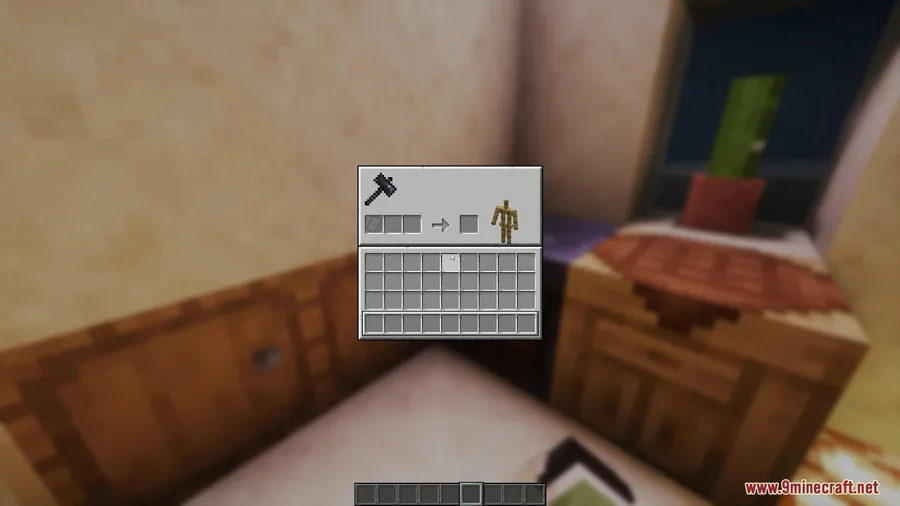
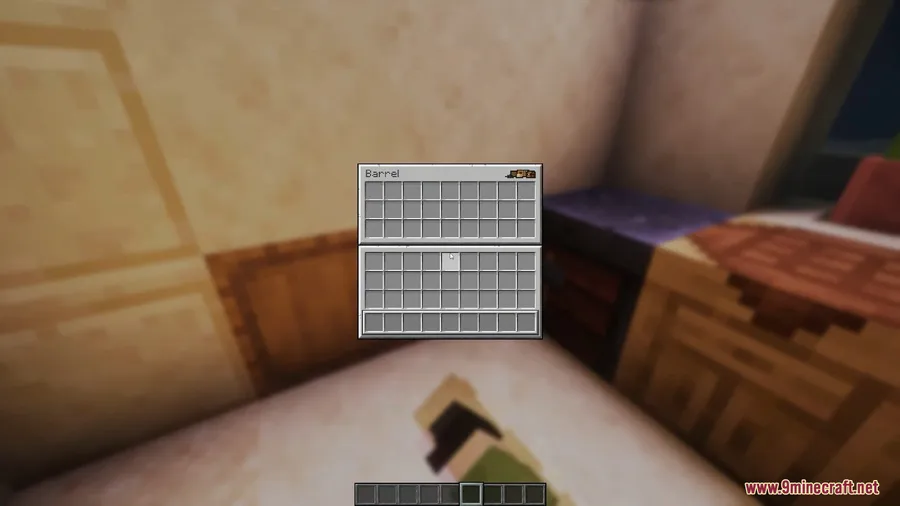
How to Install
- Download and install Fabric Loader for your Minecraft version from the official Fabric website.
- Download Fabric API and place the .jar file into your
modsfolder. - Download the Smooth Gui Mod .jar file matching your Minecraft version from the link below.
- Drop the Smooth Gui Mod .jar into your
.minecraft/modsfolder and launch the game.
Requirements
| Component | Details |
|---|---|
| Mod Loader | Fabric |
| Dependencies | Fabric Loader, Fabric API |
| Minecraft Versions | 1.20.1, 26.1 |
Pros & Cons
Pros
- Adds a noticeable visual polish that vanilla Minecraft lacks
- Client-side only — works on any server without server-side installation
- Open source (CC0-1.0) with active development and regular updates
- Over 1.3 million downloads suggest a well-trusted and stable mod
Cons
- Fabric only — no Forge or NeoForge support available
- Limited configuration options based on the mod's scope
- The animation effect may not appeal to players who prefer instant GUI responses
Download
Always download mods from official sources to stay safe.
What's New
- Fixed an issue specifically affecting Minecraft 1.20.1 players
- The mod continues to receive updates, with the latest update published on December 12, 2025
- Stability improvements ensure smoother GUI transitions across supported versions
FAQ
Does Smooth Gui Mod work on multiplayer servers?
Yes. Smooth Gui Mod is a client-side mod, so you only need to install it on your own game. It works on any server without the server needing to have it installed.
Can I use Smooth Gui Mod with Forge or NeoForge?
No, the mod currently requires Fabric Loader and Fabric API. There is no official Forge or NeoForge version available at this time.
Is Smooth Gui Mod safe to use and open source?
Yes. The mod is released under the CC0-1.0 public domain license, and the full source code is available on GitHub. With over 1.3 million downloads, it is widely used by the Minecraft community.


![[Let's Do] Meadow Mod (1.21.1) - thumbnail](http://mcinside.com/wp-content/uploads/2026/04/thumbnail-64-52x52.webp)


![Not Enough Recipe Book [NERB] Mod (1.21.11) - thumbnail](http://mcinside.com/wp-content/uploads/2026/04/thumbnail-63-52x52.webp)


