
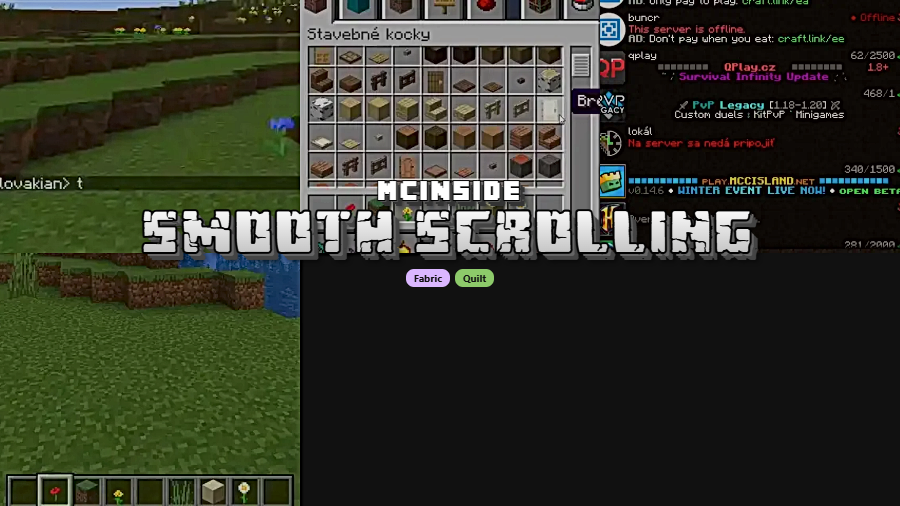
Smooth Scrolling Mod is a Fabric and Quilt mod that adds customizable smooth scrolling to Minecraft screens such as chat, the hotbar, the creative inventory, and several in-game lists. It supports Minecraft 26.1 and versions from 1.20 up to 1.21.11.
Vanilla scrolling can feel jumpy when you are flicking through long lists or trying to land on exactly the item, message, or slot you want. This mod targets that small but constant annoyance by smoothing how scroll input is shown across several parts of the game, and its 7,805,919 Modrinth downloads give it strong social proof among players who clearly care about making everyday Minecraft navigation feel better.
Key Features of Smooth Scrolling Mod
- Smooth scrolling across multiple screens — The main draw is broad coverage: chat, hotbar, creative inventory, and list-based menus are all included in the mod's scope. That matters because the benefit is not limited to one niche interface; it improves the repeated actions most players do every session.
- Custom animation speeds — You can adjust animation speeds instead of being locked into a single preset feel. That flexibility matters because some players want a subtle smoothing effect, while others want a noticeably slower, more readable transition when moving through menus.
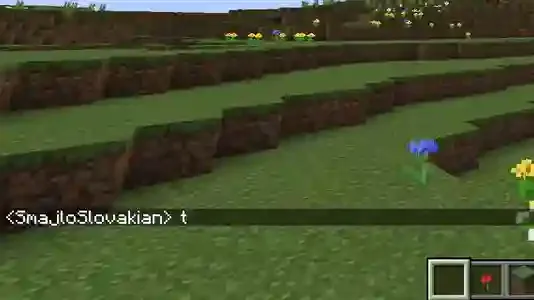
- Better chat navigation — Smooth chat scrolling makes long conversations, server logs, and older messages easier to track visually. In practice, that can make reading back through text feel calmer and more deliberate instead of snapping line by line.
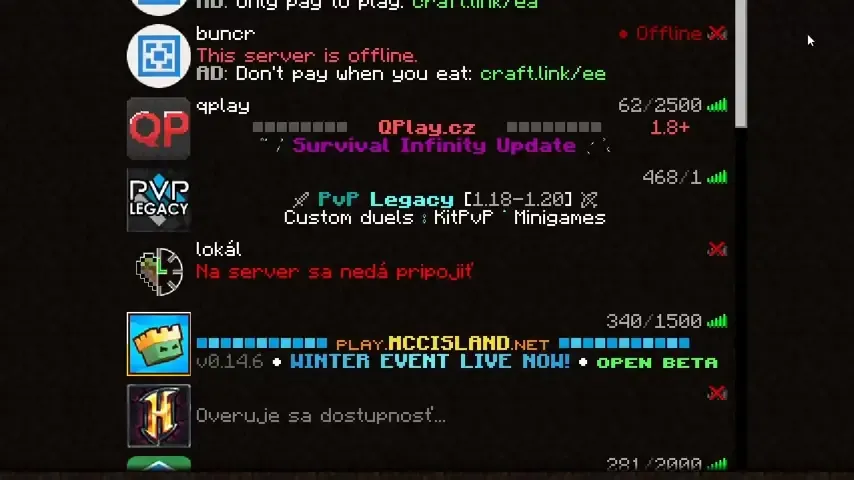
- Cleaner list browsing — The mod also applies to server lists, world lists, and resource pack lists, which are exactly the places where abrupt wheel input becomes annoying over time. If you switch profiles, browse packs, or sort through many saves, smoother movement makes those routine management tasks feel more polished.
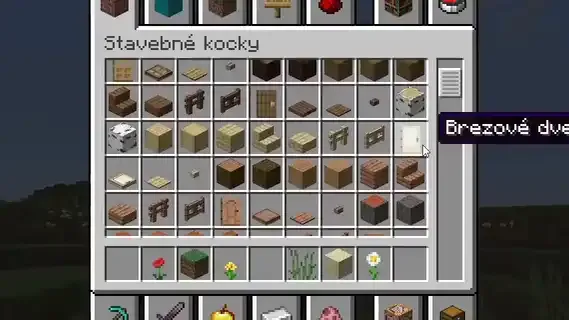
- Improved creative inventory handling — Creative mode players benefit because item browsing is one of the fastest ways to judge whether a scrolling mod is actually useful. The latest listed changelog also fixes scrollable creative tabs with fewer than 46 items, which shows the author is still refining edge cases in that area.
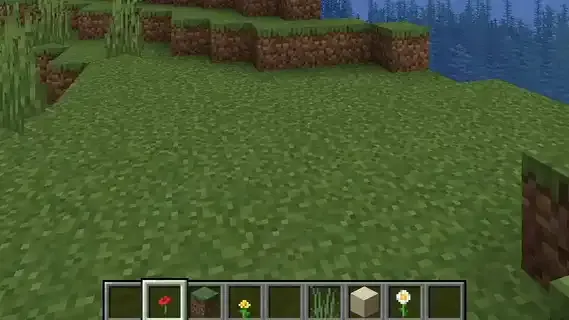
- Smoother hotbar switching — Hotbar scrolling is a small touch, but it is one of the most visible parts of the mod during normal play. If you use the mouse wheel often, the transition appears more controlled and less jerky than the default behavior.
- Accessible configuration options — Settings are available through Mod Menu, and the config file sits at
.minecraft/config/smoothscroll.jsonfor players who prefer direct editing. After changing the file, you can reload the config withF3+Tin a world, which makes adjustment easier when you are dialing in the feel you want.
Screenshots
How to Install Smooth Scrolling Mod
- Choose your loader first: install either Fabric Mod Loader or Quilt Loader for a supported setup.
- Download the correct Smooth Scrolling Mod file for your Minecraft version, making sure the version matches your game and your chosen loader.
- Place the mod file in your Minecraft
modsfolder, then launch the game with Fabric or Quilt enabled. - For easier access to settings, add Mod Menu so you can open the mod's settings screen directly in-game.
- If you edit
.minecraft/config/smoothscroll.jsonmanually, reload resources withF3+Twhile in a world so the updated configuration takes effect.
Requirements & Compatibility
| Item | Details |
|---|---|
| Mod Type | Fabric, Quilt |
| Required Loaders | Fabric Mod Loader or Quilt Loader |
| Minecraft Versions | 26.1, 1.21.11, 1.21.10, 1.21.9, 1.21.8, 1.21.7, 1.21.6, 1.21.5, 1.21.4, 1.21.3, 1.21.1, 1.21, 1.20.6, 1.20.5, 1.20.4, 1.20.3, 1.20.2, 1.20.1, 1.20 |
| Configuration | Settings screen via Mod Menu; config file at .minecraft/config/smoothscroll.json |
| Reload Method | Press F3+T in a world after editing the config file |
| NeoForge Note | Usable with Sinytra Connector; the first launch may report incompatibility, and the author says to restart Minecraft |
| Author & License | SmajloSlovakian; GPL-3.0-only |
What's New
- The latest listed update is dated 2026-03-28, showing the project is still being maintained.
- The current changelog highlights a fix for scrollable creative tabs that contain fewer than 46 items.
- That change matters most for smaller creative tabs, where scrolling behavior can be more noticeable.
- The update continues the mod's focus on making interface movement feel consistent across different screen types.
Pros and Cons
Pros
- Works across several high-traffic screens, not just one menu.
- Animation speed is customizable, so the feel is not one-size-fits-all.
- Includes an in-game settings route through Mod Menu and a direct config file.
- Supports both Fabric and Quilt across a wide range of Minecraft versions.
Cons
- Native support is focused on Fabric and Quilt rather than NeoForge.
- NeoForge use depends on Sinytra Connector and may require a restart after the first launch warning.
- Players who like vanilla-snappy scrolling may not want a smoothed animation layer.
- Fine-tuning may take a little testing if you want a very specific scroll feel.
Alternatives to Smooth Scrolling Mod
- Mod Menu — Not a direct replacement, but it is the most relevant companion mod here because Smooth Scrolling Mod exposes its settings screen through it.
- Sinytra Connector — This is the key compatibility option mentioned by the author if you want to use Smooth Scrolling Mod in a NeoForge setup.
- Quilt Loader — If you are choosing a supported platform for this mod outside Fabric, Quilt Loader is the alternative loader path listed in the source data.
Download Smooth Scrolling Mod
| Minecraft Version | Fabric | Quilt |
|---|---|---|
| For Minecraft 26.1 | Download | Download |
| For Minecraft 1.21.11 | Download | Download |
| For Minecraft 1.21.10 | Download | Download |
| For Minecraft 1.21.9 | Download | Download |
| For Minecraft 1.21.8 | Download | Download |
| For Minecraft 1.21.7 | Download | Download |
| For Minecraft 1.21.6 | Download | Download |
| For Minecraft 1.21.5 | Download | Download |
| For Minecraft 1.21.4 | Download | Download |
| For Minecraft 1.21.3 | Download | Download |
| For Minecraft 1.21.1 | Download | Download |
| For Minecraft 1.21 | Download | Download |
Always download mods from official sources to stay safe.
Frequently Asked Questions
What does Smooth Scrolling Mod do in Minecraft?
It adds customizable smooth scrolling to several Minecraft screens. According to the provided data, that includes chat, the hotbar, the creative inventory, and list-based screens such as server, world, and resource pack lists.
Does Smooth Scrolling Mod work with Fabric?
Yes — Fabric Mod Loader is one of the required supported loaders. That makes it a straightforward fit for Fabric-based modpacks and single-mod setups on the listed game versions.
Can I use Smooth Scrolling Mod with Quilt?
Yes — Quilt Loader is also officially listed as supported. If you prefer Quilt over Fabric, the mod is still within its stated compatibility range.
Can Smooth Scrolling Mod run on NeoForge?
Yes — but only with Sinytra Connector based on the author notes in the provided data. The same note says the game may report the mod as incompatible on first start, and you should ignore that message and restart Minecraft.
Where do I change the settings for Smooth Scrolling Mod?
The settings screen is available through Mod Menu. If you prefer manual adjustments, the config file is located at .minecraft/config/smoothscroll.json.
How do I reload config changes without reinstalling the mod?
Press F3+T in a world after editing the config file. That reloads resources and, according to the provided instructions, reloads the mod configuration as well.


