
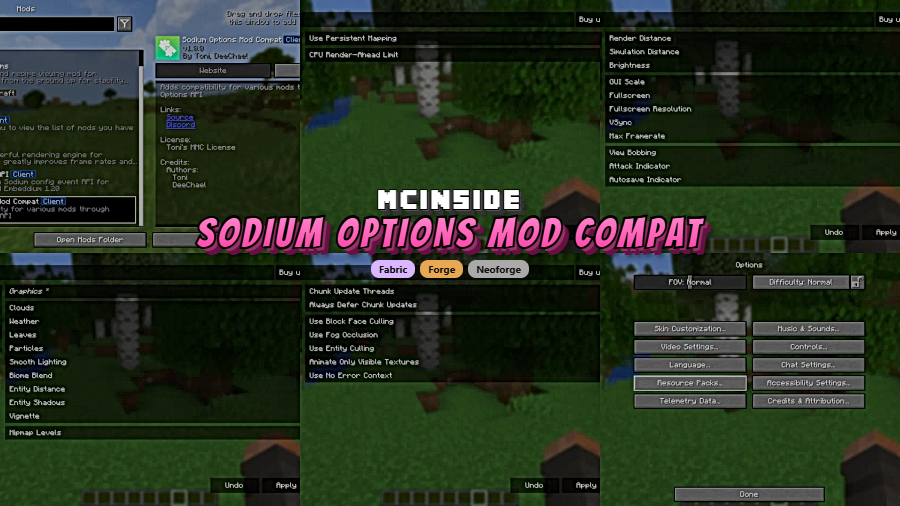
Ever installed a handful of graphics mods only to find their settings scattered across different menu styles — or missing entirely? Sodium Options Mod Compat Mod solves that frustration by injecting Sodium-style video settings panels into third-party mods that don't ship their own configuration UI. Built as a partial port of EmbeddiumUI and rebuilt on the cross-platform Sodium Options API, it covers Forge, Fabric, and NeoForge across multiple Minecraft versions. With over 4 million downloads on Modrinth, it has quickly become a go-to utility for players who want a clean, unified settings experience.
Key Features
- Unified settings panels — Adds Sodium-style configuration pages to mods that lack their own video settings UI, so every graphics option lives in one familiar place.
- Broad mod compatibility — Works with popular mods including Entity Texture Features, Entity Model Features, DynamicFPS, and Continuity on Fabric and via Connector.
- Cross-platform support — Implements the Sodium Options API to maintain a consistent settings layout across Forge, Fabric, and NeoForge loaders.
- Configuration only — Focuses purely on organizing settings menus without altering gameplay, content, or rendering behavior.
Screenshots
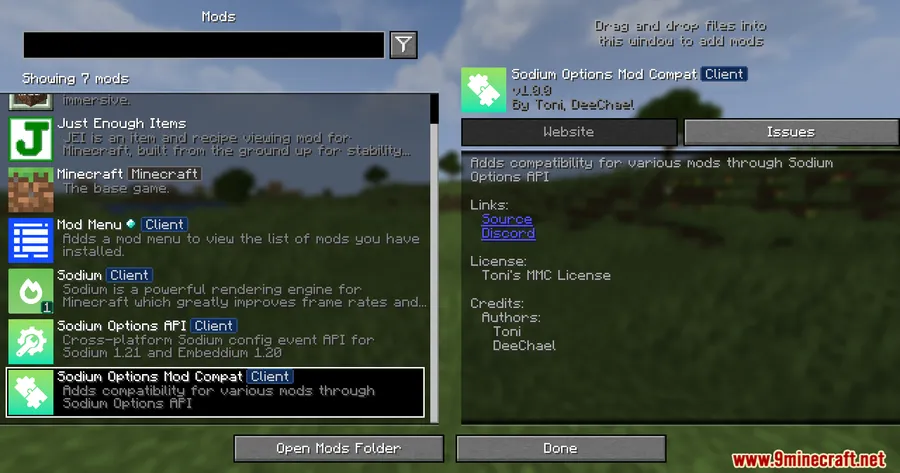
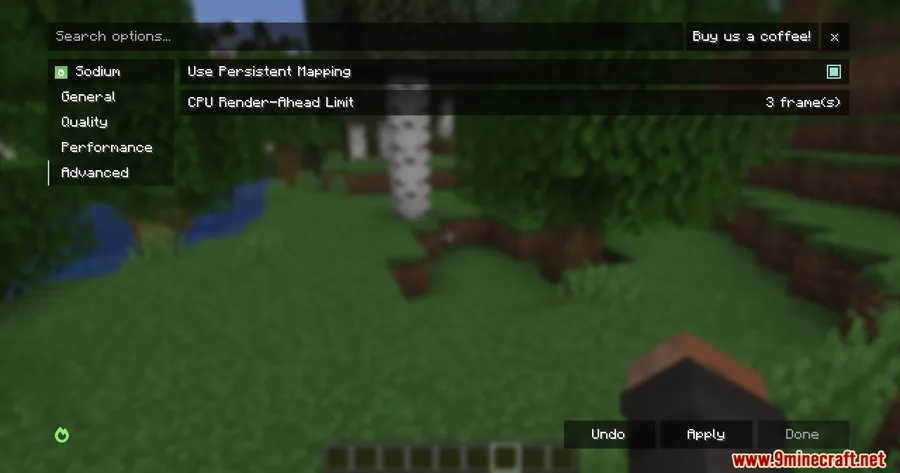
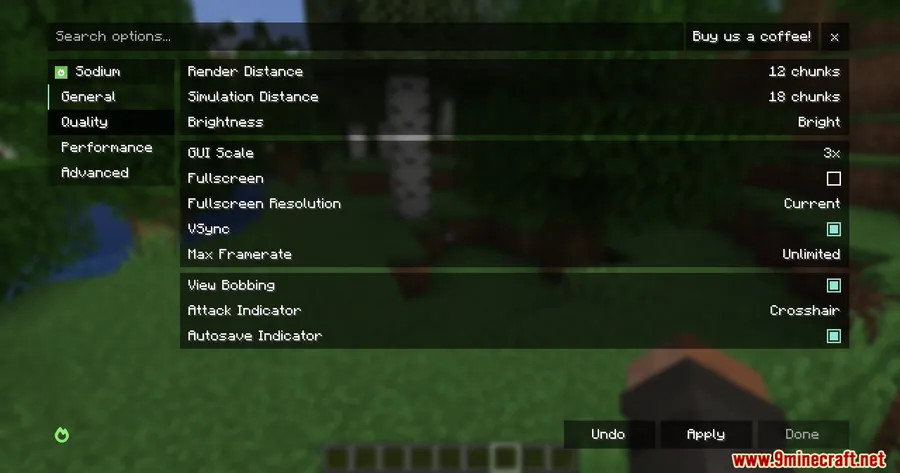
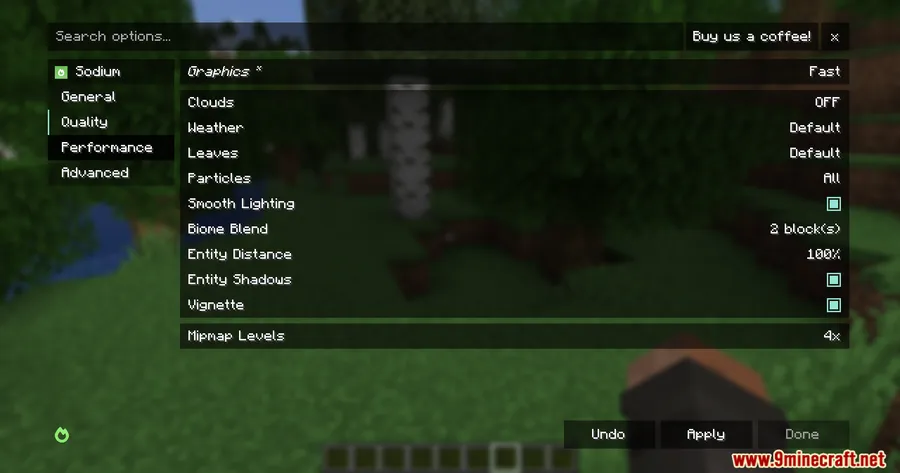
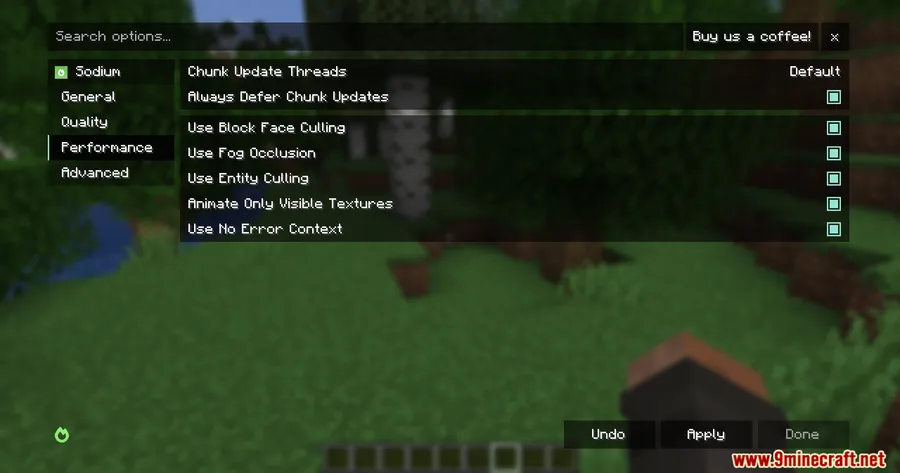
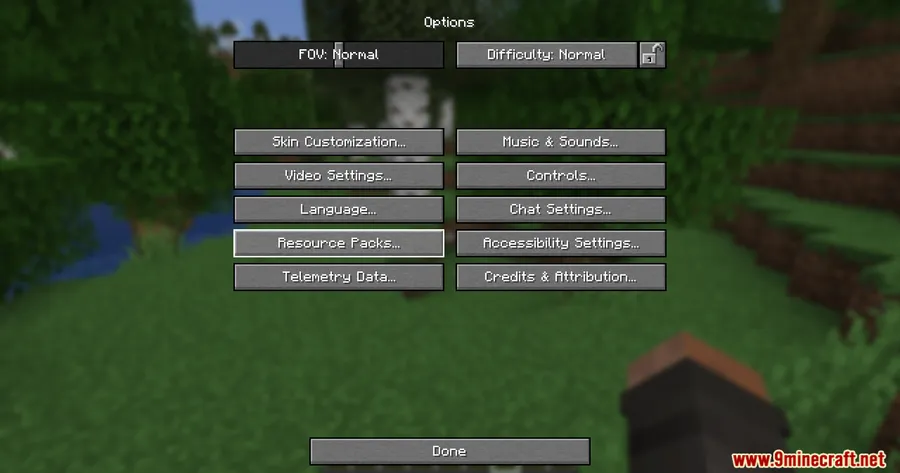
How to Install
- Install your preferred mod loader — Forge, Fabric, or NeoForge — for your Minecraft version.
- Download and install Sodium and Sodium Options API Mod as required dependencies. If using Fabric, also install the Fabric API.
- Download Sodium Options Mod Compat Mod for your loader and Minecraft version.
- Place the downloaded
.jarfile into your.minecraft/modsfolder. - Launch Minecraft and check your video settings — compatible mods should now display Sodium-style configuration panels.
Requirements
| Category | Details |
|---|---|
| Mod Loader | Forge, Fabric, NeoForge |
| Dependencies | Sodium Mod, Sodium Options API Mod, Fabric API (for Fabric) |
| Minecraft Versions | 1.21.4, 1.21.1, 1.21, 1.20.1, 1.20 |
Pros & Cons
Pros
- Brings a consistent, Sodium-style settings layout to mods that otherwise lack one
- Supports all three major mod loaders — Forge, Fabric, and NeoForge
- Purely a UI organizer — does not modify rendering or gameplay
- Actively maintained with support for Minecraft 1.21.4
Cons
- Requires both Sodium and Sodium Options API as dependencies
- Only covers a specific set of compatible mods — not every third-party mod is supported
- Licensed under a custom license (Toni's MMC License), which may limit redistribution
Download
Always download mods from official sources to stay safe.
What's New
- Initial public release of the mod on Modrinth.
- Sodium-style settings panels added for supported third-party mods.
- Cross-platform support via the Sodium Options API covering Forge, Fabric, and NeoForge.
- Compatibility established with Entity Texture Features, Entity Model Features, DynamicFPS, and Continuity.
FAQ
Does Sodium Options Mod Compat work without Sodium installed?
No. Both Sodium and the Sodium Options API Mod are required dependencies. The mod builds on Sodium's settings framework to inject configuration panels for other mods.
Which mods get settings panels from this mod?
According to the mod's description, supported mods include Entity Texture Features, Entity Model Features, DynamicFPS, and Continuity. Other mods without their own video settings UI may also be covered.
Can I use this on a Forge modpack with Minecraft 1.20.1?
Yes. The mod supports Forge on Minecraft 1.20.1 and 1.20. For Minecraft 1.21+ versions, Fabric and NeoForge are the available loaders.


![[Let's Do] HerbalBrews Mod (1.21.1, 1.20.1) – Gameplay Upgrade](http://mcinside.com/wp-content/uploads/2026/04/thumbnail-43-300x169.webp)


![[Let's Do] Candlelight - Farm&Charm compat Mod (1.21.1) - thumbnail](http://mcinside.com/wp-content/uploads/2026/04/thumbnail-81-52x52.webp)


![[Let's Do] Meadow Mod (1.21.1) - thumbnail](http://mcinside.com/wp-content/uploads/2026/04/thumbnail-64-52x52.webp)


![Not Enough Recipe Book [NERB] Mod (1.21.11) - thumbnail](http://mcinside.com/wp-content/uploads/2026/04/thumbnail-63-52x52.webp)