
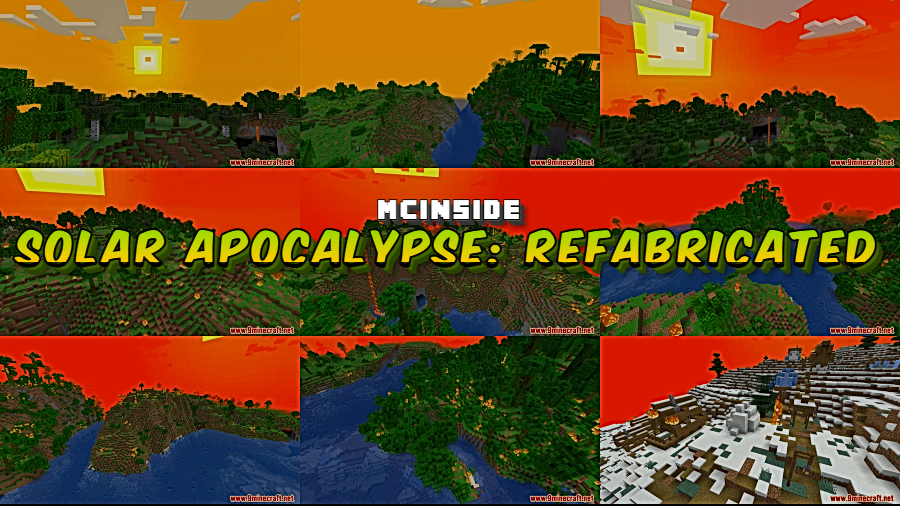
Daylight is supposed to keep you safe in Minecraft — but Solar Apocalypse: Refabricated Mod flips that logic entirely. This Fabric-based survival overhaul turns the sun into a ticking time bomb, gradually scorching your world through escalating phases that melt blocks, evaporate water, and eventually set everything ablaze. If you've ever wanted a Minecraft experience where digging underground isn't just smart but absolutely necessary, this is the mod to install.
Key Features
- Phased escalation system — The apocalypse unfolds gradually across in-game days. Days 1–2 feel normal, but by Day 3 grass begins dying, and by Day 5 flammable blocks ignite and water evaporates under sunlight.
- Lethal sunlight for all entities — Starting on Day 7, both mobs and players burn when exposed to the sun. By Day 40, even dropped items aren't safe.
- Elevation-based burning (Day 60+) — Destruction expands based on Y-level, meaning higher terrain gets hit first. Lightning frequency also ramps up dramatically — up to 32x the normal rate.
- Visual atmosphere overhaul — A heat layer overlay, dense fog, shifting sky tint, changing sun size, and altered light color all sell the feeling of a world slowly cooking.
- Increased fire damage — Fire damage is multiplied by 5 for susceptible targets, making even brief sun exposure deadly in later phases.
- Sunscreen status effect — Players who respawn in dangerous areas receive temporary protection, preventing instant death loops.
- Highly configurable — Config options let you enable or disable individual phases, adjust when each phase starts, and even turn exposed blocks into lava for maximum chaos.
Screenshots
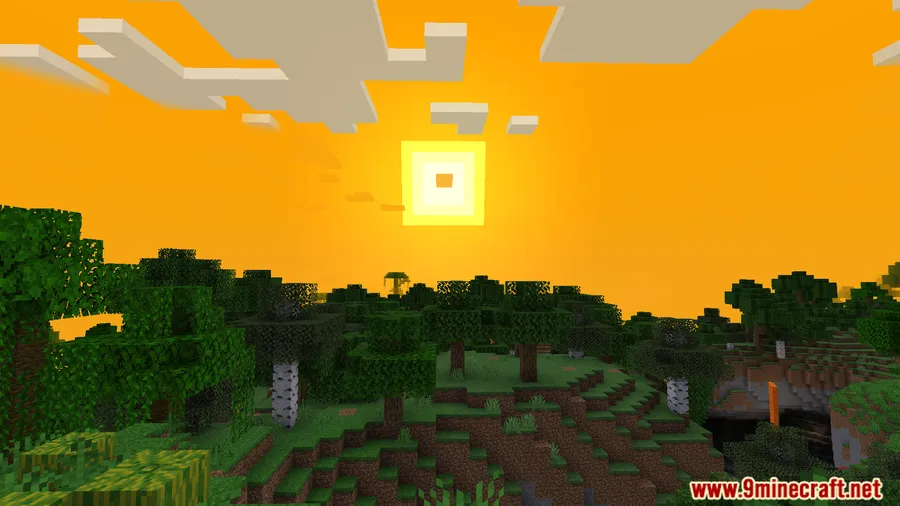
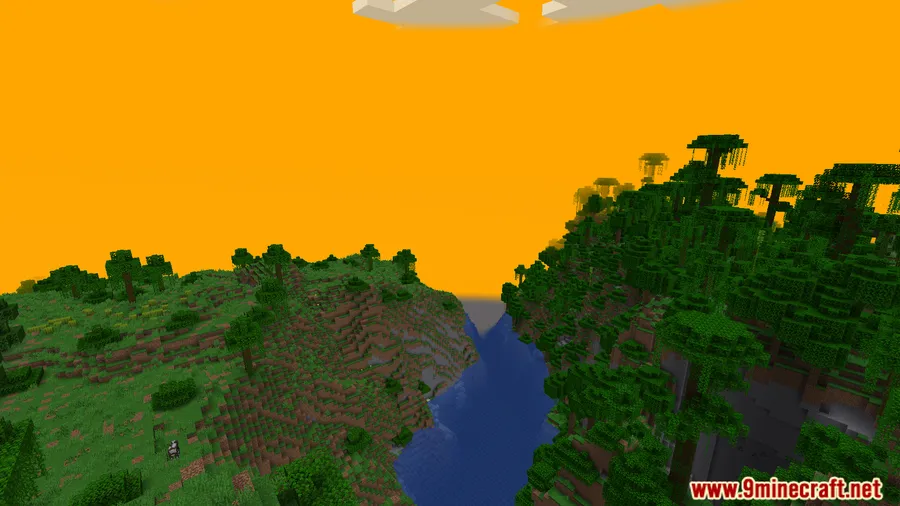
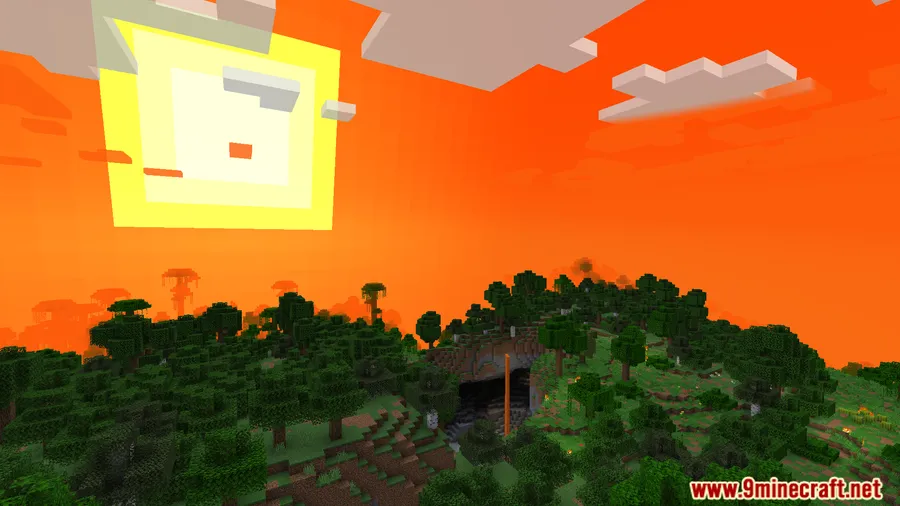
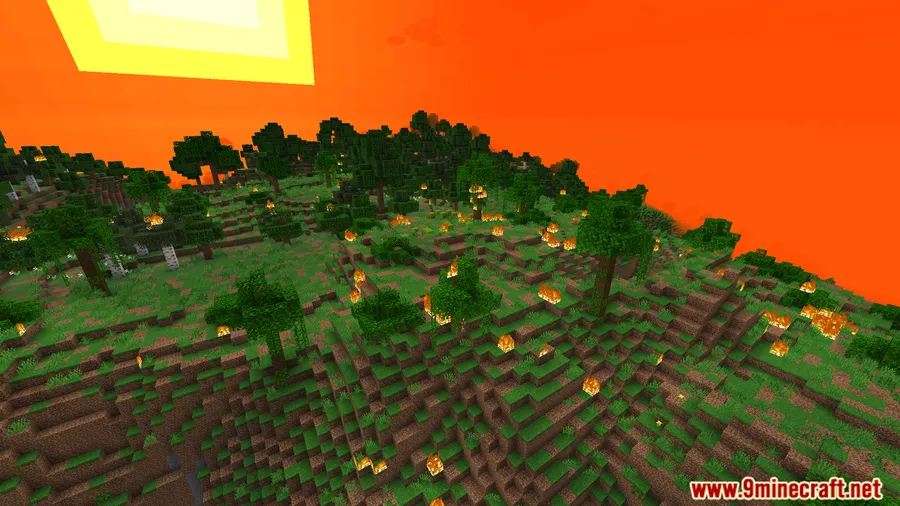
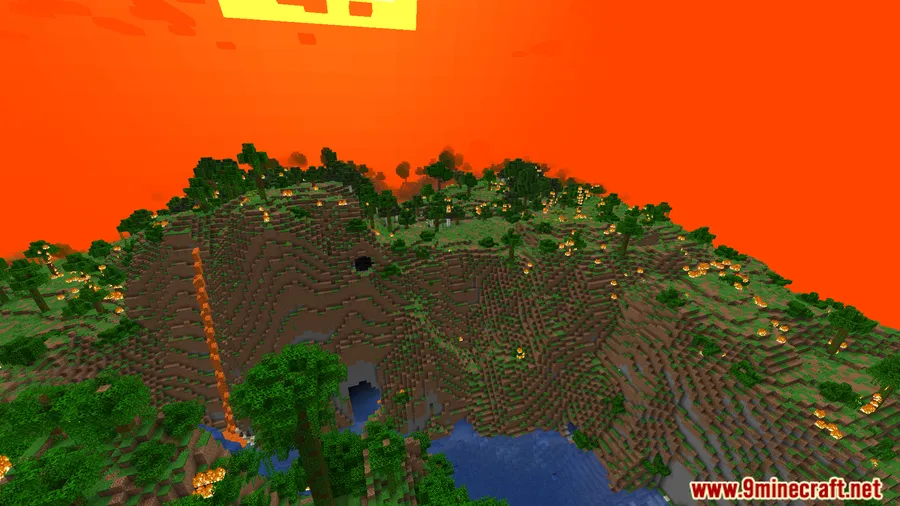
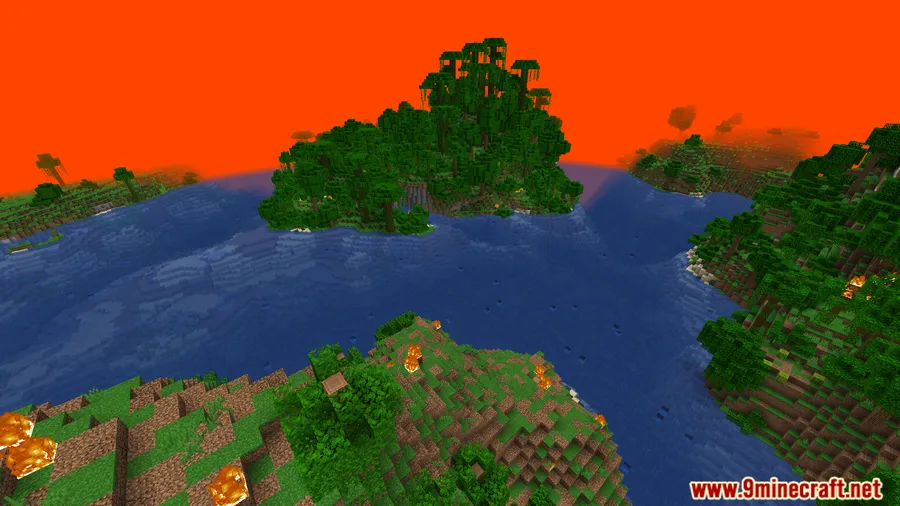
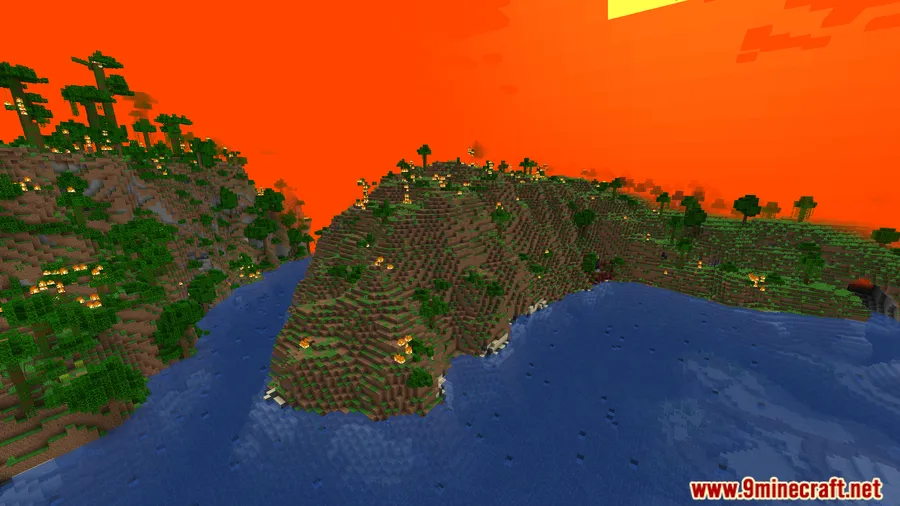
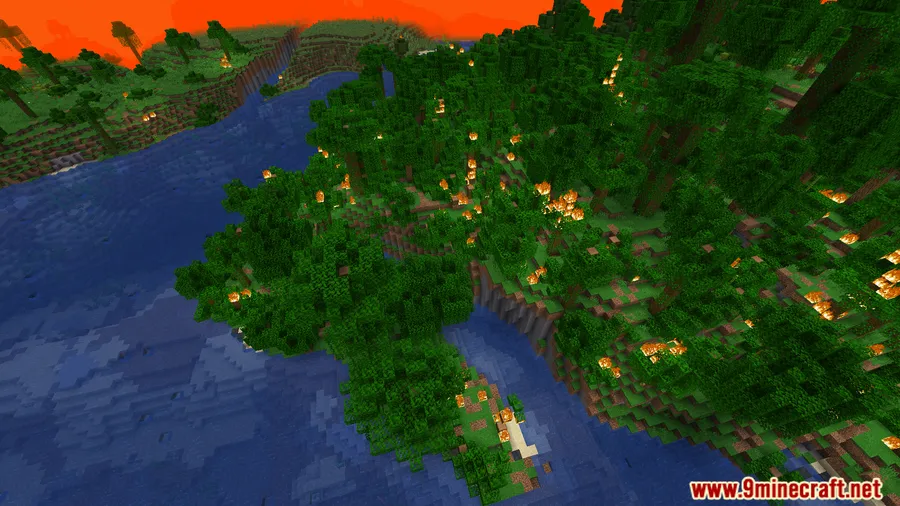
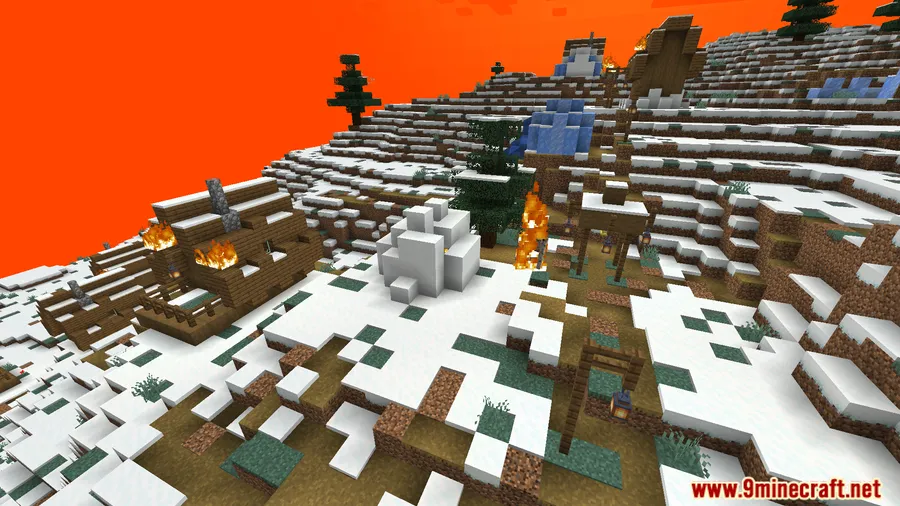
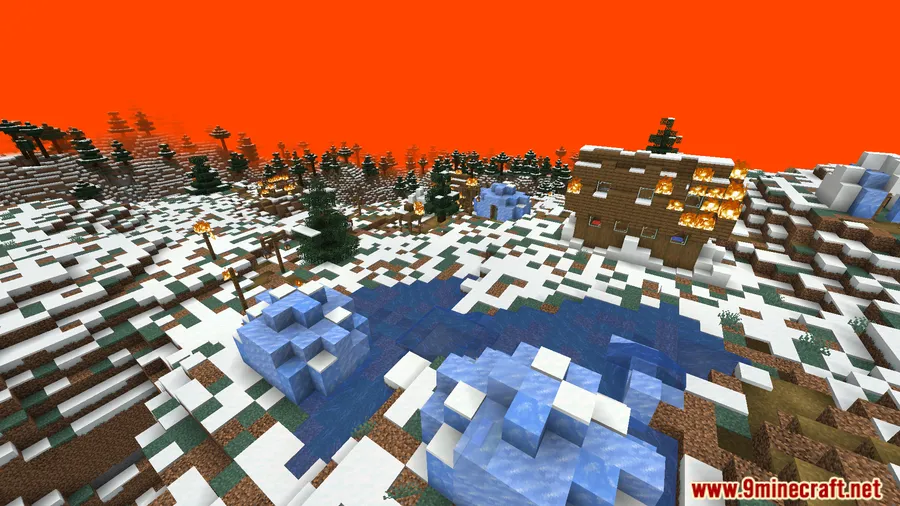
How to Install
- Download and install Fabric Loader for your Minecraft version.
- Install the required dependencies: Fabric API, Cloth Config API, and Fabric Language Kotlin.
- Download the Solar Apocalypse: Refabricated file matching your Minecraft version from the link below.
- Place all downloaded
.jarfiles into your.minecraft/modsfolder. - Launch Minecraft with the Fabric profile and start a new world to begin the countdown.
Requirements
| Requirement | Details |
|---|---|
| Mod Loader | Fabric |
| Dependencies | Fabric API, Cloth Config API, Fabric Language Kotlin |
| Minecraft Version | 1.16.5 – 1.21.1 |
Pros & Cons
Pros
- Unique survival concept that fundamentally changes how you play Minecraft
- Gradual phase system keeps the challenge manageable in early days
- Extensive config options let you tailor the difficulty to your preference
- Impressive visual effects — fog, sky changes, and heat overlays add real atmosphere
- Wide version support from 1.16.5 through 1.21.1
Cons
- Fabric-only — no Forge or NeoForge support available
- Requires three separate dependency mods to run
- Late-game phases may feel overwhelming for casual players
Download
Always download mods from official sources to stay safe.
FAQ
When does the Solar Apocalypse actually start?
Days 1 and 2 are calm with no changes. The effects begin on Day 3 when grass and mycelium exposed to sunlight start turning to dirt, and conditions escalate from there through multiple phases.
Can I customize which phases are active?
Yes. The mod's config file lets you enable or disable individual phases, change the starting day for each phase, and even configure blocks to turn into lava when exposed to sunlight.
What happens if I die and respawn during a dangerous phase?
The mod applies a Sunscreen status effect when you respawn in unsafe areas, giving you temporary protection from solar damage so you can find shelter without dying immediately.


![[Let's Do] Candlelight - Farm&Charm compat Mod (1.21.1) - thumbnail](http://mcinside.com/wp-content/uploads/2026/04/thumbnail-81-52x52.webp)


![[Let's Do] Meadow Mod (1.21.1) - thumbnail](http://mcinside.com/wp-content/uploads/2026/04/thumbnail-64-52x52.webp)


![Not Enough Recipe Book [NERB] Mod (1.21.11) - thumbnail](http://mcinside.com/wp-content/uploads/2026/04/thumbnail-63-52x52.webp)