

Sophisticated Storage Mod is a storage mod that adds upgradeable barrels, chests, shulker boxes, and decorative customization systems for Minecraft Forge and NeoForge.
Chest spam is one of the fastest ways to make a base feel messy, and this mod tackles that problem by turning storage into something you can expand, upgrade, and style to fit your room design. With more than 2 million Modrinth downloads, Sophisticated Storage Mod has enough adoption to feel like a proven storage option rather than an experimental add-on.
Key Features of Sophisticated Storage Mod
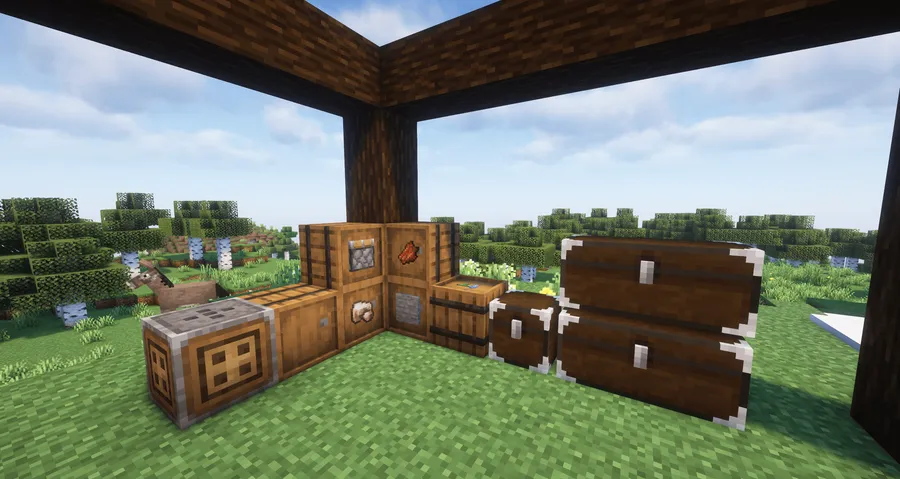
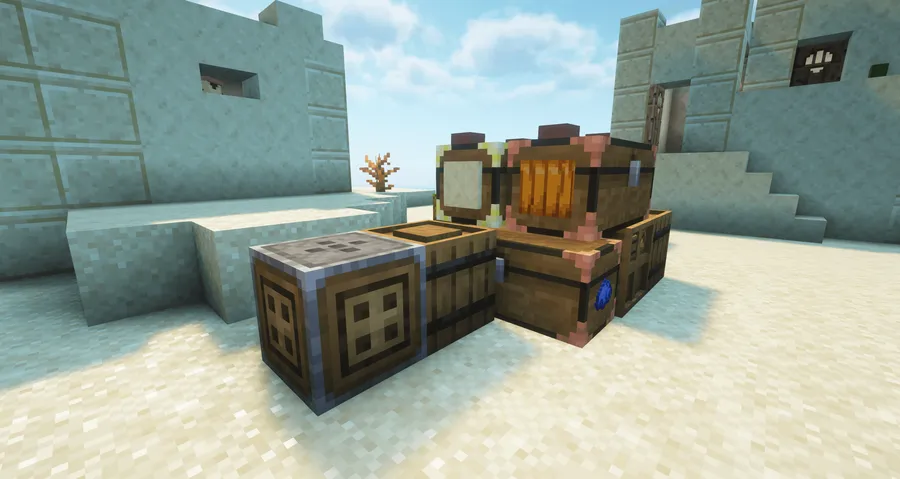
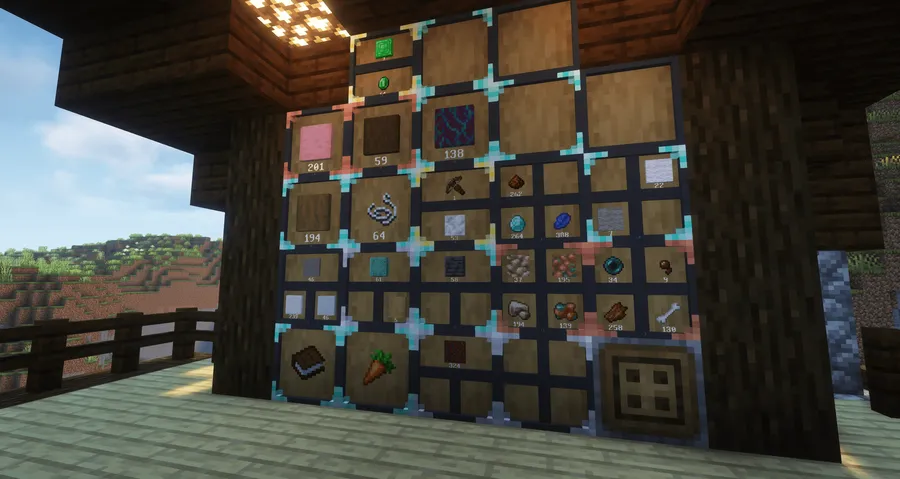
- Upgradeable storage tiers — Barrels, chests, and shulker boxes can progress through copper, iron, gold, diamond, and netherite tiers. That matters because you can keep the same storage setup and expand capacity as your world advances instead of rebuilding your entire room.
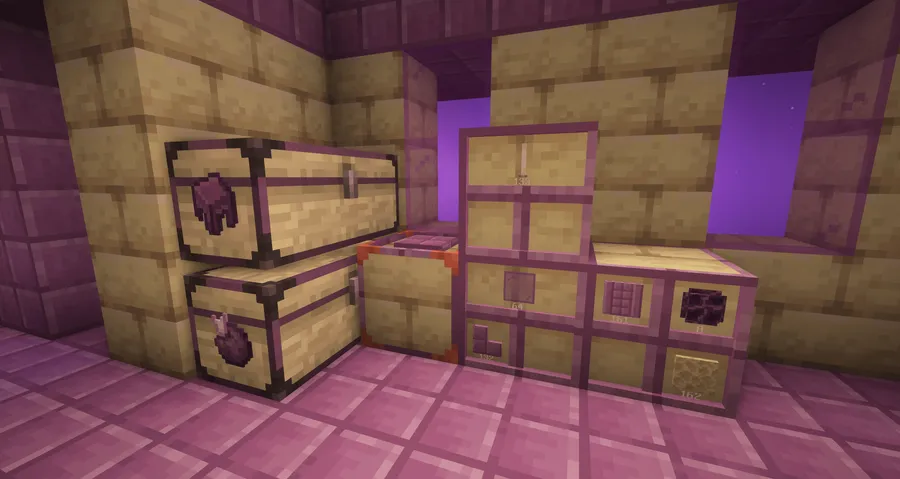
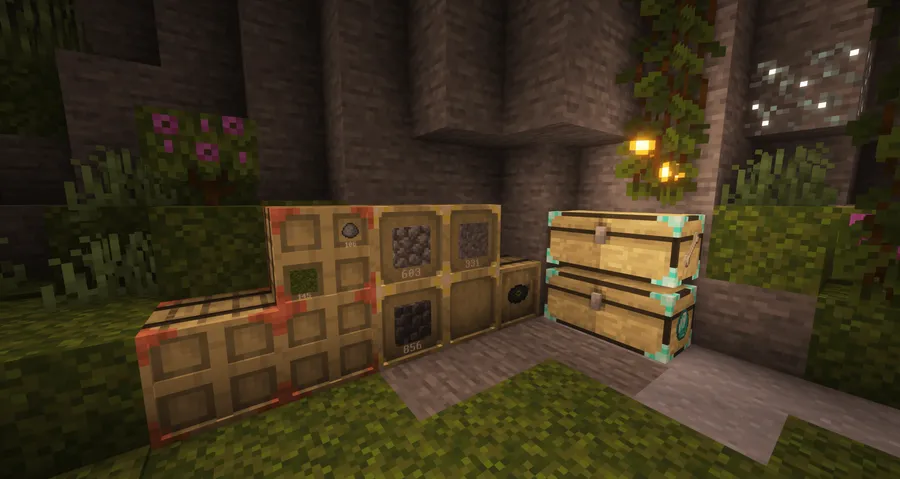
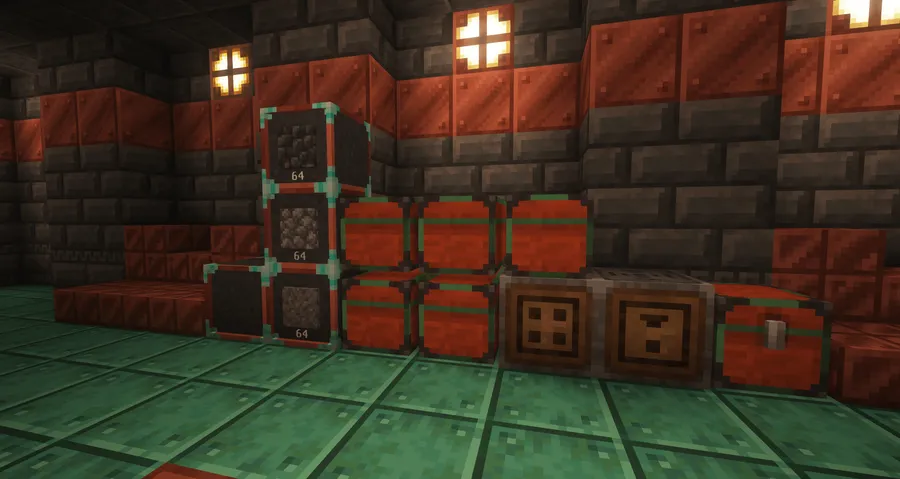
- Limited Barrels for bulk items — Limited Barrels use only 1 to 4 slots, but their stack size grows with higher tiers. This is ideal for mass storage of repeat materials, and the front-face click interaction makes depositing or pulling stacks feel quick during sorting sessions.
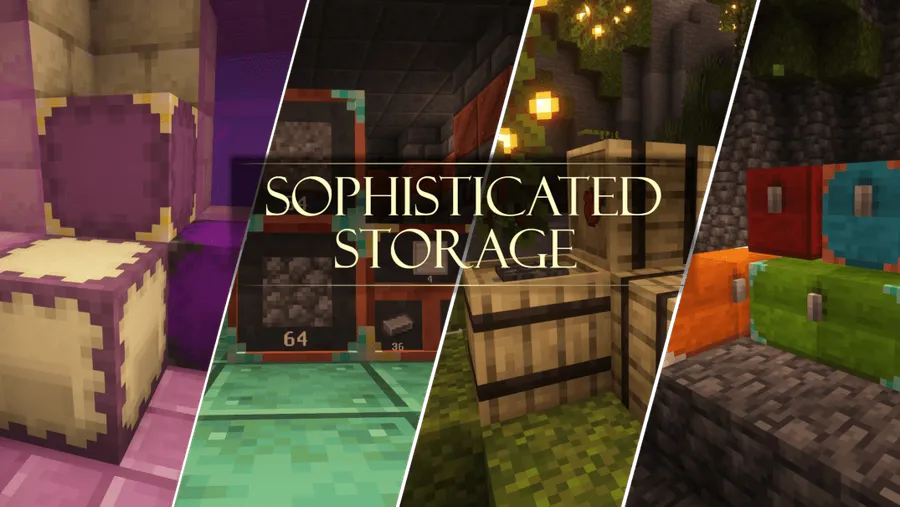
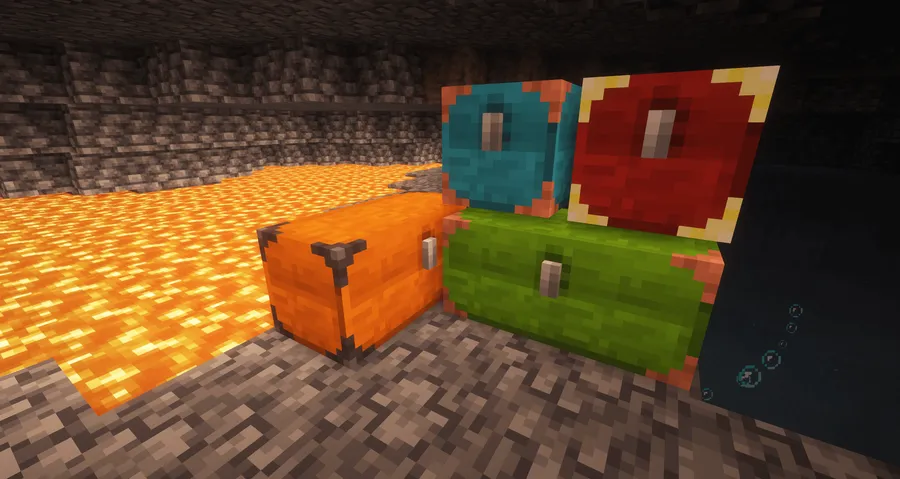
- Two-color block customization — Storage blocks support separate main and accent colors, and the Decoration Table includes a preview so you can see the result before applying it. That makes it much easier to match your storage wall to a build palette without wasting dyes through trial and error.
- Material-based barrel decoration — Barrels can use materials from other blocks, with separate placement rules for main and accent parts, plus extra inner accent control on higher-tier Limited Barrels. If you care about themed storage rooms, this gives barrels a more intentional, block-integrated look.
- Decoration Table and Paintbrush workflow — The Decoration Table appears to use fewer resources than direct crafting, especially when working with several colors or materials, and the Paintbrush can copy a saved decoration by right-clicking blocks. Using it on a controller applies the design to all connected storage, which is a major time saver for large systems.
- Flexible dye and material mixing — Dye placement controls main color, accent color, or both, and colors from multiple dyes can be blended in a way similar to leather armor coloring. That gives you more control over final tones and lets you refine an existing color scheme instead of starting over.
- Inventory-friendly shulker handling — Upgraded Shulker Boxes gain more capacity and upgrade slots, and items can be stashed into a shulker by right-clicking it while it is in your inventory. For travel or mining runs, that reduces menu friction and keeps item overflow easier to manage.
Screenshots
How to Install Sophisticated Storage Mod
- Install a compatible loader first: Minecraft Forge or NeoForge.
- Download the Sophisticated Storage Mod file that matches your Minecraft version and loader.
- Place the downloaded mod file into your Minecraft
modsfolder. - Launch the game with your Forge or NeoForge profile and confirm the mod appears in the mod list.
- Create or load a world, then test a barrel, chest, or shulker upgrade setup before building a full storage room.
Requirements & Compatibility
| Item | Details |
|---|---|
| Supported Loaders | Minecraft Forge, NeoForge |
| Supported Versions | 26.1.1, 26.1, 1.21.11, 1.21.10, 1.21.8, 1.21.5, 1.21.4, 1.21.1, 1.20.1, 1.19.2 |
| Author | P3pp3rF1y |
| Category | Minecraft Mods |
| Source | GitHub Repository |
What's New
- Fixed side effects related to storage cloning.
- Fixed packed render side effects.
- Latest listed update date: 2026-04-04.
Pros and Cons
Pros
- Strong upgrade path for barrels, chests, and shulker boxes.
- Excellent decoration tools for color and material matching.
- Limited Barrels are useful for compact bulk storage.
Cons
- Players who only need basic storage may find the upgrade system more than they need.
- Decoration rules take a little learning if you want precise main and accent control.
- Latest downloadable builds in the provided data are listed for NeoForge only.
Alternatives to Sophisticated Storage Mod
- Sophisticated Backpacks — A complementary storage mod if you want portable inventory expansion alongside base storage.
- Storage Drawers — A good alternative for bulk item wall storage with a more drawer-focused layout.
- Iron Chests — A simpler upgrade-oriented chest mod if you mainly want larger containers without as much decoration depth.
Download Sophisticated Storage Mod
| Minecraft Version | Forge | NeoForge |
|---|---|---|
| For Minecraft 26.1.1 | — | Download |
| For Minecraft 26.1 | — | Download |
| For Minecraft 1.21.11 | — | Download |
| For Minecraft 1.21.10 | — | Download |
| For Minecraft 1.21.8 | — | Download |
| For Minecraft 1.21.5 | — | Download |
| For Minecraft 1.21.4 | — | Download |
| For Minecraft 1.21.1 | — | Download |
| For Minecraft 1.20.1 | Download | Download |
| For Minecraft 1.19.2 | Download | — |
Always download mods from official sources to stay safe.
Frequently Asked Questions
Is Sophisticated Storage Mod worth installing?
Yes — it is worth installing if you want upgradeable storage blocks, bulk item handling, and decoration tools in one mod. It is especially appealing for players building organized storage rooms that still need to look good.
Does Sophisticated Storage Mod support Forge and NeoForge?
Yes — the provided data lists Minecraft Forge and NeoForge as requirements. However, the listed download entries shown here are for NeoForge builds.
What storage blocks does this mod add or improve?
It adds and upgrades Barrels, Limited Barrels, Chests, and Shulker Boxes. Barrels and chests are also available in all vanilla wood variants, which helps them blend into different base styles.
Can I customize how the storage blocks look?
Yes — you can apply main and accent colors to storage blocks, and barrels can also use materials from other blocks. The preview in the Decoration Table makes this much easier to tune before committing resources.
How do Limited Barrels work?
Limited Barrels provide 1 to 4 item slots with increased stack size, and higher tiers increase stack capacity instead of adding more slots. You can right-click or left-click the displayed front item to insert or extract stacks, and sneaking handles full stacks.


