

Spyglass Astronomy Mod is a client-side Fabric astronomy mod that lets you draw constellations, name planets and stars, and explore a procedurally generated night sky for Minecraft Fabric.
Vanilla Minecraft's night sky is atmospheric, but it does not give you much to discover or personalize. This mod solves that by turning the spyglass into a tool for charting stars, labeling celestial objects, and building lore around a world-specific solar system, which helps explain why it has reached 2,081,495 downloads on Modrinth.
Key Features of Spyglass Astronomy Mod
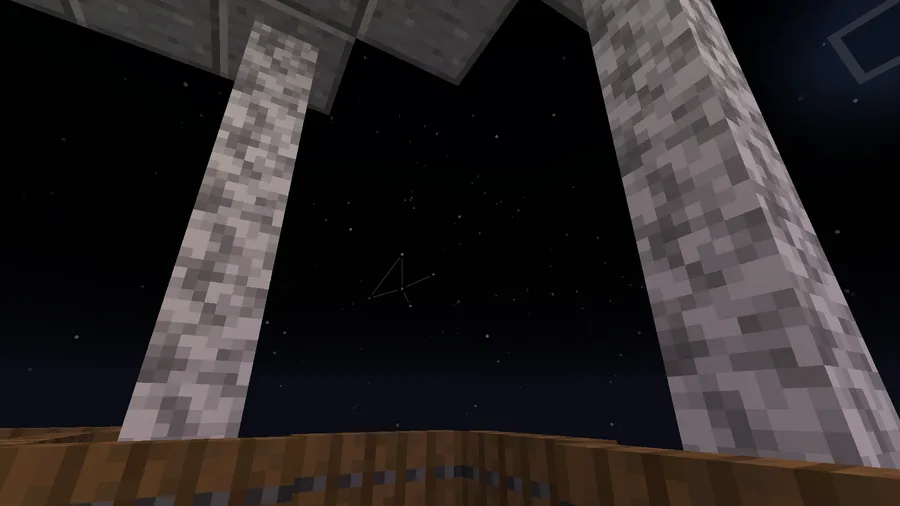
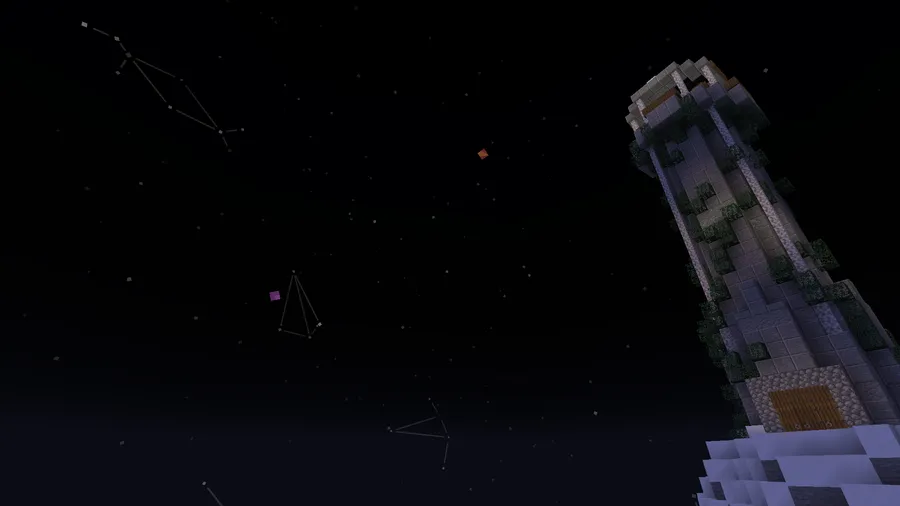
- Drawable constellations — In constellation mode, you can connect stars by holding attack while zoomed in with a spyglass. That matters if you enjoy roleplay or server lore, because you can turn the sky into a map of symbols tied to your own world.
- Procedurally generated solar systems — Planets and stars are generated per world, and the same world shows the same sky to all players. That makes exploration feel consistent in multiplayer while still giving each save its own astronomy identity.
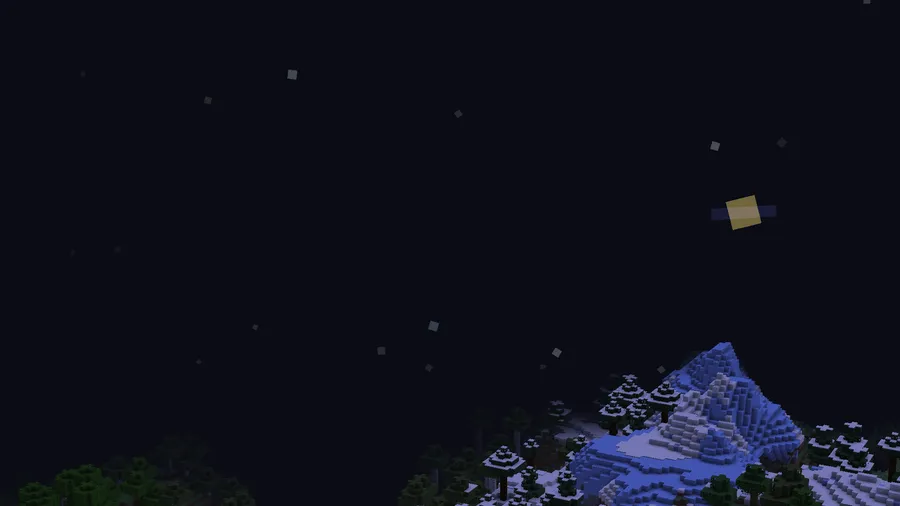
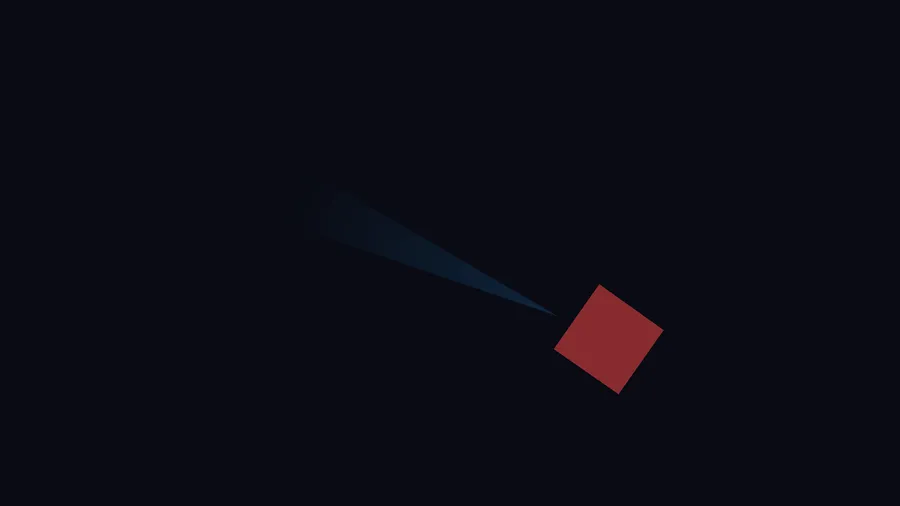
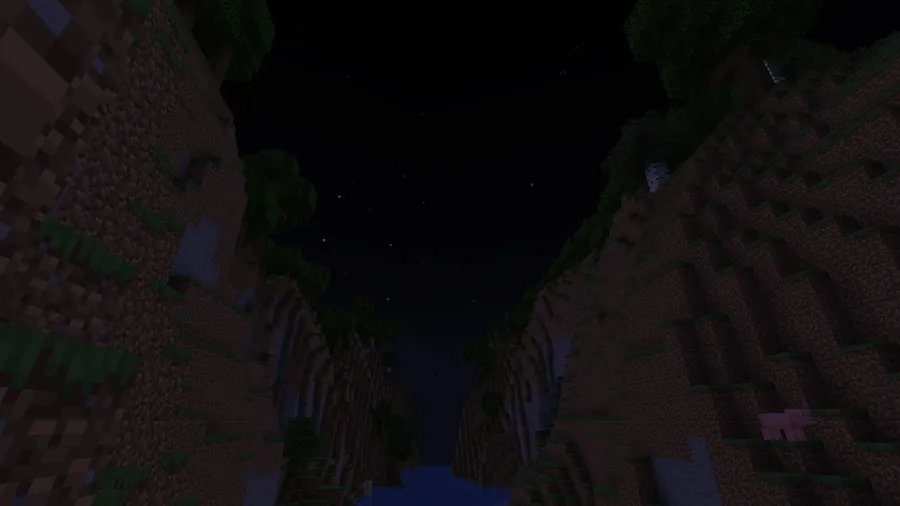
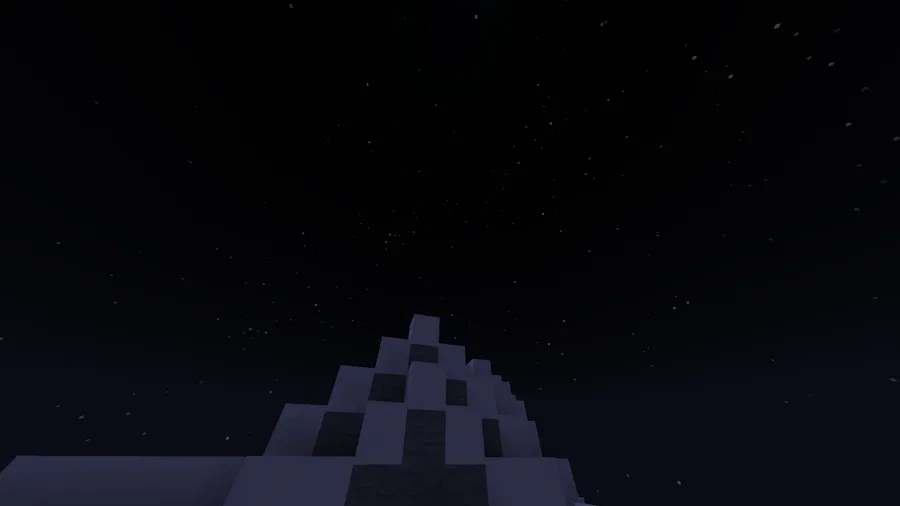
- Improved skybox with planets and better stars — The mod overhauls the space skybox so night viewing feels more detailed and less flat than vanilla. If you build observatories, fantasy cities, or exploration-focused worlds, that visual upgrade gives the sky more narrative weight.
- Multiple spyglass modes — You can cycle between vanilla, constellation, and star modes with the pick block button while zoomed in. That keeps the workflow practical, since you can inspect objects, draw star patterns, or return to normal viewing without swapping items.
- Object naming and info commands — After selecting a star or planet, you can use /sga:name to rename it and /sga:info to inspect details. That is useful for cataloging discoveries and turning astronomy into an actual gameplay habit instead of a one-time visual effect.
- Shareable constellations and names — The /sga:share command lets you generate a code so another player with the mod can import your constellation or object name on their client. For community servers, that makes it much easier to build shared lore without manually recreating every pattern.
- Scientifically grounded orbital behavior — The author notes that orbital resonance and alignments follow the underlying physics model used by the mod. In practice, that gives attentive players recurring sky events to notice and interpret, which makes astronomy feel less random.
Screenshots
How to Install Spyglass Astronomy Mod
- Install Fabric Mod Loader for the Minecraft version you plan to use.
- Add Fabric API, since the mod lists it as a dependency in the author's description.
- Download the Spyglass Astronomy Mod file that matches your Minecraft version and Fabric loader setup.
- Place the mod file in your Minecraft mods folder, then launch the game with your Fabric profile.
- Craft or use a spyglass, zoom in, and middle-click to switch between vanilla, constellation, and star modes.
Requirements & Compatibility
| Category | Details |
|---|---|
| Mod Loader | Fabric Mod Loader |
| Dependency | Fabric API; the author mentions a Quilt equivalent but says it was not tested |
| Minecraft Versions | 1.21.11, 1.21.10, 1.21.9, 1.21.8, 1.21.7, 1.21.6, 1.21.5, 1.21.4, 1.21.3, 1.21.2, 1.21.1, 1.21, 1.20.6, 1.20.5, 1.20.4, 1.20.3, 1.20.2, 1.20.1, 1.20, 1.19.4, 1.19.3, 1.19.2, 1.19.1, 1.19 |
| Side | Client-side |
| Author | Nettakrim |
| License | LGPL-3.0-only |
What's New
- Updated for Minecraft 1.21.11.
- Latest Modrinth update date is 2025-12-23.
- Current download entries include Fabric builds for Minecraft 1.21.11 through 1.21.4.
Pros and Cons
Pros
- Strong fit for worldbuilding, lore, and immersive survival play.
- Client-side design makes it appealing for personal use.
- Constellation sharing and object naming give the system long-term value.
- Supports a wide range of Minecraft versions from 1.19 through 1.21.11.
Cons
- Requires Fabric, so it is not presented here as a Forge or NeoForge option.
- Older versions are noted as incompatible with Spyglass Improvements.
- Bulk sharing needs a separate client+server mod, and smoother sync requires Spyglass Astronomy Sync on the server.
Alternatives to Spyglass Astronomy Mod
- Spyglass Astronomy Sync — A companion option if you want smoother server-side sharing support for Spyglass Astronomy data.
- Zoomglass — A complementary spyglass mod to consider if your main priority is hotkey-based zoom control.
- Spyglass Improvements — A spyglass-focused alternative to compare, though the author notes older Spyglass Astronomy versions were incompatible with it.
Download Spyglass Astronomy Mod
| Minecraft Version | Fabric |
|---|---|
| For Minecraft 1.21.11 | Download |
| For Minecraft 1.21.10 | Download |
| For Minecraft 1.21.9 | Download |
| For Minecraft 1.21.8 | Download |
| For Minecraft 1.21.7 | Download |
| For Minecraft 1.21.6 | Download |
| For Minecraft 1.21.5 | Download |
| For Minecraft 1.21.4 | Download |
| For Minecraft 1.21.3 | Download |
| For Minecraft 1.21.2 | Download |
| For Minecraft 1.21.1 | Download |
| For Minecraft 1.21 | Download |
Always download mods from official sources to stay safe.
Frequently Asked Questions
Is Spyglass Astronomy Mod client-side only?
Yes — the author describes Spyglass Astronomy Mod as entirely client-side. That makes it especially attractive for solo players and for multiplayer users who want local astronomy features without requiring every server to run the base mod.
Does Spyglass Astronomy Mod work with Minecraft 1.21.11?
Yes — the provided data lists Minecraft 1.21.11 support, and the changelog says it was updated to 1.21.11. Fabric is the listed loader for that version.
Can I share constellations with other players?
Yes — you can use /sga:share to generate a share code for the selected or specified object. The other player needs the mod installed too, and Spyglass Astronomy Sync is mentioned as a smoother server-side option.
Can I name stars and planets?
Yes — once an object is selected in star mode, /sga:name can assign a name and /sga:info can show useful details. The author notes that comets are treated as planets in commands.
Does this mod replace vanilla spyglass behavior?
No — vanilla mode is still one of the spyglass modes, and you can cycle modes with the pick block button while zoomed in. That means you can keep normal spyglass viewing and switch to astronomy tools only when needed.



![Not Enough Recipe Book [NERB] Mod (1.21.11) - thumbnail](http://mcinside.com/wp-content/uploads/2026/04/thumbnail-63-52x52.webp)


