

Minecraft's spyglass is a neat concept held back by clunky controls and a fixed zoom level — Spyglass Improvements Mod fixes all of that. This client-side mod by Im_JC52 overhauls the vanilla spyglass with smooth scrollable zoom, a dedicated hotkey for instant access, and customizable overlays that make long-distance scouting actually enjoyable. Downloaded over 2.3 million times since its 2022 release, it has become one of the most popular quality-of-life mods for Minecraft across Forge, Fabric, NeoForge, and Quilt.
Key Features
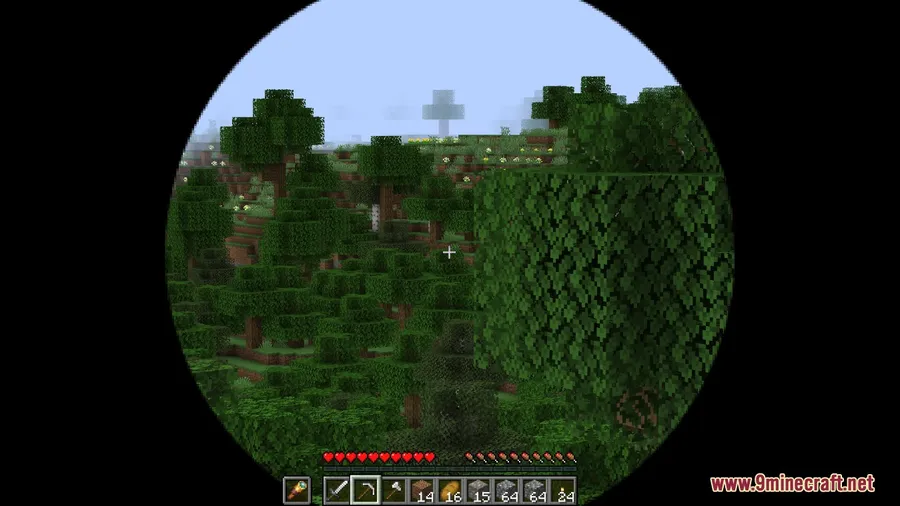
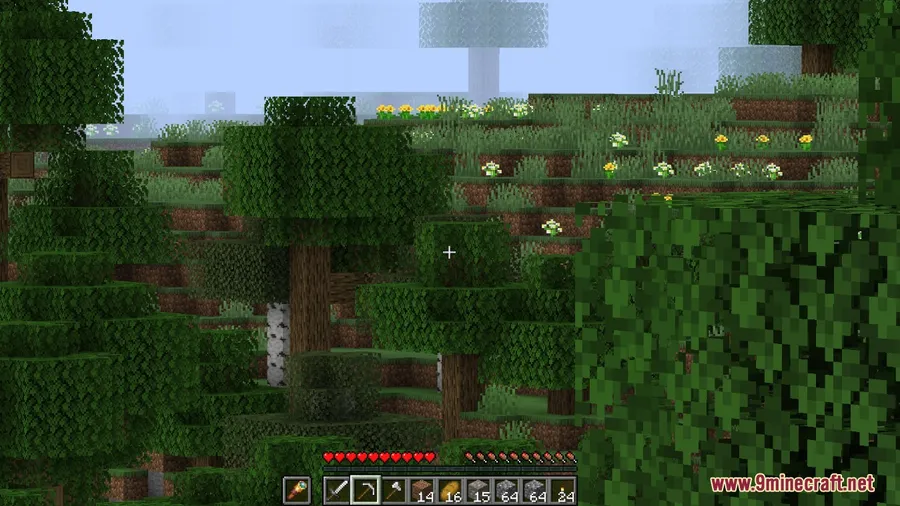
- Adjustable Zoom via Scroll Wheel — Instead of a single fixed magnification, you can smoothly scroll in and out to find the perfect zoom level while scoping.
- Quick Access Hotkey ('Z') — No more digging through your hotbar. Press Z to instantly pull out the spyglass from anywhere in your inventory, then press again to put it away.
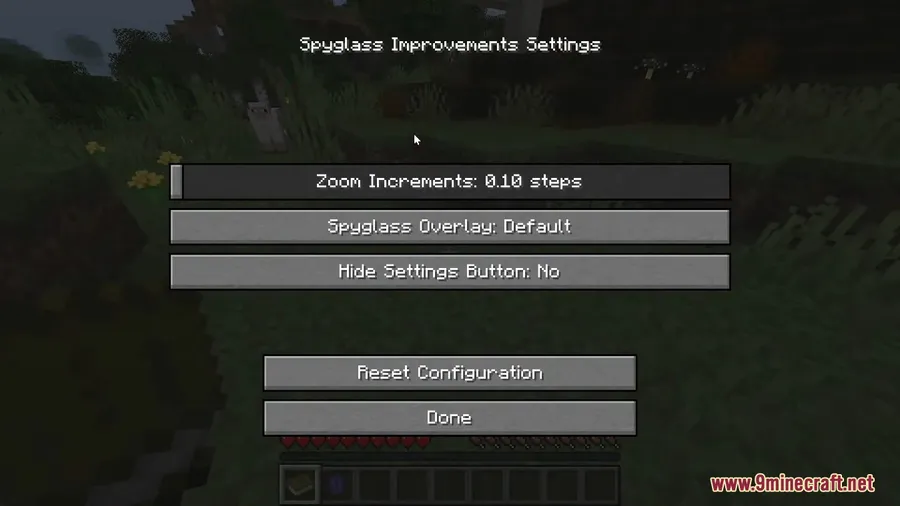
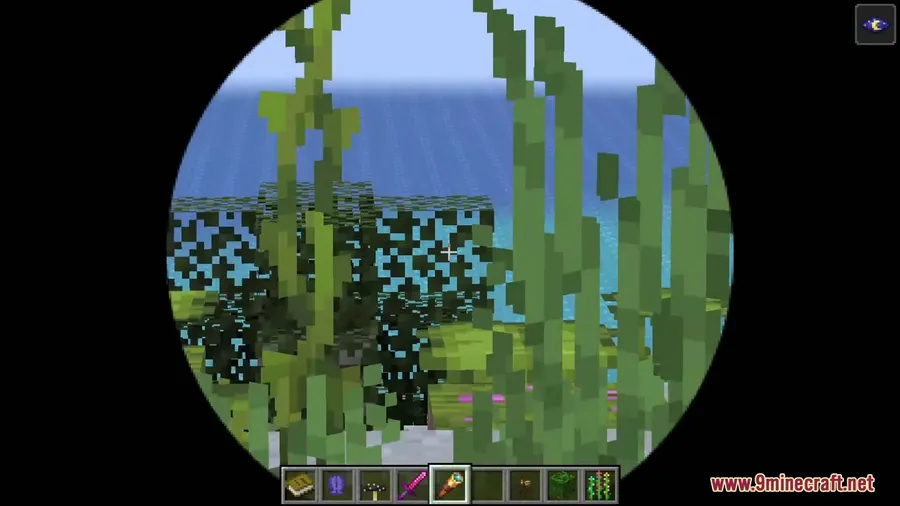
- Custom Spyglass Overlays — Choose from different overlay styles to change the visual frame around your spyglass view, giving you a cleaner or more immersive scoping experience.
- Smooth Camera & Hidden Crosshair — The camera movement becomes fluid while scoping, and the crosshair hides automatically so nothing obstructs your view.
Screenshots


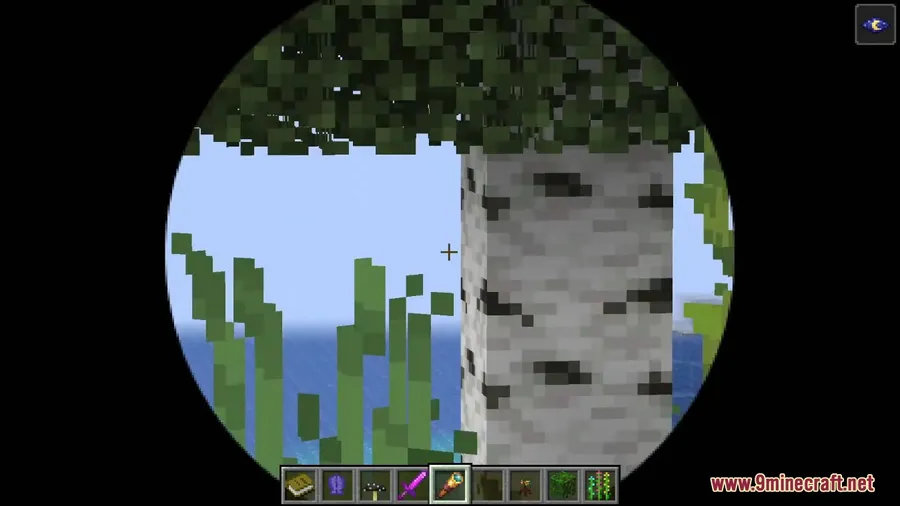
How to Install
- Download and install your preferred mod loader — Forge, Fabric, NeoForge, or Quilt — for your Minecraft version.
- If using Fabric or Quilt, also install the Fabric API mod.
- Download Spyglass Improvements Mod for your loader and Minecraft version from the links below.
- Place the downloaded
.jarfile into your.minecraft/modsfolder. - Launch Minecraft with your mod loader profile and the spyglass is ready to use.
Requirements
| Category | Details |
|---|---|
| Mod Loaders | NeoForge, Forge, Fabric, Quilt |
| Dependencies | Fabric API (for Fabric/Quilt), Quilt Loader (for Quilt) |
| Minecraft Versions | 1.21.11, 1.21.10, 1.21.9, 1.21.8, 1.21.7, 1.21.6, 1.21.5, 1.21.1, 1.21, 1.20.1, 1.20, 1.18.2, 1.18.1 |
Pros & Cons
Pros
- Scroll-wheel zoom gives fine-grained control over magnification
- Quick access hotkey eliminates the need to keep the spyglass on your hotbar
- Supports all four major mod loaders (Forge, Fabric, NeoForge, Quilt)
- Wide version support from 1.18.1 all the way to 1.21.11
- Actively maintained with regular updates since 2022
- Open-source under GPL-3.0 license
Cons
- Quilt support may lag behind other loaders for newer Minecraft versions
- Some features like Accessories mod integration are temporarily disabled in the latest beta
- Overlay customization options are limited to preset styles
Download
Always download mods from official sources to stay safe.
What's New
- 1.21.11 Support (December 2025): The mod has been ported to Minecraft 1.21.11 for both Fabric and NeoForge.
- Accessories Mod Temporarily Disabled: The Accessories mod integration has been paused until that mod is updated for the latest version.
- Broad 1.21.x Coverage: Recent updates added support across 1.21.9, 1.21.10, and 1.21.11.
- Continued Forge 1.20.x Support: Forge builds remain available for 1.20 and 1.20.1 alongside newer NeoForge versions.
FAQ
How do I change the zoom level with Spyglass Improvements?
Simply use your mouse scroll wheel while looking through the spyglass. Scrolling up zooms in and scrolling down zooms out, giving you smooth, adjustable magnification.
Do I need to keep the spyglass on my hotbar to use it?
No — press the Z key to instantly equip the spyglass from anywhere in your inventory. This is one of the mod's most popular features since it frees up a hotbar slot.
Is Spyglass Improvements compatible with Fabric and NeoForge on 1.21.11?
Yes, the latest 1.5.12-beta release supports both Fabric and NeoForge on Minecraft 1.21.11. Note that this version is marked as beta, so minor issues are possible.


![[Let's Do] Meadow Mod (1.21.1) - thumbnail](http://mcinside.com/wp-content/uploads/2026/04/thumbnail-64-52x52.webp)


![Not Enough Recipe Book [NERB] Mod (1.21.11) - thumbnail](http://mcinside.com/wp-content/uploads/2026/04/thumbnail-63-52x52.webp)

