

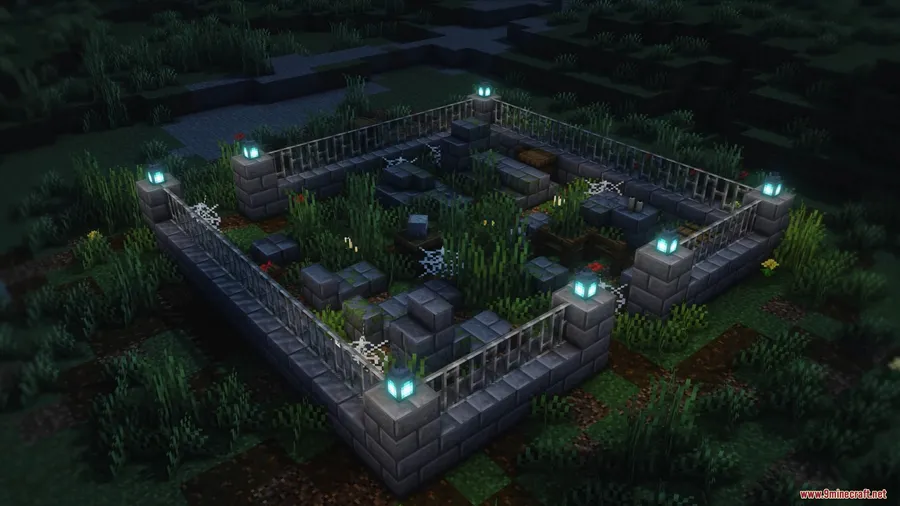
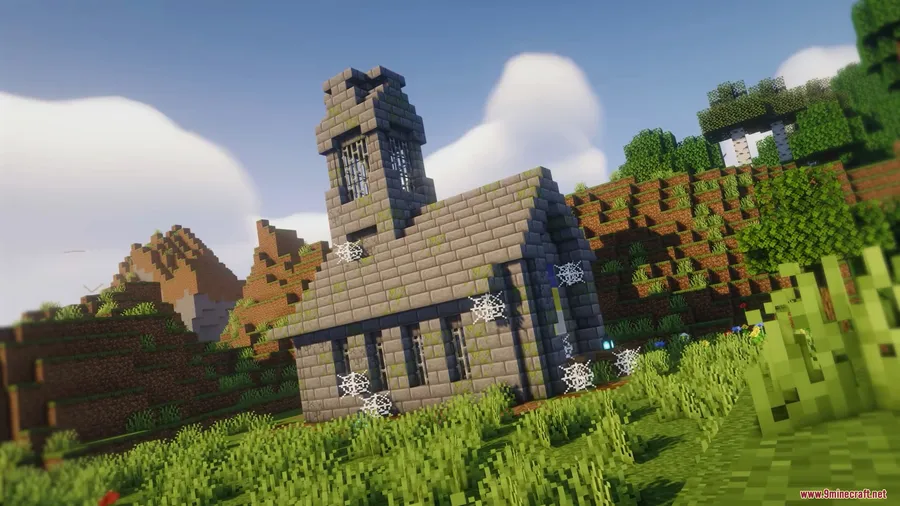
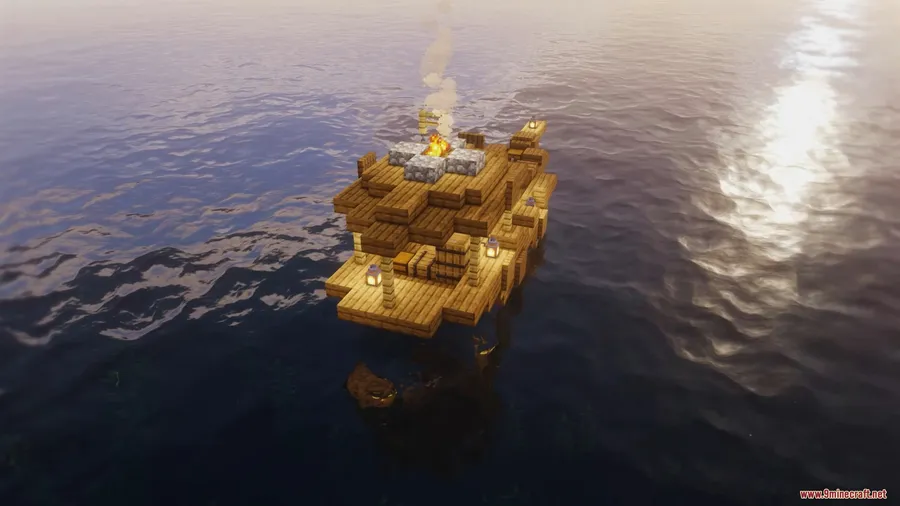
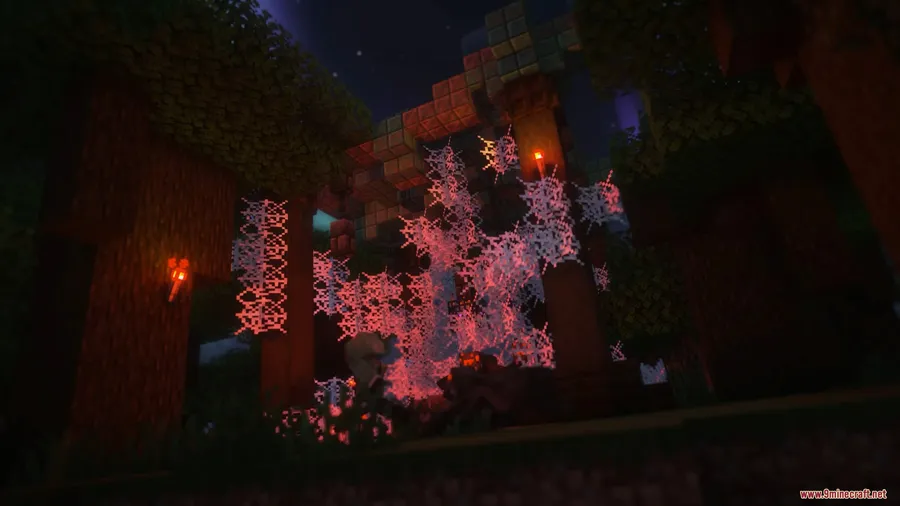
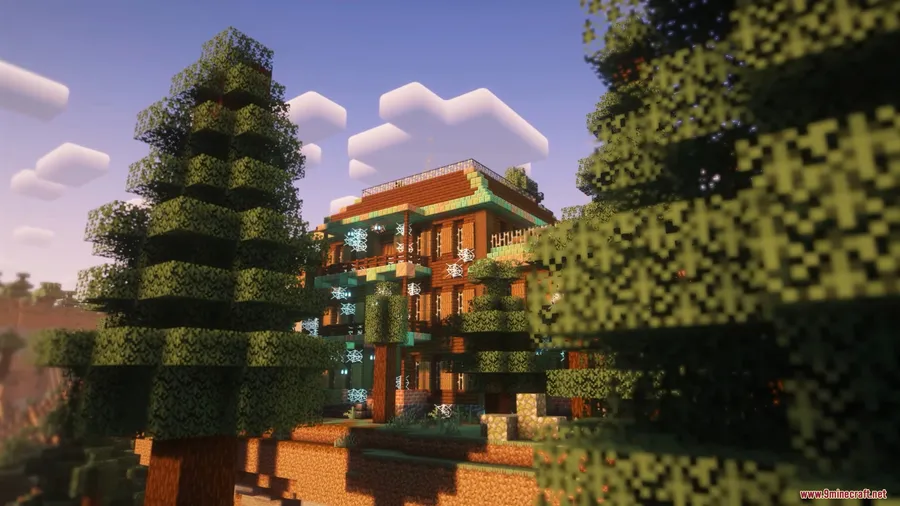
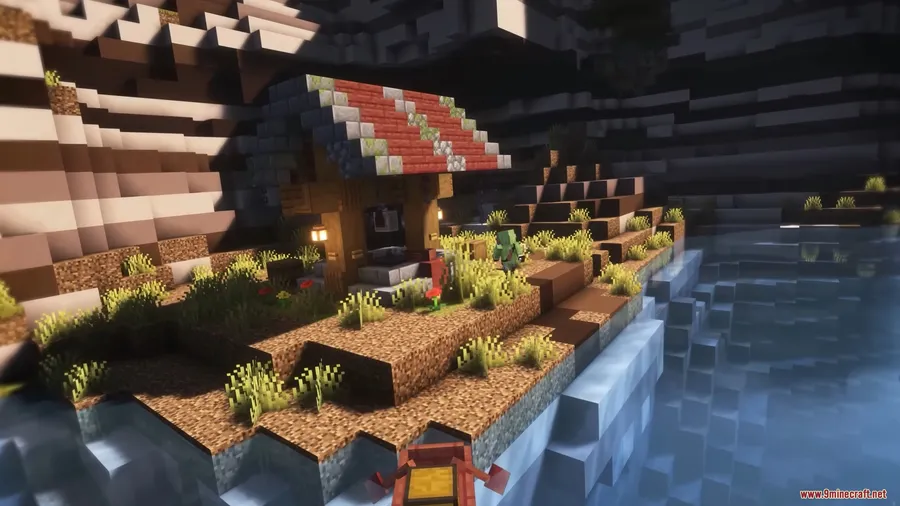
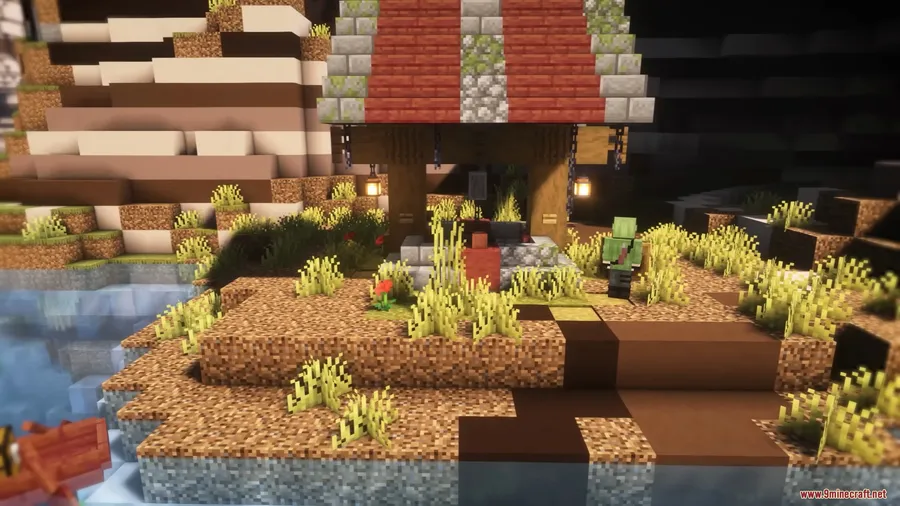
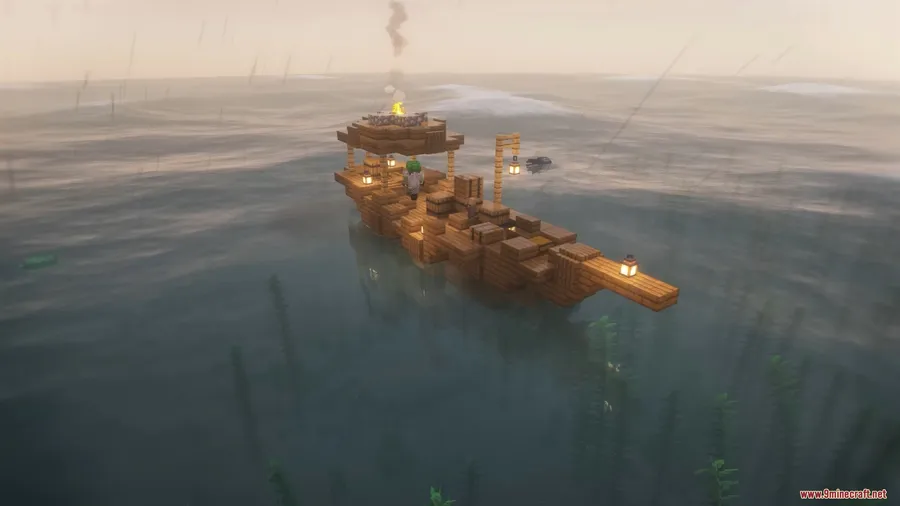
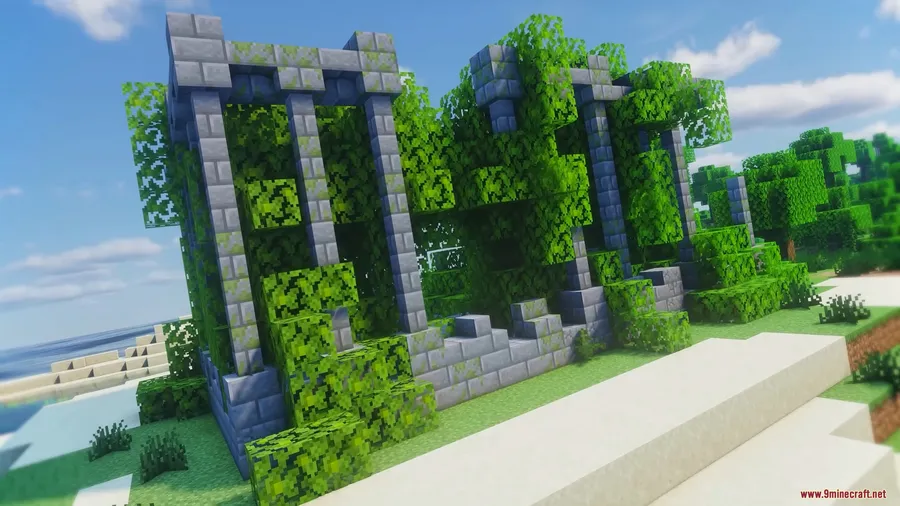
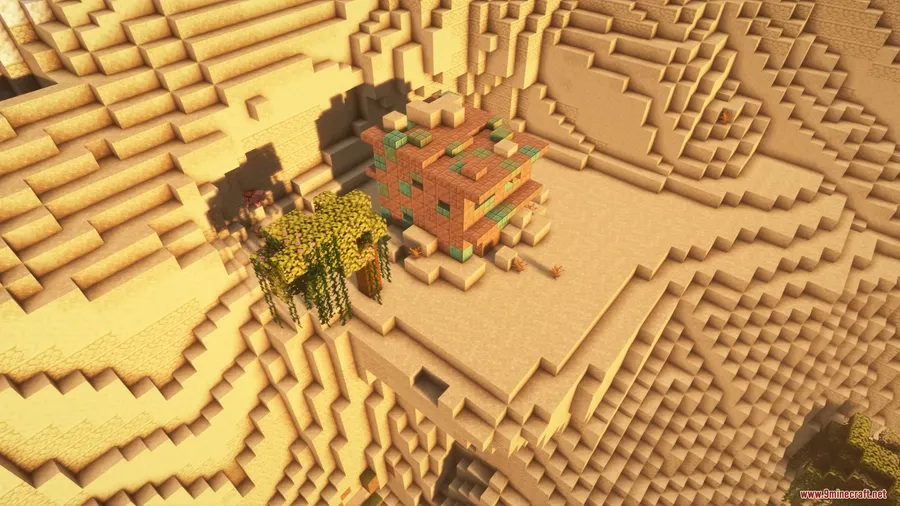
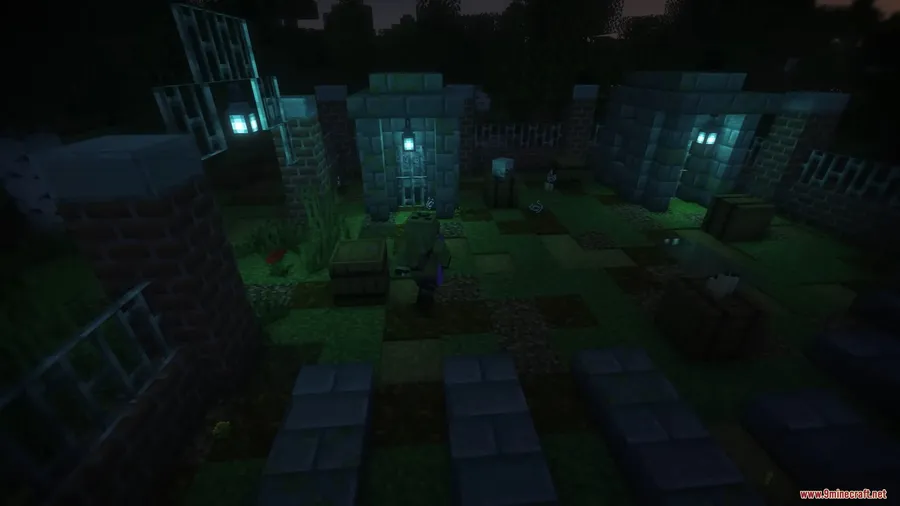
Structory Mod breathes new life into Minecraft's overworld by scattering handcrafted structures across the terrain — ruins half-buried in hillsides, fire towers overlooking forests, stables beside village roads, and graveyards tucked into dark oak groves. With over 4.6 million downloads and a steady stream of seasonal content updates, it has become one of the most popular structure mods available. The mod is also compatible with Terralith, so players who already run custom worldgen can layer Structory on top without conflict.
Key Features
- Diverse New Structures — Adds ruins, fire towers, cottages, stables, graveyards, settlements, ships, and cemeteries that blend naturally into Minecraft's terrain generation. Each structure feels hand-placed rather than randomly dropped.
- Seasonal Content Expansions — The developer releases themed updates each season, introducing new structure sets that keep exploration fresh long after your first install.
- Modular Add-Ons — Structory supports add-on packs that work standalone or alongside the base mod. You can mix, match, or remove expansions to suit your preferences without breaking anything.
- Light Lore & Immersion — Structures carry traces of past inhabitants — scattered items, environmental storytelling, and subtle details that make the world feel lived-in rather than procedurally empty.
Screenshots




How to Install
- Download and install your preferred mod loader (Forge, Fabric, NeoForge, or Quilt) for your Minecraft version.
- If using Fabric, also install the Fabric API. Forge and NeoForge users need no extra dependencies.
- Download the Structory Mod file matching your Minecraft version and mod loader from the link below.
- Place the downloaded
.jarfile into your.minecraft/modsfolder. - Launch Minecraft with your mod loader profile and start a new world to see the structures generate.
Requirements
| Requirement | Details |
|---|---|
| Mod Loader | Forge, Fabric, NeoForge, or Quilt |
| Dependencies | Fabric API (Fabric only); Quilt Loader (Quilt only) |
| Minecraft Version | 1.19.4 – 1.21.11 |
Pros & Cons
Pros
- Huge variety of structures that blend naturally into vanilla terrain
- Supports all four major mod loaders — Forge, Fabric, NeoForge, and Quilt
- Regular seasonal updates keep adding fresh content
- Modular design lets you add or remove expansion packs freely
- Compatible with Terralith for enhanced worldgen setups
Cons
- Structures only appear in newly generated chunks, not in already-explored terrain
- No built-in config to control individual structure spawn rates
- Lore elements are subtle and easy to miss without careful exploration
Download
Always download mods from official sources to stay safe.
What's New
- Structory has been updated to version v1.3.14.
- Full support for Minecraft 1.21.11 has been added.
- The mod continues to receive active maintenance, with the latest update landing on December 25, 2025.
FAQ
Does Structory work with Terralith?
Yes, Structory is compatible with Terralith Mod. You can run both together, and the new structures will generate alongside Terralith's custom biomes and terrain.
Can I add Structory to an existing world?
You can install it on an existing world, but the new structures will only appear in chunks you haven't explored yet. Already-generated terrain won't change.
Is Structory available for Fabric and Forge?
Yes, the mod supports Forge, Fabric, NeoForge, and Quilt. Make sure to download the correct version for your mod loader and Minecraft version.


![[Let's Do] Meadow Mod (1.21.1) - thumbnail](http://mcinside.com/wp-content/uploads/2026/04/thumbnail-64-52x52.webp)


![Not Enough Recipe Book [NERB] Mod (1.21.11) - thumbnail](http://mcinside.com/wp-content/uploads/2026/04/thumbnail-63-52x52.webp)

