
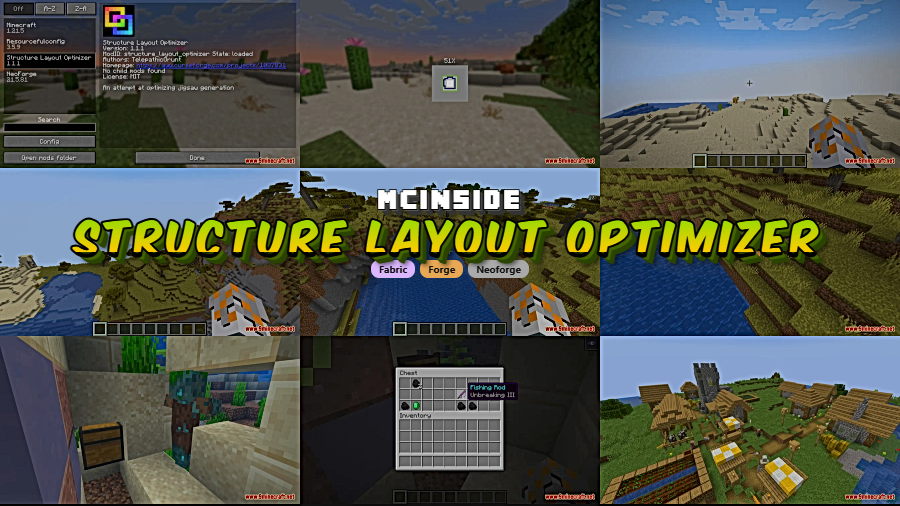
Structure Layout Optimizer Mod tackles one of Minecraft's quieter performance bottlenecks: the way Jigsaw structures are generated. Vanilla Minecraft verifies structure piece intersections by comparing all VoxelShape vertices — a process that slows down noticeably with large or recursive builds like villages and trial chambers. This mod swaps that system for a BoxOctree-based approach that only checks intersections against neighboring parts, drastically cutting validation time. With over 3.7 million downloads on Modrinth and active development by telepathicgrunt, it has become a staple in performance-focused modpacks.
Key Features
- BoxOctree intersection system — Replaces vanilla's slow VoxelShape checks with a spatial data structure that only compares nearby structure pieces, significantly reducing the number of calculations during generation.
- Smarter Jigsaw Block handling — Skips unnecessary checks for Jigsaw Blocks that are blocked or facing boundaries, and reduces redundant calls to block properties during NBT data parsing.
- Optimized NBT loading — Filters out irrelevant positions early when loading large NBT files, which improves load times for massive structures like ancient cities or trail ruins.
- Duplicate piece deduplication — Avoids rechecking duplicate structure pieces with high weights and optionally deduplicates the pool for even faster generation passes.
- Lower memory footprint — Swaps heavy StructureBlockInfo lists with lightweight palettes that shrink memory usage when structures are not actively being placed.
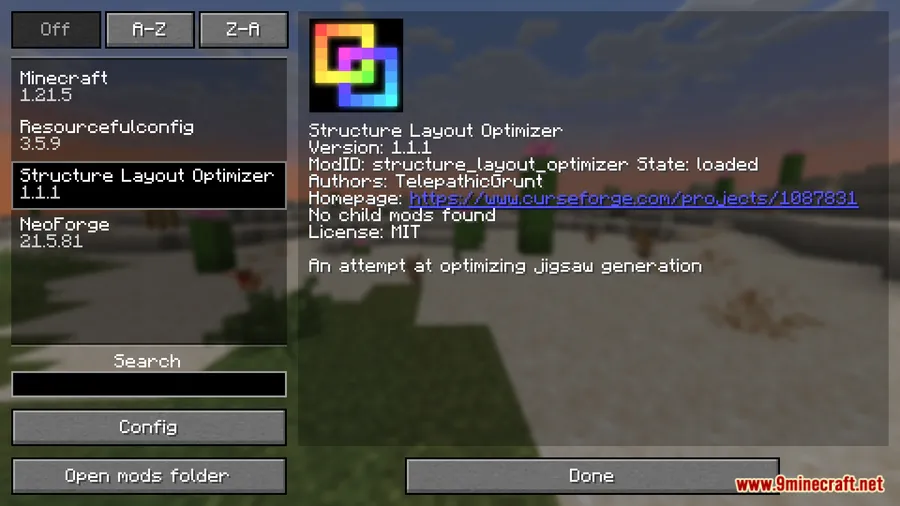
Screenshots


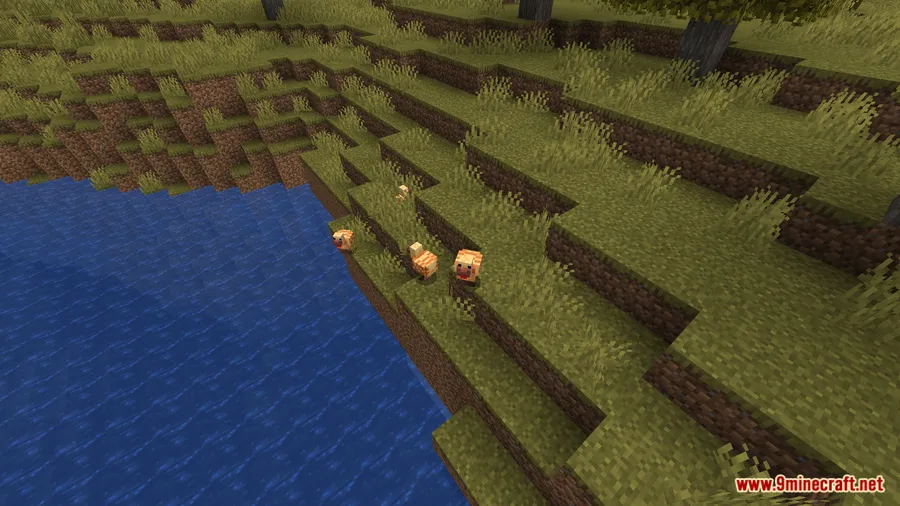

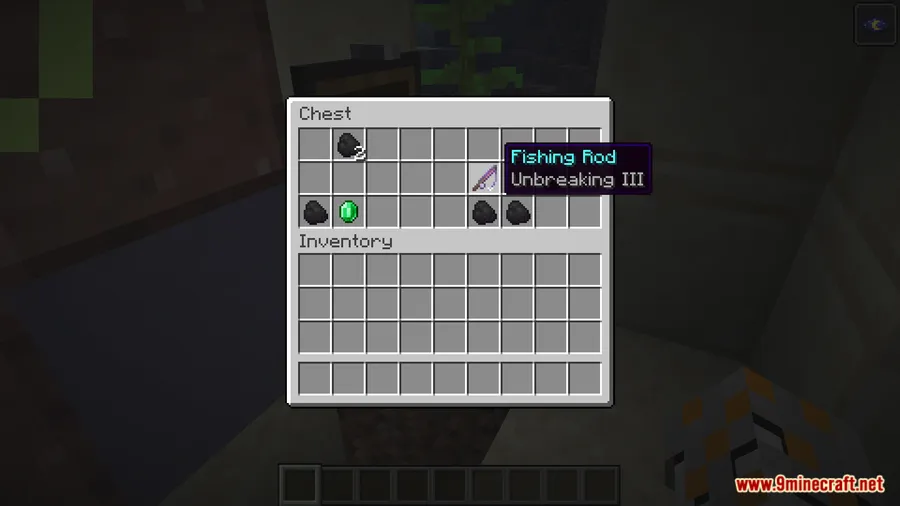

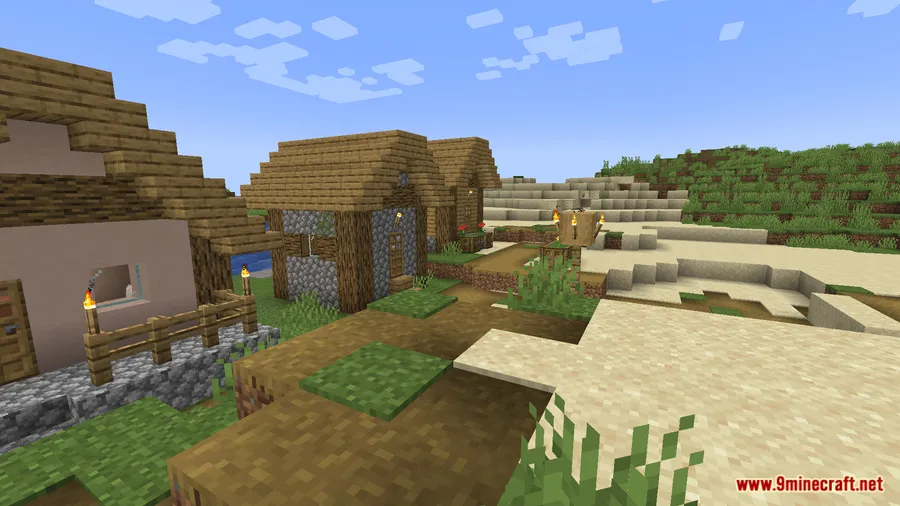
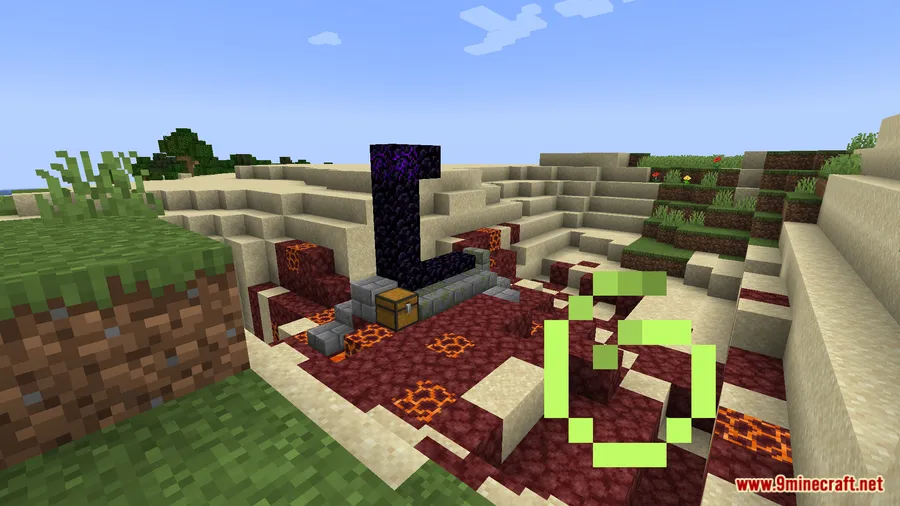
How to Install
- Download and install your preferred mod loader — Fabric, NeoForge, or Forge — for your Minecraft version.
- Download Structure Layout Optimizer for your loader and Minecraft version from the link below.
- Place the downloaded
.jarfile into your.minecraft/modsfolder. - Launch Minecraft with your mod loader profile and the mod will apply its optimizations automatically — no configuration needed.
Requirements
| Requirement | Details |
|---|---|
| Mod Loader | NeoForge, Forge, Fabric |
| Dependencies | None |
| Minecraft Versions | 26.1, 1.21.11, 1.21.9 |
Pros & Cons
Pros
- No dependencies required — just drop it in your mods folder
- Supports all three major mod loaders (NeoForge, Forge, Fabric)
- Runs passively with zero configuration needed
- Open-source under the MIT license with active development
- Appears to be lightweight since it only modifies structure generation logic
Cons
- Benefits are most noticeable in worlds with many large Jigsaw structures — smaller worlds may see less impact
- As a technical optimization mod, there are no visual changes or in-game UI to confirm it is working
- Older Minecraft versions (1.20.1 and below) are not listed as supported in recent releases
Download
Always download mods from official sources to stay safe.
What's New
- Updated to Minecraft 26.1 in the latest release (v1.1.4).
- Continued support for both NeoForge and Fabric on the newest game version.
- The mod remains actively maintained, with the most recent update on March 25, 2026.
FAQ
Does Structure Layout Optimizer work with other performance mods?
Yes, this mod specifically targets Jigsaw structure generation, so it should work alongside general performance mods like Sodium or Lithium without conflict since they optimize different systems.
Will I notice a difference in normal survival gameplay?
The biggest improvements show up during world generation and exploration, especially when Minecraft generates large Jigsaw structures like villages, pillager outposts, ancient cities, and trial chambers. If you explore frequently, chunk generation should feel smoother.
Do I need to change any settings after installing this mod?
No configuration is needed. Structure Layout Optimizer applies its optimizations automatically as soon as it is loaded. It works entirely behind the scenes with no in-game settings or menus.



![[Let's Do] Meadow Mod (1.21.1) - thumbnail](http://mcinside.com/wp-content/uploads/2026/04/thumbnail-64-52x52.webp)


![Not Enough Recipe Book [NERB] Mod (1.21.11) - thumbnail](http://mcinside.com/wp-content/uploads/2026/04/thumbnail-63-52x52.webp)
