

Ever loaded into a new Minecraft world only to find a village awkwardly clipping through a desert temple? Structure Overlapless Mod tackles that exact frustration by preventing structures from generating on top of each other during worldgen. Rather than trying to relocate conflicting buildings, it uses a simple first-come-first-served approach — the first structure claims the space, and any later conflicts are quietly skipped. The result is noticeably cleaner terrain, though you may encounter slightly fewer structures overall.
Key Features
- Overlap prevention system — Structures no longer clip into or stack on top of each other during world generation, eliminating those jarring visual glitches in newly created worlds.
- First-come-first-served priority — When two structures compete for the same space, whichever generates first claims the area. Conflicting structures are skipped entirely rather than awkwardly relocated nearby.
- Configurable UnskippableStructures list — Mark specific structures (like strongholds or monuments) as unskippable so they always generate, even if they overlap with something else.
- Configurable SkippableFeatures list — Fine-tune which world features (beyond structures) should also respect overlap rules, giving you granular control over worldgen behavior.
- Built-in logging — Enable logging to track exactly which structures and features were skipped during generation, useful for debugging or tweaking your configuration.
Screenshots


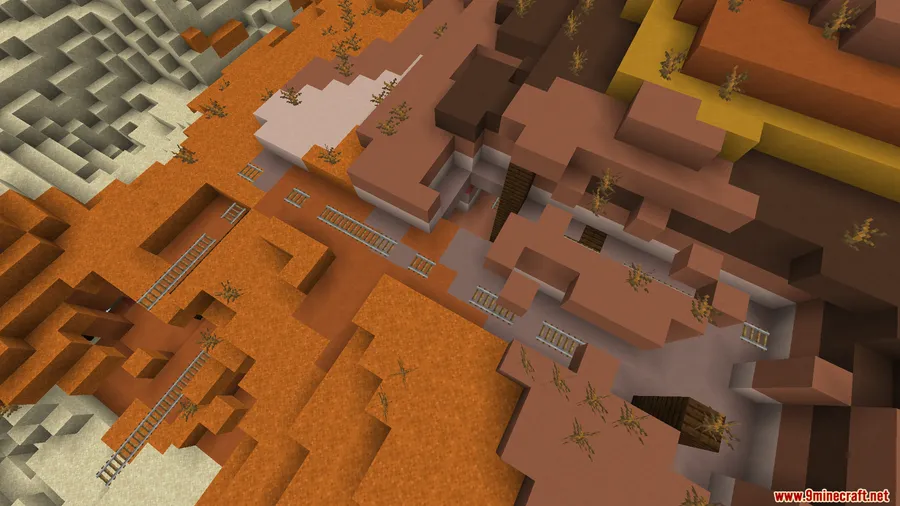
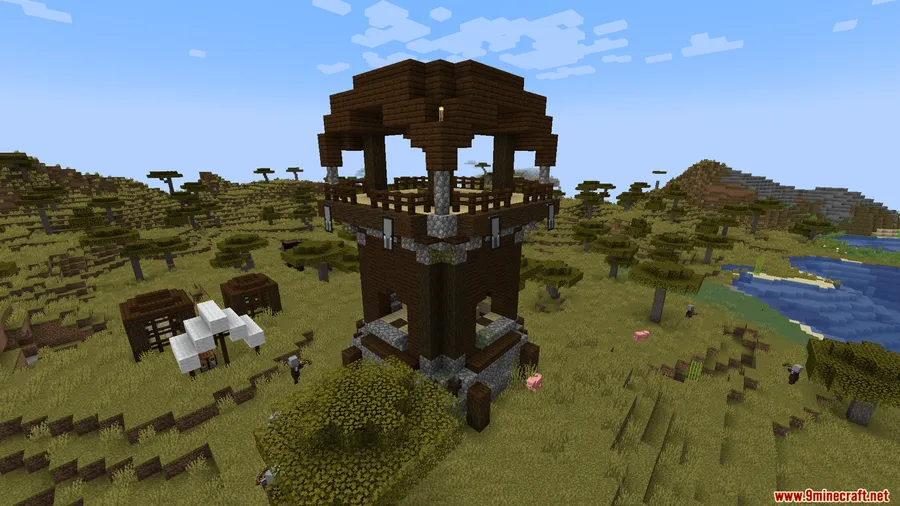
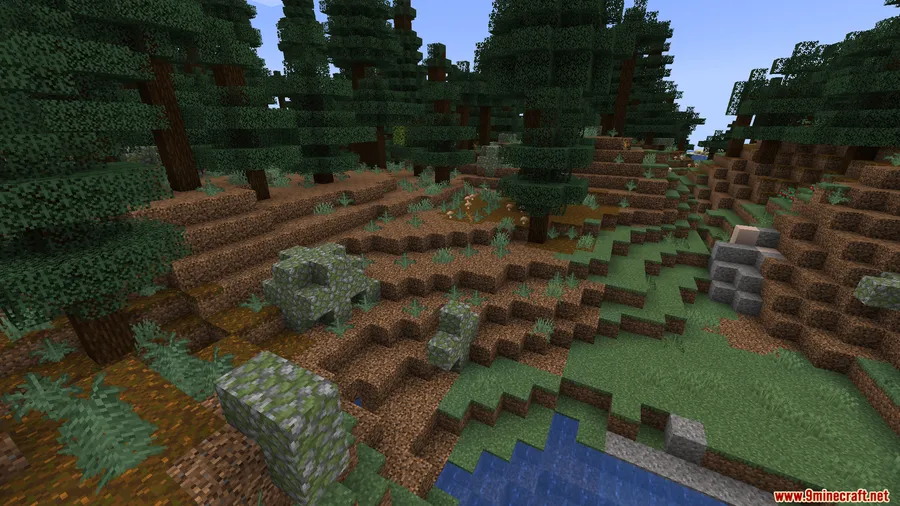
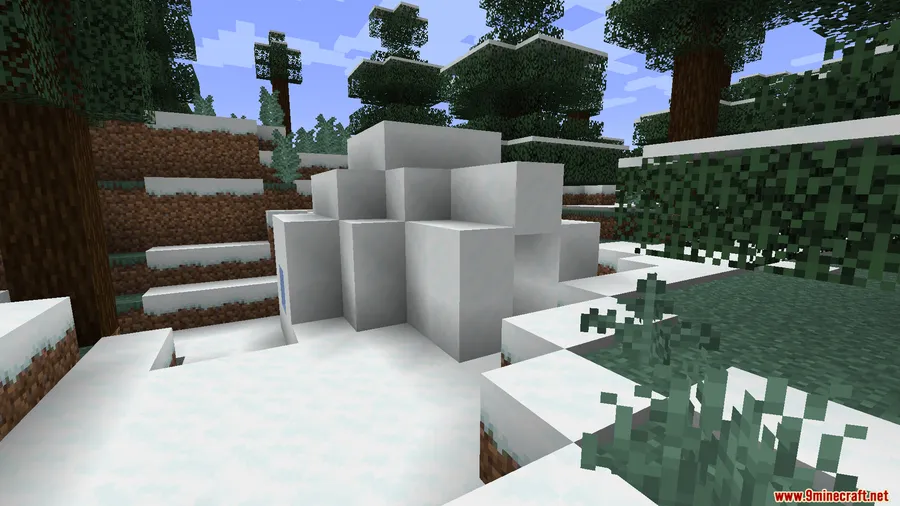
How to Install
- Download and install the correct mod loader for your Minecraft version — Forge, Fabric, or NeoForge (see the requirements table below).
- If using Fabric, also install Fabric API. If using Fabric or Forge on 1.20.1, install the Forge Config API Port Mod as well.
- Download the Structure Overlapless Mod file matching your Minecraft version and loader from the links below.
- Place the downloaded
.jarfile into your.minecraft/modsfolder. - Launch Minecraft with your mod loader profile and create a new world to see the cleaner worldgen in action.
Requirements
| Category | Details |
|---|---|
| Mod Loader | Forge, Fabric, or NeoForge (varies by version) |
| Dependencies | Fabric API (for Fabric), Forge Config API Port Mod (for Fabric/Forge on 1.20.1) |
| Minecraft Version | 1.16.5, 1.18.2, 1.20–1.20.1, 1.21–1.21.1, 1.21.4, 1.21.6, 1.21.8, 1.21.11 |
Pros & Cons
Pros
- Eliminates ugly structure overlaps without complex relocation logic
- Highly configurable — choose which structures can never be skipped
- Logging support makes it easy to understand what changed in your worldgen
- Wide version support from 1.16.5 all the way to 1.21.11
- Available for all three major mod loaders
Cons
- Reduces overall structure density since conflicting structures are removed, not relocated
- Only affects new world generation — existing worlds won't be changed
- Requires some configuration knowledge to get the most out of the skip/unskip lists
Download
Always download mods from official sources to stay safe.
FAQ
Does Structure Overlapless Mod work on existing worlds?
No — the mod only affects new chunk generation. Already-generated terrain and structures in your existing world will remain unchanged. You need to explore new chunks or create a new world to see the overlap prevention in action.
Will this mod reduce the number of structures in my world?
Yes, slightly. Because conflicting structures are skipped rather than moved elsewhere, you may encounter fewer total structures. However, you can use the UnskippableStructures config to ensure important structures like strongholds always generate.
Is Structure Overlapless Mod compatible with mods that add new structures?
The mod works at the worldgen level, so it applies to any structure that goes through Minecraft's standard generation pipeline. Modded structures that use the vanilla structure system should be handled the same way as default ones.




![[Let's Do] Meadow Mod (1.21.1) - thumbnail](http://mcinside.com/wp-content/uploads/2026/04/thumbnail-64-52x52.webp)


![Not Enough Recipe Book [NERB] Mod (1.21.11) - thumbnail](http://mcinside.com/wp-content/uploads/2026/04/thumbnail-63-52x52.webp)


