

Super HostPromoter Mod matters most in modpacks and servers where players need a quick way to find sponsor details without leaving the game to search for links. It adds in-game commands that return clickable chat messages for sponsor information, making it easier for creators to share hosting partners and affiliate links directly inside Minecraft while keeping the chat output clean.
Key Features
- Adds in-game commands that show sponsor information to players through chat.
- Includes generic commands such as
/sponsor,/support,/host,/server,/deal,/promo, and/code. - Supports custom sponsor-specific commands you can define, including examples like
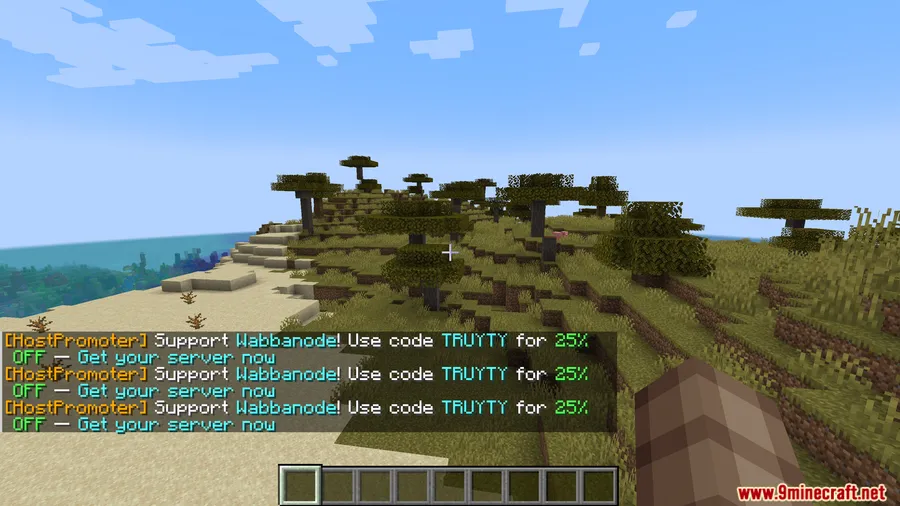
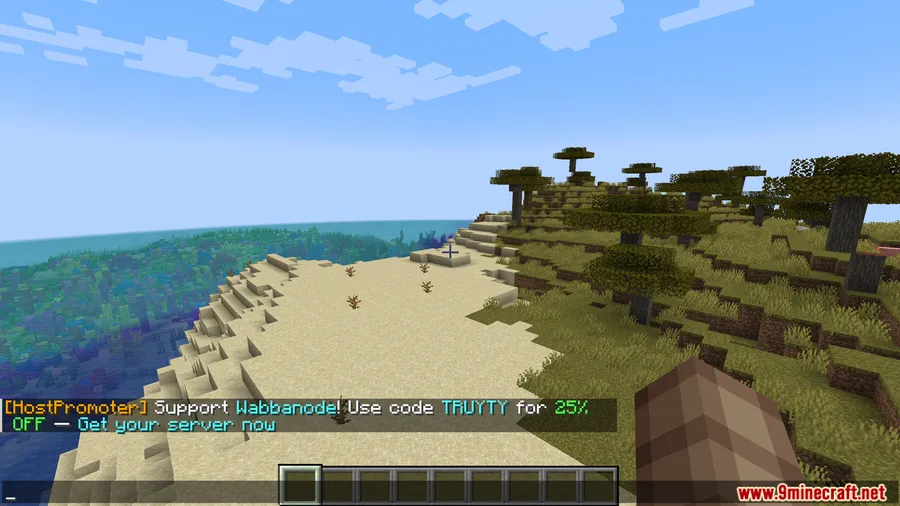
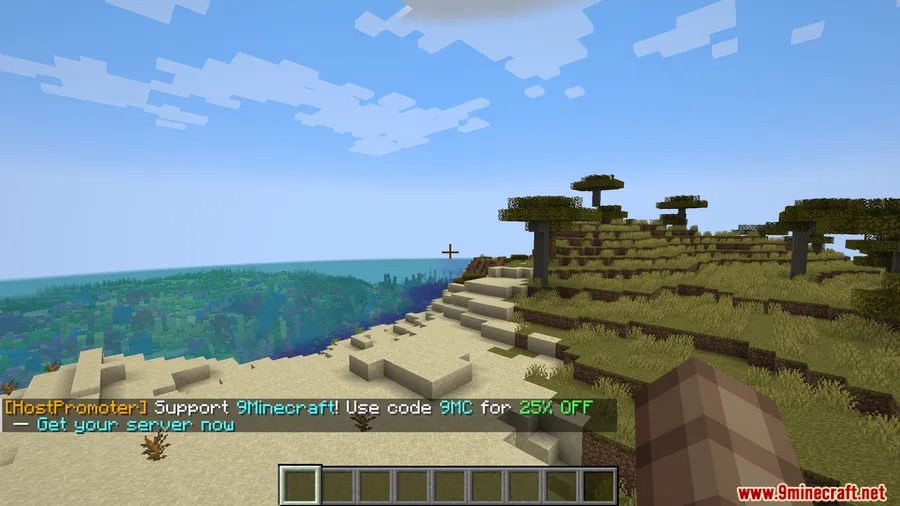
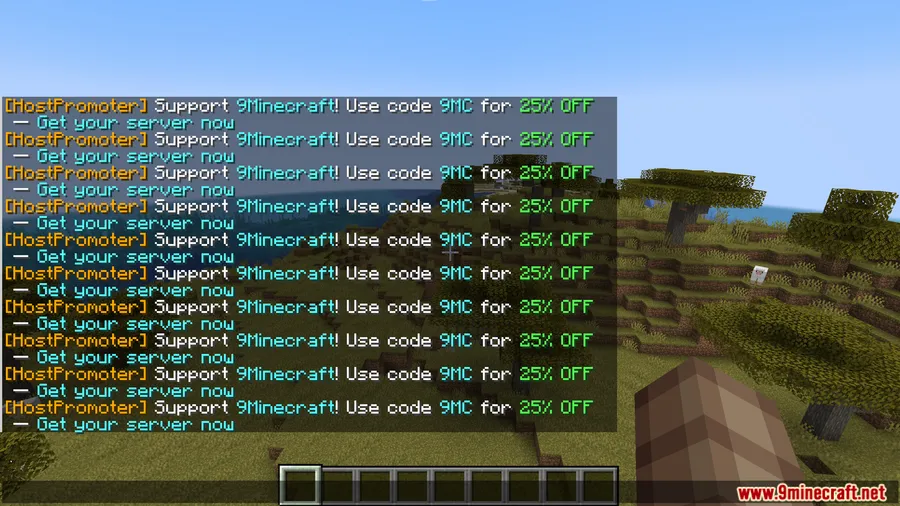
/wabbanodeor/truyty. - Sends formatted clickable chat messages with an affiliate link, while keeping the full URL out of the visible chat text.
- Lets players open the sponsor website from underlined chat text, with a hover preview of the destination.
- Plays an XP level-up sound when a command is used.
- Stores settings in simple
.tomlconfig files and auto-generates the config on first launch. - Can register multiple sponsors at the same time by adding more
.tomlfiles. - Works as a server-side mod, so players do not need to install it to use the commands.
Screenshots


How to Install
- Install Minecraft Forge for Minecraft 1.20.1 or 1.20.
- Add the mod to your Forge server or modpack setup.
- Launch the game or server once so the mod can generate its
.tomlconfig file. - Edit the config to set up your sponsor commands and affiliate links.
Requirements
| Requirement | Details |
|---|---|
| Mod Loader | Forge |
| Dependencies | Minecraft Forge |
| Minecraft Version | 1.20.1, 1.20 |
Pros & Cons
Pros
- Players can use the sponsor commands without installing the mod themselves.
- Supports both shared generic commands and custom sponsor-specific commands.
- Clickable chat messages keep affiliate URLs out of the visible chat text.
- Multiple sponsors can be added through separate
.tomlfiles.
Cons
- Requires Minecraft Forge.
- Focused on sponsor promotion commands rather than broader gameplay features.
- Setup depends on editing
.tomlconfiguration files.
Download
Always download mods from official sources to stay safe.
FAQ
What does Super HostPromoter Mod do in Minecraft?
It adds in-game commands that send clickable chat messages with sponsor information and affiliate links, so players can open the sponsor website directly from Minecraft.
Do players need to install Super HostPromoter Mod to use its commands?
No. The data describes it as a server-side mod, which means players do not need to install it to use the commands.
Which Minecraft versions and loader does Super HostPromoter Mod support?
The listed versions are Minecraft 1.20.1 and 1.20, and the required mod loader is Forge.


