

Dropped items and stray arrows piling up across your Minecraft world can tank server performance fast, especially on busy multiplayer servers. Sweeper Maid Mod tackles this by automatically sweeping up dropped items and configurable entity types at regular intervals, storing everything in a recoverable 54-slot dustbin rather than deleting them outright. It strikes a smart balance between keeping your world clean and giving players a safety net to grab back anything they accidentally lost.
Key Features
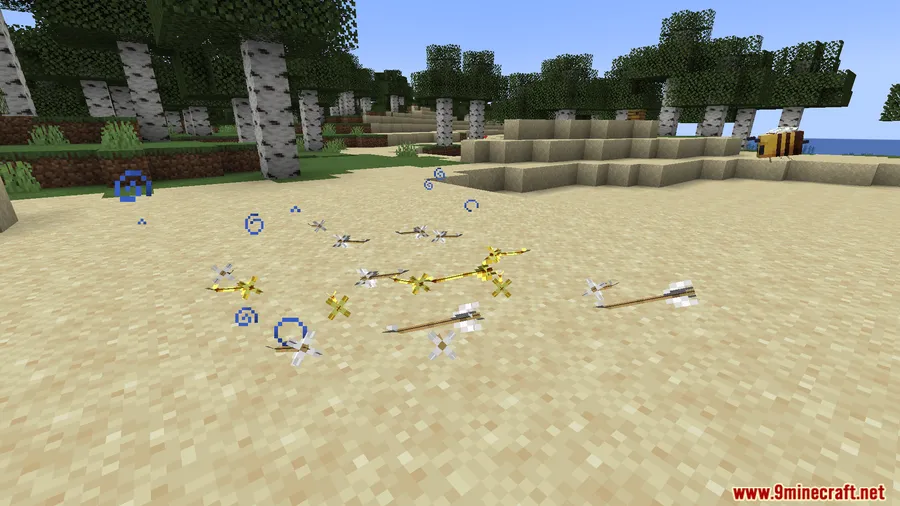
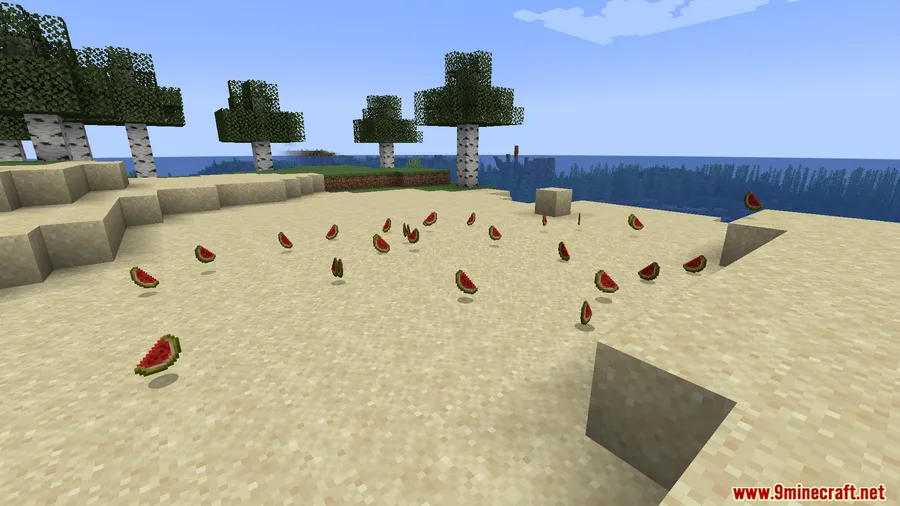
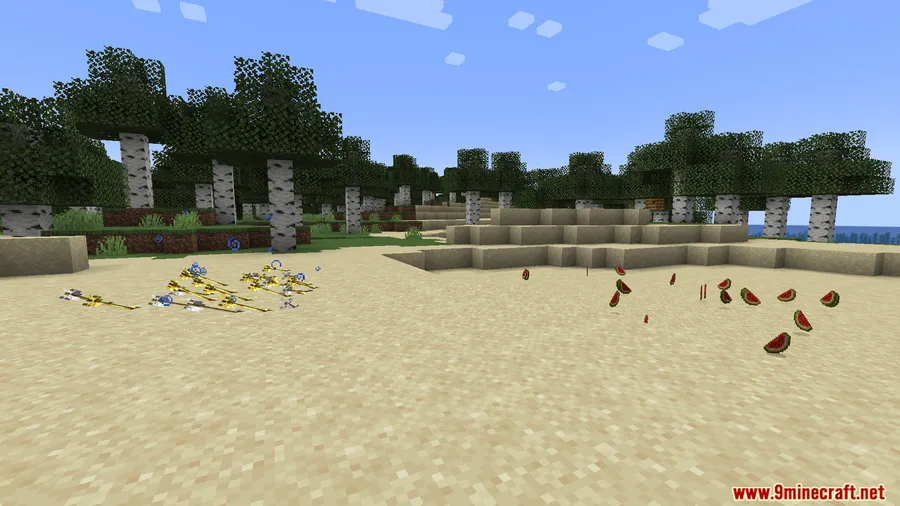
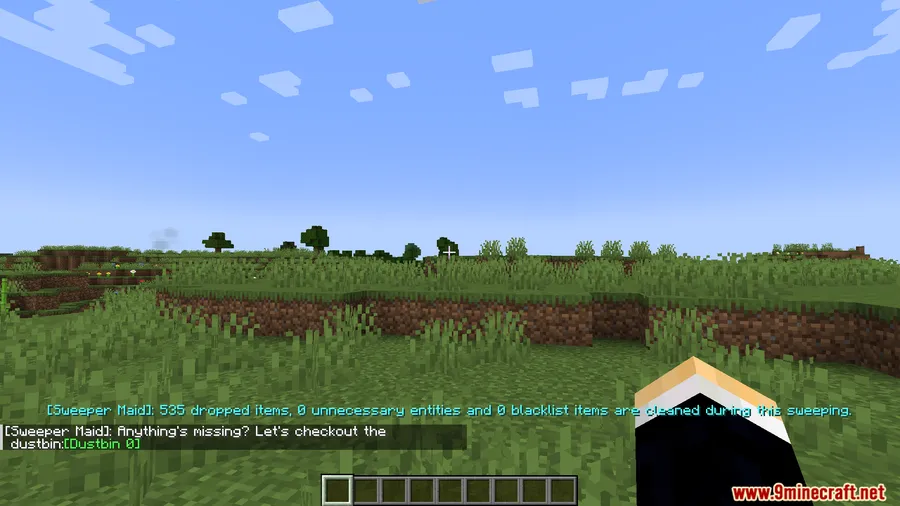
- Automatic entity cleanup — Periodically sweeps dropped items and select entities (arrows and spectral arrows by default) to reduce lag caused by entity overload.
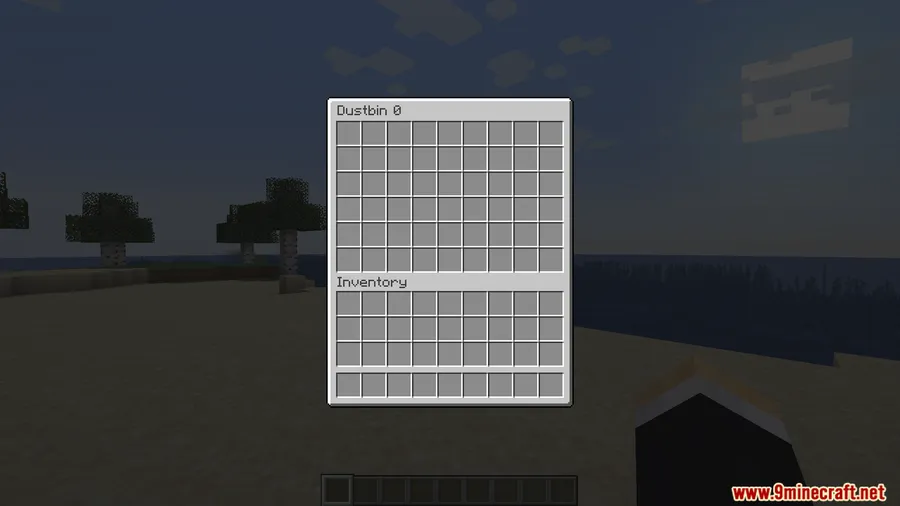
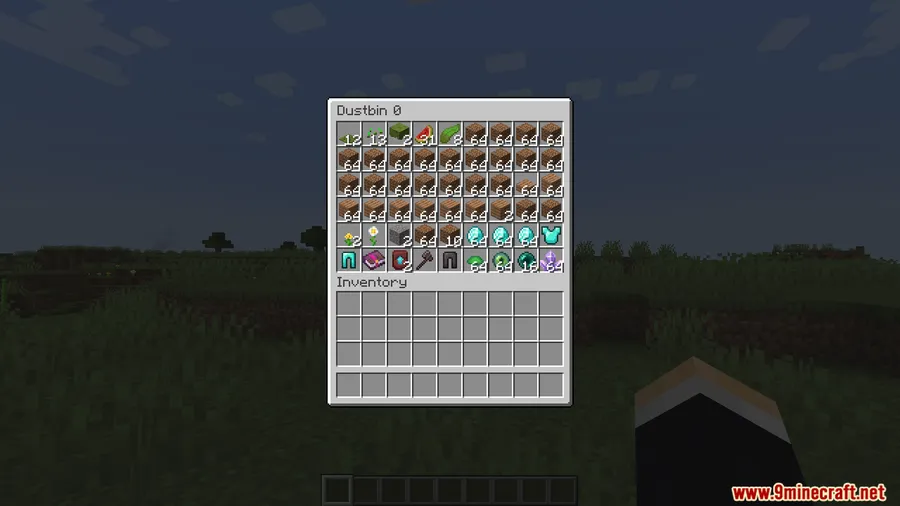
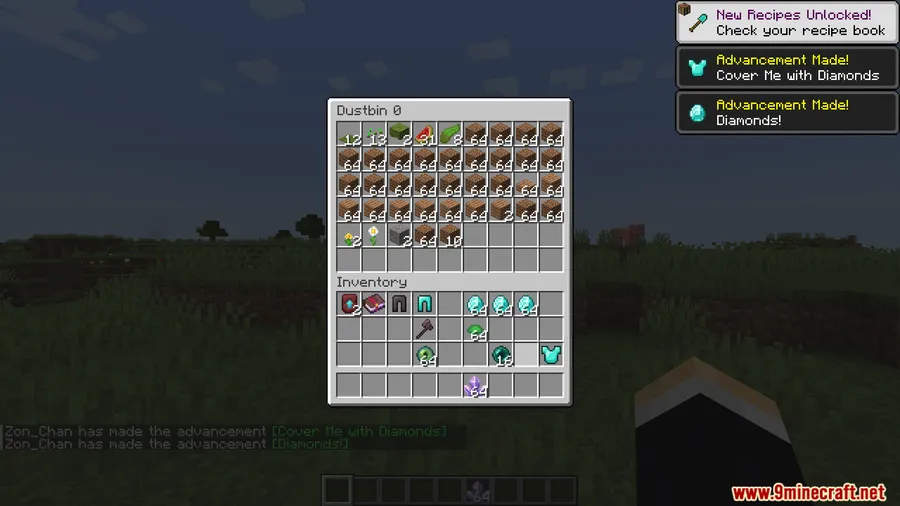
- 54-slot dustbin inventory — All collected items are stored in a temporary dustbin accessible via the
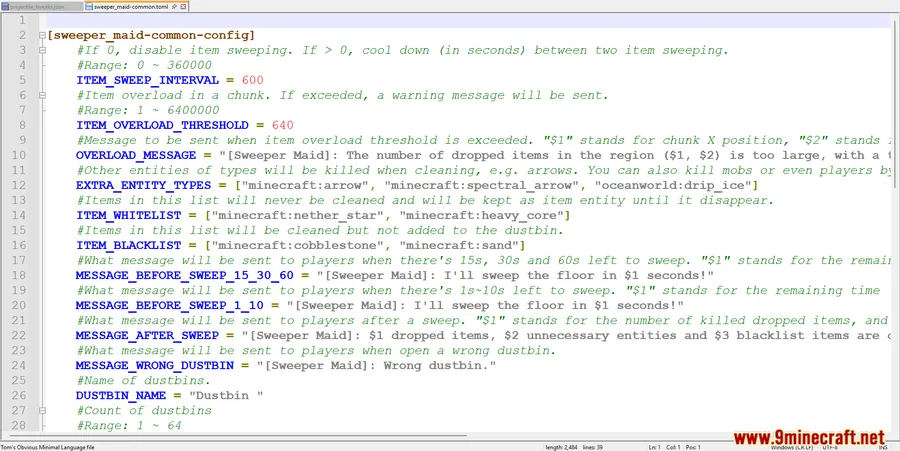
/sweepermaid dustbincommand, so nothing is permanently lost right away. - Highly configurable — Adjust sweep cooldown intervals, choose which entity types get cleaned up, and customize the player notification messages to fit your server's style.
- Access control — Set permissions for who can open the dustbin through configuration, giving server admins full control over item recovery.
- Multiplayer-friendly — Designed with servers in mind, helping reduce entity count and keep tick rates healthy across busy worlds.
Screenshots


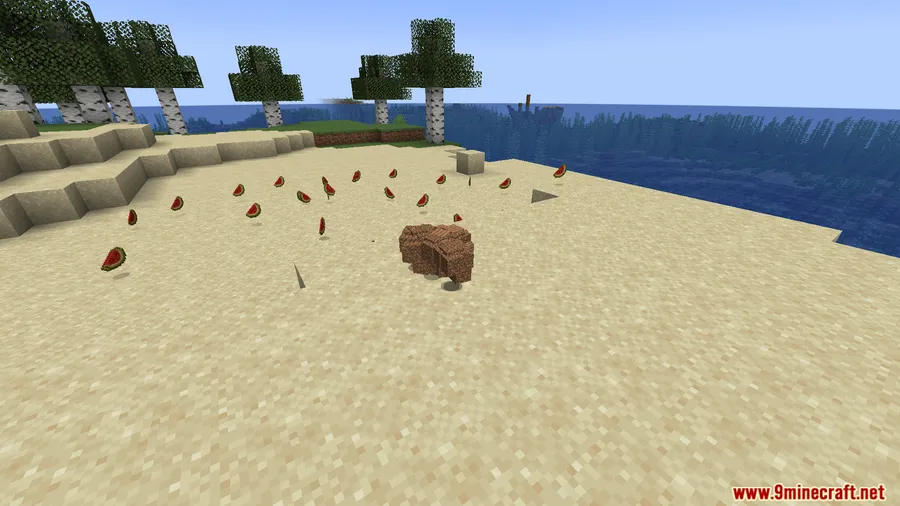
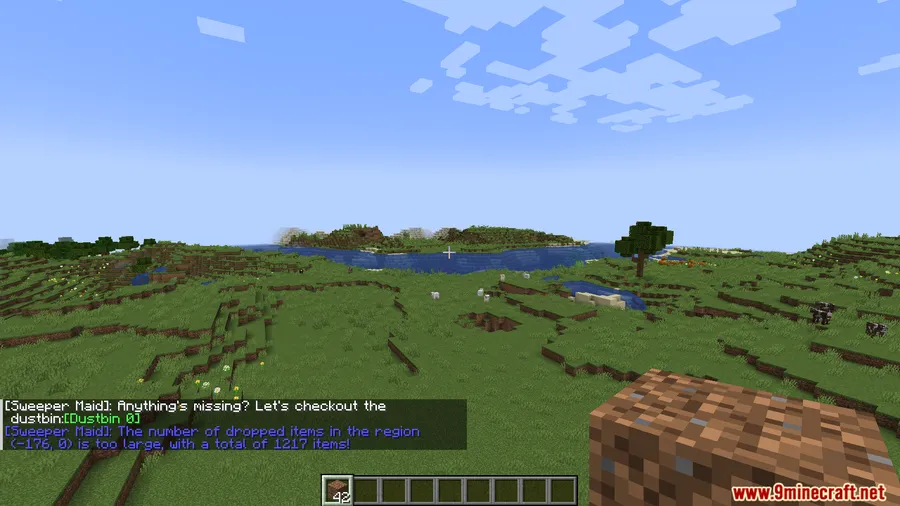
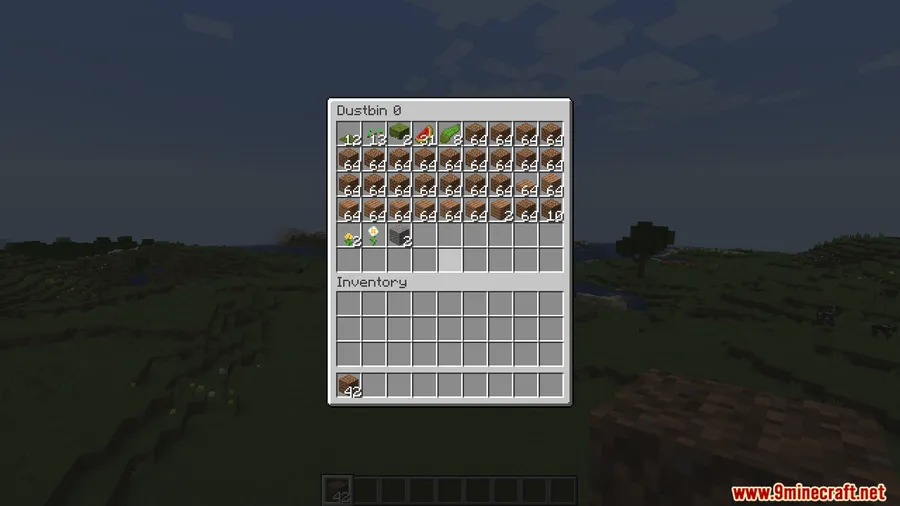
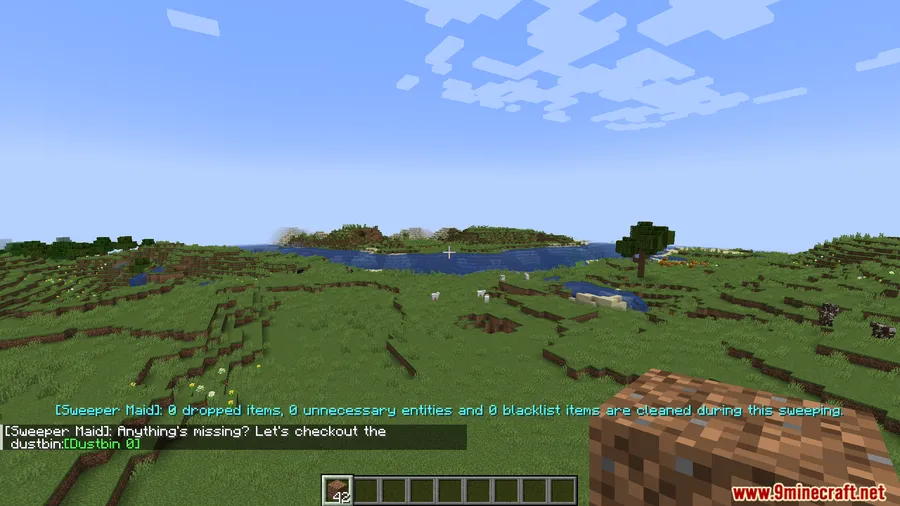
How to Install
- Download and install Minecraft Forge or NeoForge for your Minecraft version.
- Download the Sweeper Maid Mod file matching your loader and game version.
- Place the downloaded
.jarfile into your.minecraft/modsfolder. - Launch Minecraft with the correct Forge or NeoForge profile and confirm the mod loads on the title screen.
Requirements
| Mod Loader | Dependencies | Minecraft Versions |
|---|---|---|
| Forge, NeoForge | Minecraft Forge or NeoForge Installer | 1.20.4, 1.20.2, 1.20.1, 1.20 |
Pros & Cons
Pros
- Recoverable dustbin prevents accidental permanent item loss
- Flexible configuration for cooldowns, entity types, and access permissions
- Appears to be lightweight and straightforward to set up
- Particularly useful for multiplayer servers dealing with entity lag
Cons
- Dustbin has a fixed 54-slot limit, which may fill quickly on busy servers
- Only available for Minecraft 1.20.x versions currently
- Requires manual configuration to sweep entity types beyond the defaults
Download
Always download mods from official sources to stay safe.
FAQ
How do I open the Sweeper Maid dustbin?
Use the command /sweepermaid dustbin in-game. Access can be restricted through the mod's configuration file, so server admins can control who is allowed to recover swept items.
Does Sweeper Maid delete my items permanently?
No. Swept items are moved into a temporary 54-slot dustbin inventory rather than being destroyed immediately. You can retrieve them from the dustbin before it fills up or gets cleared.
Can I choose which entities Sweeper Maid cleans up?
Yes. By default the mod sweeps dropped items, arrows, and spectral arrows, but you can customize the entity type list and adjust the sweep cooldown interval through the configuration settings.


![[Let's Do] Meadow Mod (1.21.1) - thumbnail](http://mcinside.com/wp-content/uploads/2026/04/thumbnail-64-52x52.webp)


![Not Enough Recipe Book [NERB] Mod (1.21.11) - thumbnail](http://mcinside.com/wp-content/uploads/2026/04/thumbnail-63-52x52.webp)


