
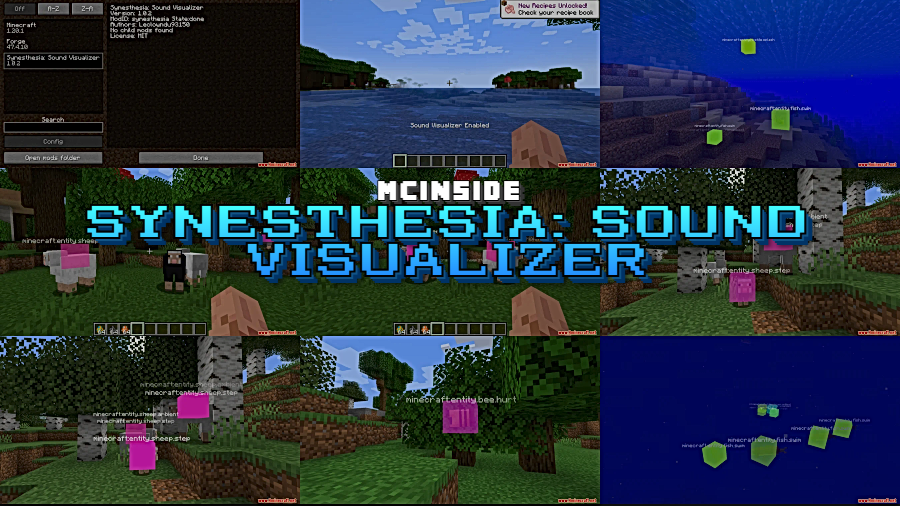
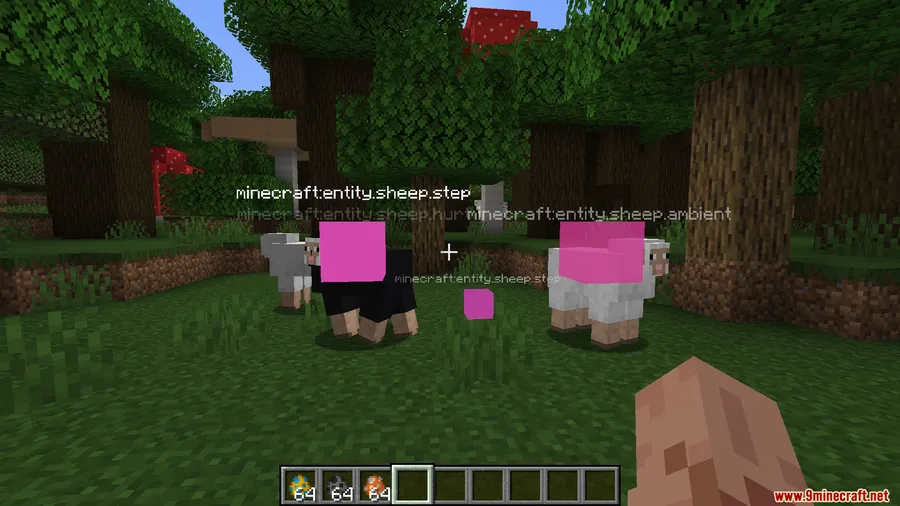
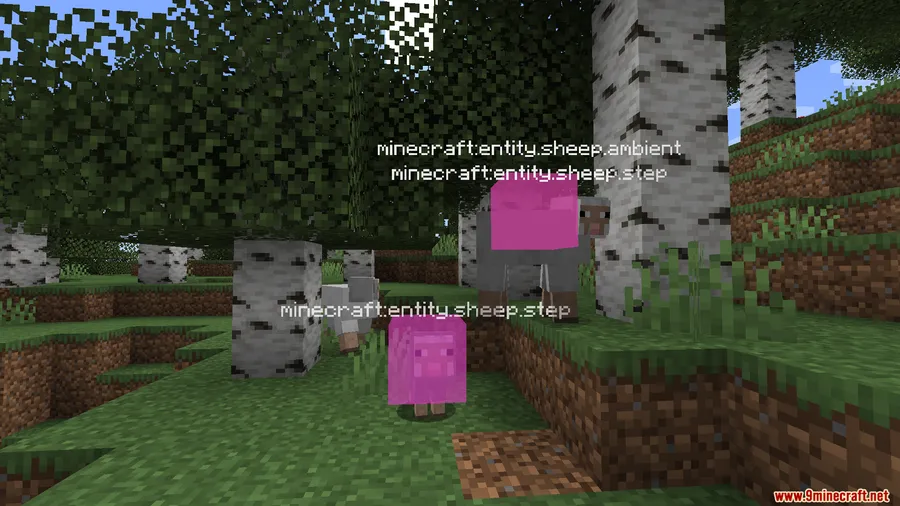
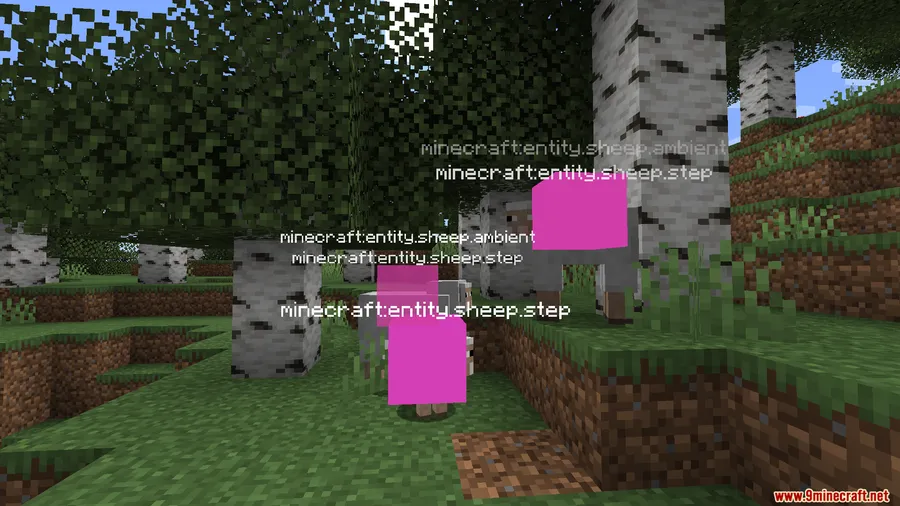
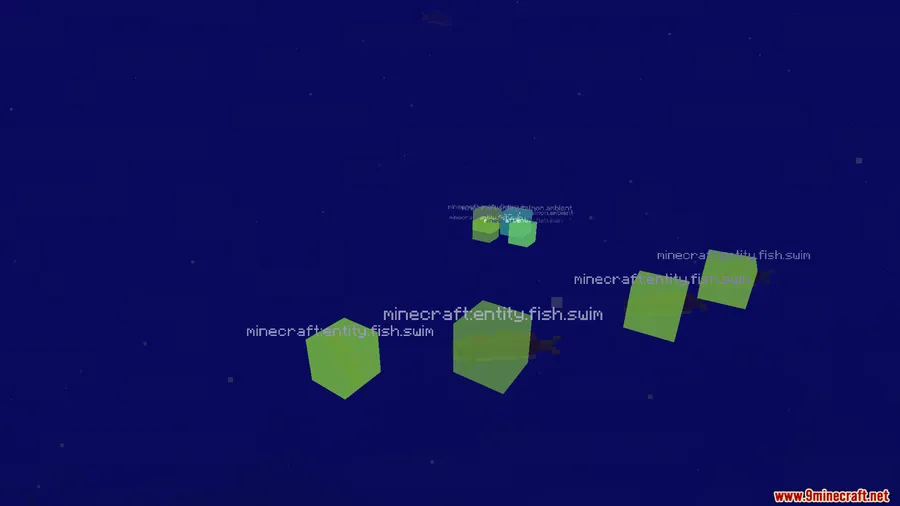
Ever struggle to pinpoint exactly where that mysterious noise is coming from in your Minecraft world? Synesthesia: Sound Visualizer Mod adds a visual overlay that reveals the origin of every sound around you, turning invisible audio cues into something you can actually see and track. Whether you are hunting down a hidden mob behind a wall or trying to figure out which machine in your modded base won't stop humming, this mod makes sound detection effortless.
Key Features
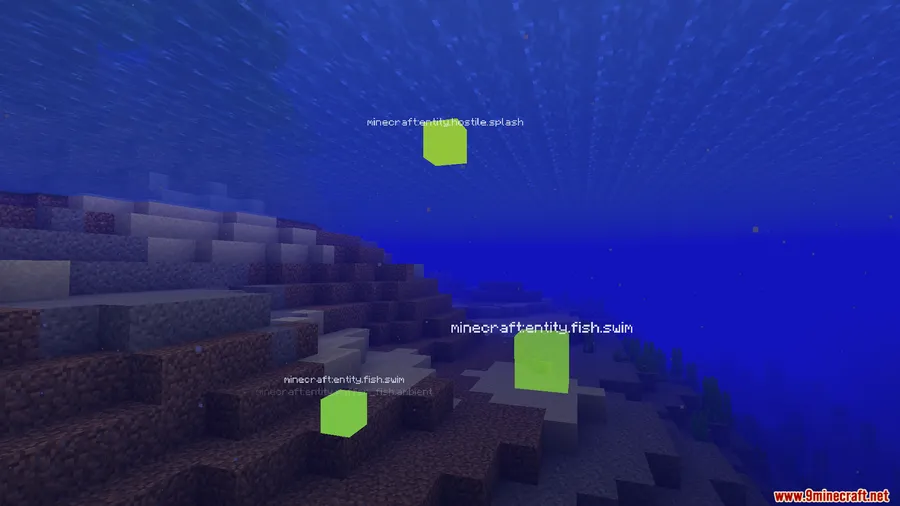
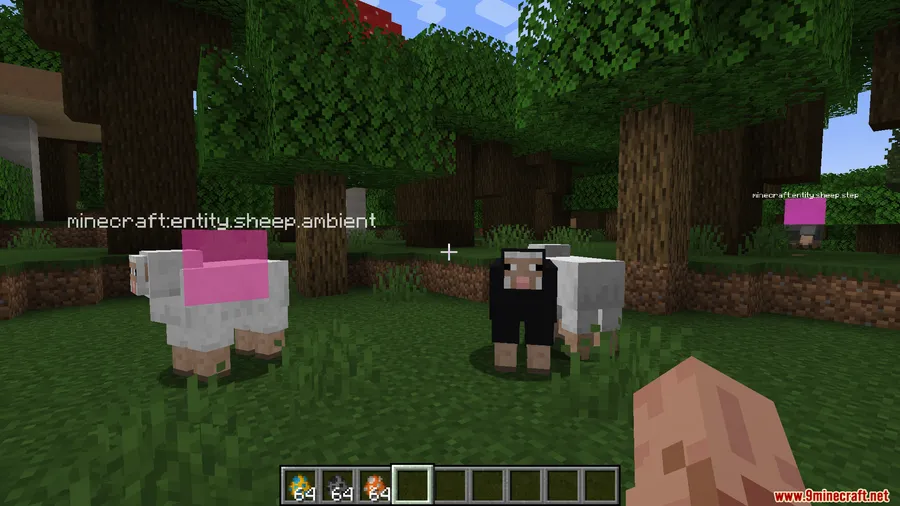
- Visual sound indicators — Displays on-screen cues that point directly to where sounds originate, giving you spatial awareness that vanilla Minecraft simply doesn't offer.
- Hidden mob detection — Track down mobs concealed behind walls, underground, or in dark caves by following the visual markers tied to their sound emissions.
- Modded pack friendly — Particularly useful in heavily modded environments where noisy blocks, contraptions, and custom machines can be difficult to locate by ear alone.
- Works alongside Extreme Sound Muffler — Can run independently or paired with Extreme Sound Muffler for a complete sound management setup, letting you visualize and control audio at the same time.
Screenshots


How to Install
- Download and install Minecraft Forge or NeoForge for your Minecraft version.
- Download the Synesthesia: Sound Visualizer Mod file matching your loader and game version.
- Place the downloaded
.jarfile into your.minecraft/modsfolder. - Launch Minecraft using the Forge or NeoForge profile and enter a world to confirm the mod is active.
Requirements
| Mod Loader | Dependencies | Minecraft Versions |
|---|---|---|
| Forge, NeoForge | Minecraft Forge, NeoForge Installer | 1.21.1, 1.21, 1.20.1, 1.20 |
Pros & Cons
Pros
- Makes tracking hidden mobs and sound sources significantly easier
- Valuable quality-of-life addition for large modded packs with many noise-producing blocks
- Compatible with both Forge and NeoForge across multiple Minecraft versions
- Works well alongside other sound-related mods like Extreme Sound Muffler
Cons
- Visual overlays may feel cluttered in areas with many simultaneous sound sources
- Limited to Forge and NeoForge — no Fabric support available based on current releases
- Primarily a utility mod with a narrow use case that not every player will need
Download
Always download mods from official sources to stay safe.
FAQ
Does Synesthesia work without Extreme Sound Muffler installed?
Yes, Synesthesia can run completely on its own. It pairs well with Extreme Sound Muffler if you want both visualization and muting capabilities, but neither mod requires the other to function.
Can I use this mod to find hidden mobs in caves?
Absolutely. The mod displays visual cues for mob sound emissions, so you can spot where hostile mobs are lurking even when they are behind walls or deep underground without a direct line of sight.
Is Synesthesia available for Fabric?
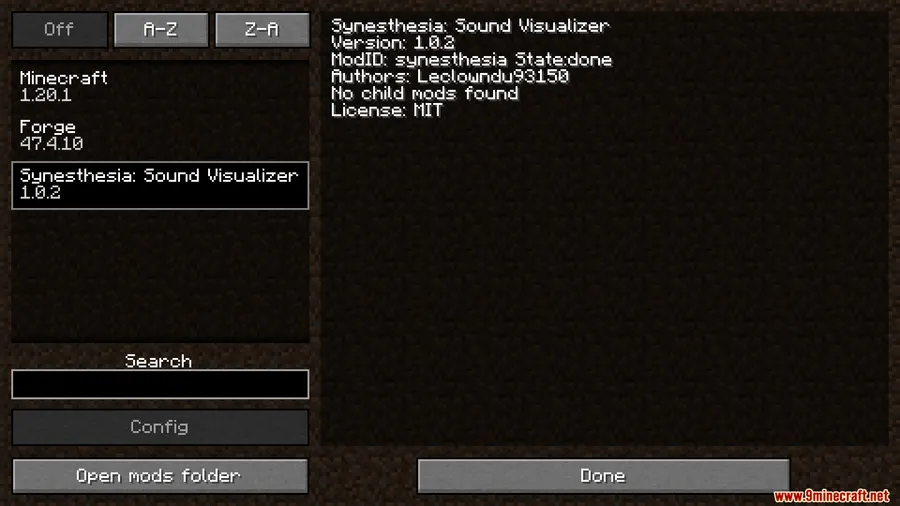
Currently, the mod supports Forge for Minecraft 1.20–1.20.1 and NeoForge for Minecraft 1.21–1.21.1. There is no Fabric version available at this time.


![[Let's Do] Meadow Mod (1.21.1) - thumbnail](http://mcinside.com/wp-content/uploads/2026/04/thumbnail-64-52x52.webp)


![Not Enough Recipe Book [NERB] Mod (1.21.11) - thumbnail](http://mcinside.com/wp-content/uploads/2026/04/thumbnail-63-52x52.webp)

