
Loading screens in Minecraft are wasted real estate — just a dirt background and a progress bar. Tips Mod by DarkhaxDev changes that by letting modpack creators display custom messages during world loading, from gameplay hints to inside jokes. With over 8.1 million downloads on Modrinth and support for Forge, Fabric, Quilt, and NeoForge, it has become a staple utility for modpack developers who want a more polished, informative loading experience.
Key Features
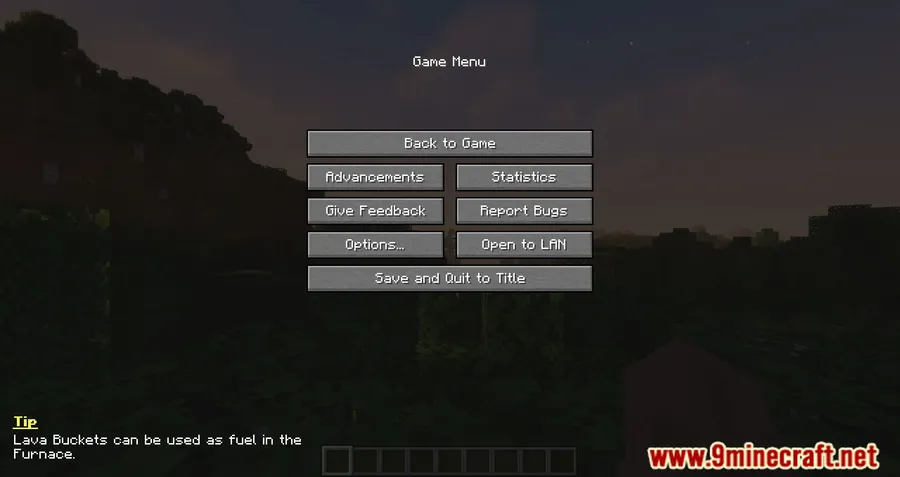
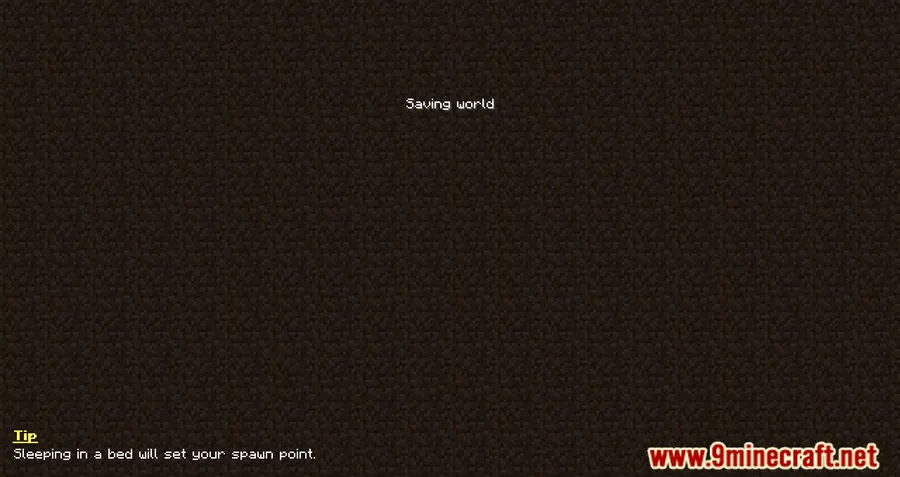
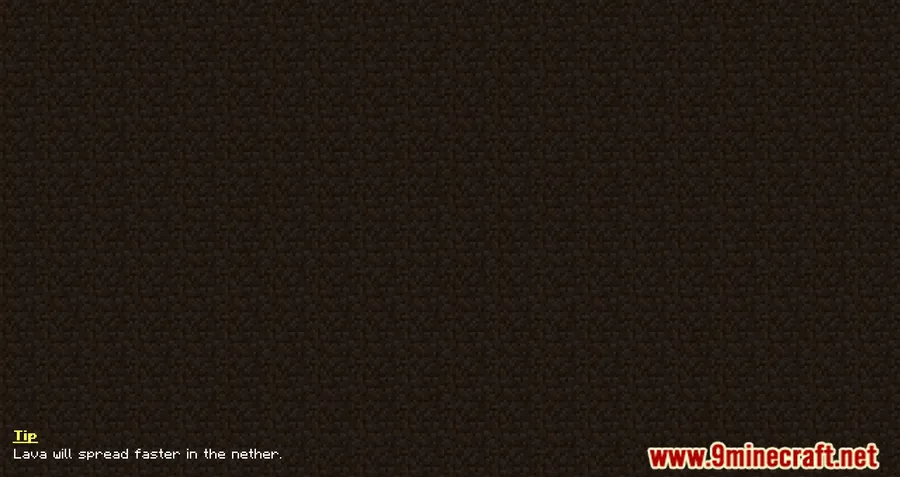
- Custom loading screen tips — Add any text you want to the world loading screen, whether it's useful gameplay advice, modpack-specific instructions, or humor to keep players entertained while they wait.
- Full visual customization — Control the color, position, and content of each tip through the mod's configuration file, so messages match your modpack's branding and style.
- Randomized display order — Tips cycle randomly each time a world loads, keeping the experience fresh even for players who see hundreds of loading screens.
- Simple config-based setup — All tips are stored in a single config file, making it easy to add, edit, or remove messages without any coding knowledge.
Screenshots
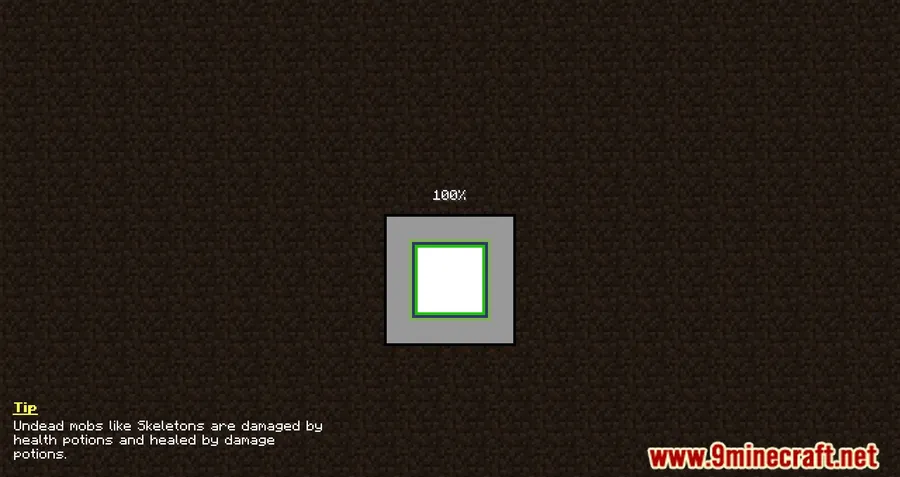
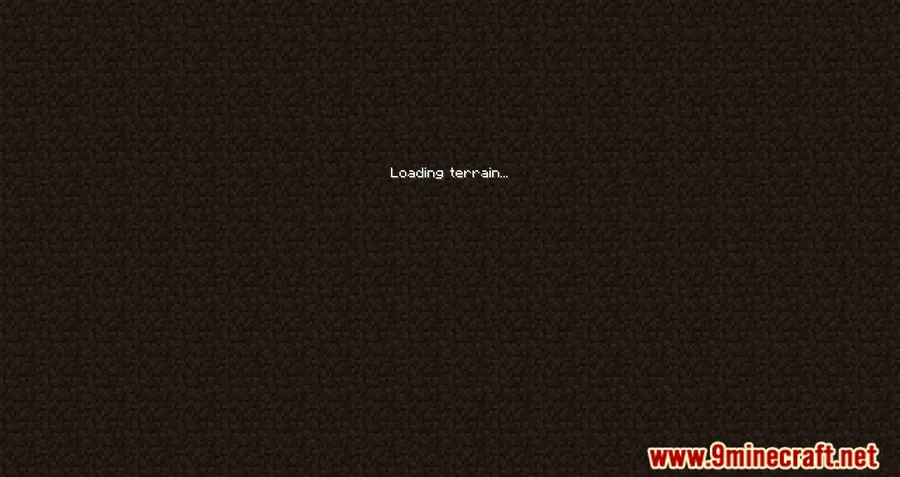
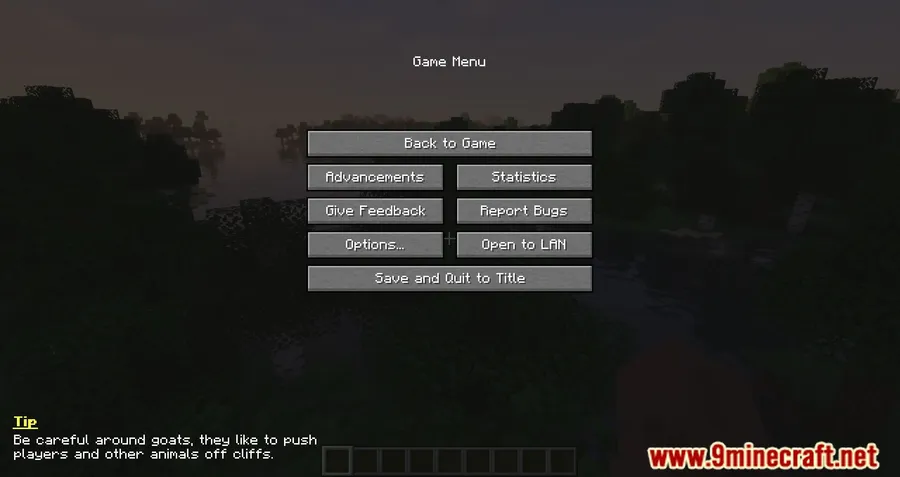
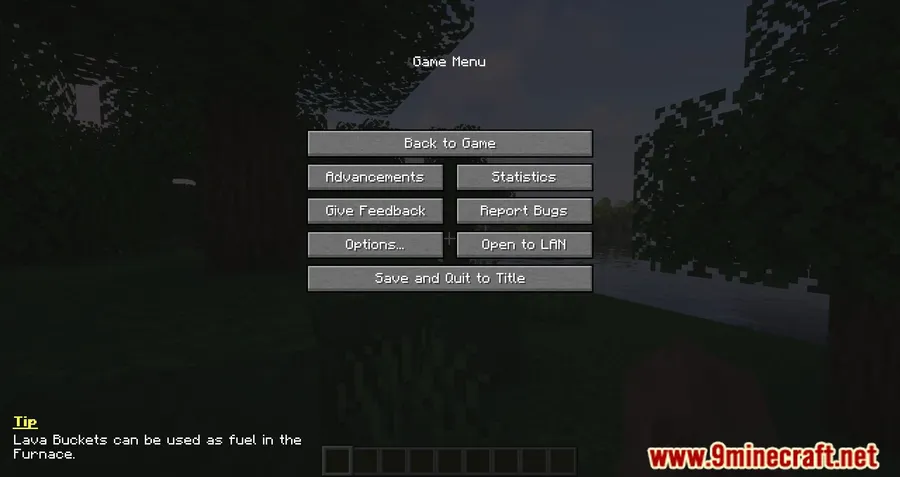
How to Install
- Install your preferred mod loader (Forge, Fabric, NeoForge, or Quilt) for your Minecraft version.
- Download and install Bookshelf Mod, which is a required dependency.
- Download Tips Mod for your Minecraft version and mod loader from the link below.
- Place the downloaded
.jarfile into your.minecraft/modsfolder. - Launch Minecraft and edit the config file to add your custom tips.
Requirements
| Category | Details |
|---|---|
| Mod Loader | Forge, Fabric, Quilt, NeoForge |
| Dependencies | Bookshelf Mod, Fabric API (for Fabric), Quilt Loader (for Quilt), NeoForge Installer (for NeoForge) |
| Minecraft Versions | 1.20.4, 1.20.2, 1.20.1, 1.20, 1.19.4, 1.19.3, 1.19.2, 1.19.1, 1.19, 1.18.2, 1.16.5, 1.12.2 |
Pros & Cons
Pros
- Extremely easy to set up — just edit a config file
- Works across four major mod loaders
- Broad version support from 1.12.2 to 1.20.4
- Actively maintained with over 8 million downloads
- Open source under LGPL-2.1 license
Cons
- Requires Bookshelf Mod as a dependency
- Tips only appear on the world loading screen, not other loading phases
- No in-game GUI for editing tips — config file must be edited manually
Download
Always download mods from official sources to stay safe.
What's New
- Fixed issues with non-ASCII characters in language files, improving support for non-English tips.
- Removed deprecated schoomp code for a cleaner codebase.
- The project continues to be supported through Patreon by community contributors.
FAQ
How do I add custom tips to the loading screen?
All tips are stored in the mod's config file. Open the config file in your .minecraft/config folder with any text editor, add your messages, and they will appear randomly the next time a world loads.
Does Tips Mod require Bookshelf?
Yes, Bookshelf Mod is a required dependency. Make sure you download the correct version of Bookshelf that matches both your Minecraft version and mod loader.
Can I change the color and position of tips on screen?
Yes. The mod's configuration file lets you customize both the color and the screen position of the tip text, so you can adjust it to fit your modpack's visual style.


![[Let's Do] Meadow Mod (1.21.1) - thumbnail](http://mcinside.com/wp-content/uploads/2026/04/thumbnail-64-52x52.webp)


![Not Enough Recipe Book [NERB] Mod (1.21.11) - thumbnail](http://mcinside.com/wp-content/uploads/2026/04/thumbnail-63-52x52.webp)
