

Toggle Item Frames Mod is a utility mod that changes the visibility of item frames for Minecraft Fabric and Forge.
If you build maps, display walls, shops, or survival bases, invisible item frames can make a huge difference, but the vanilla command-based workflow is clumsy during normal play. This mod gives you a more survival-friendly way to manage that behavior, and its 1,251,337 downloads show that a lot of players have found the idea useful.
Key Features of Toggle Item Frames Mod
- Sneak + right-click toggling on the server - This is the most practical part of the mod because it lets you change frame visibility with a simple in-game action. Instead of stopping to type commands, you can interact with the frame naturally while building or decorating. That matters most in survival worlds where convenience and speed make the difference between finishing a project and abandoning it halfway through.
- Hold an item frame to reveal nearby frames on the client - This gives you a fast visual aid when you are working in a room full of hidden frames. It helps you place items more precisely and reduces the frustration of guessing where a frame already exists. For large display walls, this makes the editing process noticeably easier to follow.
- Invisible by default on servers without the mod - The client-side behavior is designed so hidden frames do not suddenly become obvious just because the server is missing the mod. That is useful if you are playing across different worlds or joining servers where you want a consistent visual experience. The config option also gives you some control if you prefer a different default.
- Survival-friendly alternative to commands - The original use case here is simple: item frames are normally easier to control with commands, and this mod turns that into a direct player action. That keeps the workflow accessible to ordinary survival players who do not want to rely on admin-style commands for a decorative feature. It is a small change, but it removes a lot of friction from building.
- Vanilla-backed behavior that is easy to reverse - The mod works as an interface for existing Minecraft item-frame visibility behavior rather than trying to reinvent the feature. That means the underlying system is still familiar, and the author even provides a command for restoring visible frames after uninstalling. If you like experimenting with builds, that reassurance matters because you know the frames can be brought back to normal.
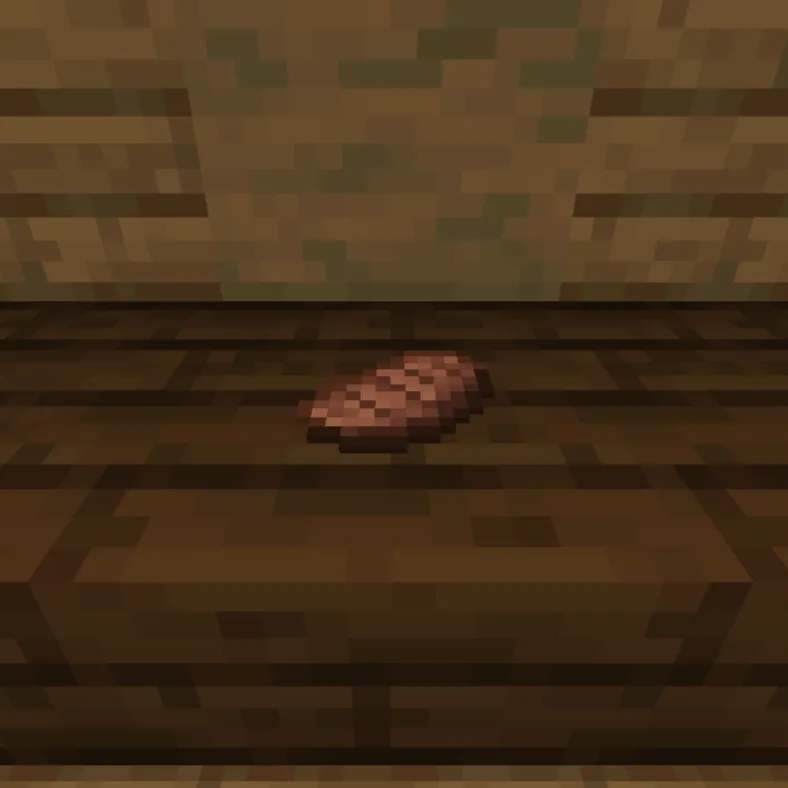
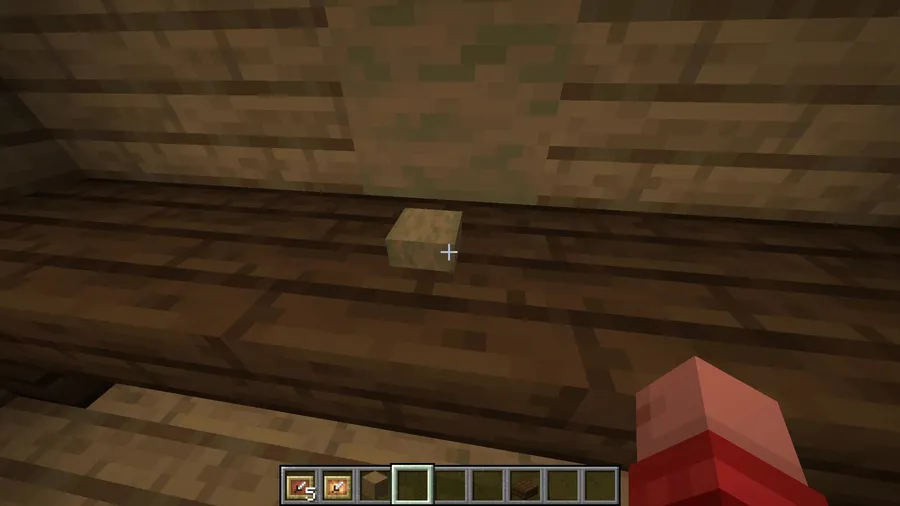
Screenshots
How to Install Toggle Item Frames Mod
- Choose the loader you are using first: Fabric or Forge.
- Download the file that matches your Minecraft version from the download section below.
- Install the correct mod loader for your game instance if it is not already set up.
- Place the mod file into your Minecraft
modsfolder. - Launch the game, load a world or server, and test the mod by sneaking and right-clicking an item frame with an empty hand.
Requirements & Compatibility
| Requirement | Details |
|---|---|
| Mod Loaders | Fabric and Forge |
| Minecraft Versions | 1.17 through 1.21.10 |
| Download Files Listed Here | Fabric builds are shown for 1.21.3 through 1.21.10 |
| Category | Minecraft Mods |
| Tags | Decoration, equipment, game-mechanics, utility |
| Author | lamaprogramer |
What's New
- Updated for Minecraft 1.21.9.
- Updated for Minecraft 1.21.10.
- The current changelog summary only calls out version support updates, so no other changes are documented here.
- The latest published update in the provided data is dated 2025-10-08.
Pros and Cons
Pros
- Simple, focused tool for item-frame visibility.
- Useful for survival players who want to avoid commands.
- Server-side and client-side behavior are both covered.
- The mod is aimed at builders who care about cleaner displays.
Cons
- It solves one specific problem rather than offering a broad feature set.
- Uninstalling may require a command if you want hidden frames visible again.
- The provided download entries here are Fabric builds, so you should verify the exact file you need.
Alternatives to Toggle Item Frames Mod
- Wax Item Frames - A related item-frame mod from the same creator if you want another decoration-focused option.
- Spacial Swap - Another mod from the author's lineup that may appeal if you like practical building utilities.
- Invisible Item Frames - A complementary choice for players who are specifically looking for cleaner hidden-frame builds.
Download Toggle Item Frames Mod
| Minecraft Version | Fabric |
|---|---|
| For Minecraft 1.21.10 | Download |
| For Minecraft 1.21.9 | Download |
| For Minecraft 1.21.8 | Download |
| For Minecraft 1.21.7 | Download |
| For Minecraft 1.21.6 | Download |
| For Minecraft 1.21.5 | Download |
| For Minecraft 1.21.4 | Download |
| For Minecraft 1.21.3 | Download |
| For Minecraft 1.21.2 | Download |
| For Minecraft 1.21.1 | Download |
| For Minecraft 1.21 | Download |
| For Minecraft 1.20.6 | Download |
Always download mods from official sources to stay safe.
Frequently Asked Questions
Does Toggle Item Frames Mod work on Fabric?
Yes, Fabric is one of the supported mod types. The download list in this data also shows Fabric builds for Minecraft 1.21.3 through 1.21.10.
Does Toggle Item Frames Mod work on Forge?
Yes, Forge is listed as a supported loader type. If you are setting up a Forge instance, still check the exact file availability for your Minecraft version before installing.
Can I toggle item frames without using commands?
Yes, that is the main reason to install it. The mod lets you sneak and right-click with an empty hand to switch item-frame visibility in a more natural, survival-friendly way.
Will item frames automatically stay invisible after I uninstall the mod?
No, not automatically. The author notes that if you want the frames visible again after uninstalling, you should run the provided data-merge command to restore them.
Is this mod useful for servers?
Yes, especially if you want a simple server-side interaction for frame visibility. The mod also includes client-side behavior that affects how item frames are shown when the server does not have the mod installed.
What Minecraft versions are supported?
It is listed for Minecraft 1.17 through 1.21.10. That makes it a long-running utility mod rather than a one-version experiment.


