
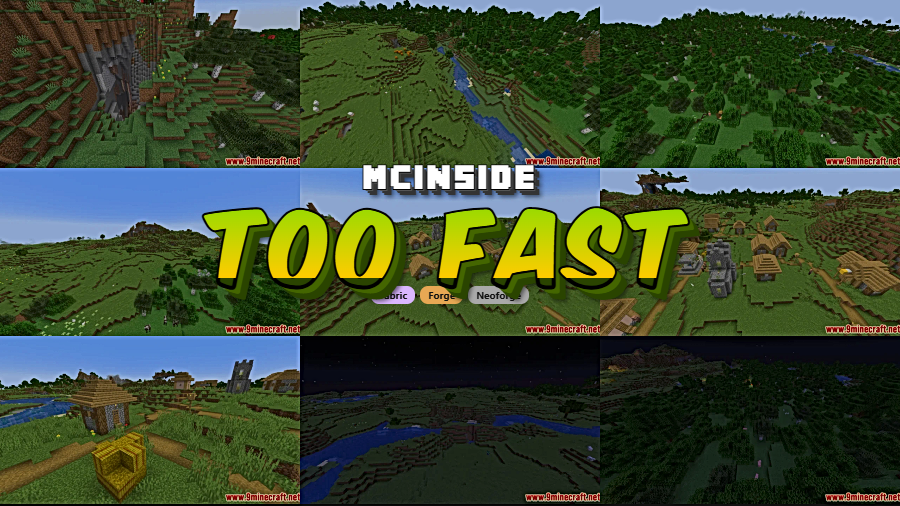
If you've ever been kicked or rubber-banded on a modded Minecraft server with the dreaded "player moved too fast" message, Too Fast Mod is the fix you've been looking for. This lightweight, server-side-only mod removes the artificial speed limits that Minecraft's netcode enforces, letting players move as fast as their other mods allow without interruption. With over 2.2 million downloads and active updates through 2025, it's become a staple for modded server operators running speed-altering modpacks.
Key Features
- Eliminates speed-related rubber-banding — Stops the server from flagging fast-moving players, fixing the "moved too quickly" and "moved too fast" disconnect messages that plague modded servers.
- Server-side only installation — Players connecting to your server don't need to install anything on their client. Drop it into your server's mods folder and it works immediately.
- Multi-loader support — Available for Forge, Fabric, NeoForge, and Quilt, covering virtually every modded server setup from Minecraft 1.16.5 through 1.21.5.
- Derived from Random Patches — Built from Random Patches' speed limit removal code as a standalone solution. Note that Too Fast Mod conflicts with Random Patches, so only use one or the other.
Screenshots
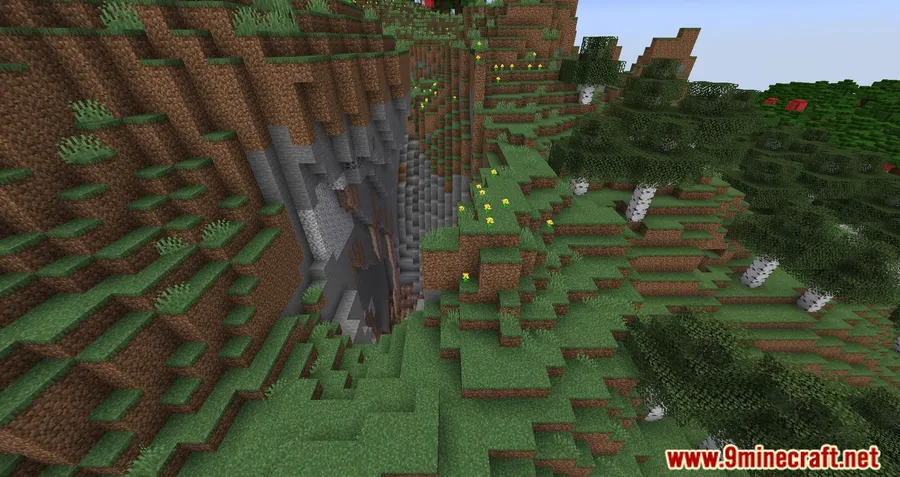
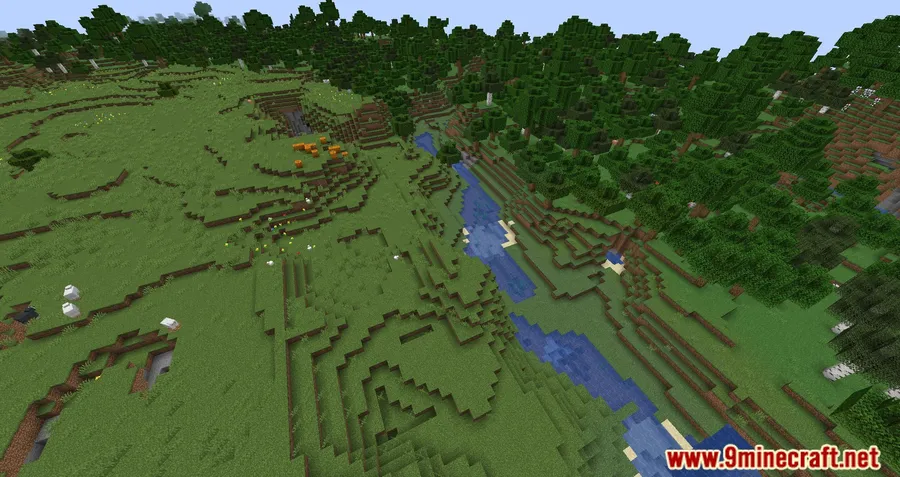
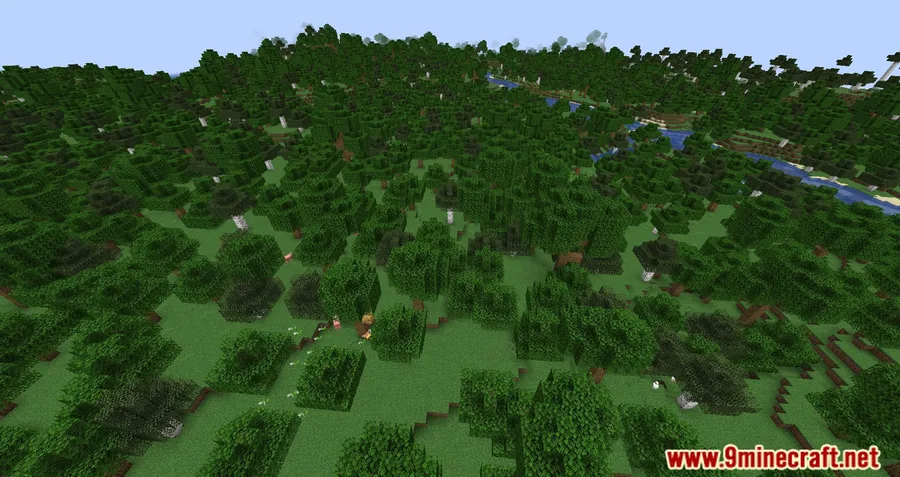

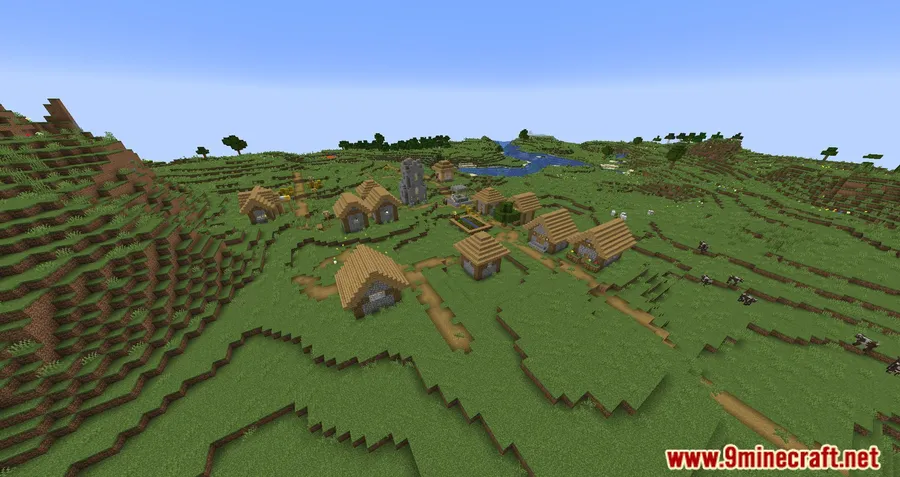
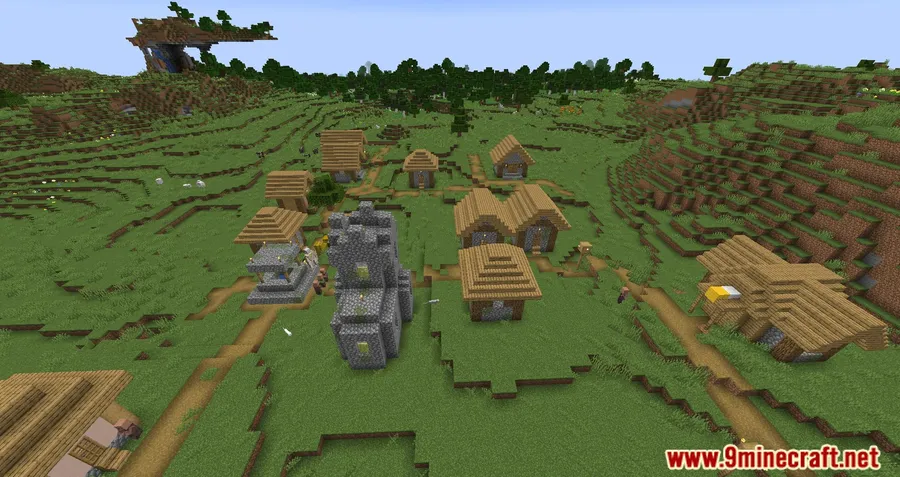
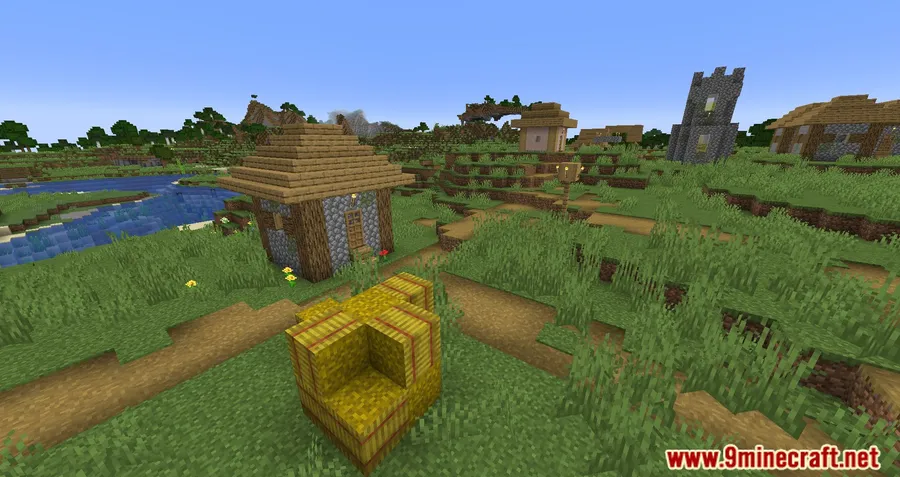


How to Install
- Download and install your preferred mod loader (Forge, Fabric, NeoForge, or Quilt) matching your Minecraft version.
- If using Fabric or Quilt, also install the Fabric API.
- Download the correct Too Fast Mod file for your Minecraft version and loader from the links below.
- Place the downloaded
.jarfile into your server'smodsfolder — client installation is not required. - Restart the server. The mod works automatically with no configuration needed.
Requirements
| Category | Details |
|---|---|
| Mod Loader | Forge, NeoForge, Fabric, Quilt |
| Dependencies | Minecraft Forge / Fabric API / Quilt Loader / NeoForge Installer (depending on chosen loader) |
| Minecraft Versions | 1.21.5, 1.21.4, 1.21.3, 1.21.1, 1.21, 1.20.1, 1.20, 1.19.3, 1.19.2, 1.19.1, 1.18.2, 1.18.1, 1.16.5 |
Pros & Cons
Pros
- Server-side only — no client installation needed for players
- Supports all major mod loaders and a wide range of Minecraft versions
- Simple drop-in fix with no configuration required
- Open source under the MIT license
- Actively maintained with regular updates
Cons
- Conflicts with Random Patches — cannot run both mods simultaneously
- Removes speed checks entirely, which could make it harder to detect speed-hacking players
- Older Minecraft versions (1.16.5) only support Forge
Download
Always download mods from official sources to stay safe.
FAQ
Do players need to install Too Fast Mod on their client?
No. Too Fast Mod is server-side only, meaning only the server operator needs to install it. Players can connect with a vanilla or modded client without having this mod installed.
Can I use Too Fast Mod together with Random Patches?
No, the two mods conflict with each other. Too Fast Mod is derived from Random Patches' speed limit code, so running both will cause issues. Choose one or the other for your server.
What does the "player moved too quickly" error mean and how does this mod fix it?
Minecraft servers enforce a maximum movement speed for players. When mods like speed boosts or teleportation push a player beyond that limit, the server either rubber-bands them back or kicks them entirely. Too Fast Mod removes that speed cap so the server no longer flags legitimate fast movement.


![[Let's Do] Meadow Mod (1.21.1) - thumbnail](http://mcinside.com/wp-content/uploads/2026/04/thumbnail-64-52x52.webp)


![Not Enough Recipe Book [NERB] Mod (1.21.11) - thumbnail](http://mcinside.com/wp-content/uploads/2026/04/thumbnail-63-52x52.webp)


