
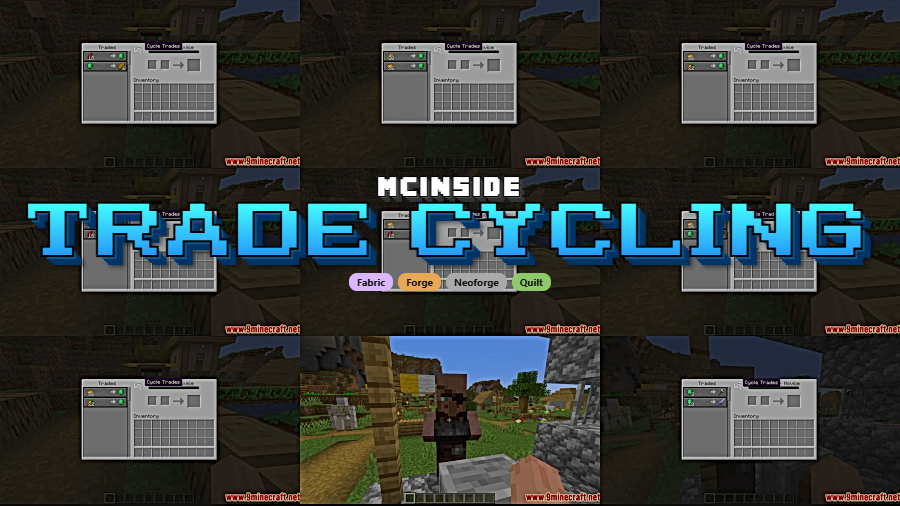
Tired of breaking and replacing workstations just to get the enchantment or trade you want from a villager? Trade Cycling Mod streamlines one of Minecraft's most tedious mechanics by letting you cycle through villager offers directly from the trading GUI — no more waiting for work hours or juggling lecterns. With over 3.7 million downloads since its 2022 release, it has become a staple quality-of-life mod for anyone who regularly trades with villagers.
Key Features
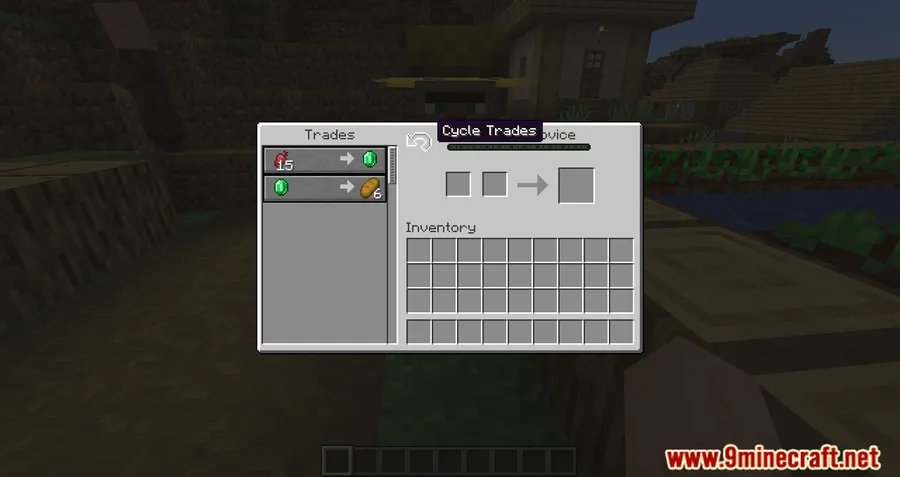
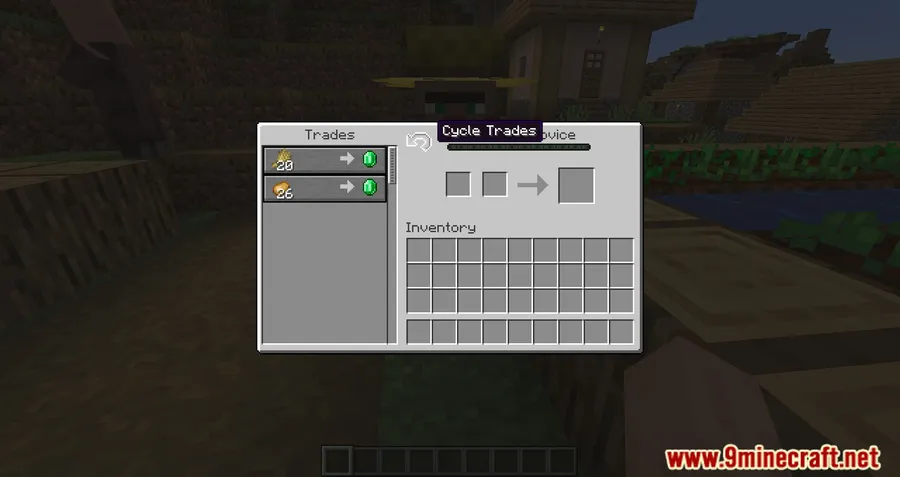
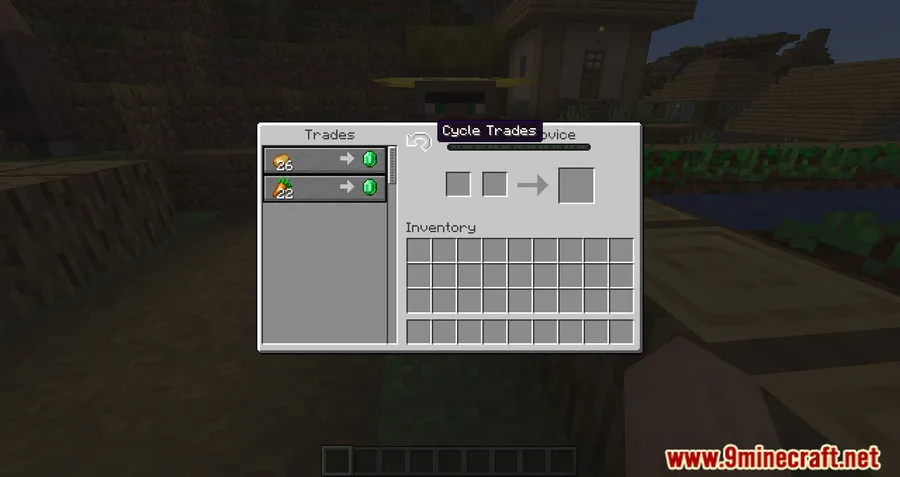
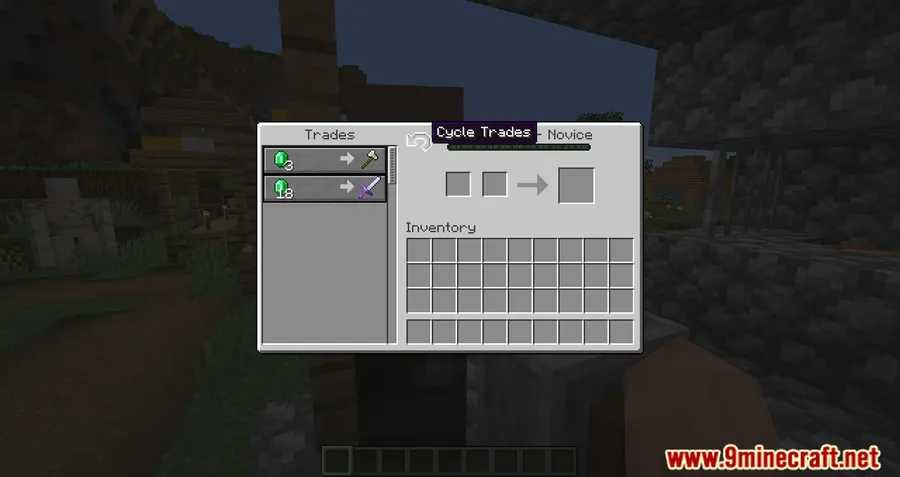
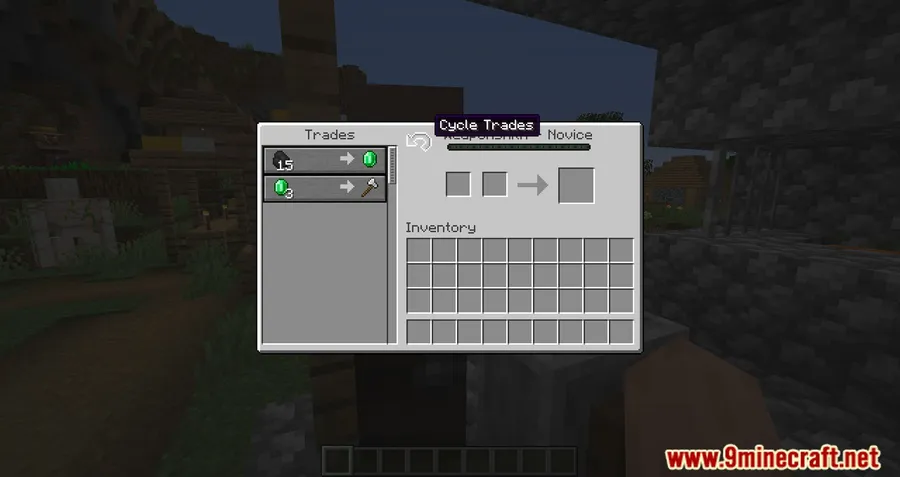
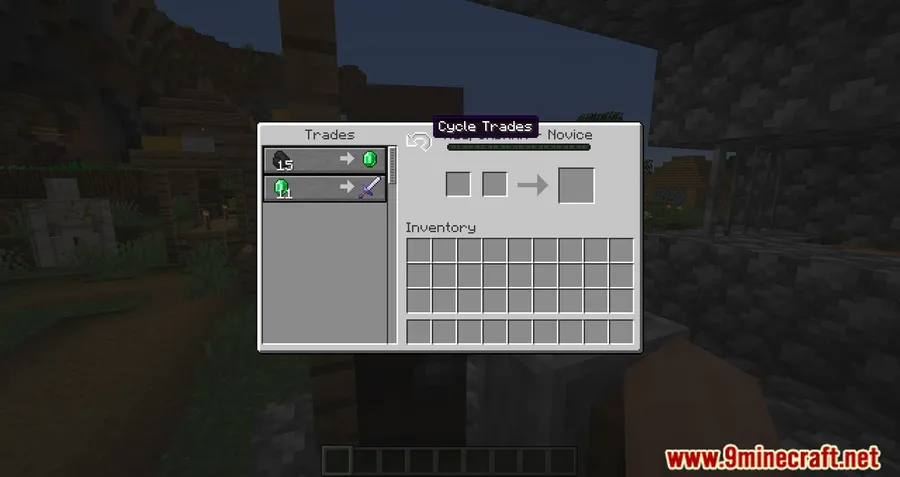
- In-GUI Trade Cycling Button — A dedicated button appears right inside the villager trading screen, letting you refresh available trades with a single click instead of breaking and replacing workstation blocks.
- Keybind Support — Press "C" (default) to cycle trades even faster. The keybind is fully rebindable through Minecraft's controls menu, so it fits seamlessly into your existing setup.
- Customizable Button Position — Move the cycling button anywhere within the trading GUI to avoid overlap with other mods or UI elements you use.
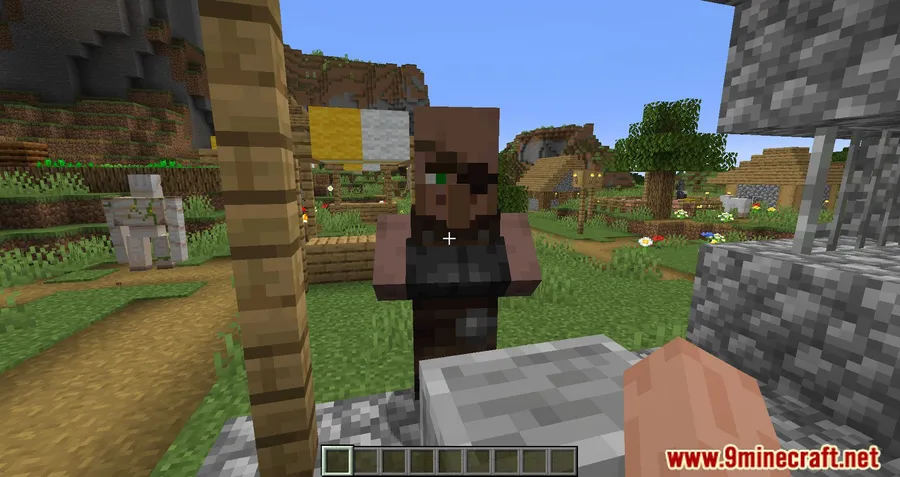
Screenshots
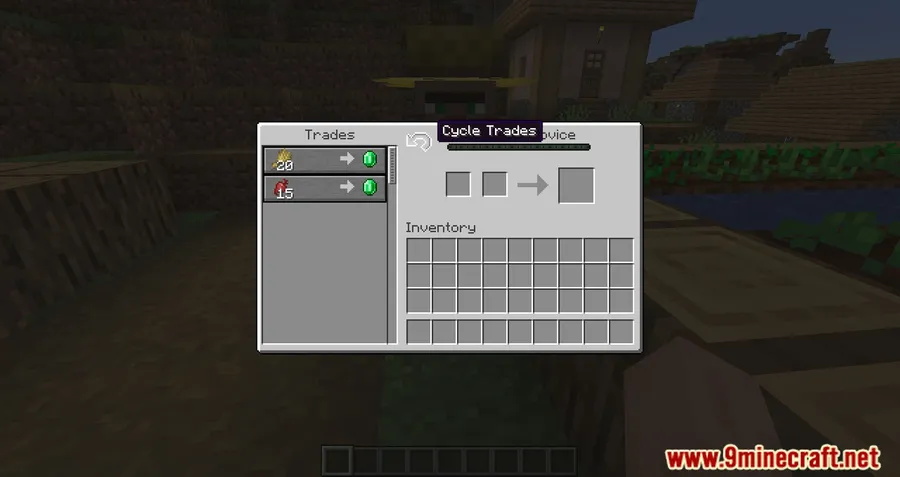
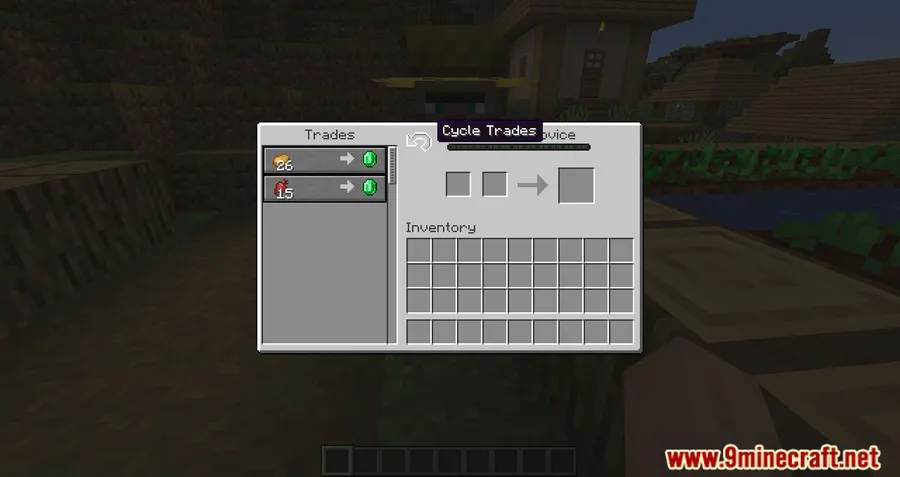
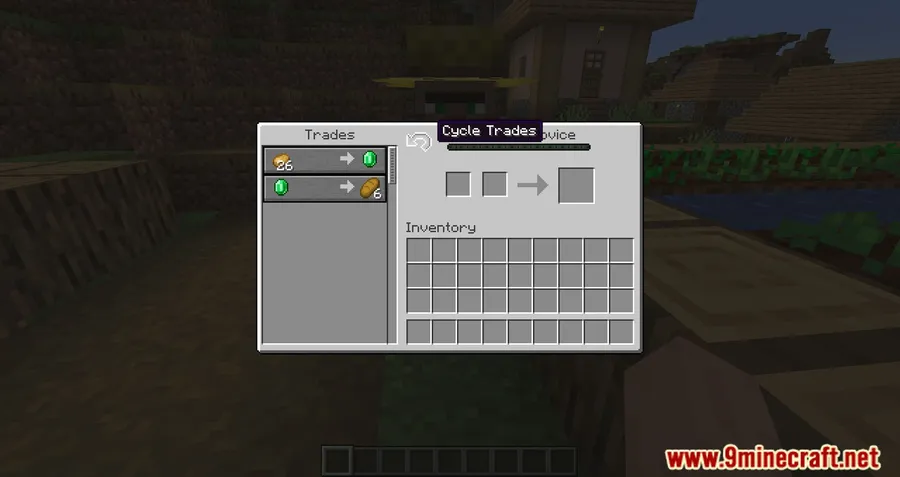
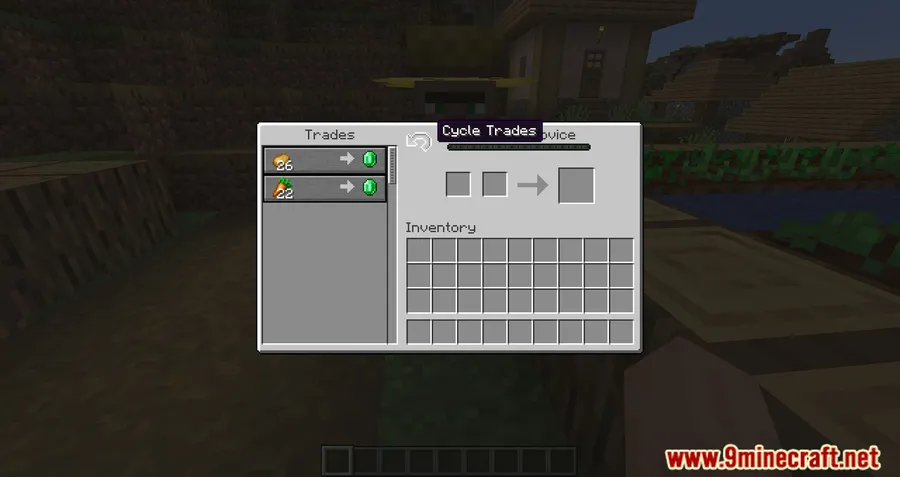
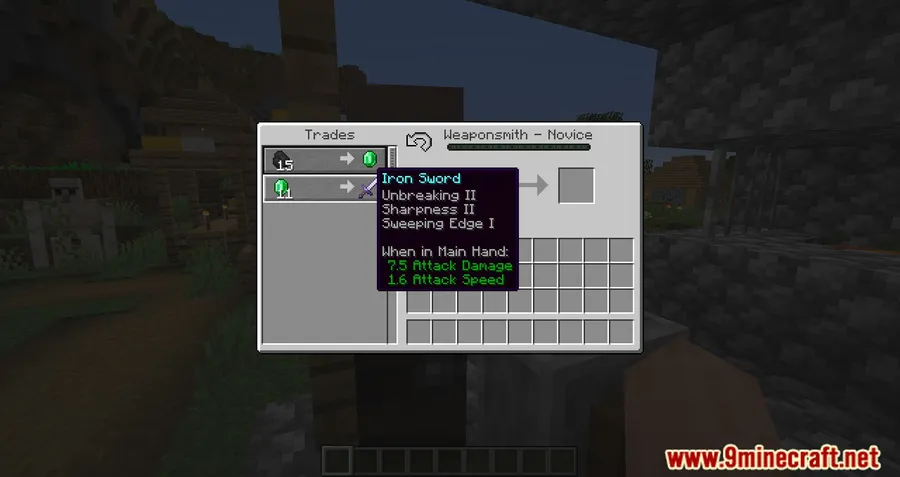
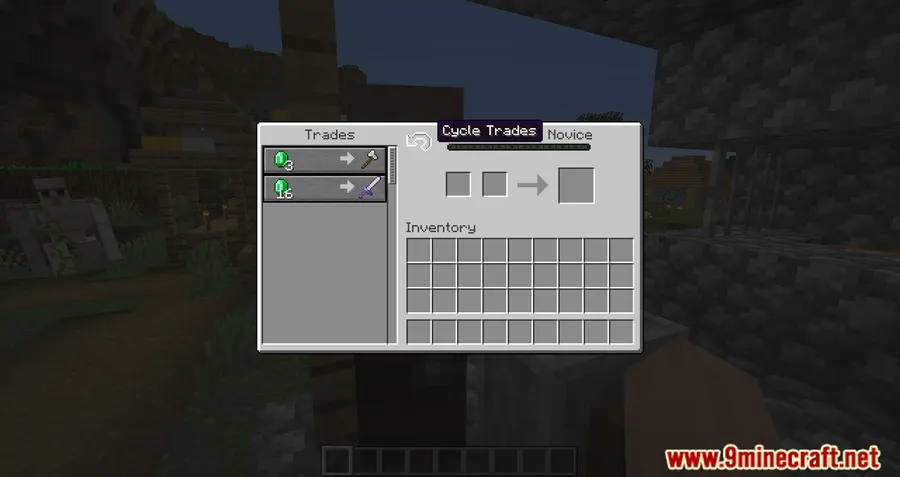
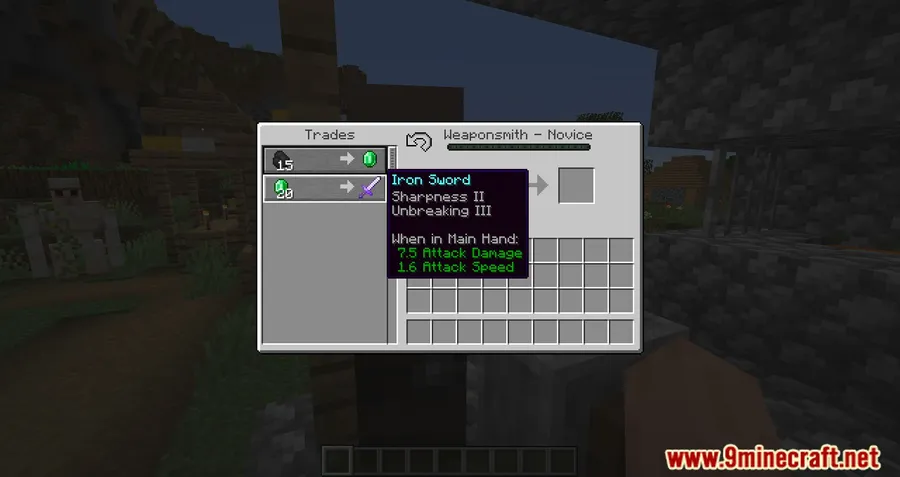
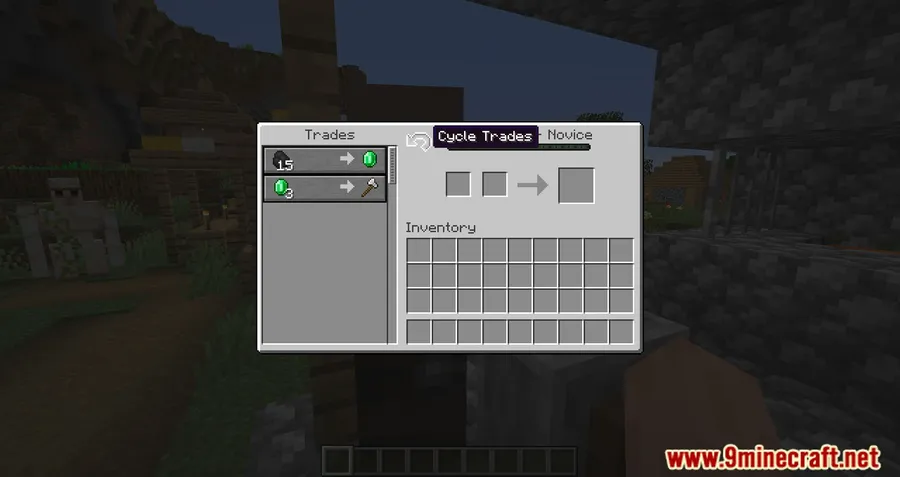
How to Install
- Download and install your preferred mod loader (Forge, Fabric, NeoForge, or Quilt) for your Minecraft version.
- Download the correct Trade Cycling Mod file matching your mod loader and Minecraft version.
- Place the downloaded
.jarfile into your.minecraft/modsfolder. - Launch Minecraft with your mod loader profile and open a villager trading screen to confirm the cycling button appears.
Requirements
| Component | Details |
|---|---|
| Mod Loader | Forge, Fabric, NeoForge, Quilt |
| Dependencies | None required |
| Minecraft Versions | 26.1, 1.21.11 |
Pros & Cons
Pros
- Eliminates the repetitive workstation break-and-replace cycle
- Works with multiple mod loaders including Forge, Fabric, NeoForge, and Quilt
- No dependencies needed — just drop the jar file in your mods folder
- Customizable button placement and keybind for flexibility
- Actively maintained with regular updates (last updated March 2026)
Cons
- Only affects villager trading — does not extend to Wandering Trader offers
- May conflict with other mods that heavily modify the trading GUI
- All rights reserved license limits redistribution and modification
Download
Always download mods from official sources to stay safe.
What's New
- Updated to support Minecraft 26.1
- Continued compatibility with modern mod loader versions
- The mod remains actively maintained by henkelmax with consistent version updates
FAQ
Does Trade Cycling Mod work on multiplayer servers?
Trade Cycling Mod functions as a client-side mod that interacts with the villager trading GUI. Whether it works on a specific server depends on the server's mod setup and policies, so check with your server admin before using it.
Can I use Trade Cycling Mod with Fabric and Forge at the same time?
No, you need to choose one mod loader per Minecraft installation. Download the version of Trade Cycling Mod that matches whichever loader — Forge, Fabric, NeoForge, or Quilt — you are currently running.
How do I change the keybind for cycling trades?
Go to Options → Controls → Key Binds in Minecraft and look for the Trade Cycling entry. The default key is "C," but you can reassign it to any available key.


![[Let's Do] Meadow Mod (1.21.1) - thumbnail](http://mcinside.com/wp-content/uploads/2026/04/thumbnail-64-52x52.webp)


![Not Enough Recipe Book [NERB] Mod (1.21.11) - thumbnail](http://mcinside.com/wp-content/uploads/2026/04/thumbnail-63-52x52.webp)


