
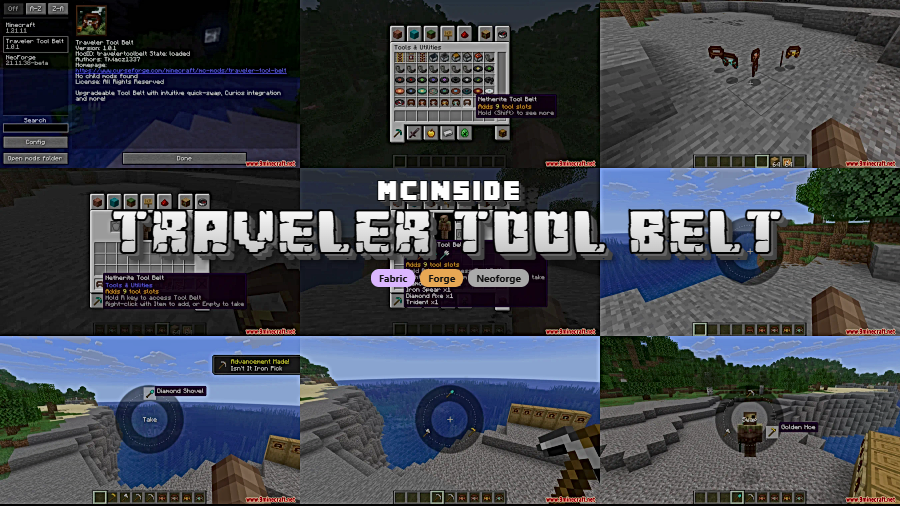
Tired of fumbling through your inventory every time you need to swap between a pickaxe, axe, and shovel? Traveler Tool Belt Mod solves that problem by giving you a wearable, upgradeable belt that holds your most-used tools and lets you swap between them instantly with a radial menu. Starting at 2 slots and expandable up to 9 through crafting upgrades, it integrates seamlessly with Curios API, Trinkets, and Accessories — and even renders visibly on your character model.
Key Features
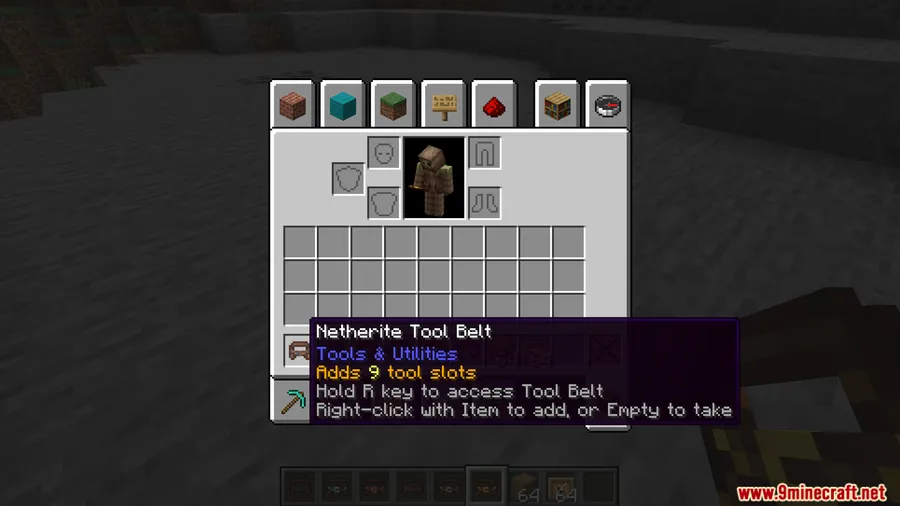
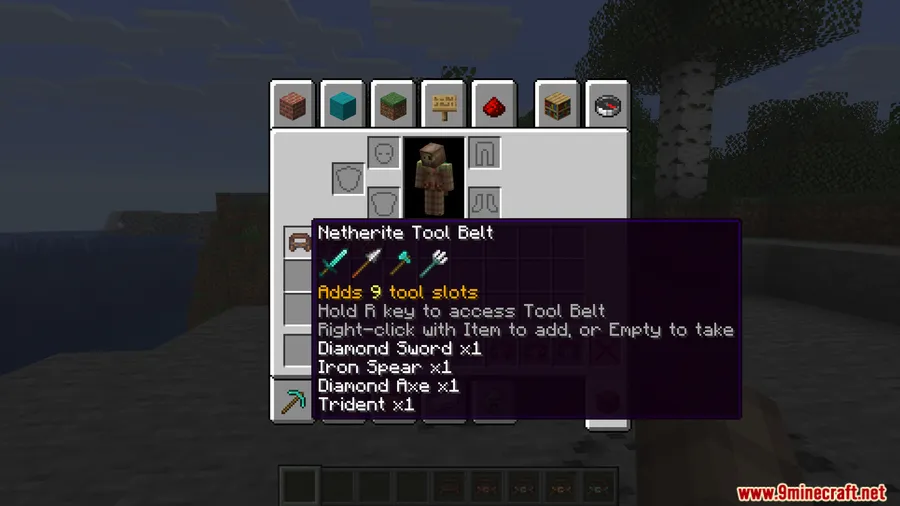
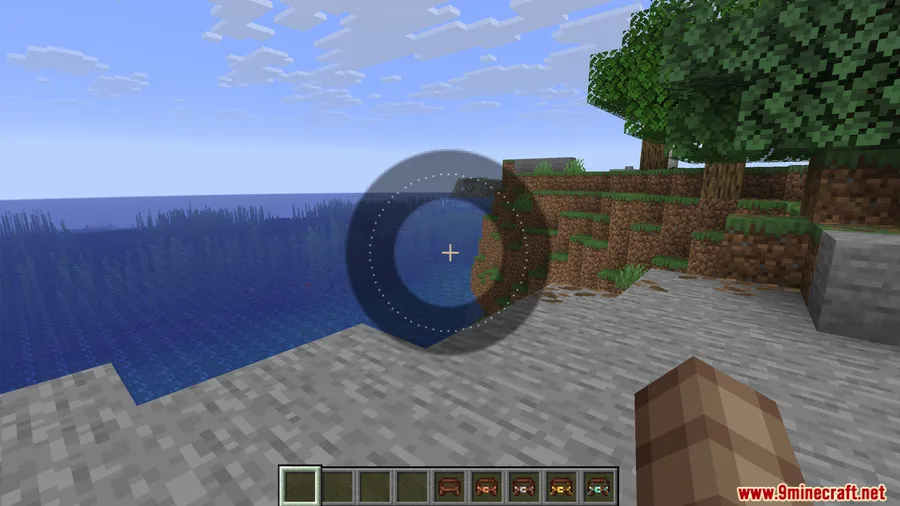
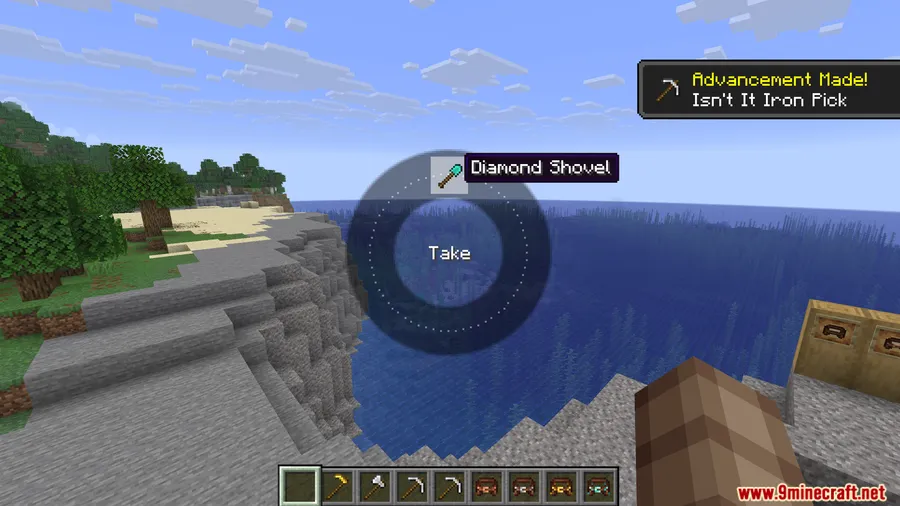
- Wearable Tool Belt with Radial Menu — Hold the R key (configurable) to open a radial selection wheel, letting you swap tools on the fly without ever opening your inventory.
- Upgradeable Storage (2 to 9 Slots) — The belt starts with 2 slots and can be upgraded through the crafting table, maxing out at 9 slots for fully kitted-out adventurers.
- Stores Any Non-Stackable Item — By default the belt accepts any non-stackable item, so it works for swords, bows, shields, and more — not just tools.
- Curios / Trinkets / Accessories Integration — Equip the belt in a dedicated belt slot when using Curios API, Trinkets, or Accessories. Without those mods, it simply works from your inventory.
- Visible on Your Character — The belt renders as a subtle layer on your player model, adding a nice visual detail to your gear.
- Highly Configurable — Customize slot counts per tier, restrict which items can be stored, adjust the overlay position and opacity, and much more through the config file.
Screenshots
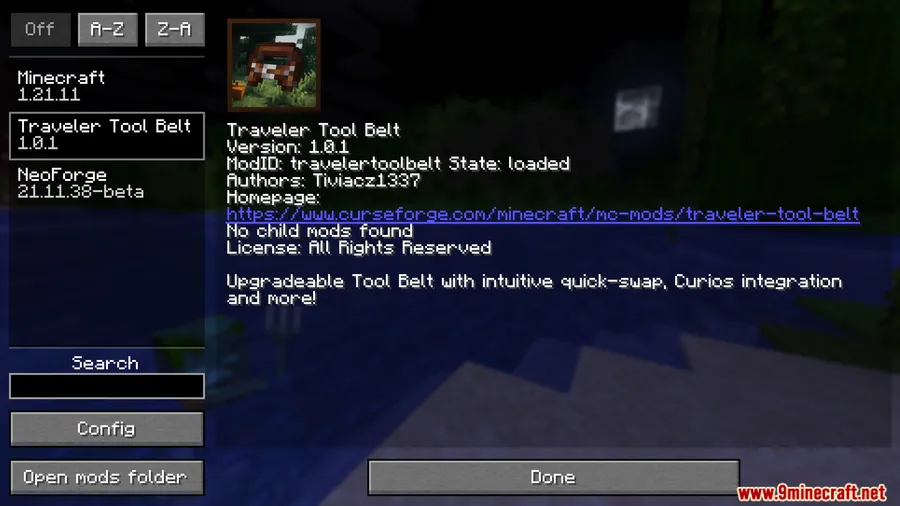
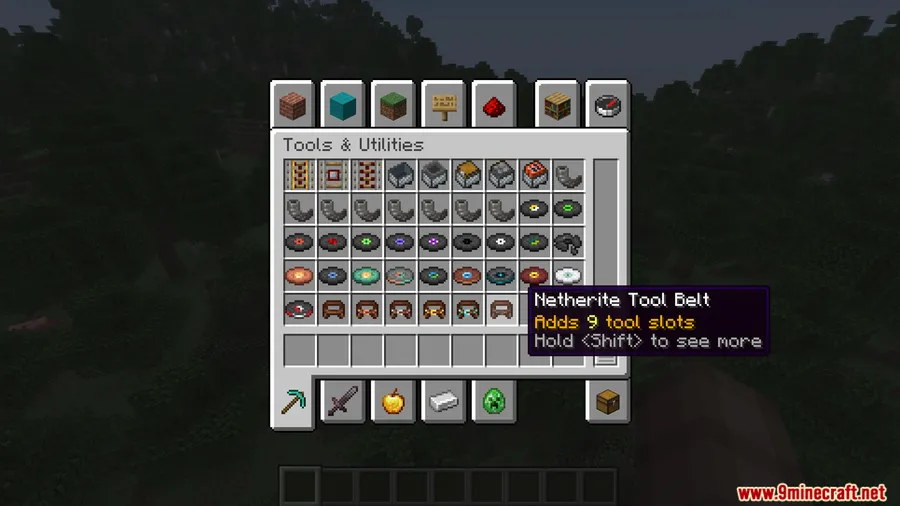
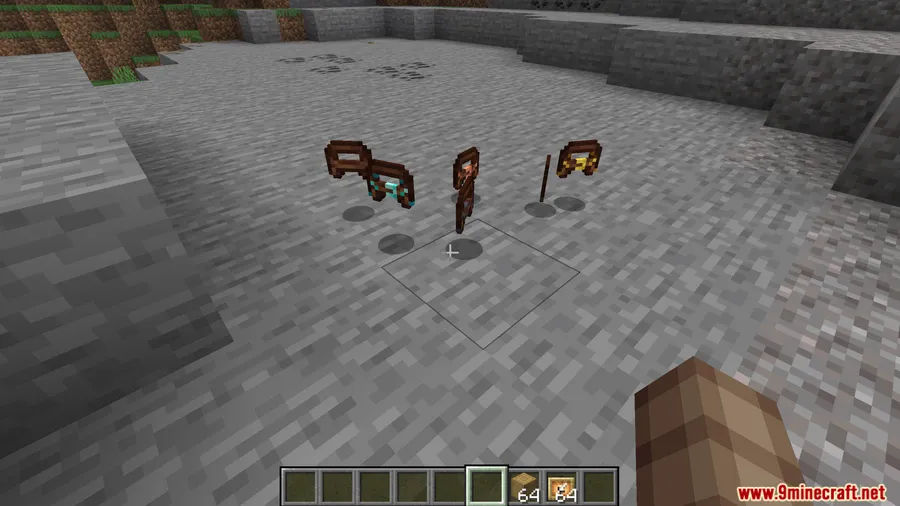
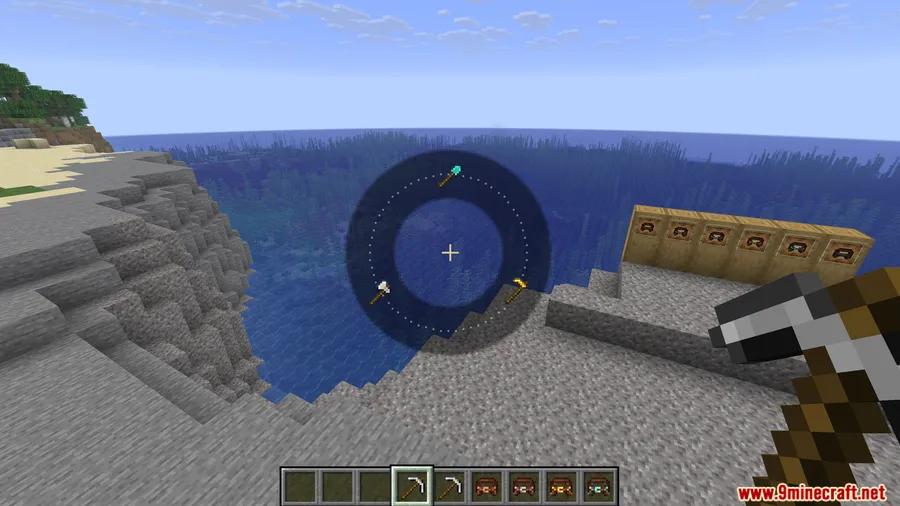
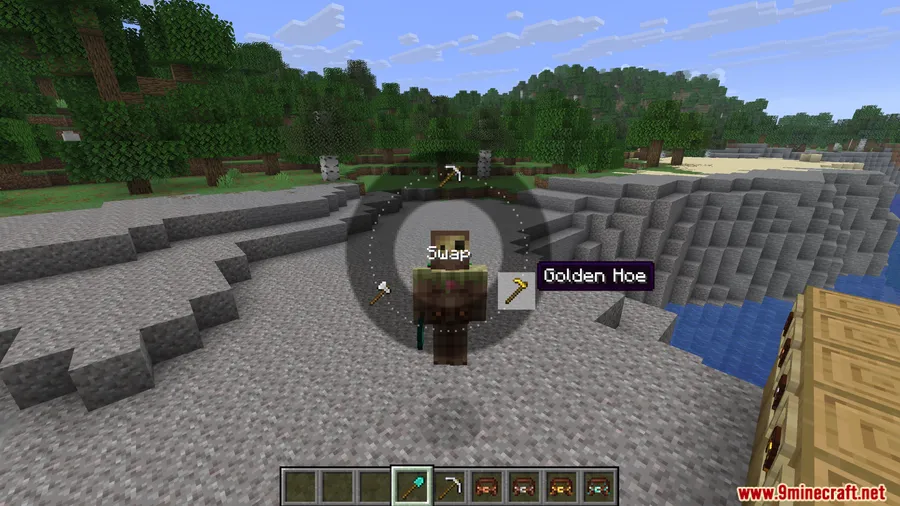
How to Install
- Download and install the correct mod loader (Fabric, Forge, or NeoForge) for your Minecraft version.
- Download the Traveler Tool Belt Mod file matching your loader and game version.
- Place the downloaded
.jarfile into your.minecraft/modsfolder. - If using Fabric, make sure you also have the Fabric API installed. For belt-slot support, optionally install Curios API, Trinkets, or Accessories.
- Launch Minecraft and enjoy quick tool swapping with the R key.
Requirements
| Requirement | Details |
|---|---|
| Mod Loader | Fabric, Forge, or NeoForge |
| Dependencies | Fabric API (for Fabric); Curios API / Trinkets / Accessories optional for belt slot |
| Minecraft Version | 1.21.11, 1.21.10, 1.21.1, 1.20.1 |
Pros & Cons
Pros
- Radial menu makes tool swapping extremely fast during gameplay
- Upgradeable design gives a satisfying progression from 2 to 9 slots
- Works across Fabric, Forge, and NeoForge with wide version support
- Belt renders on the player model for added immersion
- Extensive config options let you tailor the mod to your playstyle
Cons
- Limited to non-stackable items only — no quick-access for blocks or food
- Full belt-slot integration requires an additional mod like Curios or Trinkets
- Keybind (R key) may conflict with other mods and needs manual rebinding
Download
Always download mods from official sources to stay safe.
FAQ
How do I open the Traveler Tool Belt radial menu?
Hold the R key (configurable in the settings) to bring up the radial menu. From there, hover over the tool you want and release to select it — no need to open your inventory.
Can I store items other than tools in the belt?
Yes. By default, the belt accepts any non-stackable item, which includes swords, bows, shields, and similar gear. You can further customize allowed items through the config file.
Do I need Curios API or Trinkets installed for the belt to work?
No. Without Curios, Trinkets, or Accessories, the belt functions directly from your player inventory. Installing one of those mods simply lets you equip it in a dedicated belt slot.


![Not Enough Recipe Book [NERB] Mod (1.21.11, 1.20.6) – New Recipes](http://mcinside.com/wp-content/uploads/2026/04/thumbnail-63-300x169.webp)


![[Let's Do] Meadow Mod (1.21.1) - thumbnail](http://mcinside.com/wp-content/uploads/2026/04/thumbnail-64-52x52.webp)


![Not Enough Recipe Book [NERB] Mod (1.21.11) - thumbnail](http://mcinside.com/wp-content/uploads/2026/04/thumbnail-63-52x52.webp)
