
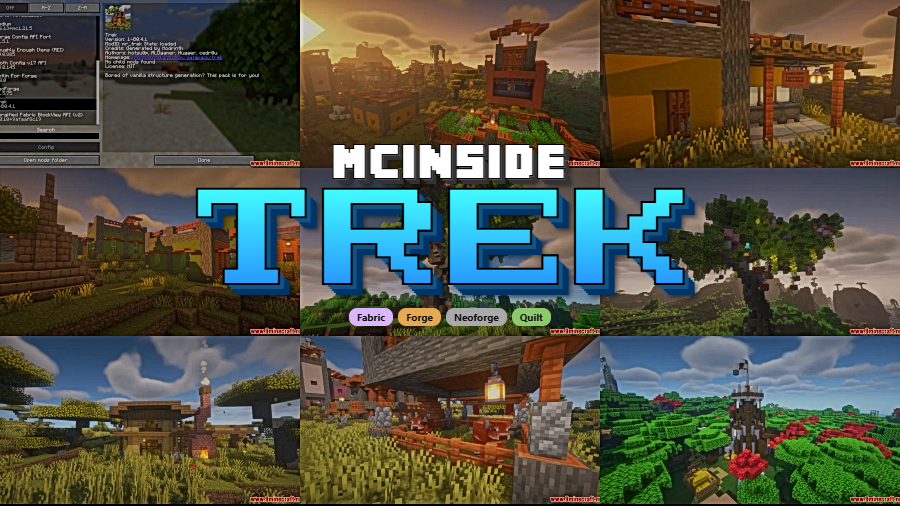
Exploring vanilla Minecraft worlds can start to feel repetitive once you've seen every village and temple the game has to offer. Trek Mod changes that entirely by scattering over 150 hand-crafted structures across every biome — from pirate coves hidden along coastlines to jungle treehouses towering above the canopy and sunken cities waiting beneath the ocean. With over 4 million downloads on Modrinth, this structure mod has quickly become a go-to choice for players who want their worlds to feel alive with discovery.
Key Features
- 150+ hand-crafted structures — Every biome gets new points of interest, so no matter where you explore, there's something worth finding.
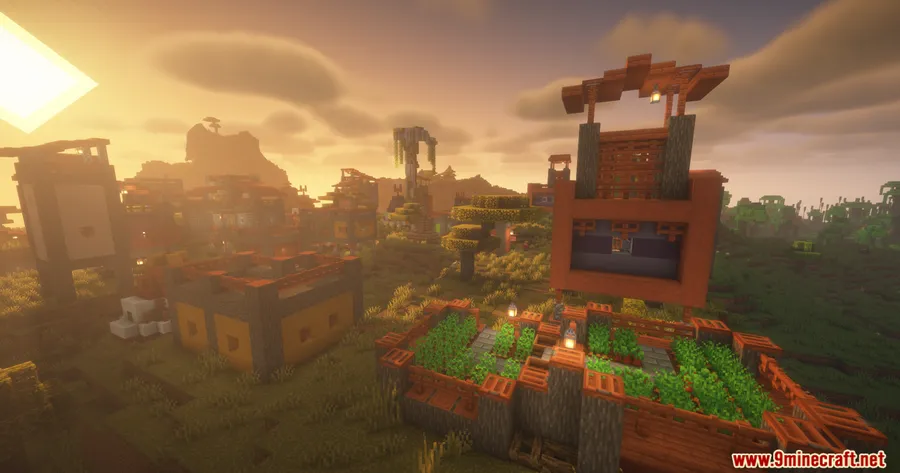
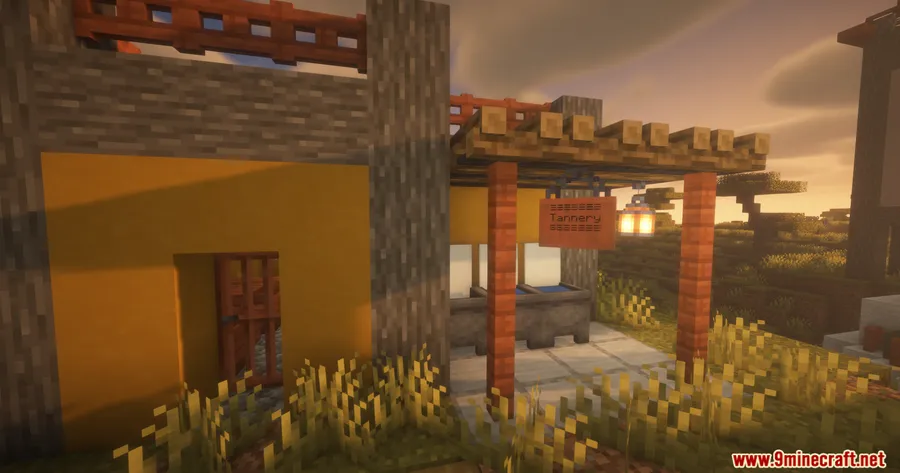
- Biome-specific builds — Structures match their surroundings naturally: hobbit holes nestled into hillsides, floating farms drifting above plains, and fortified outposts guarding mountain passes.
- Hidden loot and rare discoveries — Many structures contain tucked-away chests and secret rooms, rewarding players who take the time to fully explore each location.
- Broad loader support — Available for Forge, NeoForge, Fabric, and Quilt, so it fits into virtually any modded setup.
Screenshots
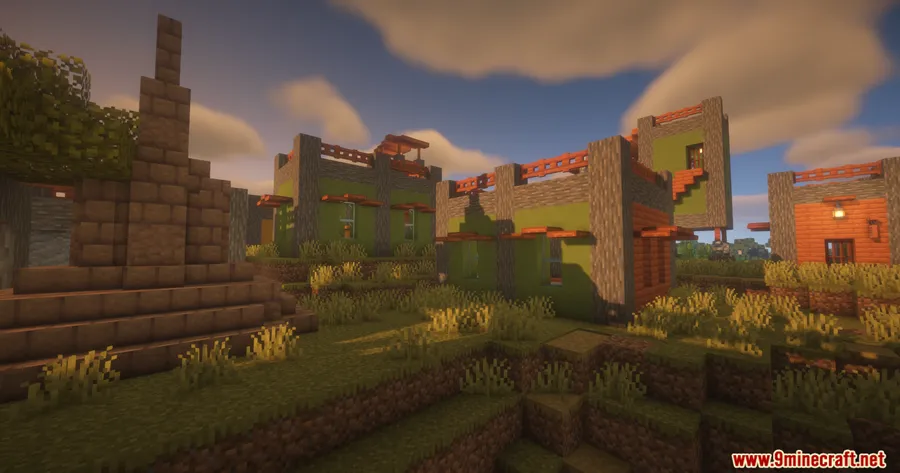
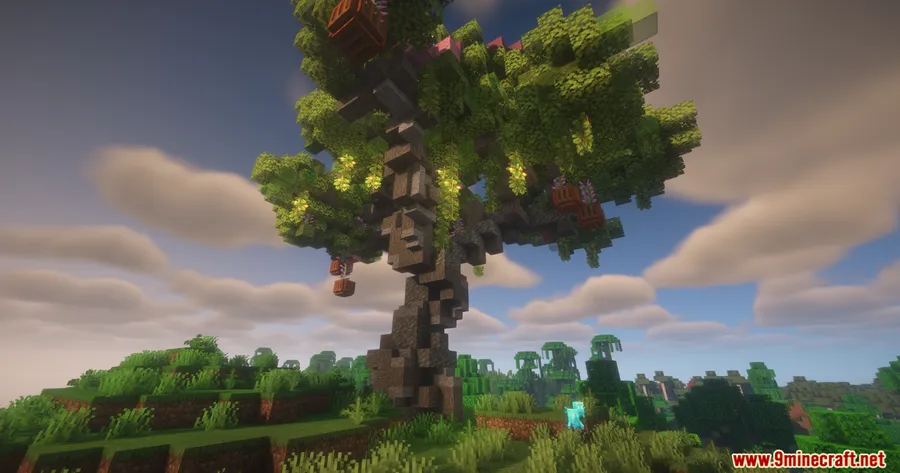
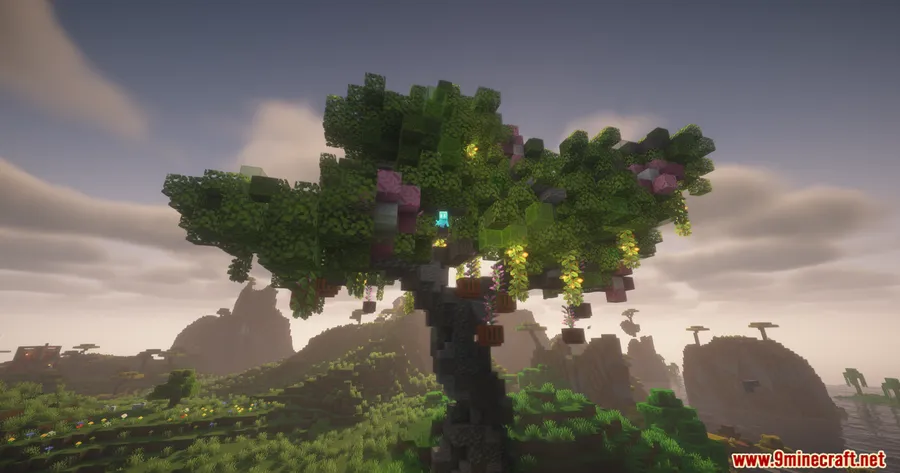
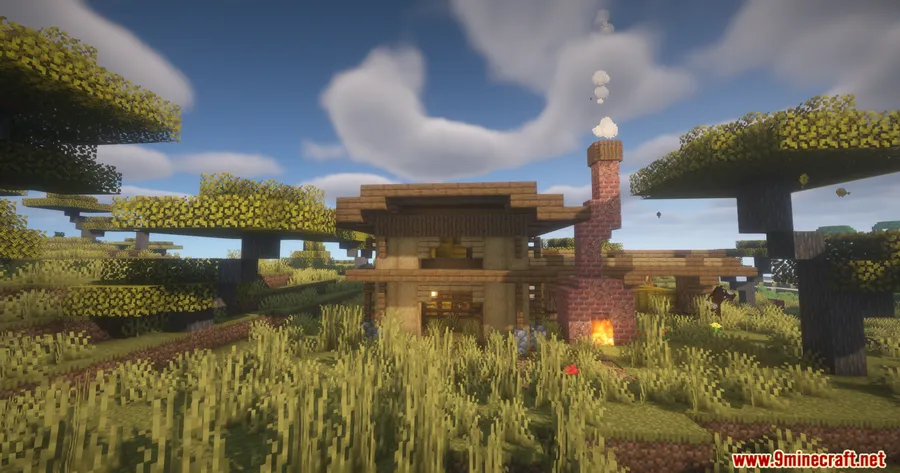
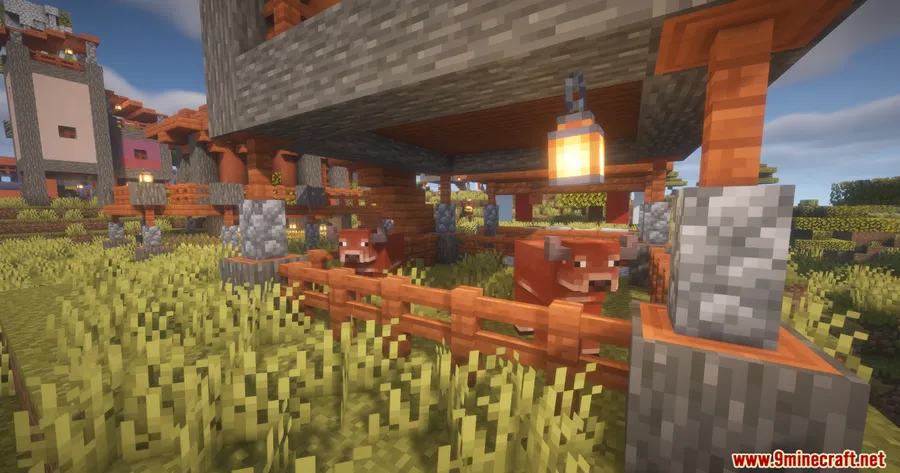
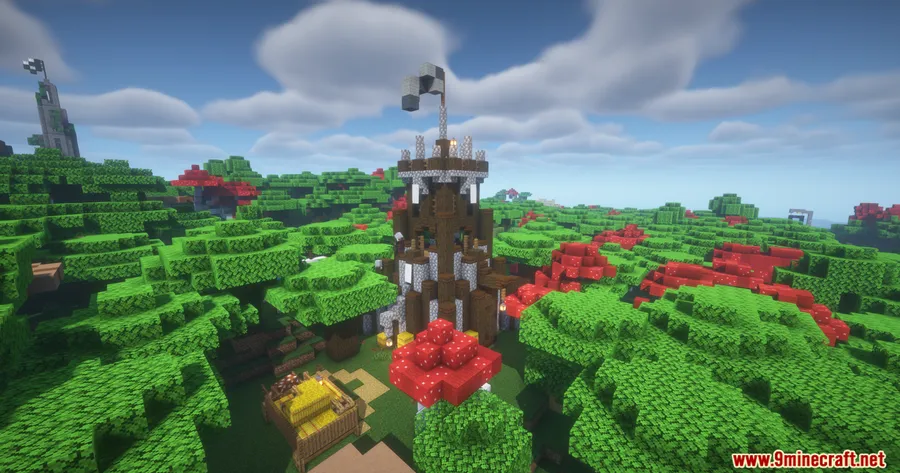
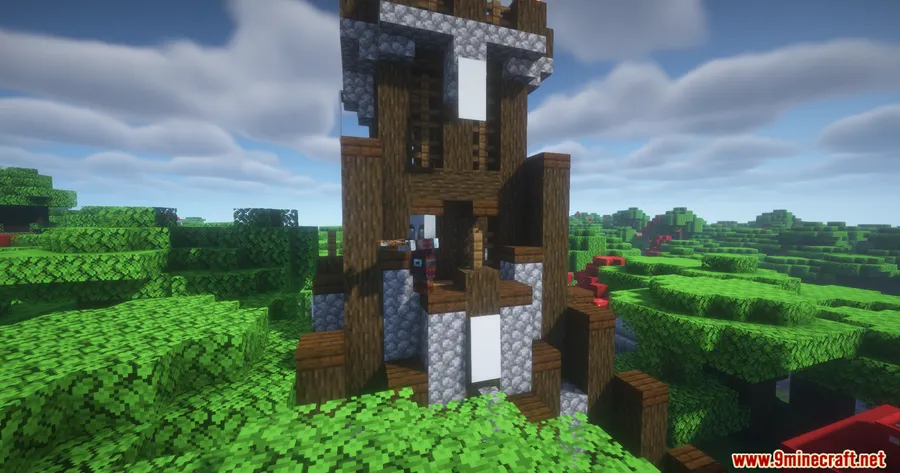
How to Install
- Download and install your preferred mod loader (Forge, NeoForge, Fabric, or Quilt) for your Minecraft version.
- If using Fabric, make sure you also have the Fabric API installed.
- Download the Trek Mod file that matches your loader and Minecraft version.
- Place the downloaded
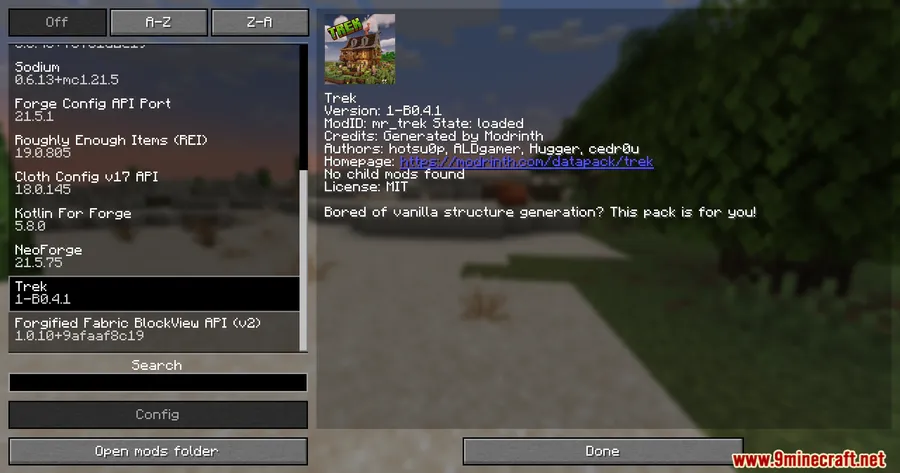
.jarfile into your.minecraft/modsfolder. - Launch Minecraft with the correct loader profile and start a new world to see structures generate.
Requirements
| Category | Details |
|---|---|
| Mod Loaders | Forge, NeoForge, Fabric, Quilt |
| Dependencies | Minecraft Forge, Fabric API, Quilt Loader, NeoForge Installer |
| Minecraft Versions | 1.21.11, 1.21.10, 1.21.9, 1.21.8, 1.21.7, 1.21.6, 1.21.5, 1.21.4, 1.21.3, 1.21.1, 1.21, 1.20.6, 1.19 |
Pros & Cons
Pros
- Massive variety with 150+ unique structures that keep exploration fresh
- Biome-aware designs blend naturally into the world
- Supports all four major mod loaders
- Wide version range from 1.19 through 1.21.11
- Open-source under MIT license
Cons
- Only available for Forge loader across all listed versions — Fabric, Quilt, and NeoForge support may vary by version
- New structures only appear in newly generated chunks, not existing explored areas
- Large number of structures may occasionally overlap with other structure mods
Download
Always download mods from official sources to stay safe.
What's New
- The Beta 0.6.1 build for 1.19-26.1 has been converted into a full mod release.
- This update signals a shift from beta to a more stable mod format.
- Players on older versions should see improved compatibility with the new packaging.
FAQ
Do Trek Mod structures spawn in already explored chunks?
No. Like most structure mods, Trek Mod only generates structures in newly created chunks. You'll need to explore new areas or start a fresh world to find them.
Is Trek Mod compatible with other structure mods?
Trek Mod uses standard world generation, so it generally works alongside other structure mods. Occasional overlaps between structures from different mods can happen, but this is rare given how Minecraft spaces out generated structures.
What mod loader should I use for Trek Mod?
The download files listed are primarily for Forge across all supported versions. If you prefer Fabric, Quilt, or NeoForge, check the mod page for loader-specific builds matching your Minecraft version.


![[Let's Do] Meadow Mod (1.21.1) - thumbnail](http://mcinside.com/wp-content/uploads/2026/04/thumbnail-64-52x52.webp)


![Not Enough Recipe Book [NERB] Mod (1.21.11) - thumbnail](http://mcinside.com/wp-content/uploads/2026/04/thumbnail-63-52x52.webp)


