

Twigs is a building-focused decoration mod that adds new materials, block variants, and unique renditions of vanilla blocks for Minecraft, available on both Fabric and Forge mod loaders.
If you have ever found yourself running out of block options mid-build, you already know the core frustration Twigs was designed to solve. Vanilla Minecraft has improved its building palette over the years, but there are still obvious gaps — limited table varieties, missing stone variants, and a general shortage of decorative filler blocks that tie a build together. Twigs fills those gaps with carefully designed blocks that feel like natural extensions of the base game rather than jarring additions. The mod has been downloaded over 5.2 million times since its initial release in December 2021, which speaks volumes about how well it resonates with the building community. Created by Ninni, Twigs has earned its reputation as one of those must-have quality-of-life mods that quietly makes every build better.
Key Features of Twigs Mod
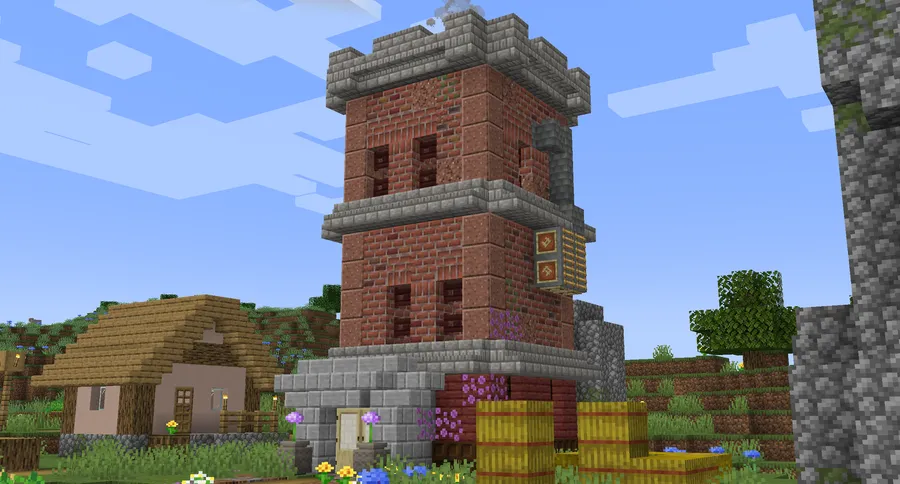
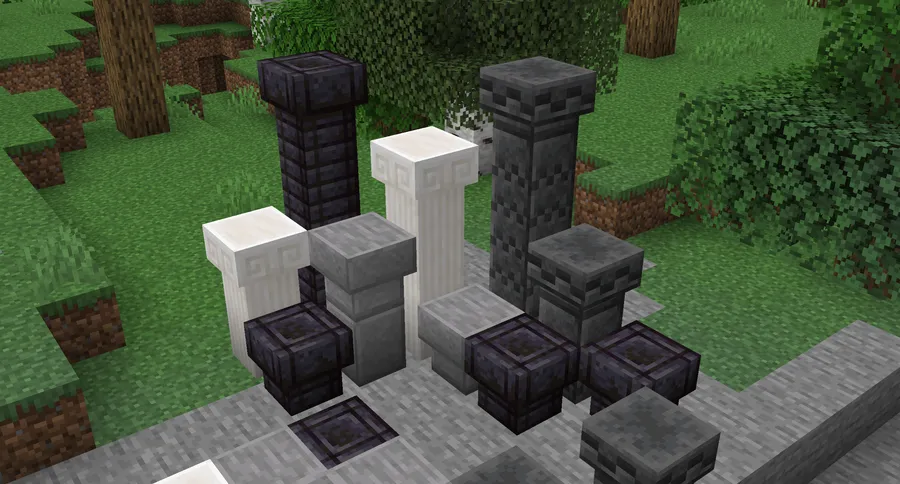
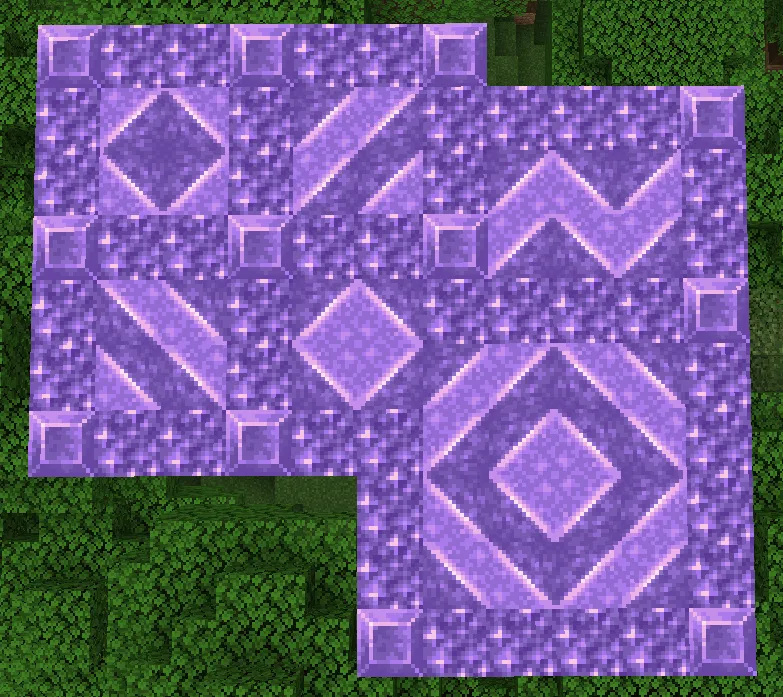
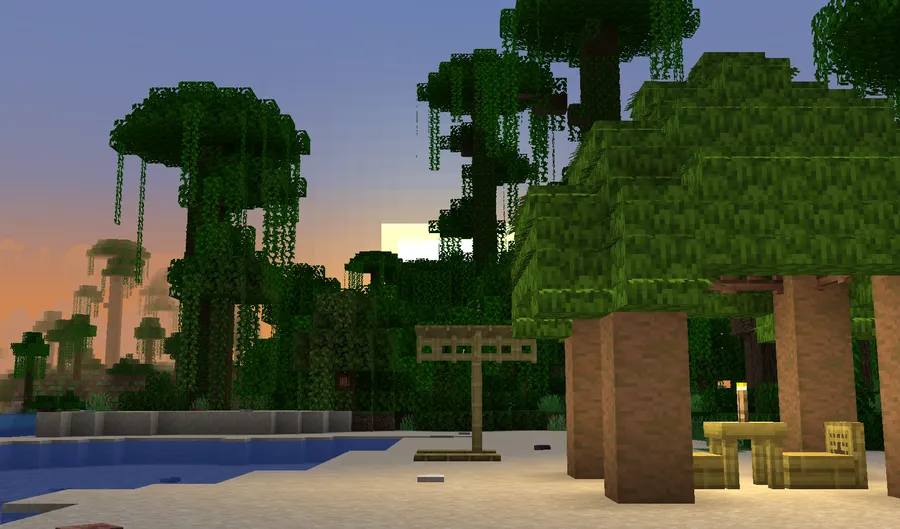
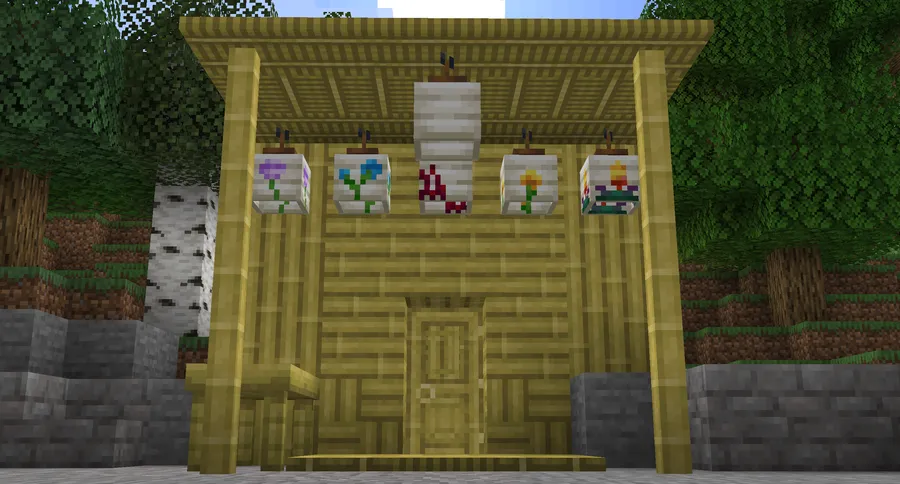
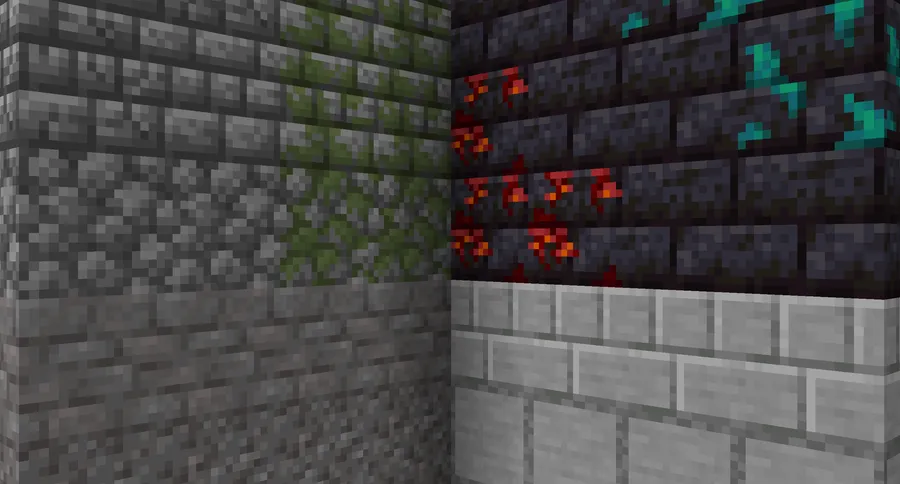
- New Building Materials — Twigs introduces a range of entirely new block types that expand your creative options. Whether you are constructing a medieval castle or a modern home, these materials give you textures and color tones that vanilla Minecraft simply does not offer, helping you achieve the exact aesthetic you are aiming for.
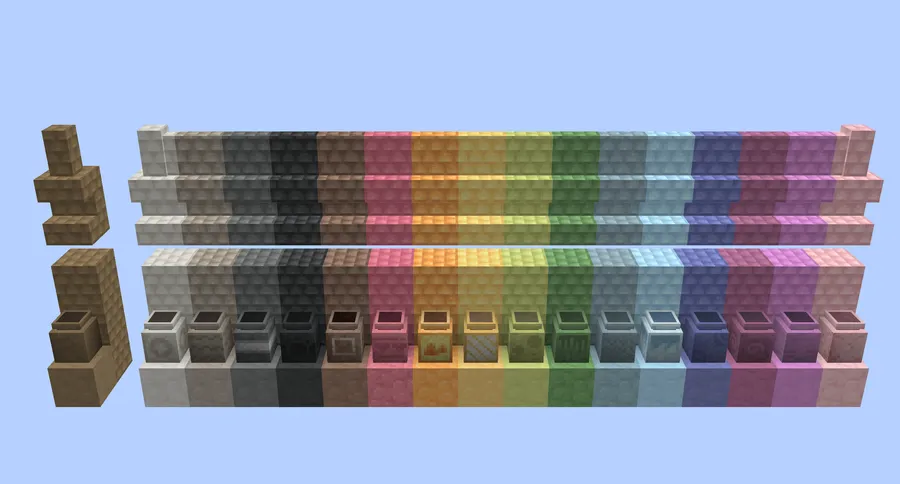
- Vanilla Block Variants — The mod adds fresh renditions of existing vanilla blocks, including new slab, stair, and wall variants. This matters because builders often need a specific block shape in a material that Mojang never provided — Twigs fills those frustrating gaps so you can maintain design consistency across your builds.
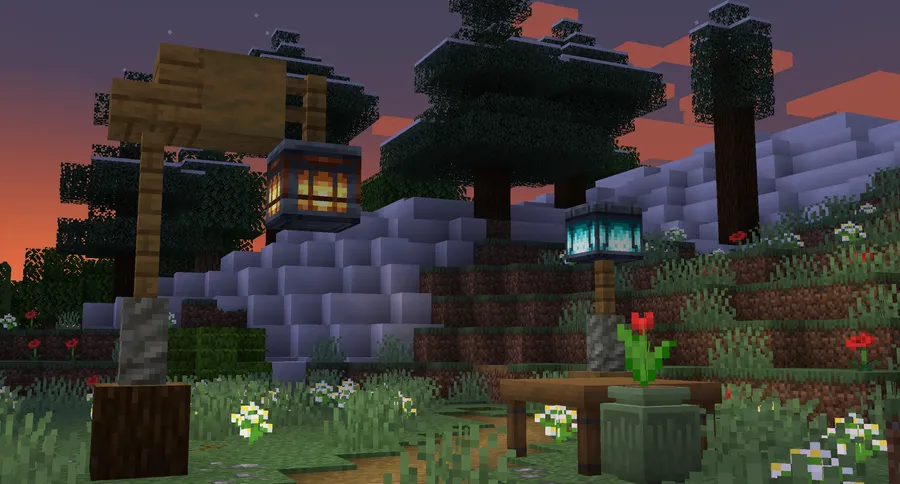
- Decorative Blocks and Furniture — Beyond structural materials, Twigs includes decorative elements like tables, lamps, and other furniture-style blocks. These pieces allow you to furnish interiors without relying on clunky item-frame hacks or sign tricks, making rooms feel genuinely lived-in.
- Storage Options — The mod includes functional storage blocks that blend naturally into your builds. Instead of lining walls with plain chests, you can use storage options that match your build theme, keeping your interiors both organized and visually appealing.
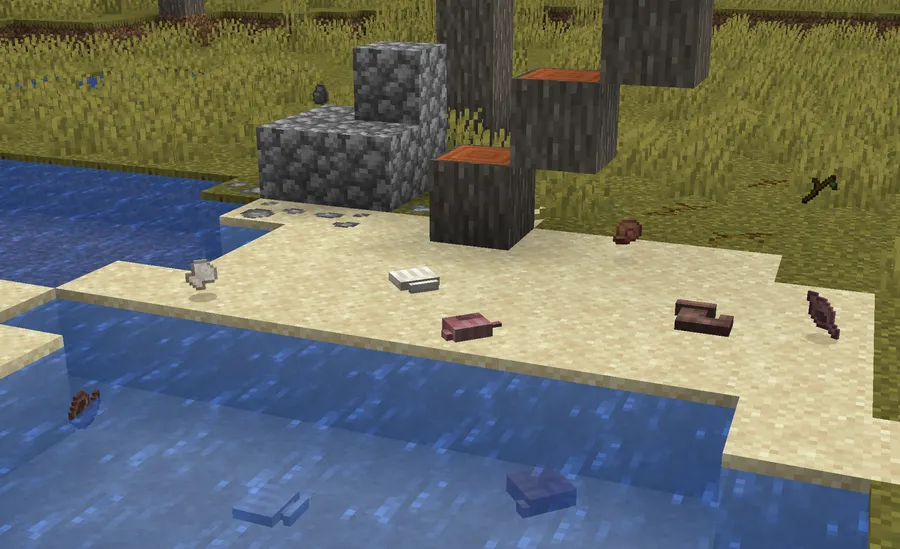
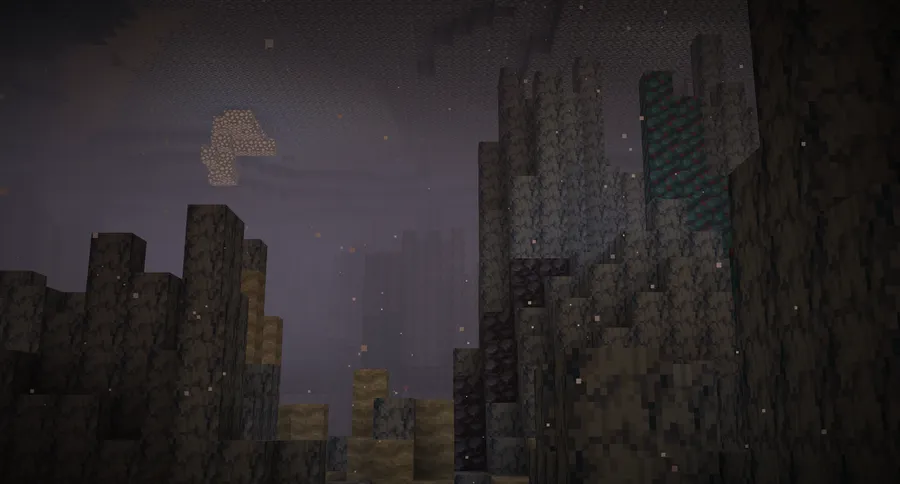
- World Generation Features — Twigs adds subtle worldgen elements that make the natural environment feel richer. You will encounter new plants and natural decorations as you explore, which adds atmosphere to landscapes without overwhelming the vanilla terrain you already know.
- Dual Loader Support (Fabric & Forge) — Unlike many building mods that only target one loader, Twigs supports both Fabric and Forge across multiple Minecraft versions. This means you can include it in virtually any modpack without worrying about loader compatibility, and you will not lose access if you switch loaders between playthroughs.
- Vanilla-Consistent Art Style — Every block in Twigs is designed to match the vanilla Minecraft aesthetic. This is critical for builders who want expanded options without the visual clash that comes from mods using higher-resolution or stylistically different textures.
Screenshots
How to Install Twigs Mod
- First, install the mod loader that matches your preference. For Fabric, download and run the Fabric Mod Loader installer. For Forge, grab the Minecraft Forge installer for your Minecraft version.
- If you are using the Fabric loader, you will also need to install the Fabric API, which most Fabric mods depend on as a library.
- Download the correct Twigs file for your Minecraft version and loader from the download section below. Make sure the file matches both your game version and your chosen loader.
- Open your Minecraft installation folder — press
Win + R, type%appdata%\.minecraft, and hit Enter. Navigate to themodsfolder. If it does not exist, create it. - Place the downloaded Twigs
.jarfile into themodsfolder, then launch Minecraft using your Fabric or Forge profile. The new blocks will be available in your creative inventory or craftable in survival.
Requirements & Compatibility
| Detail | Info |
|---|---|
| Supported Minecraft Versions | 1.20.1, 1.20, 1.19.4, 1.19.2, 1.19.1, 1.19, 1.18.2, 1.18.1, 1.18 |
| Mod Loaders | Fabric, Forge |
| Dependencies | Fabric API (for Fabric versions) |
| Author | Ninni |
| Total Downloads | 5,256,195+ |
| License | All Rights Reserved |
| Last Updated | June 5, 2024 |
What's New
- Fixed a compatibility bug with Alex's Caves mod that could cause crashes or rendering issues when both mods were installed together.
- Temporarily removed the pot offset removal feature while the developer investigates an underlying issue — pots will behave as vanilla until a stable fix is ready.
- General stability improvements for Minecraft 1.20.1 on both Fabric and Forge loaders.
Pros and Cons
Pros
- Massive selection of new blocks that blend seamlessly with vanilla textures
- Available on both Fabric and Forge across nine Minecraft versions
- Over 5 million downloads — well-tested and widely trusted by the community
- Includes decorative, structural, and functional storage blocks in one package
- Active development with regular bug fixes and compatibility patches
Cons
- No official support for Minecraft versions beyond 1.20.1 at this time
- All Rights Reserved license means modpack creators should check permissions before redistribution
- Some features like pot offsets are temporarily disabled pending fixes
- No NeoForge version currently available for newer Minecraft releases
Alternatives to Twigs Mod
- Macaw's Furniture — A dedicated furniture mod that adds chairs, tables, desks, and kitchen appliances for players who want even more interior decoration options to pair with Twigs.
- Blocky Flora — Focuses on adding natural decorative plants and flowers to enhance landscapes, complementing the worldgen features found in Twigs.
- Chipped — Offers hundreds of block variants through a crafting station, giving builders an enormous palette of textures for vanilla blocks with a different approach to the same problem Twigs solves.
Download Twigs Mod
| Minecraft Version | Fabric | Forge |
|---|---|---|
| For Minecraft 1.20.1 | Download | Download |
| For Minecraft 1.20 | Download | — |
| For Minecraft 1.19.4 | Download | Download |
| For Minecraft 1.19.2 | Download | Download |
| For Minecraft 1.19.1 | Download | Download |
| For Minecraft 1.19 | Download | Download |
| For Minecraft 1.18.2 | Download | Download |
| For Minecraft 1.18.1 | Download | Download |
| For Minecraft 1.18 | Download | — |
Always download mods from official sources to stay safe.
Frequently Asked Questions
Is Twigs compatible with both Fabric and Forge?
Yes — Twigs supports both Fabric and Forge mod loaders. The developer maintains separate builds for each loader, so make sure you download the correct version that matches your setup. Most Minecraft versions from 1.18 through 1.20.1 have both Fabric and Forge builds available.
Does Twigs work with Minecraft 1.20.1?
Yes, Minecraft 1.20.1 is the latest supported version. Both the Fabric and Forge editions of Twigs have been updated and tested for 1.20.1. The most recent update in June 2024 specifically addressed compatibility issues on this version.
Do I need any other mods to run Twigs?
It depends on your mod loader. If you are using Fabric, you will need to install the Fabric API as a required dependency. If you are running Forge, Twigs works standalone with no additional library mods required beyond the Forge loader itself.
Can I use Twigs in a modpack?
That depends on the license terms. Twigs uses an All Rights Reserved license, which means you should contact the mod author Ninni for permission before including it in a public modpack. Many mod authors grant permission when asked — you can reach out via the project's GitHub page or the developer's Discord server.
Will Twigs blocks appear naturally in my world?
Yes, some blocks and natural decorations from Twigs generate in the world automatically. The mod includes worldgen features that place new plants and environmental details across the terrain. Existing worlds will only see these additions in newly generated chunks, so you may need to explore unvisited areas to encounter them.


