

Minecraft's § formatting codes have always been powerful — bold text, colored messages, italic labels — but the game quietly blocks them in most text fields outside of commands. Unlocked Typing Mod removes those restrictions, letting you use classic § color and formatting codes across signs, books, anvils, world names, and chat. If you've ever wanted a bold sign or a color-coded book without resorting to external tools, this is the mod that makes it happen.
Key Features
- Universal § Code Support — Enables Minecraft's classic color and formatting codes in every text input field, removing the vanilla restrictions that normally block them.
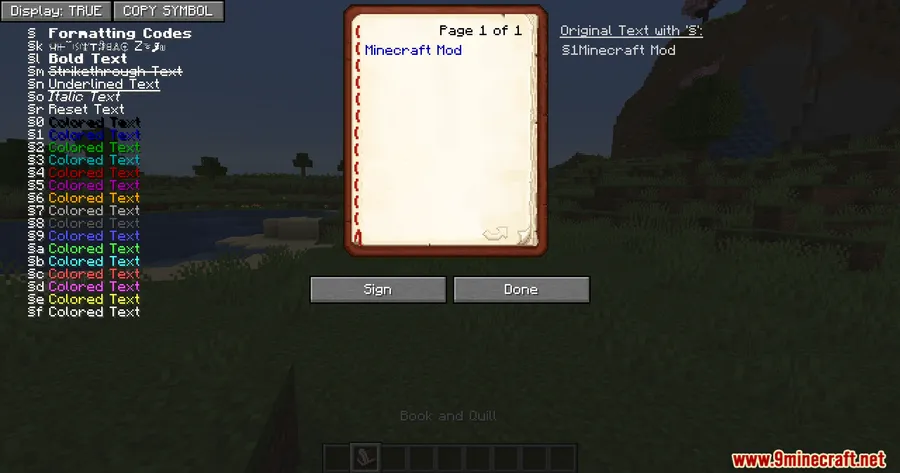
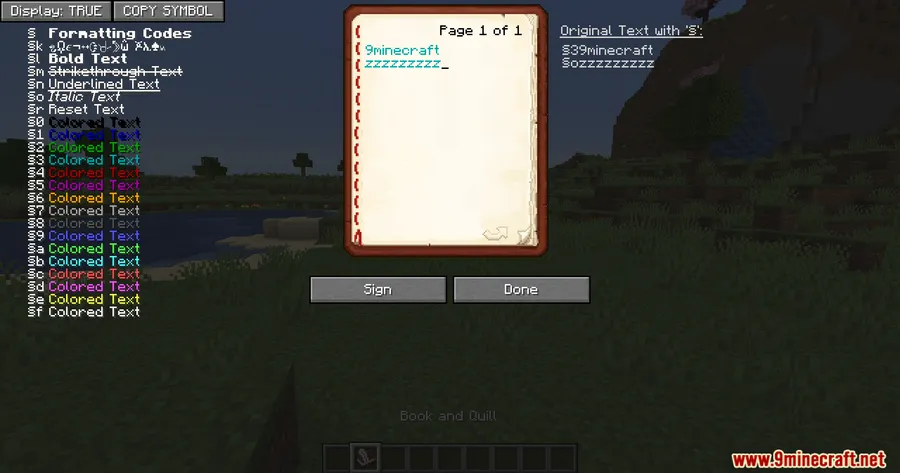
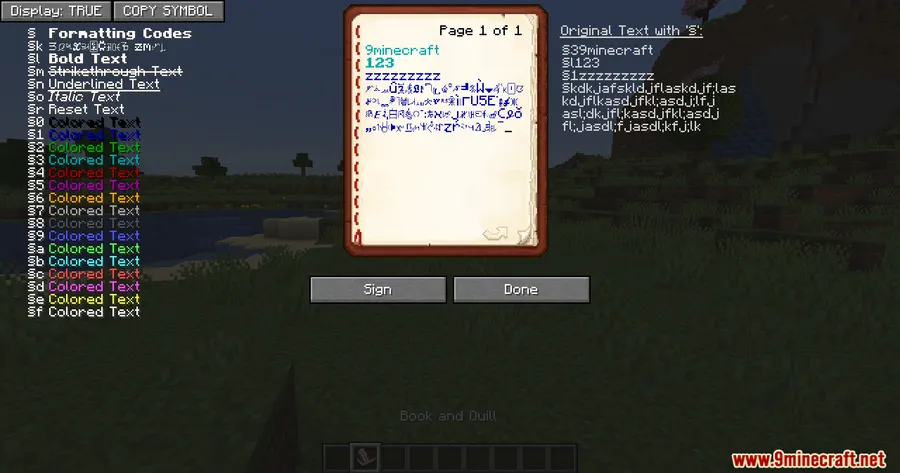
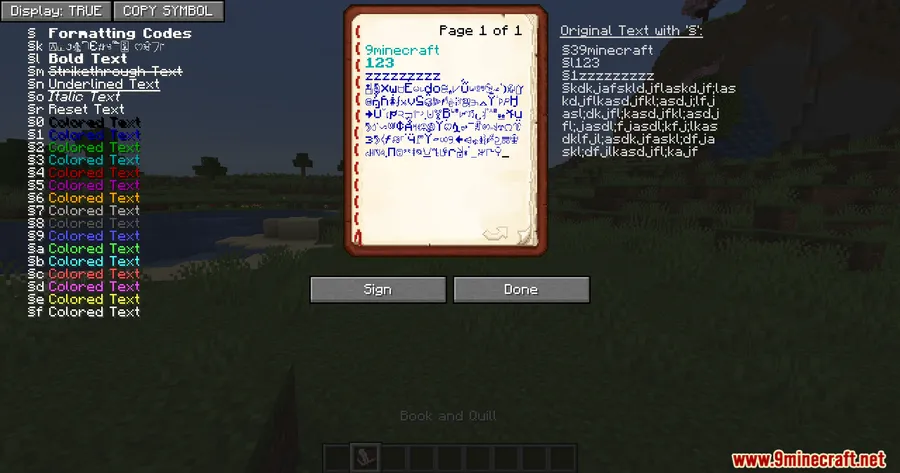
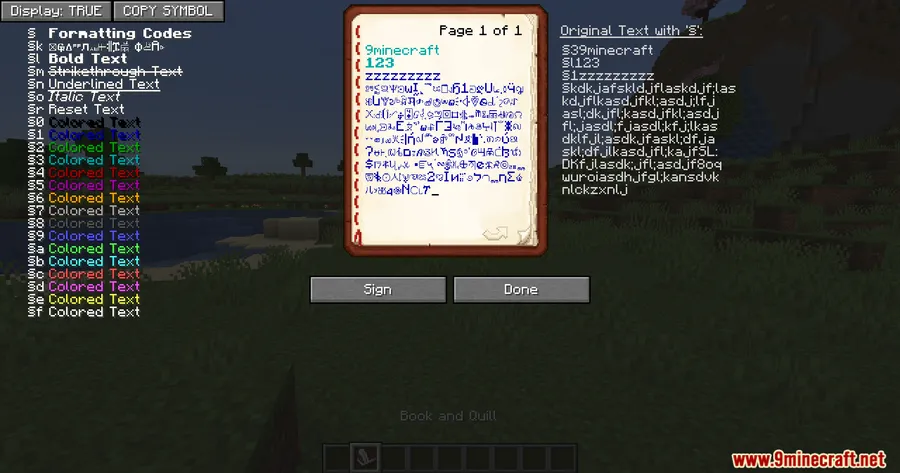
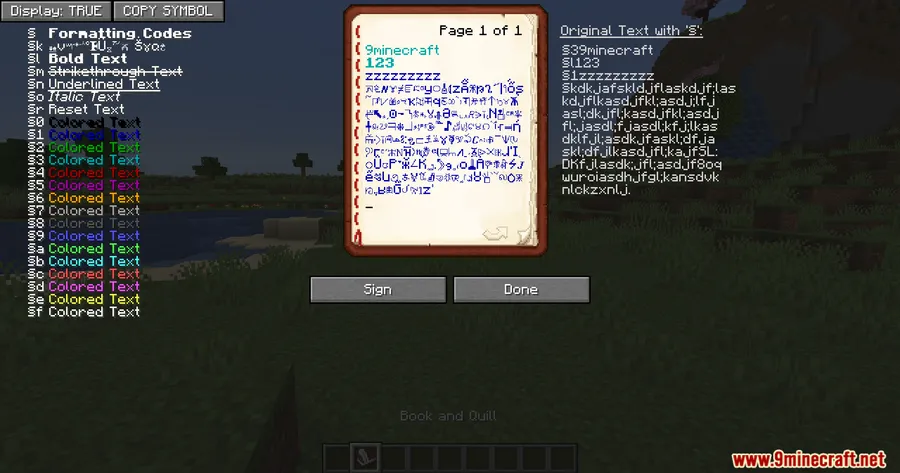
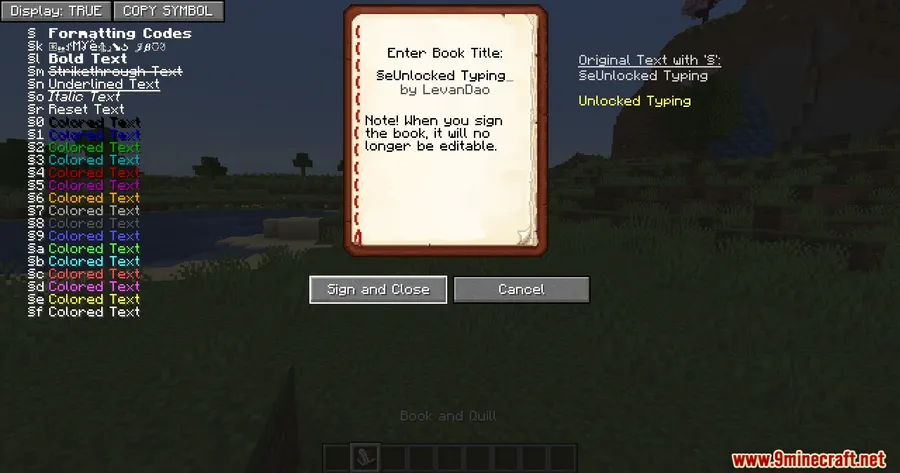
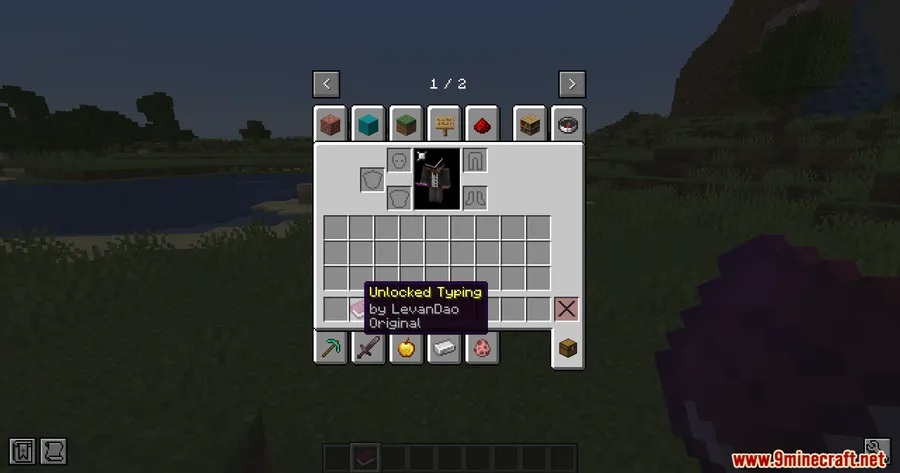
- Formatted Signs, Books & Anvils — Apply bold, italic, color, and other formatting directly on signs, in books and quills, and on anvil rename fields.
- Styled World Names & Chat — Use § codes in world names for personalized save labels, and in chat messages for formatted in-game communication.
Screenshots


How to Install
- Download and install your preferred mod loader — Forge, Fabric, or NeoForge — for your Minecraft version.
- If using Fabric, make sure Fabric API is installed. All loaders also require the MonoLib dependency mod.
- Download the correct Unlocked Typing Mod file for your Minecraft version and loader from the link below.
- Place the downloaded
.jarfile into your.minecraft/modsfolder. - Launch Minecraft with your mod loader profile and verify the mod is loaded.
Requirements
| Requirement | Details |
|---|---|
| Mod Loader | Forge, Fabric, or NeoForge |
| Dependencies | Fabric API (for Fabric), MonoLib Mod |
| Minecraft Version | 1.20 – 1.20.1, 1.21 – 1.21.1, 1.21.9 – 1.21.11 |
Pros & Cons
Pros
- Works across all major text fields — signs, books, anvils, world names, and chat
- Supports Forge, Fabric, and NeoForge, covering most mod setups
- Simple concept that appears to be lightweight with no complex configuration needed
- Available for both older (1.20.x) and newer (1.21.x) Minecraft versions
Cons
- Requires the MonoLib dependency mod as an extra install step
- Formatted text may not display correctly for players who don't have the mod installed
- Some multiplayer servers may restrict or override § code usage regardless of the mod
Download
Always download mods from official sources to stay safe.
FAQ
Can I use color codes on signs with Unlocked Typing Mod?
Yes. The mod enables § formatting codes on signs, so you can apply colors, bold, italic, and other styles directly when editing sign text.
Does Unlocked Typing Mod work on multiplayer servers?
The mod enables § codes on the client side, including in chat. However, individual servers may have their own rules or plugins that override or strip formatting codes.
What is MonoLib and do I need it?
MonoLib is a required library mod that Unlocked Typing Mod depends on. You need to install it alongside the mod for it to function properly.


