

Vanilla Refresh Mod takes the Minecraft you already love and layers on over 30 quality-of-life features that feel like they should have been in the game all along — from player sitting and equipable head banners for clans, to player souls that protect your items on death. Created by limesplatus and downloaded over 2.5 million times since its 2022 release, this mod strikes a rare balance: every single feature can be toggled individually, so you keep exactly the additions you want and disable the rest.
Key Features
- 30+ Quality-of-Life Additions — A broad collection of small but meaningful tweaks that smooth out everyday gameplay, from sitting mechanics to improved death item handling with player souls.
- Creative & Spectator Mode Tools — Wands for instant teleportation and mob erasure, plus spectator actions like teleporting to a random player or granting night vision — ideal for server admins and map builders.
- Multiplayer-Ready Features — Equipable head banners for clans and factions, player sitting for social hangouts, and other features designed to shine when you play with friends.
- Fully Customizable — Every feature can be toggled on or off independently, letting you tailor the mod to your exact playstyle without all-or-nothing compromises.
- Drop-In Compatible — Works with existing worlds and requires no special setup beyond installing the correct mod loader, making it one of the easiest QoL mods to add mid-playthrough.
Screenshots


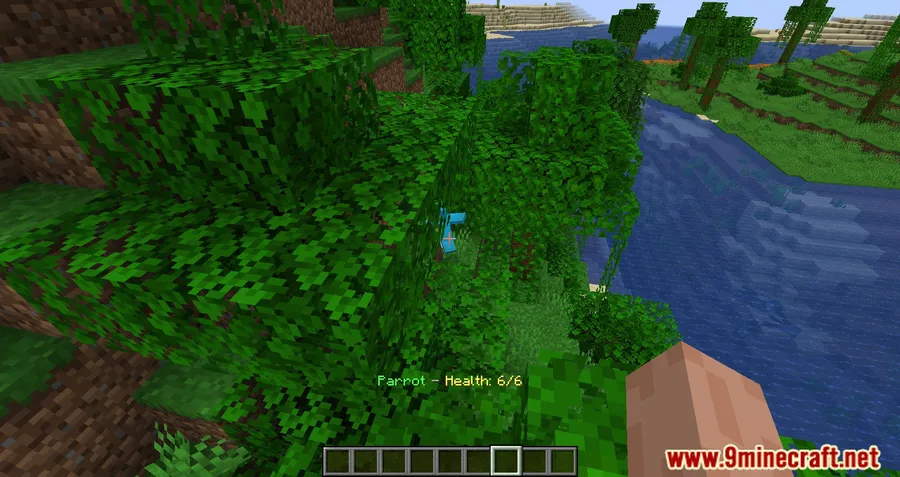
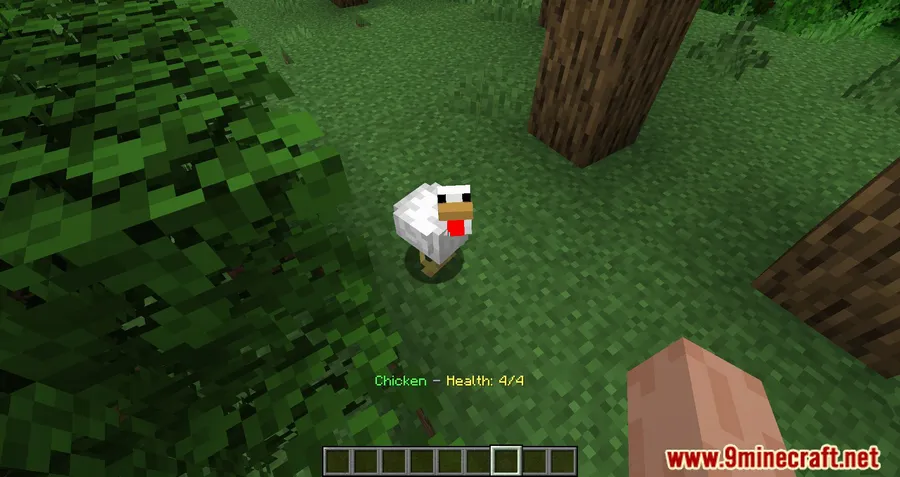
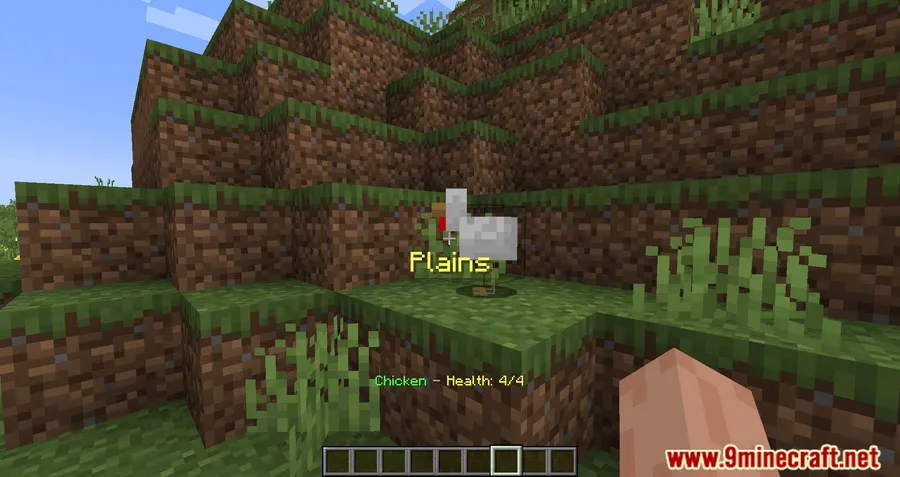
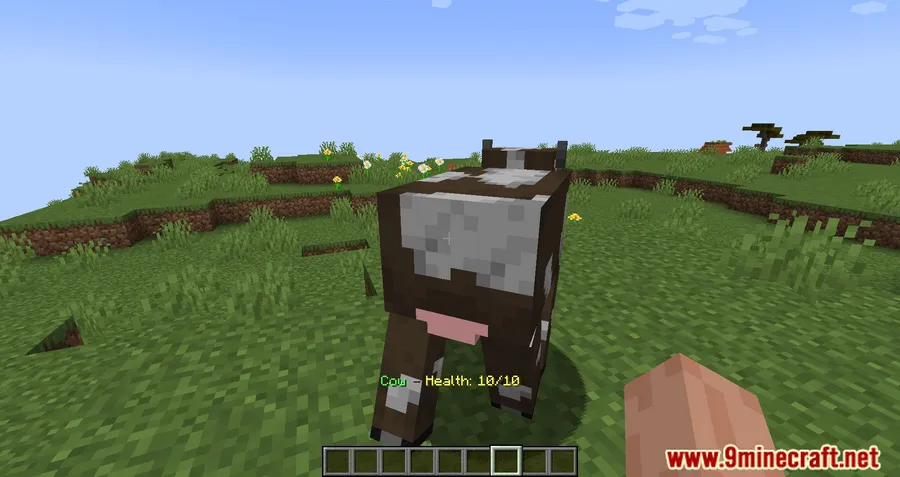
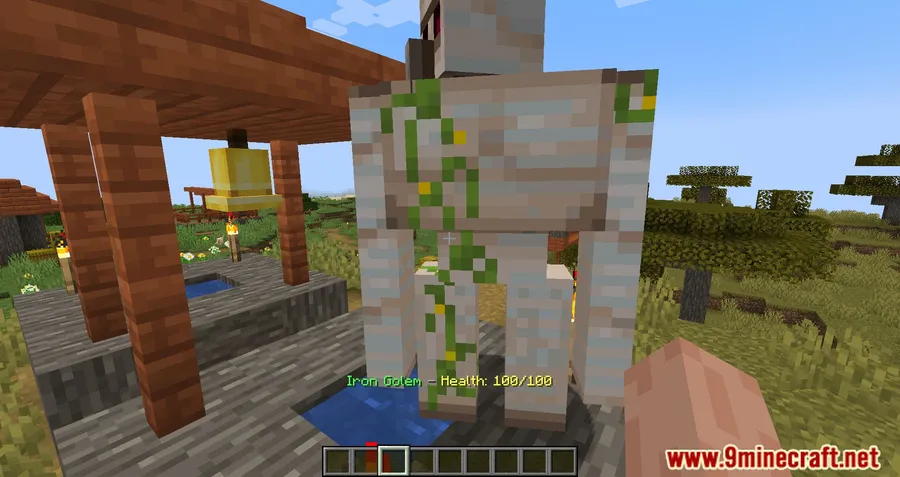
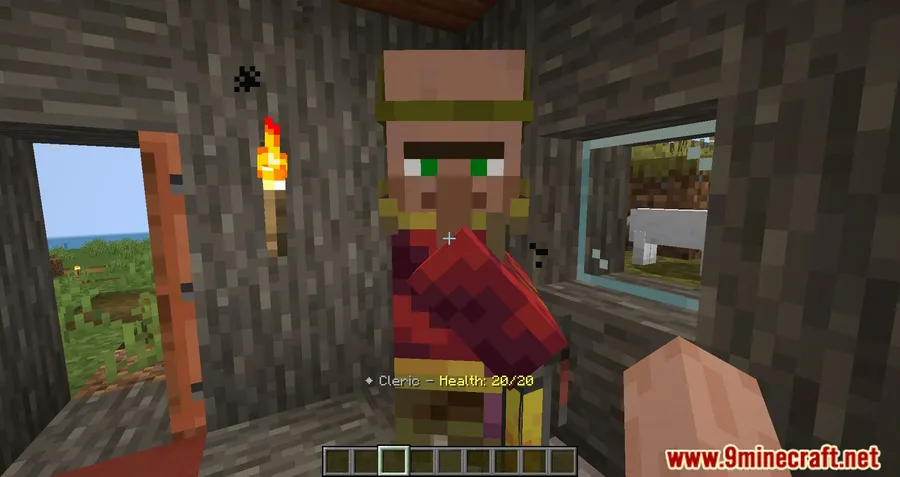
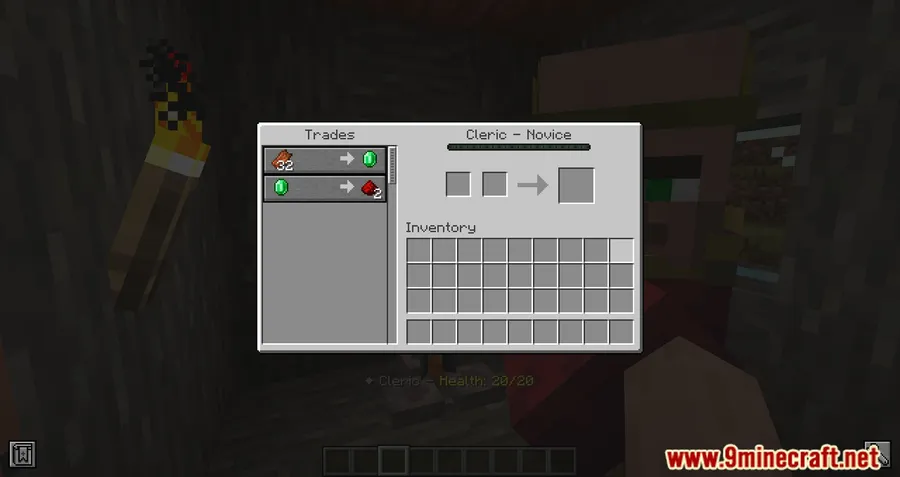
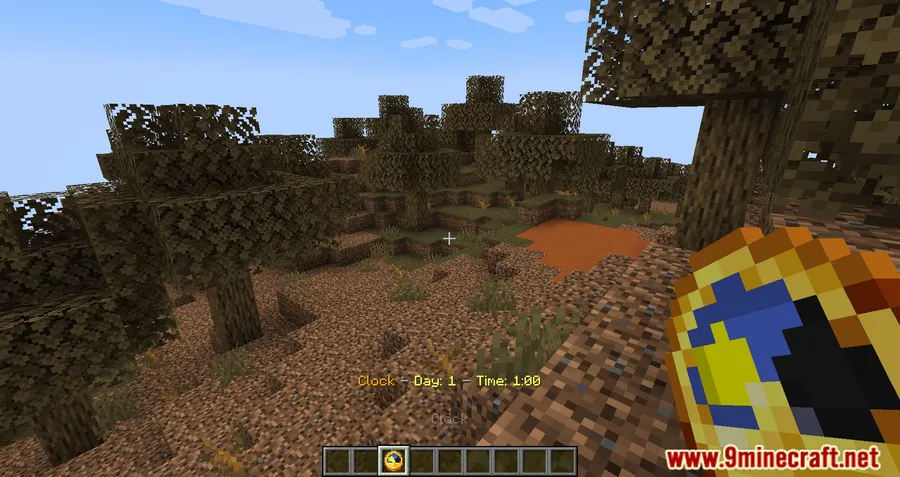
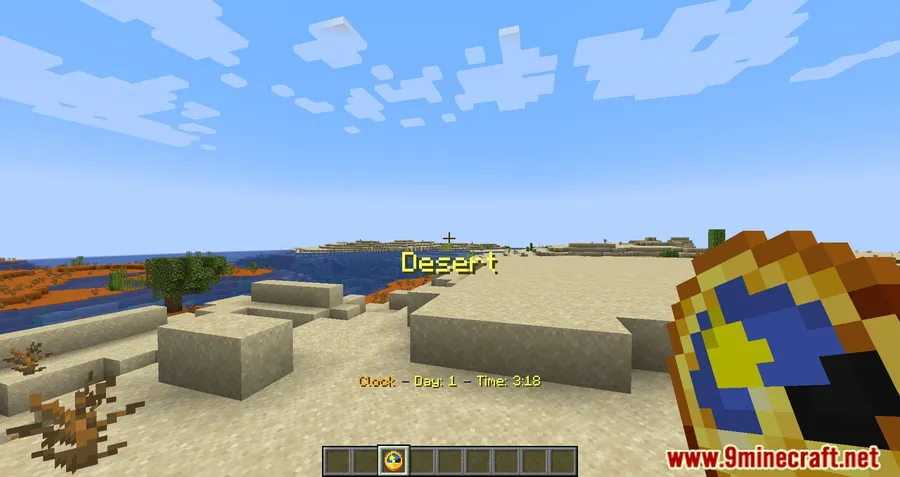
How to Install
- Download and install your preferred mod loader — Forge, NeoForge, Fabric (with Fabric API), or Quilt.
- Download the Vanilla Refresh Mod file matching your Minecraft version from the link below.
- Place the downloaded
.jarfile into your.minecraft/modsfolder. - Launch Minecraft using the corresponding mod loader profile and confirm the mod appears in your mod list.
Requirements
| Mod Loader | Dependencies | Minecraft Versions |
|---|---|---|
| NeoForge, Forge, Fabric, Quilt | Minecraft Forge, Fabric API, Quilt Loader | 1.21.11, 1.21.10, 1.21.9, 1.21.8, 1.21.7, 1.21.6, 1.21.5, 1.21.4, 1.21.3, 1.21.1, 1.21, 1.20.6, 1.20.4, 1.20.2, 1.20.1, 1.20, 1.19.4, 1.19.3, 1.19.2, 1.18.2 |
Pros
- Massive feature set with 30+ additions in a single mod, reducing the need for multiple small mods
- Every feature is individually toggleable — no unwanted changes forced on your world
- Broad version support spanning from 1.18.2 all the way to 1.21.11
- Works across four mod loaders (Forge, NeoForge, Fabric, Quilt), covering nearly every setup
- Compatible with existing worlds — no new world required
Cons
- Custom license (LicenseRef-Custom) — check the source repository for specific usage terms before redistribution
- Some features like the player heads mining tag change cannot be disabled individually
- With so many features bundled together, initial configuration may take time to dial in your preferences
Download
Always download mods from official sources to stay safe.
What's New
- Updated to the 26.1 Tiny Takeover release.
- Horse health from the Mob Display feature no longer appears while riding, so you can see the health of mobs you're fighting from horseback.
- Fixed an unoptimized method for checking operator permissions on creative wands.
- Player heads (and heads in general) are now part of the pickaxe mineable tag, improving usability of the player heads dropped from death feature.
FAQ
Can I add Vanilla Refresh Mod to an existing world?
Yes. The mod is designed to work with existing worlds — simply install it and launch your save as usual. All features can be toggled individually if anything conflicts with your current setup.
Does Vanilla Refresh work on multiplayer servers?
Many of its features are built with multiplayer in mind, including player sitting, equipable head banners for clans, and player souls that keep your items safe from other players on death.
Do I need Fabric API if I'm using Forge or NeoForge?
No. Fabric API is only required when running the mod on the Fabric loader. If you use Forge or NeoForge, you just need the corresponding Forge version of the mod — no extra API dependency needed.




![[Let's Do] Candlelight - Farm&Charm compat Mod (1.21.1) - thumbnail](http://mcinside.com/wp-content/uploads/2026/04/thumbnail-81-52x52.webp)


![[Let's Do] Meadow Mod (1.21.1) - thumbnail](http://mcinside.com/wp-content/uploads/2026/04/thumbnail-64-52x52.webp)


![Not Enough Recipe Book [NERB] Mod (1.21.11) - thumbnail](http://mcinside.com/wp-content/uploads/2026/04/thumbnail-63-52x52.webp)