

Weather Changer Mod lets you override Minecraft's weather visually on your client — no server-side changes, no packets sent, no risk of getting flagged. If a thunderstorm is wrecking your visibility on a multiplayer server, just type a quick command and enjoy clear skies while everyone else squints through the rain. With over 481,000 downloads on Modrinth and support for Forge, Fabric, and Quilt, it's become a go-to quality-of-life tool for players who want full control over their visual experience.
Key Features
- Client-side weather override — Changes are purely visual and only affect your screen. The server never knows you switched the weather, making it safe to use on any multiplayer server.
- Simple command system — Use
/cweatheror the full/clientweathercommand followed byclear,rain, orthunderto instantly swap weather states. - Easy toggle off — Run
/cweather offto disable the mod's effect and return to the server's actual weather at any time. - Multi-loader support — Works with Forge, Fabric, and Quilt across a wide range of Minecraft versions from 1.19.2 all the way up to 26.1.
Screenshots


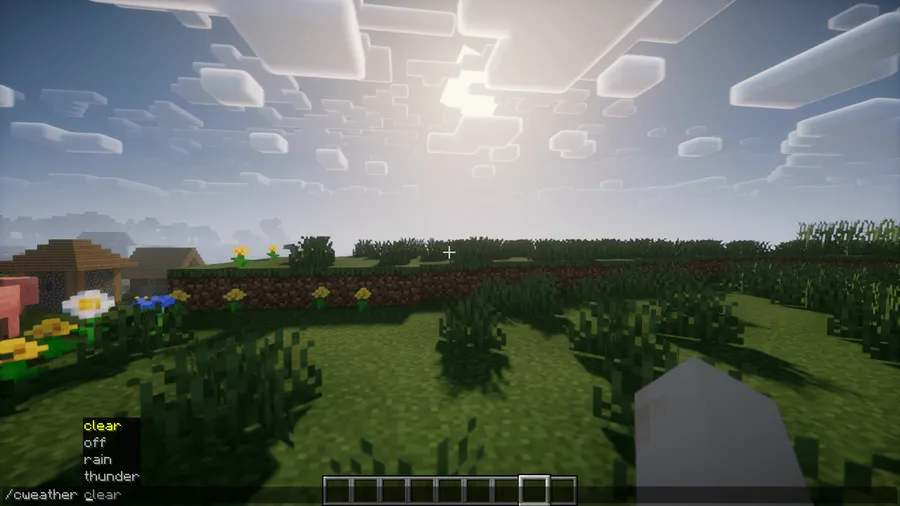
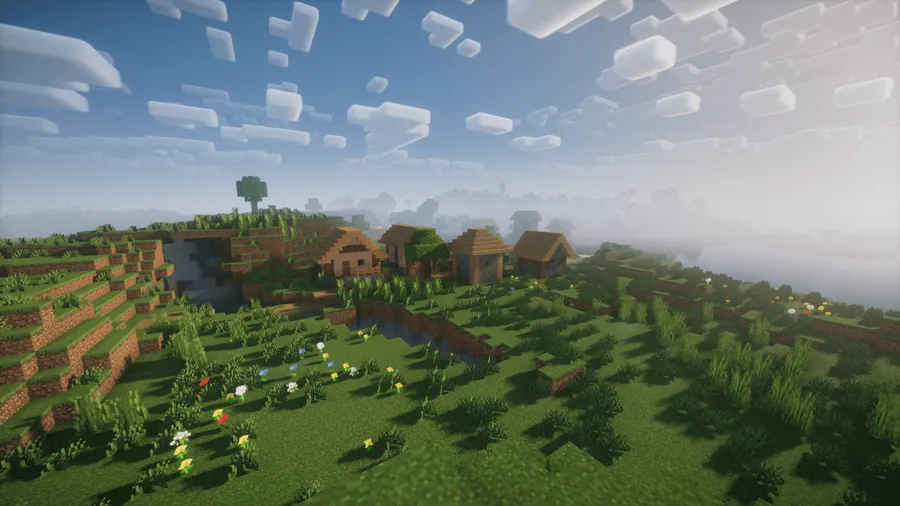
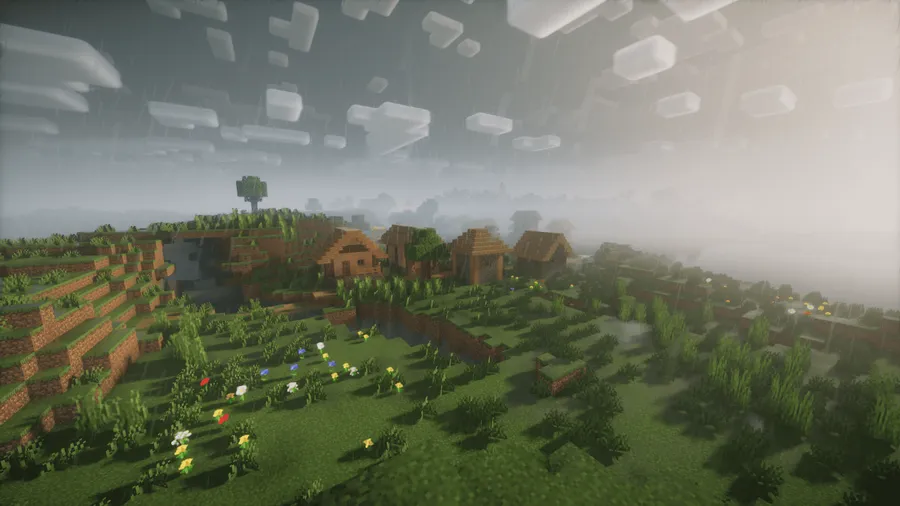
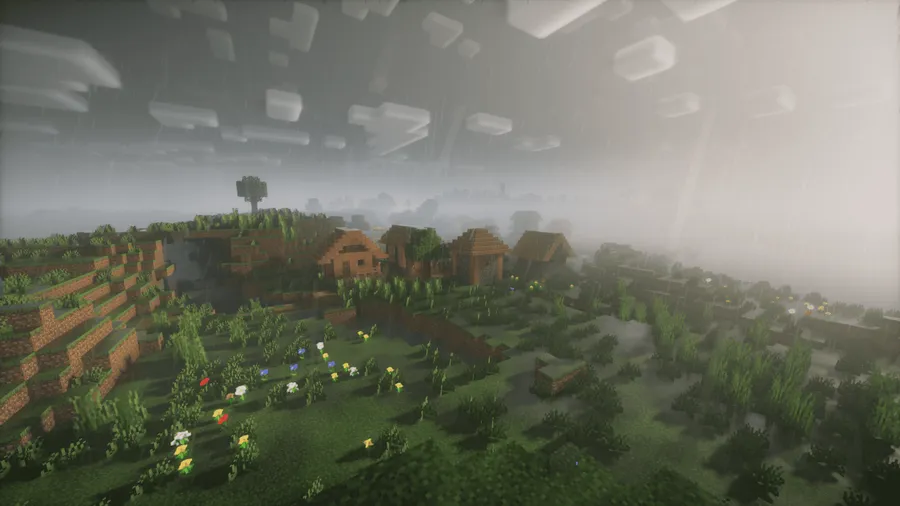
How to Install
- Download and install your preferred mod loader — Forge, Fabric, or Quilt — for your Minecraft version.
- If using Fabric or Quilt, make sure you also have the Fabric API installed.
- Download the Weather Changer Mod file matching your Minecraft version and loader from the download section below.
- Place the downloaded
.jarfile into your.minecraft/modsfolder. - Launch Minecraft and use
/cweather clearin-game to test — if the weather changes visually, you're all set.
Requirements
| Category | Details |
|---|---|
| Mod Loader | Forge, Fabric, Quilt |
| Dependencies | Minecraft Forge, Fabric Loader, Fabric API, Quilt Installer |
| Minecraft Versions | 26.1, 1.21.11, 1.21.10, 1.21.9, 1.21.8, 1.21.7, 1.21.6, 1.21.5, 1.21.4, 1.21.3, 1.21.1, 1.21, 1.20.6, 1.20.4, 1.20.1, 1.19.3, 1.19.2 |
Pros & Cons
Pros
- Completely client-side — no server packets sent, safe for multiplayer
- Supports all three major mod loaders (Forge, Fabric, Quilt)
- Covers a huge range of Minecraft versions from 1.19.2 to 26.1
- Lightweight and simple — just a few commands to remember
- Actively maintained with regular updates since 2022
Cons
- Visual only — does not change actual weather mechanics like mob spawning or lightning strikes
- Command-based only — no GUI or keybind toggle out of the box
- Forge support is limited to certain versions (1.20.4, 1.20.1, and 1.21.6–1.21.8)
Download
Always download mods from official sources to stay safe.
What's New
- Updated README documentation for the project.
- Released version 1.3.0-beta1 for Fabric with internal improvements.
- Codebase changes merged via pull requests #16 and #17 on GitHub.
- Full changelog available on the Weather Changer GitHub repository.
FAQ
Does Weather Changer Mod work on multiplayer servers?
Yes. The mod only changes weather visually on your client and sends no packets to the server, so it works on any multiplayer server without affecting other players or triggering anti-cheat systems.
Does changing the weather with this mod stop mobs from spawning?
No. The weather change is purely cosmetic. Game mechanics like mob spawning, lightning damage, and rain-related effects still follow the server's actual weather state.
How do I turn off Weather Changer and go back to normal weather?
Simply type /cweather off in the chat. This disables the mod's visual override and returns your weather display to whatever the server or singleplayer world is currently set to.


![[Let's Do] Candlelight - Farm&Charm compat Mod (1.21.1) - thumbnail](http://mcinside.com/wp-content/uploads/2026/04/thumbnail-81-52x52.webp)


![[Let's Do] Meadow Mod (1.21.1) - thumbnail](http://mcinside.com/wp-content/uploads/2026/04/thumbnail-64-52x52.webp)


![Not Enough Recipe Book [NERB] Mod (1.21.11) - thumbnail](http://mcinside.com/wp-content/uploads/2026/04/thumbnail-63-52x52.webp)