

Ever spotted something interesting on the horizon in Minecraft but couldn't quite make it out? WI Zoom Mod brings a powerful optical zoom straight to your game — up to 50x magnification controlled entirely with your mouse wheel. Originally derived from the Wurst client's zoom feature, it has since grown into one of the most popular standalone zoom mods available, downloaded over 4 million times on Modrinth. Just press V, scroll to your desired zoom level, and explore distant terrain, builds, or mobs with impressive clarity.
Key Features
- Up to 50x Magnification — Inspect distant objects, structures, and mobs far beyond what a spyglass offers, making it ideal for scouting and exploration.
- Smooth Scroll Zooming — Use the mouse wheel to dial in exactly the zoom level you need, transitioning seamlessly between magnification steps.
- Stable Camera Movement — Unlike many zoom mods that introduce wobbly or jittery camera behavior, WI Zoom keeps the view steady and natural while zoomed in.
- Customizable Keybind — Zoom activates with the "V" key by default, but you can remap it to any key through Minecraft's controls menu.
Screenshots


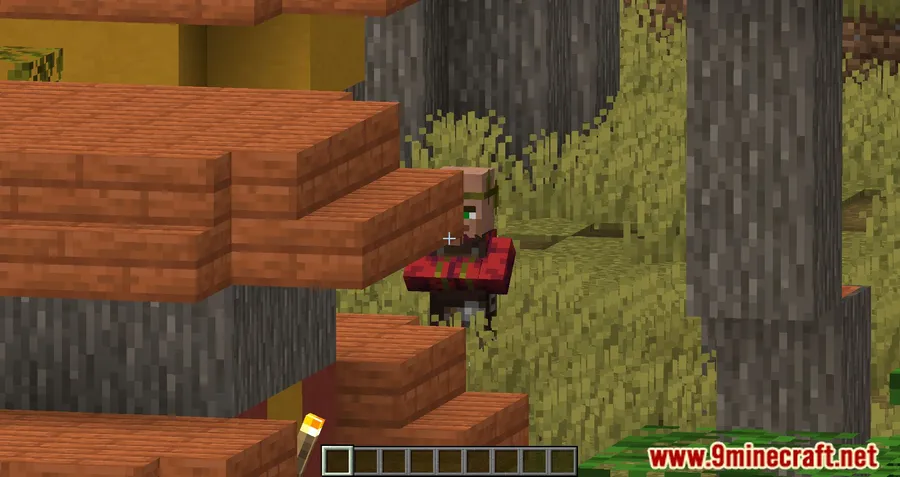
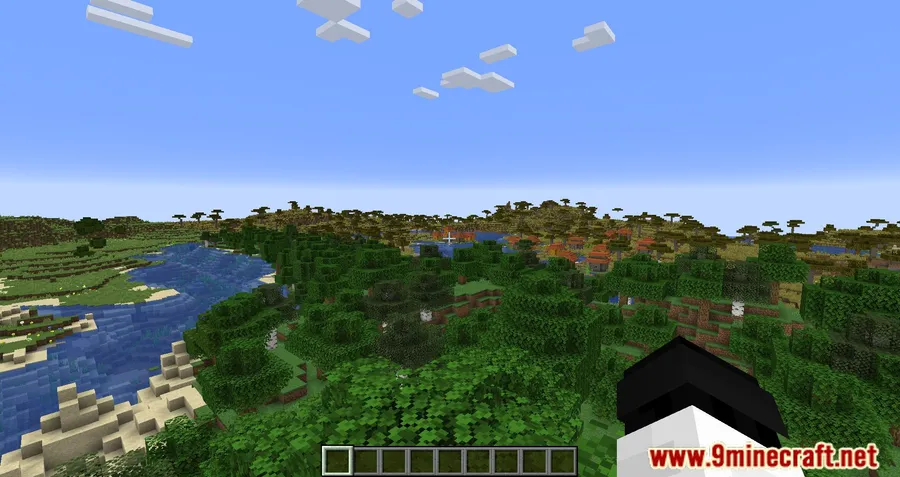
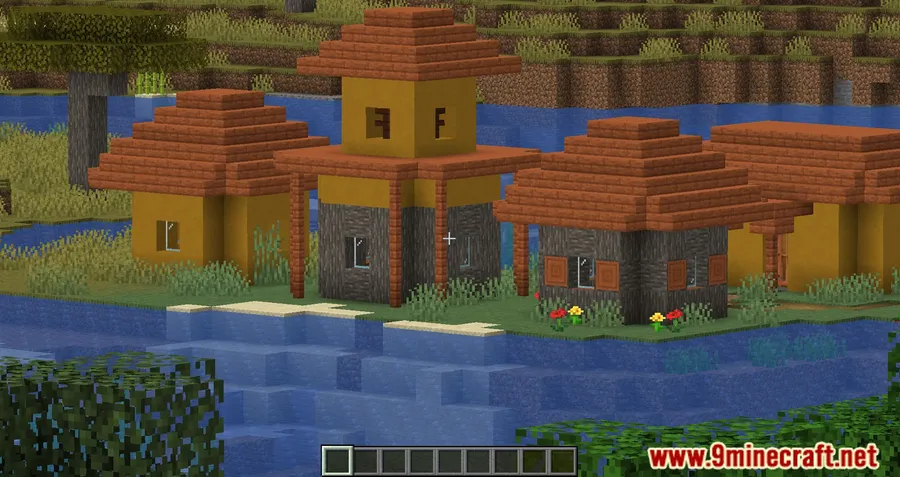
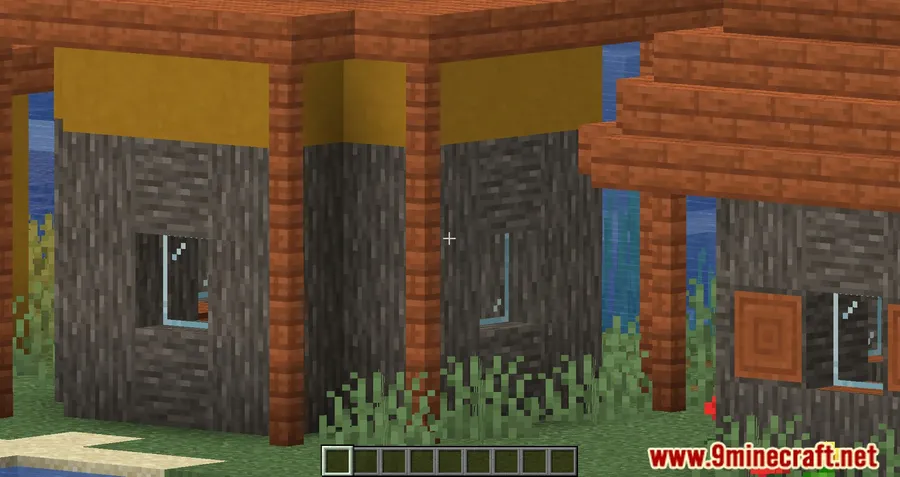
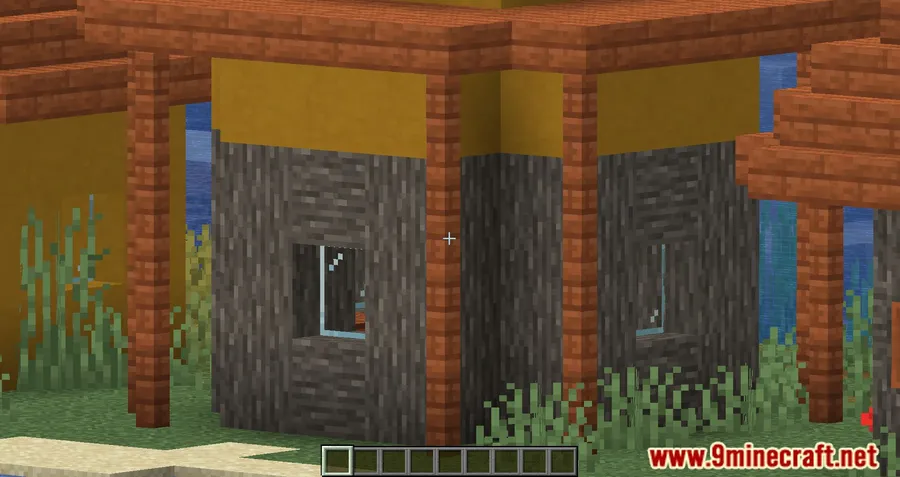
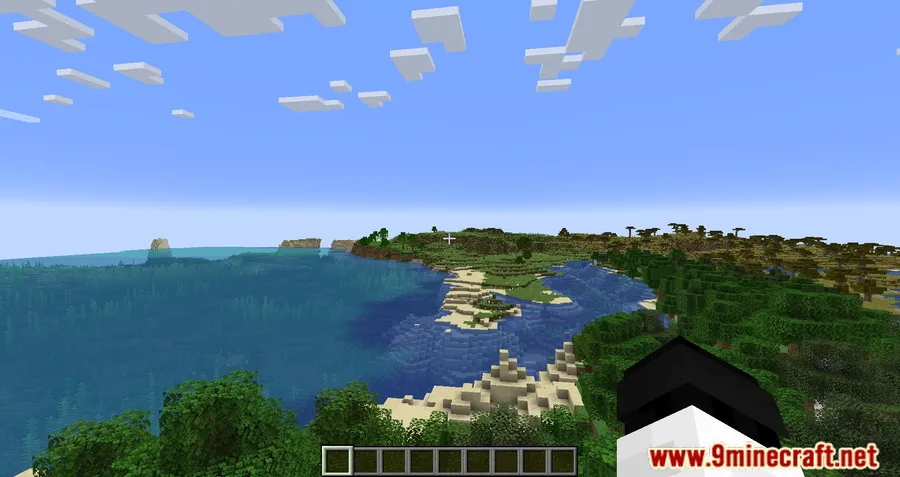
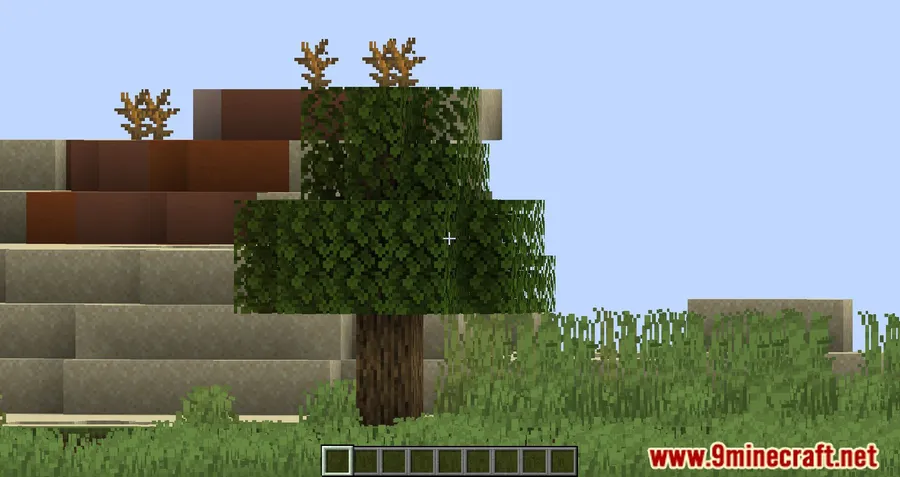
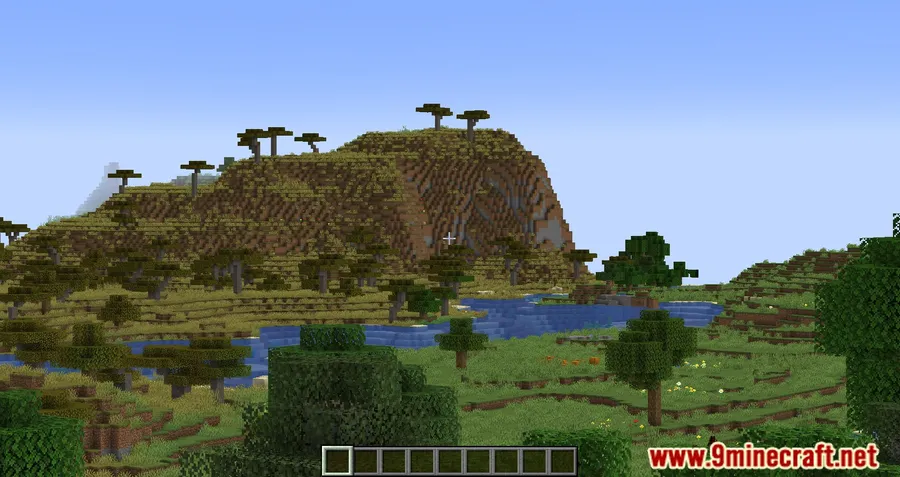
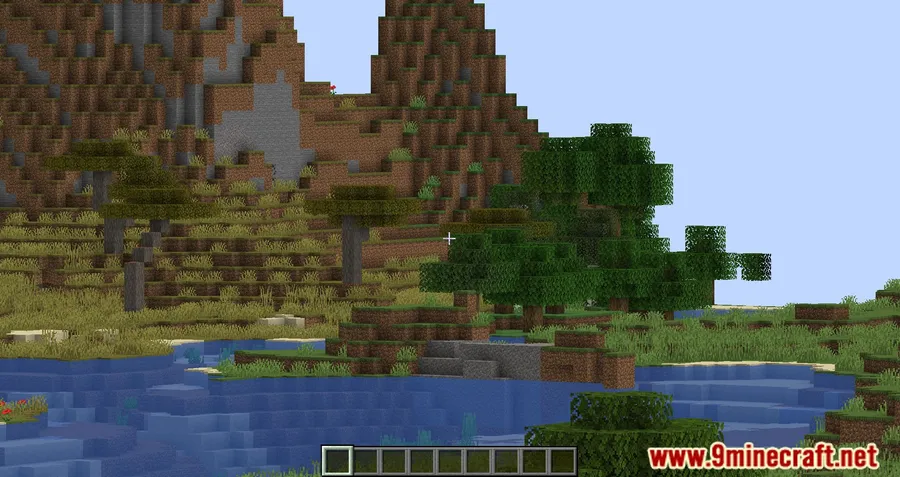
How to Install
- Download and install your preferred mod loader (Fabric, Forge, NeoForge, or Quilt) for your Minecraft version.
- If using Fabric, also install Fabric API into your mods folder.
- Download the WI Zoom file matching your Minecraft version from the link below.
- Place the downloaded
.jarfile into your.minecraft/modsfolder. - Launch Minecraft, press V in-game, and scroll to zoom.
Requirements
| Mod Loader | Dependencies | Minecraft Versions |
|---|---|---|
| Forge, Fabric, NeoForge, Quilt | Fabric API (for Fabric), Quilt Loader (for Quilt), NeoForge Installer (for NeoForge) | 1.21.11, 1.21.10, 1.21.9, 1.21.8, 1.21.7, 1.21.6, 1.21.5, 1.21.4, 1.21.3, 1.21.1, 1.21, 1.20.6, 1.20.5, 1.20.4, 1.20.3, 1.20.2, 1.20.1, 1.20, 1.19.4, 1.19.3, 1.19.2, 1.19.1, 1.19, 1.18.2, 1.17.1, 1.16.5, 1.15.2, 1.14.4, 1.12.2 |
Pros & Cons
Pros
- Extremely wide zoom range (up to 50x) surpasses most alternatives
- Smooth mouse-wheel control feels intuitive and responsive
- Supports all four major mod loaders — Forge, Fabric, NeoForge, and Quilt
- Broad version support from 1.12.2 all the way to 1.21.11
- Stable camera without the wobbly effects common in other zoom mods
Cons
- No built-in overlay or distance indicator while zooming
- Zoom feature originated from the Wurst client, which may concern some server admins
- No in-game settings GUI — keybind changes go through Minecraft's controls menu
Download
Always download mods from official sources to stay safe.
What's New
- WI Zoom has been updated to version 1.7, the latest release as of March 2026.
- The mod now supports Minecraft versions up to 1.21.11 across all major loaders.
- Continued maintenance and compatibility updates keep the mod working with the newest Minecraft releases.
- Full changelog details are available on the official WI Zoom website at wimods.net.
FAQ
What key do you press to zoom with WI Zoom Mod?
Press the "V" key by default to activate the zoom. You can then scroll the mouse wheel to increase or decrease magnification up to 50x. The keybind can be changed in Minecraft's controls settings.
Does WI Zoom Mod work with Forge and NeoForge?
Yes, WI Zoom supports Forge, Fabric, NeoForge, and Quilt. Make sure to download the correct version for your mod loader and Minecraft version.
Is WI Zoom Mod safe to use on multiplayer servers?
WI Zoom is a client-side mod that only adjusts your camera's field of view. However, since it originated from the Wurst client, some servers may flag it — always check a server's mod policy before using it online.


![MissingMons [cobblemon] Mod (1.21.1, 1.20.6) – Animation Enhancement](http://mcinside.com/wp-content/uploads/2026/04/thumbnail-119-300x169.webp)


![[Let's Do] Meadow Mod (1.21.1) - thumbnail](http://mcinside.com/wp-content/uploads/2026/04/thumbnail-64-52x52.webp)


![Not Enough Recipe Book [NERB] Mod (1.21.11) - thumbnail](http://mcinside.com/wp-content/uploads/2026/04/thumbnail-63-52x52.webp)
